
在eclipse中以struts2.5.22项目配置及使用
开发工具:
eclipse+tomcat(9.0)+struts2.5.22
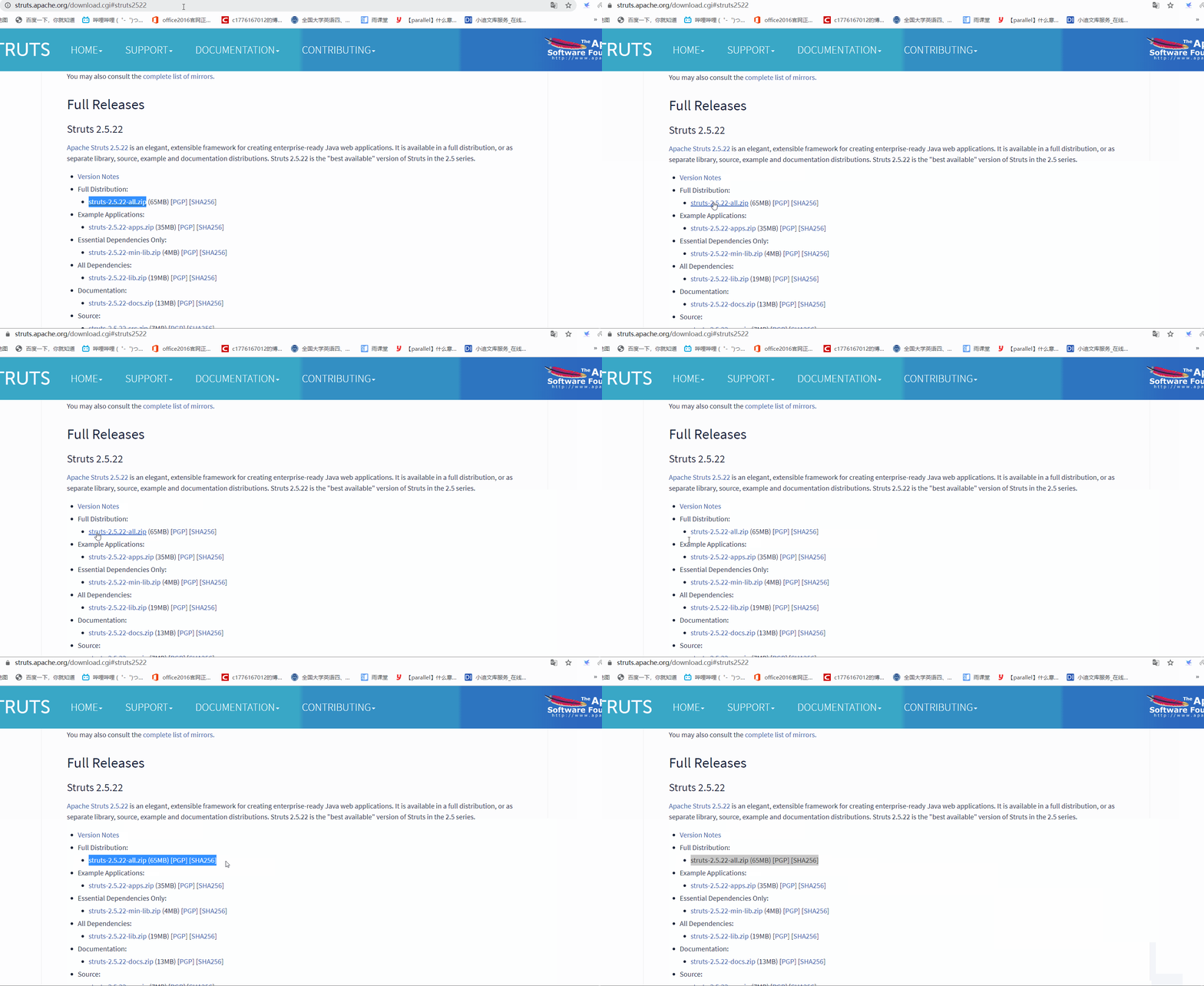
首先从官网下载struts-2.5.22-all.zip压缩包,解压之。
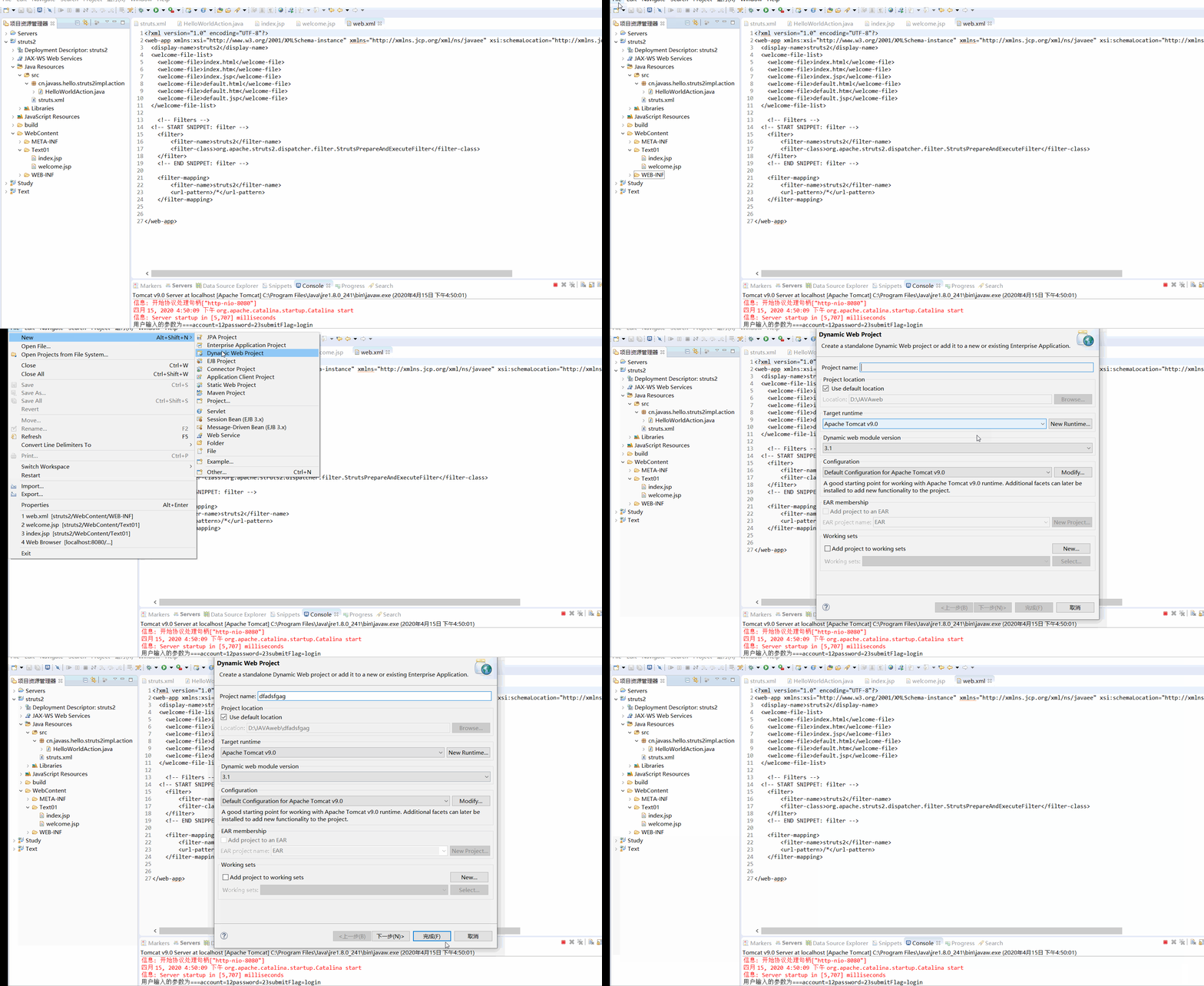
然后新建一个空web项目
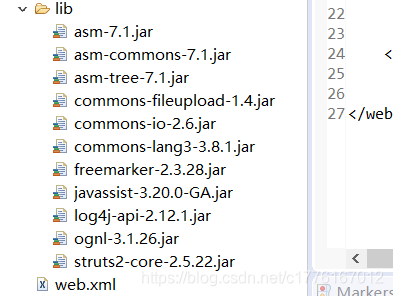
其次将struts-2.5.22-all的lib目录下的jar文件复制到web项目WEB-INF下的lib中
接着配置web.xml文件:
<?xml version="1.0" encoding="UTF-8"?>
<web-app xmlns:xsi="http://www.w3.org/2001/XMLSchema-instance" xmlns="http://xmlns.jcp.org/xml/ns/javaee" xsi:schemaLocation="http://xmlns.jcp.org/xml/ns/javaee http://xmlns.jcp.org/xml/ns/javaee/web-app_3_1.xsd" version="3.1">
  <display-name>struts2</display-name>
  <welcome-file-list>
    <welcome-file>index.html</welcome-file>
    <welcome-file>index.htm</welcome-file>
    <welcome-file>index.jsp</welcome-file>
    <welcome-file>default.html</welcome-file>
    <welcome-file>default.htm</welcome-file>
    <welcome-file>default.jsp</welcome-file>
  </welcome-file-list>

    <!-- Filters -->
  <!-- START SNIPPET: filter -->
    <filter>
        <filter-name>struts2</filter-name>
        <filter-class>org.apache.struts2.dispatcher.filter.StrutsPrepareAndExecuteFilter</filter-class
 浙公网安备 33010602011771号