
SVN 清空 Authentication data 之后还是提示 Unable to connect to a repository at URL
个人电脑(Win10)安装SVN服务,Checkout时报错:
Unable to connect to a repository at URL 'file:///C:/Data/SVN'
网上找到的解决方法如下:
SVN Unable to connect to a repository at URL的解决方法
但尝试后如评论中说的一样还是报相同的错误。
我的解决方法是:
清空Authentication data之后
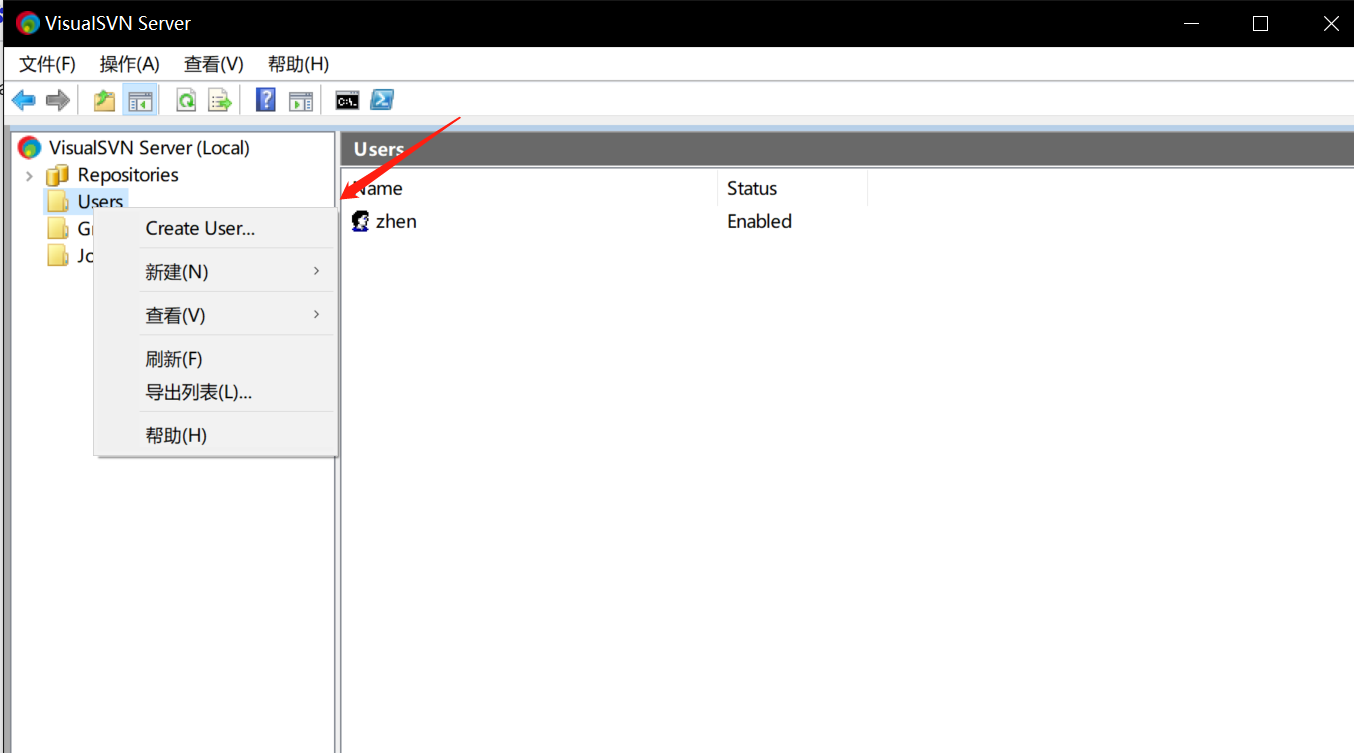
1.创建User
2.Checkout ,点击下图“...”,弹出Authentication框,输入用户名和密码。
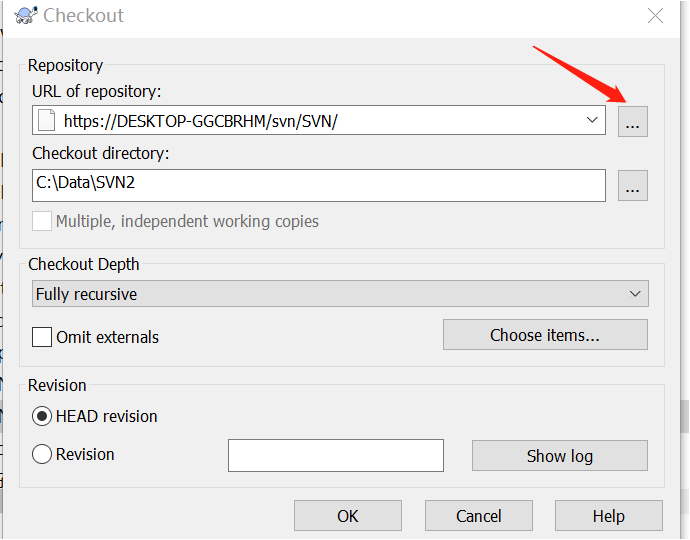

我成功Checkout之后,再次尝试清空Authentication data,这次不用点击“...”,直接点击ok就会弹出Authentication框。。
也不懂为何,第一次尝试的时候直接点击ok,却不弹出这个框,直接报错。。

 浙公网安备 33010602011771号