
React项目搭建
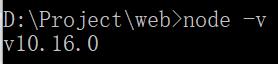
1.Node环境安装(版本至少超过6)
查看node版本: node -V
2.包管理工具(npm/cnpm/yarn) ===> react项目推荐使用yarn
1)查看版本:
npm -v (版本至少超过3)
cnpm -v
yarn -v

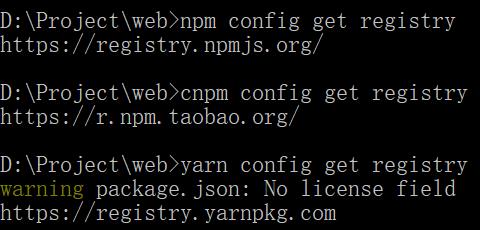
2)查看镜像源:
npm config get registry ===> https://registry.npmjs.org
cnpm config get registry ===> https://r.npm.taobao.org
yarn config get registry ===> https://registry.yarnpkg.com
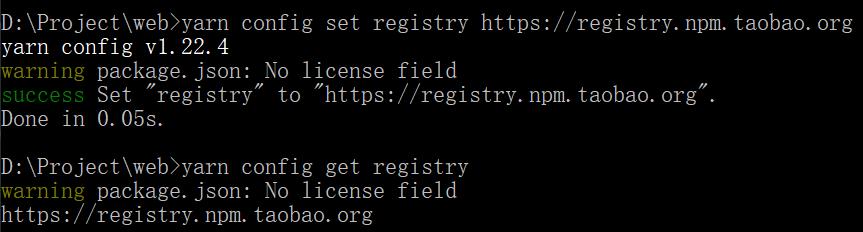
3)设置镜像源(在国内推荐设置为淘宝镜像源)
npm config set registry https://registry.npm.taobao.org
yarn config set registry https://registry.npm.taobao.org
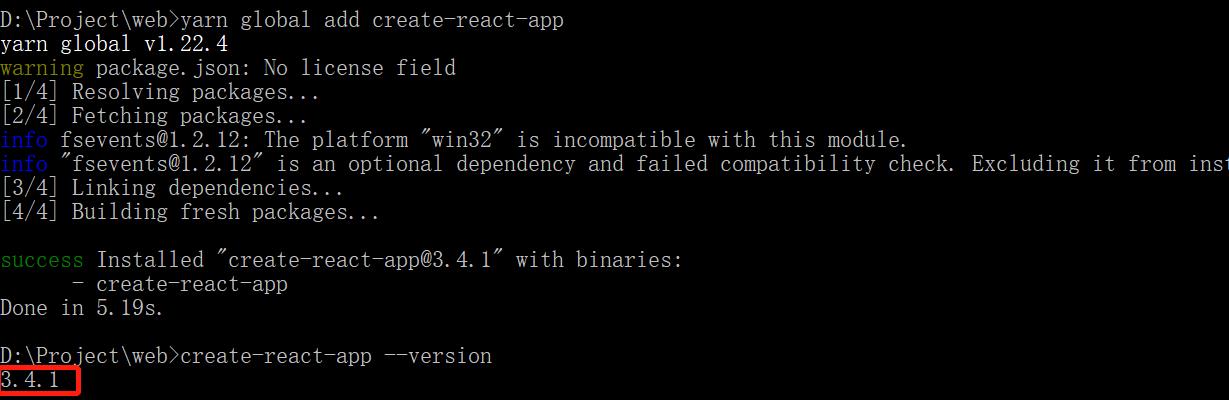
3.全局安装react脚手架
1)全局安装:yarn global add create-react-app / npm i -g create-react-app
2)版本查看:create-react-app --version
4.创建react项目
create-react-app my-react-project

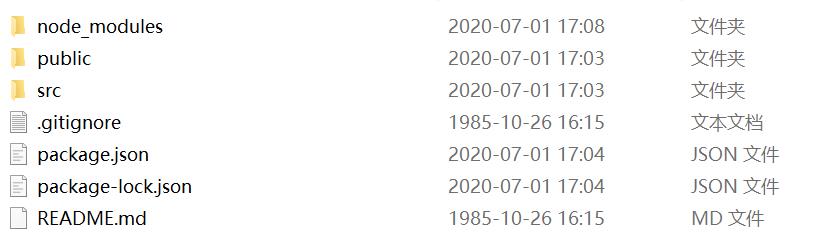
5.项目文件结构
6.启动项目
npm run start
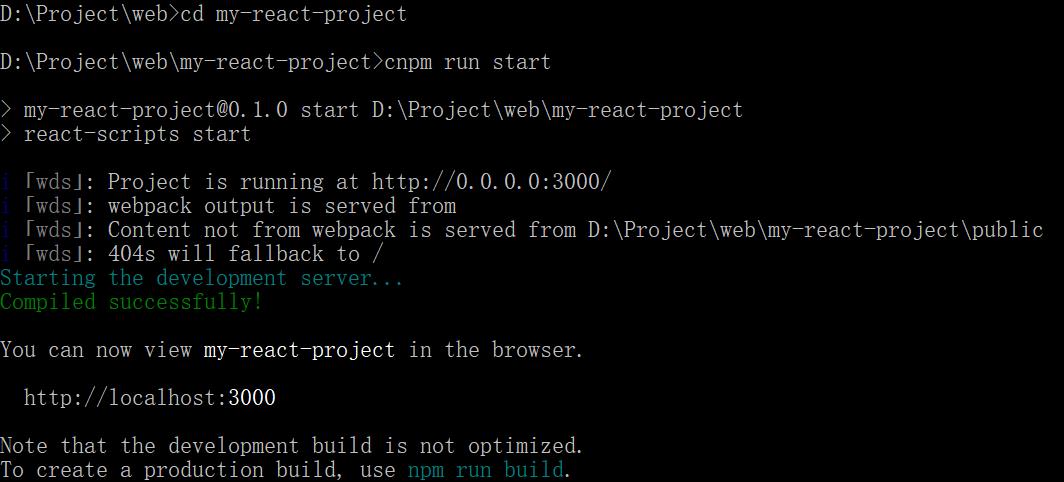
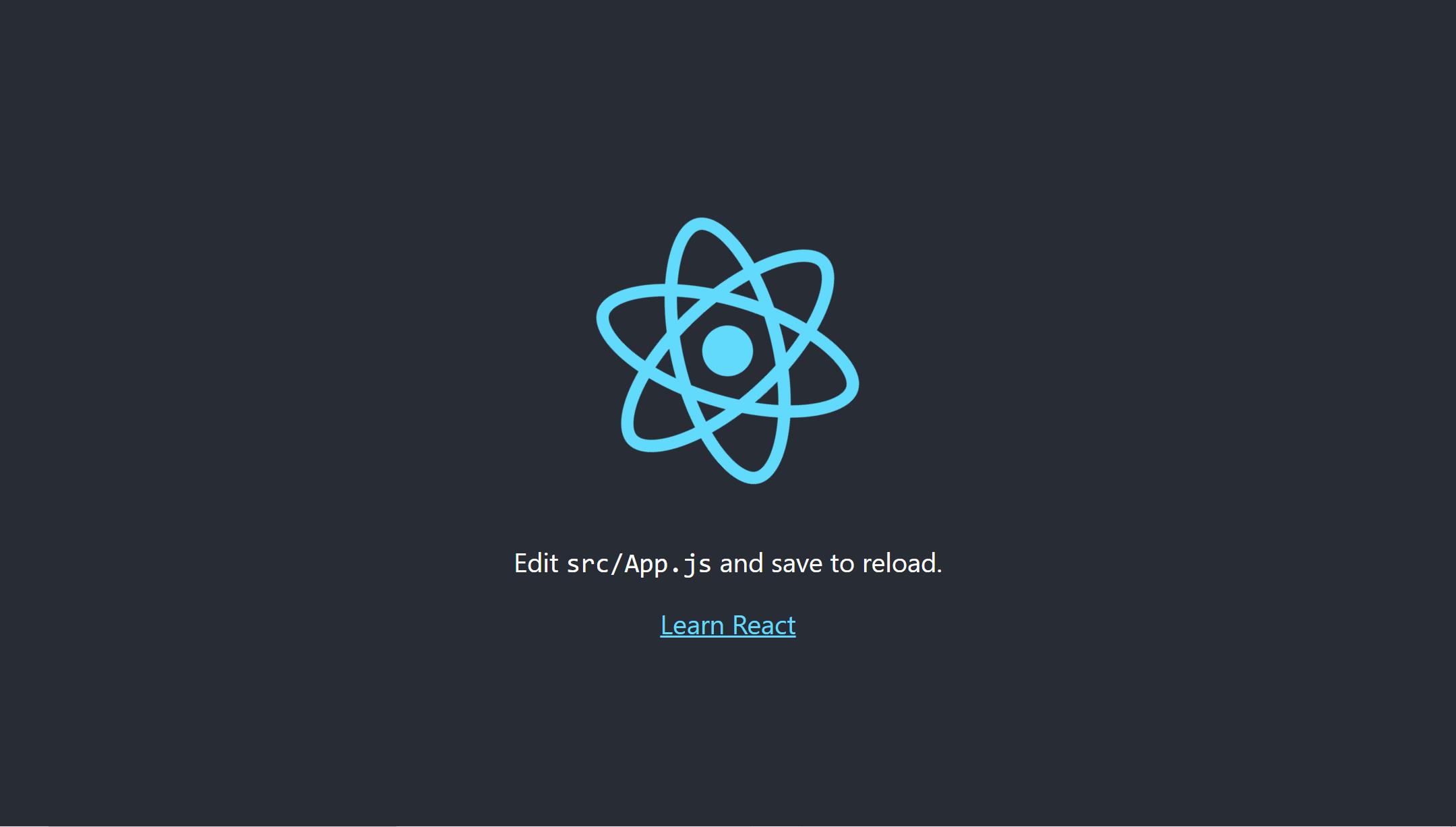
启动成功后会自动打开浏览器,并出现react图标(六芒星),说明项目启动成功。
参考文章地址:https://blog.csdn.net/yellowmushroom/article/details/83386252

 浙公网安备 33010602011771号