
第一周作业
1.
Red Hat Linux ubuntu linux centos linux
较稳定的服务器系统centos rhel
桌面系统ubuntu
2.
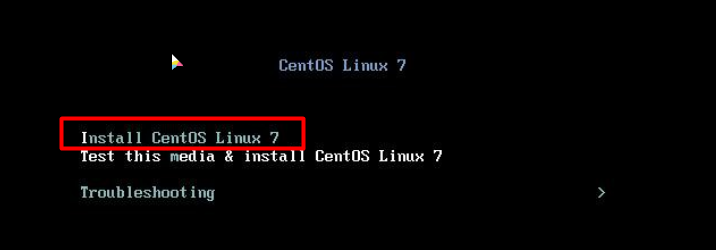
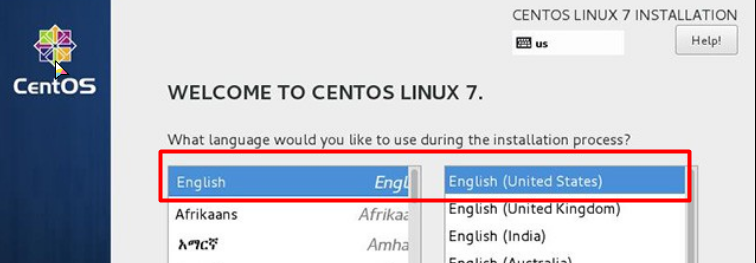
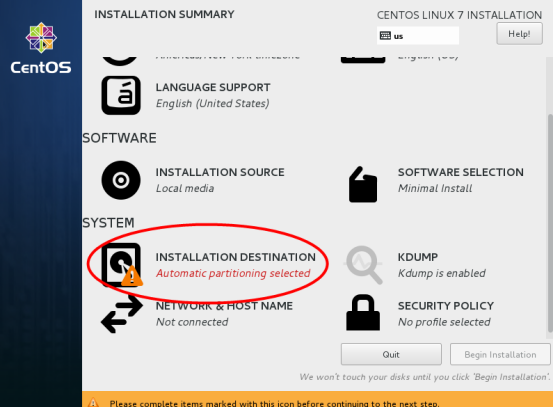
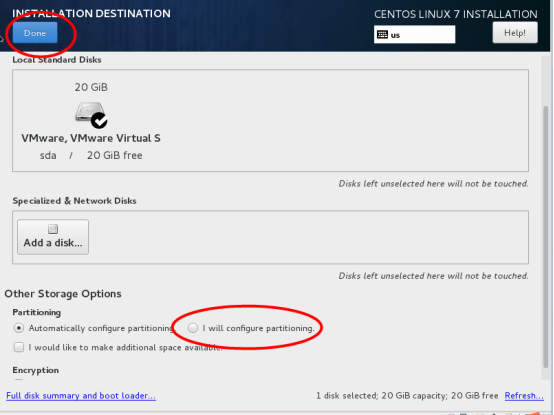
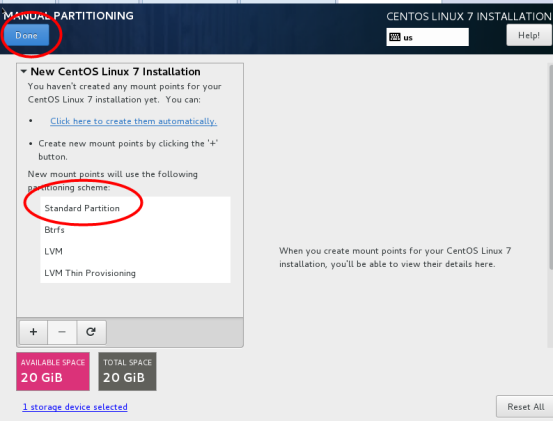
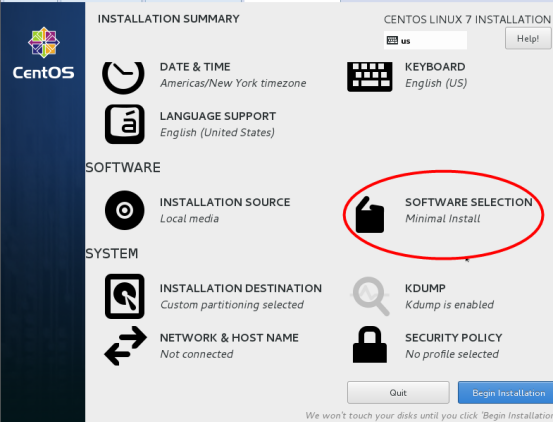

3. 1> #HISTTIMEFORMAT= %F_%T 2> #nano .bash_profile 添加
export HISTTIMEFORMAT="%F %T "
4. 分享,提供机制
5. whatis name=man -f name name --help外部命令帮助 help name内部命令帮助 禁用或者启用内部命令 enable (启用enable cmd)(禁用enable -n cmd)(查看所有的禁用命令enable -n)
screen -S name 创建新会话 scren -x name 加入会话 类似远程连接 单独退出ctrl+a,d echo 回显 返回显示 #touch name.log用来创建空文件=touch $(name +%F).log
6.
1.严格区分字符的大小写;
2.文件名可以使用除斜线(/)以外的任意字符;
3.文件名不能超过255个字符;
4.以点号开头的文件为隐藏文件
/etc 配置文件目录
/root 管理员用户的目录
7. 1>文件的元数据是指文件的属性、大小、创建时间、访问时间、属主属组等信息。
#stat name 查看 #touch name 修改文件时间戳
8.
硬连接指通过索引节点来进行连接 软连接是一个文本文件,其中包含的有另一文件的位置信息
[root@centos8 ~]# touch f1
[root@centos8 ~]# ln f1 f2
[root@centos8 ~]# ln -s f1 f3
[root@centos8 ~]# ls -li
201454993 -rw-r--r--. 2 root root 0 Jun 2 14:23 f1
201454993 -rw-r--r--. 2 root root 0 Jun 2 14:23 f2
201454997 lrwxrwxrwx. 1 root root 2 Jun 2 14:24 f3 -> f1
echo "l am f1 file">>f1
[root@centos8 ~]# cat f1
l am f1 file
[root@centos8 ~]# cat f2
l am f1 file
[root@centos8 ~]# cat f3
l am f1 file
[root@centos8 ~]# rm -f f1
[root@centos8 ~]# cat f2
l am f1 file
[root@centos8 ~]# cat f3
cat: f3: No such file or directory

 浙公网安备 33010602011771号