

kivy入门之布局(五)
创建多页面布局
 1 from kivy.app import App
 2 from kivy.uix.button import Button
 3 from kivy.uix.pagelayout import PageLayout
 4
 5
 6 class Test9Layout(PageLayout):
 7     """创建多页面布局,布局之间随意跳转"""
 8     ...
 9
10
11 class Test9App(App):
12     def build(self):
13         return Test9Layout()
14
15
16 if __name__ == '__main__':
17     Test9App().run()
kv语言:
 1 <Test9Layout>
 2     border: '100dp'  # 设置边界,如果不设置默认为50dp
 3     Button:
 4         text:'Page0'
 5         background_color: 0.3, .2, .5, 1
 6
 7     Button:
 8         text:'Page1'
 9         background_color: 0.4, .4, .6, 1
10
11     Button:
12         text:'Page2'
13         background_color: 0.6, .6, .8, 1
14
15     Button:
16         text:'Page3'
17         background_color: 0.8, .8, 1, 1
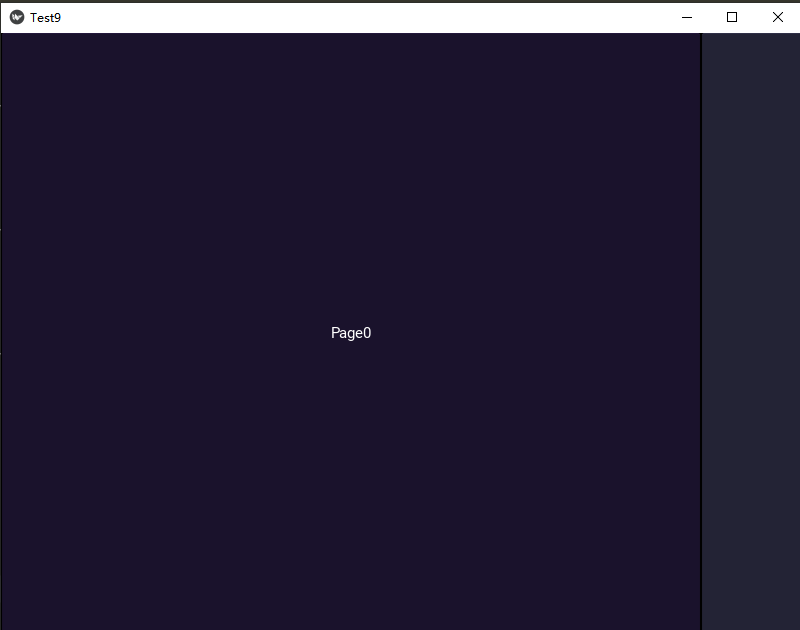
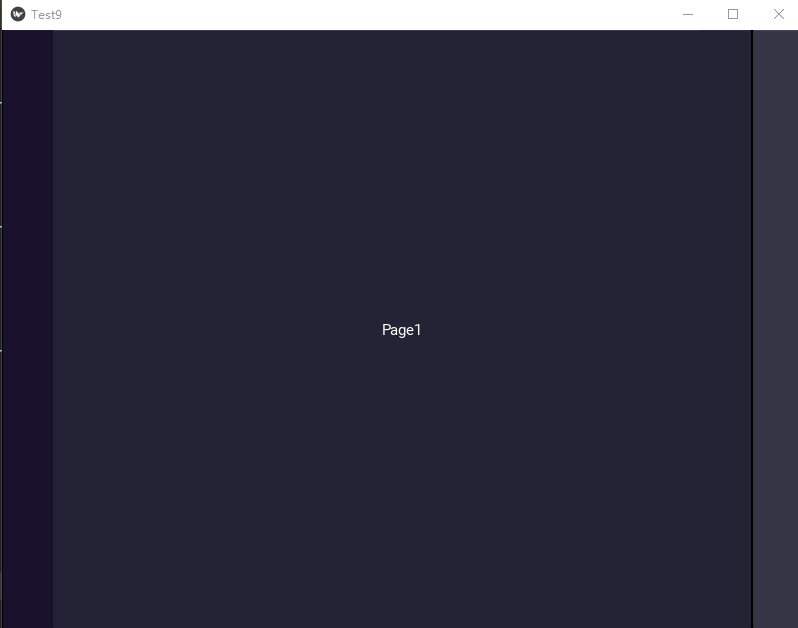
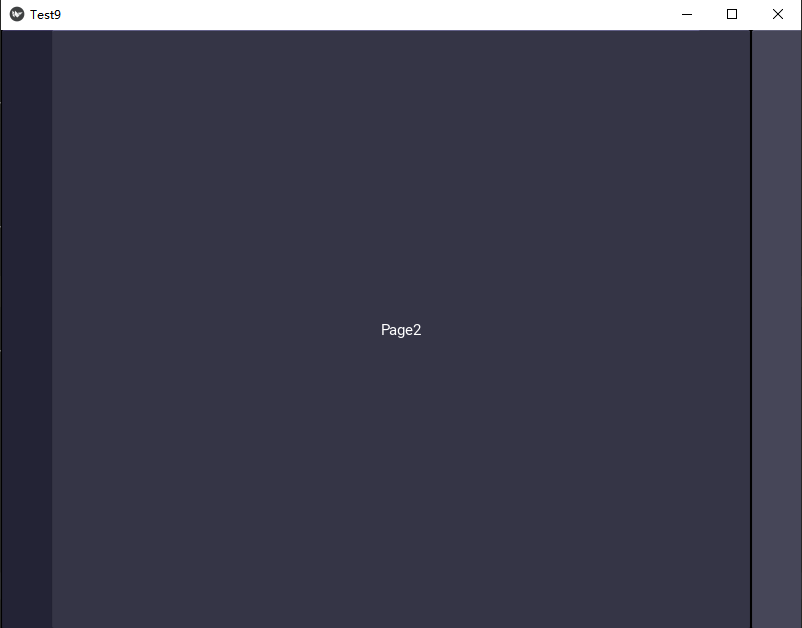
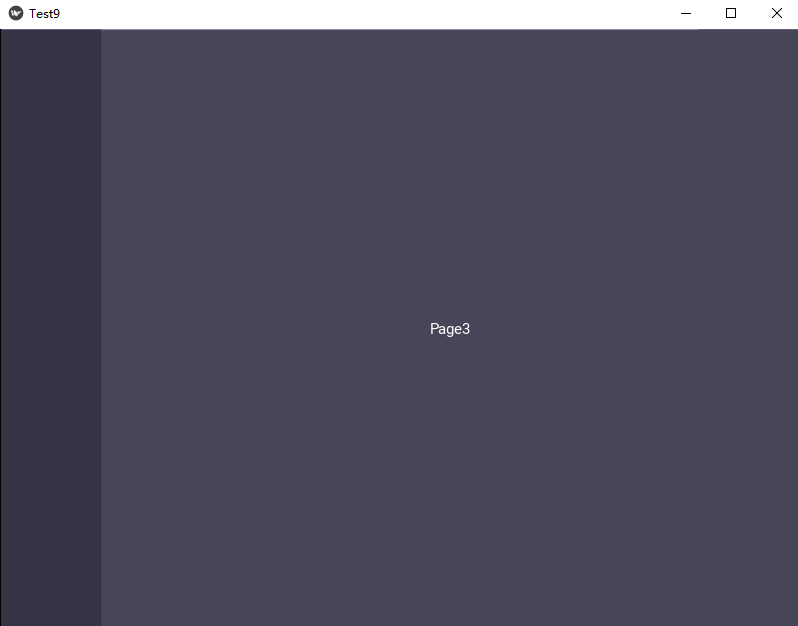
运行界面显示:

 浙公网安备 33010602011771号