
前端速成(6)css
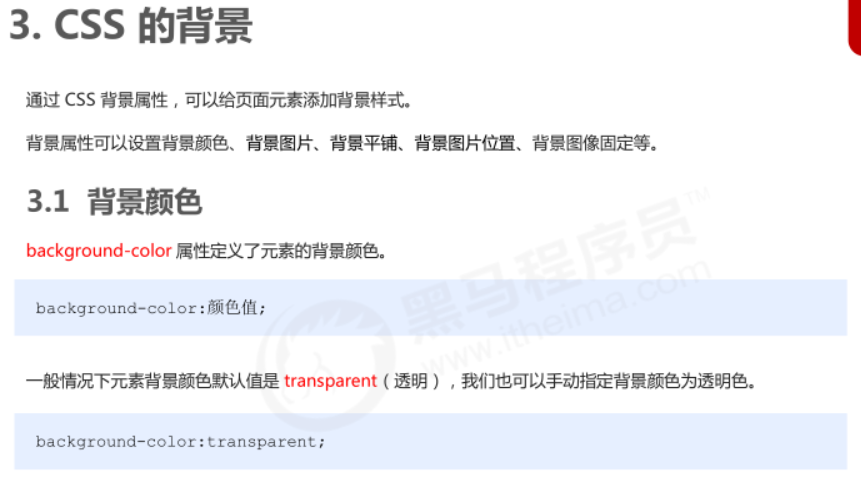
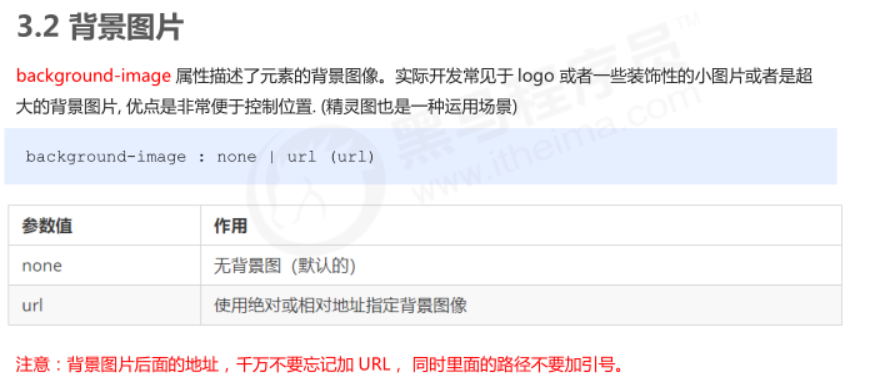

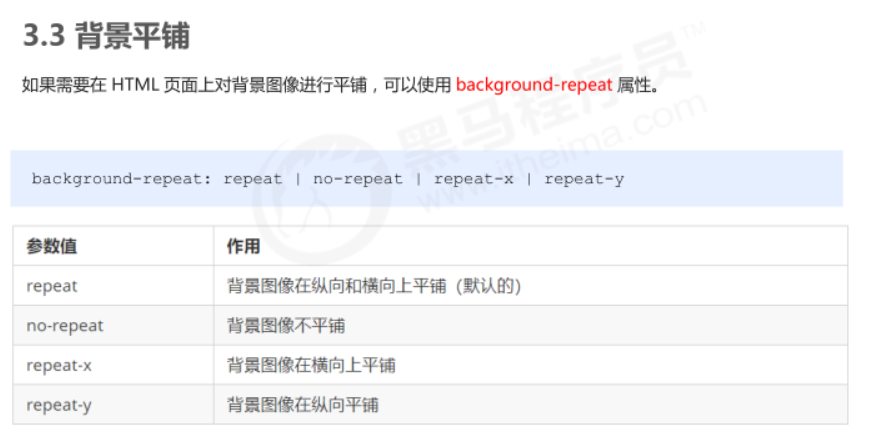
<!DOCTYPE html>
<html lang="en">

<head>
    <meta charset="UTF-8">
    <meta name="viewport" content="width=device-width, initial-scale=1.0">
    <meta http-equiv="X-UA-Compatible" content="ie=edge">
    <title>背景图片平铺</title>
    <style>
        div {
 /* 1.背景图片平铺是指图片会铺满整个父级盒子div */
            width: 300px;
            height: 300px;
            background-color: pink;
            background-image: url(images/logo.png);
            /* 1.背景图片不平铺 */
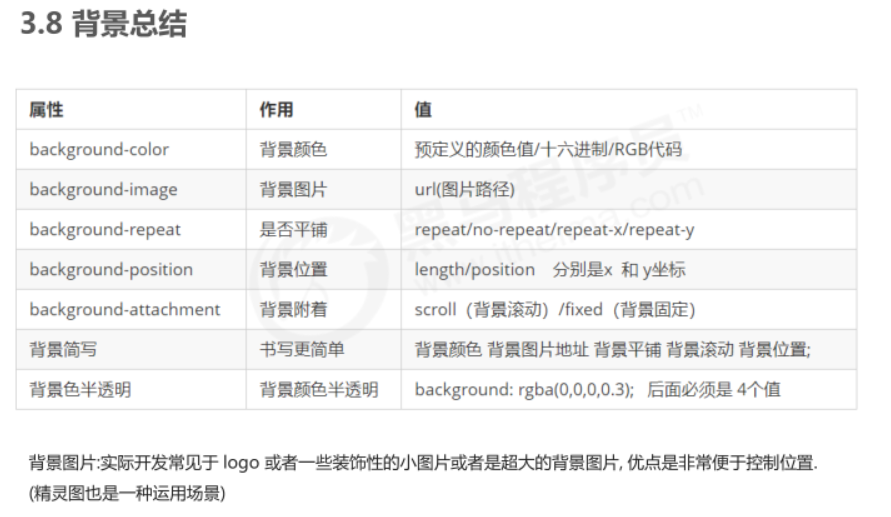
            /* background-repeat: no-repeat; */
            /* 2.默认的情况下,背景图片是平铺的 */
            /* background-repeat: repeat; */
            /* 3. 沿着x轴平铺 */
            /* background-repeat: repeat-x; */
            /* 4. 沿着Y轴平铺 */
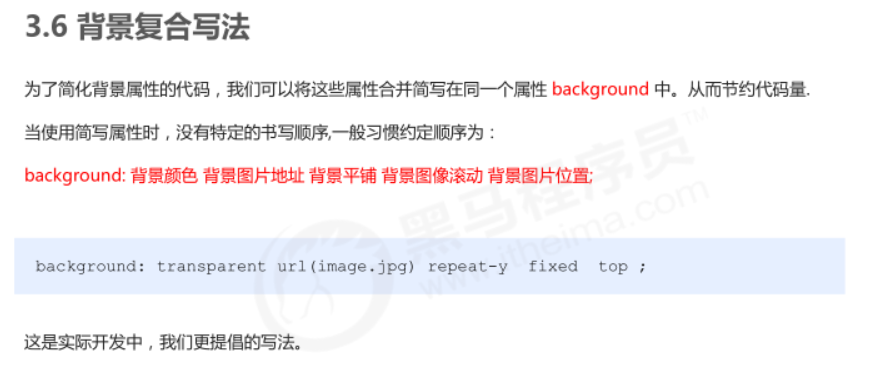
            background-repeat: repeat-y;
            /* 页面元素既可以添加背景颜色也可以添加背景图片 只不过背景图片会压住背景颜色 */
        }
    </style>
</head>

<body>
    <div></div>
</body>

</html>
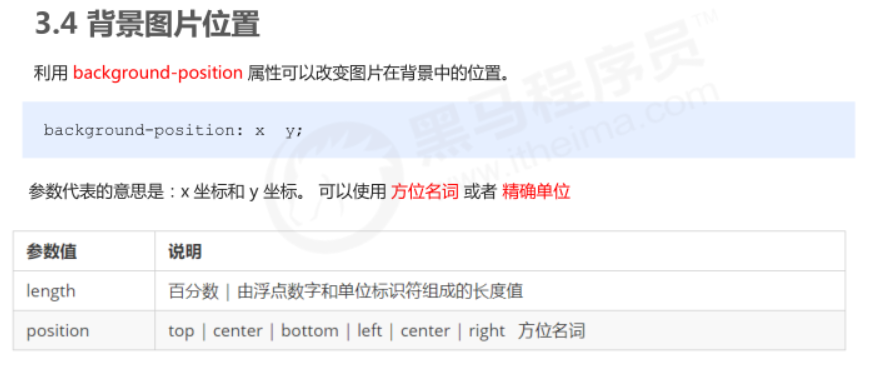
<!DOCTYPE html>
<html lang="en">

<head>
    <meta charset="UTF-8">
    <meta name="viewport" content="width=device-width, initial-scale=1.0">
    <meta http-equiv="X-UA-Compatible" content="ie=edge">
    <title>背景位置-方位名词</title>
    <style>
        div {
            width: 300px;
            height: 300px;
            background-color: pink;
            background-image: url(images/logo.png);
            background-repeat: no-repeat;
            /* background-position:  方位名词; */
            /* background-position: center top; */
            /* background-position: right center; */
            /* 如果是方位名词  right center 和 center right 效果是等价的 跟顺序没有关系 */
            /* background-position: center right; */
            /* 此时 水平一定是靠右侧对齐  第二个参数省略 y 轴是 垂直居中显示的 */
            /* background-position: right; */
            /* 此时 第一个参数一定是 top y轴 顶部对齐   第二个参数省略x  轴是 水平居中显示的 */
            background-position: top;
        }
    </style>
</head>

<body>
    <div></div>
</body>

</html>
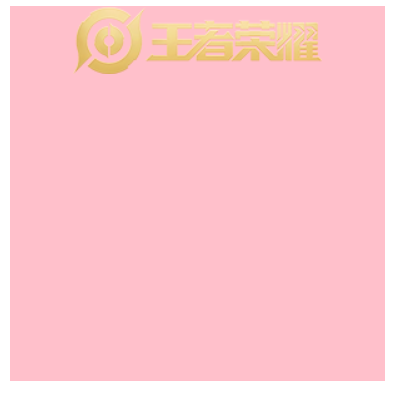
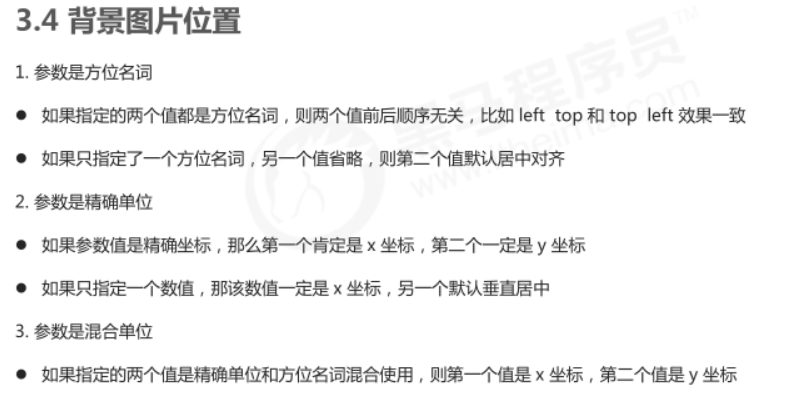
实战一:
用背景图片来设置一些小图标更好实现位置的设定,用img标签设定位置不好实现
<!DOCTYPE html>
<html lang="en">

<head>
    <meta charset="UTF-8">
    <meta name="viewport" content="width=device-width, initial-scale=1.0">
    <meta http-equiv="X-UA-Compatible" content="ie=edge">
    <title>背景位置方位名词应用一</title>
    <style>
        h3 {
            width: 118px;
            height: 40px;
            /* background-color: pink; */
            font-size: 14px;
            font-weight: 400;
            line-height: 40px;
            background-image: url(images/icon.png);
            background-repeat: no-repeat;
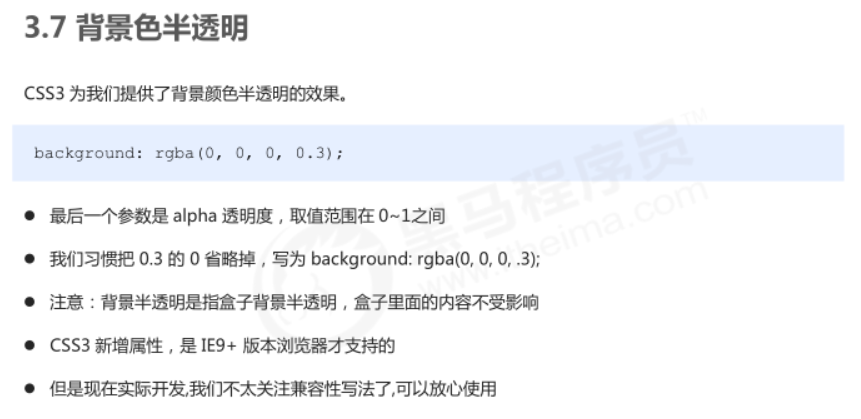
            background-position: left center;
            text-indent: 1.5em;
        }
    </style>
</head>

<body>
    <h3>
        成长守护平台
    </h3>
</body>

</html>
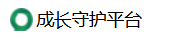
实战二:超大背景图片实现居中(大图片中间部分居中)
<!DOCTYPE html>
<html lang="en">

<head>
    <meta charset="UTF-8">
    <meta name="viewport" content="width=device-width, initial-scale=1.0">
    <meta http-equiv="X-UA-Compatible" content="ie=edge">
    <title>超大背景图片</title>
    <style>
        body {
            background-image: url(images/bg.jpg);
            background-repeat: no-repeat;
            background-position: center top;         }
    </style>
</head>

<body>

</body>

</html>
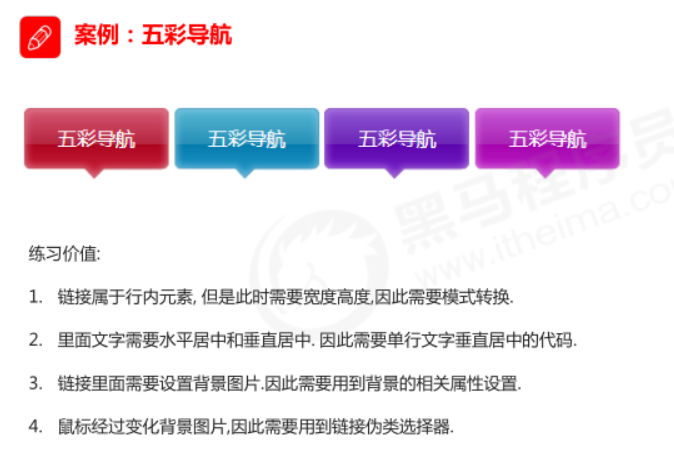
练习案例1
<!DOCTYPE html>
<html lang="en">

<head>
    <meta charset="UTF-8">
    <meta name="viewport" content="width=device-width, initial-scale=1.0">
    <meta http-equiv="X-UA-Compatible" content="ie=edge">
    <title>综合案例-五彩导航</title>
    <style>
        .nav a {
            display: inline-block;
            width: 120px;
            height: 58px;
            background-color: pink;
            text-align: center;
            line-height: 48px;
            color: #fff;
            text-decoration: none;
        }

        .nav .bg1 {
            background: url(images/bg1.png) no-repeat;
        }

        .nav .bg1:hover {
            background-image: url(images/bg11.png);
        }

        .nav .bg2 {
            background: url(images/bg2.png) no-repeat;
        }

        .nav .bg2:hover {
            background-image: url(images/bg22.png);
        }
    </style>
</head>

<body>
    <div class="nav">
        <a href="#" class="bg1">五彩导航</a>
        <a href="#" class="bg2">五彩导航</a>
        <a href="#">五彩导航</a>
        <a href="#">五彩导航</a>
        <a href="#">五彩导航</a>
    </div>
</body>

</html>
注:line-height和 height本应该一样高,但有个小三角也算进去了,所以设置小一点,字体就会上移

 浙公网安备 33010602011771号