
前端速成(5)css
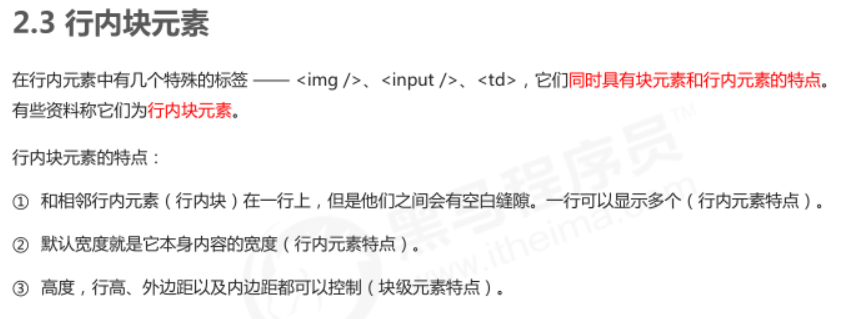
<!DOCTYPE html>
<html lang="en">

<head>
    <meta charset="UTF-8">
    <meta name="viewport" content="width=device-width, initial-scale=1.0">
    <meta http-equiv="X-UA-Compatible" content="ie=edge">
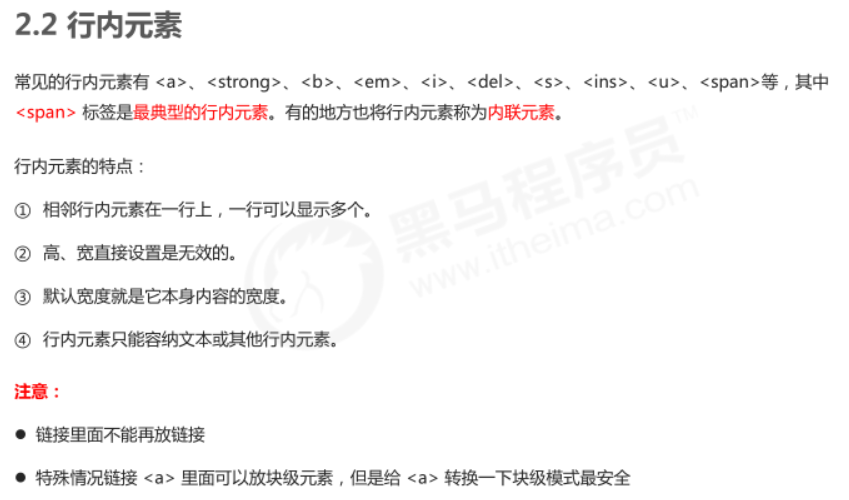
    <title>显示模式之行内元素</title>
    <style>
        span {
            width: 100px;
            height: 100px;
            background-color: hotpink;
        }
    </style>
</head>

<body>
    <span>pink老师你怎么穿着品如的衣服呢</span> <strong>品如的衣服</strong>
    <span>pink老师</span> <strong>品如的衣服</strong>

    <a href="http://www.baidu.com">
        <a href=""></a>
    </a>
</body>

</html>


<!DOCTYPE html>
<html lang="en">

<head>
    <meta charset="UTF-8">
    <meta name="viewport" content="width=device-width, initial-scale=1.0">
    <meta http-equiv="X-UA-Compatible" content="ie=edge">
    <title>元素显示模式转换</title>
    <style>
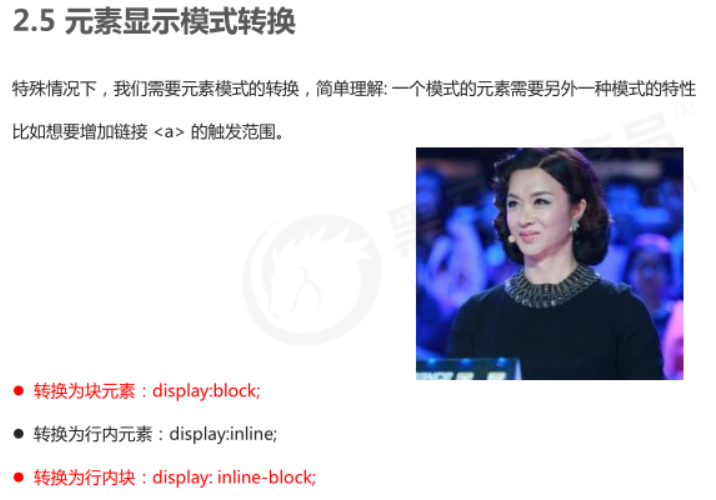
        a {
            width: 150px;
            height: 50px;
            background-color: pink;
            /* 把行内元素 a 转换为 块级元素 */
            display: block;
        }

        div {
            width: 300px;
            height: 100px;
            background-color: purple;
            /* 把 div 块级元素转换为行内元素 */
            display: inline;
        }

        span {
            width: 300px;
            height: 30px;
            background-color: skyblue;
            display: inline-block;
        }
    </style>
</head>

<body>
    <a href="#">金星阿姨</a>
    <a href="#">金星阿姨</a>
    <div>我是块级元素</div>
    <div>我是块级元素</div>
    <span>行内元素转换为行内块元素</span>
    <span>行内元素转换为行内块元素</span>
</body>

</html>

实战
<!DOCTYPE html>
<html lang="en">

<head>
    <meta charset="UTF-8">
    <meta name="viewport" content="width=device-width, initial-scale=1.0">
    <meta http-equiv="X-UA-Compatible" content="ie=edge">
    <title>简单版小米侧边栏</title>
    <style>
        /* 1. 把a转换为块级元素 */
        a {
            display: block;
            width: 230px;
            height: 40px;
            background-color: #55585a;
            font-size: 14px;
            color: #fff;
            text-decoration: none;
            text-indent: 2em;
            line-height: 40px;
        }

        /* 2 鼠标经过链接变换背景颜色 */
        a:hover {
            background-color: #ff6700;
        }
    </style>
</head>

<body>

    <a href="#">手机 电话卡</a>
    <a href="#">电视 盒子</a>
    <a href="#">笔记本 平板</a>
    <a href="#">出行 穿戴</a>
    <a href="#">智能 路由器</a>
    <a href="#">健康 儿童</a>
    <a href="#">耳机 音响</a>
</body>

</html>
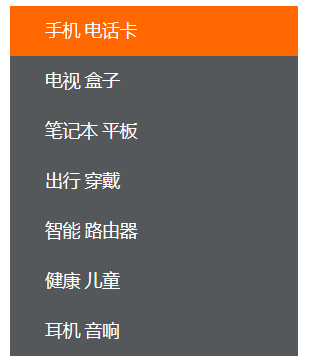
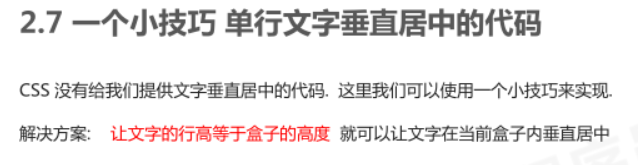
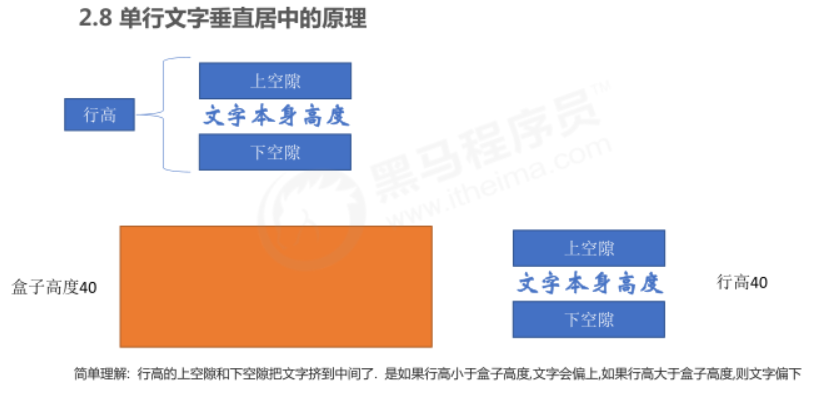
注:line-height和height同高,实现文字居中

 浙公网安备 33010602011771号