

《操作系统原型--xv6分析与实验》第一章:qemu启动xv6问题记录
最近在学习《操作系统原型--xv6分析与实验》,第一章安装qemu和启动xv6就遇到很多障碍,特此记录一下解决办法。
版本信息
系统:Ubuntu 22.04.1 LTS
xv6:rev9
qemu:6.2
gcc:11.2.0
操作步骤
ubuntu勾选了完整安装,默认自带gcc、make等构建工具。
- 首先将用到的xv6下载下来解压,我下载的是rev9版本。
tar -xvf xv6-public-xv6-rev9.tar.gz
cd xv6-public-xv6-rev9/
- 编译xv6
make
编译报错:
usertests.c: In function ‘sbrktest’:
usertests.c:1461:13: error: writing 1 byte into a region of size 0 [-Werror=stringop-overflow=]
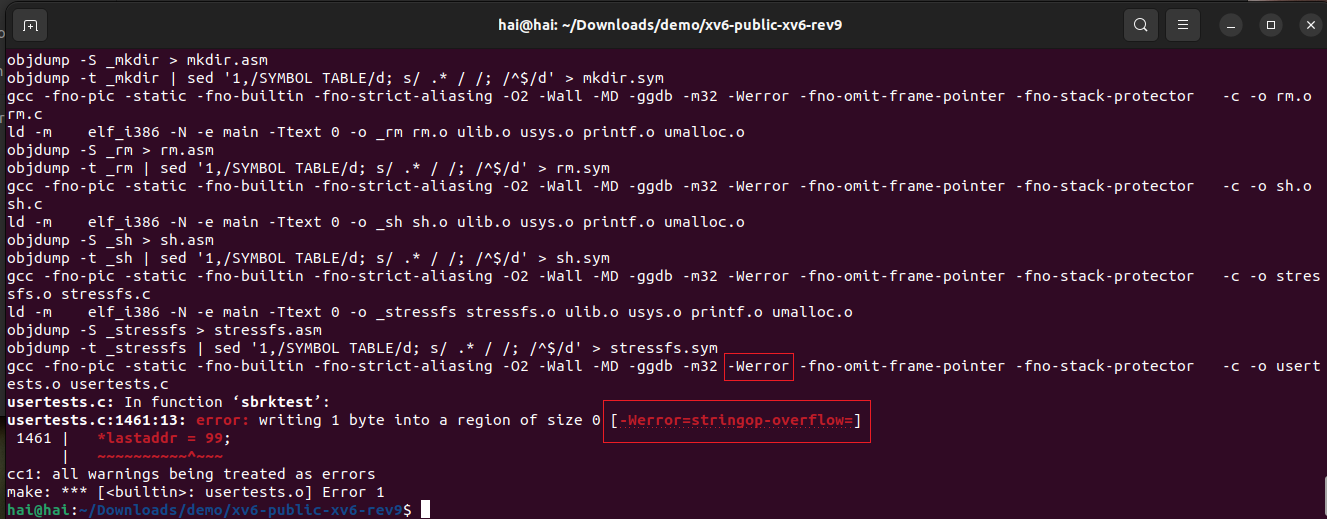
[-Werror=stringop-overflow=]是由于gcc版本过高导致的,换低版本gcc即可解决(如gcc 8)。
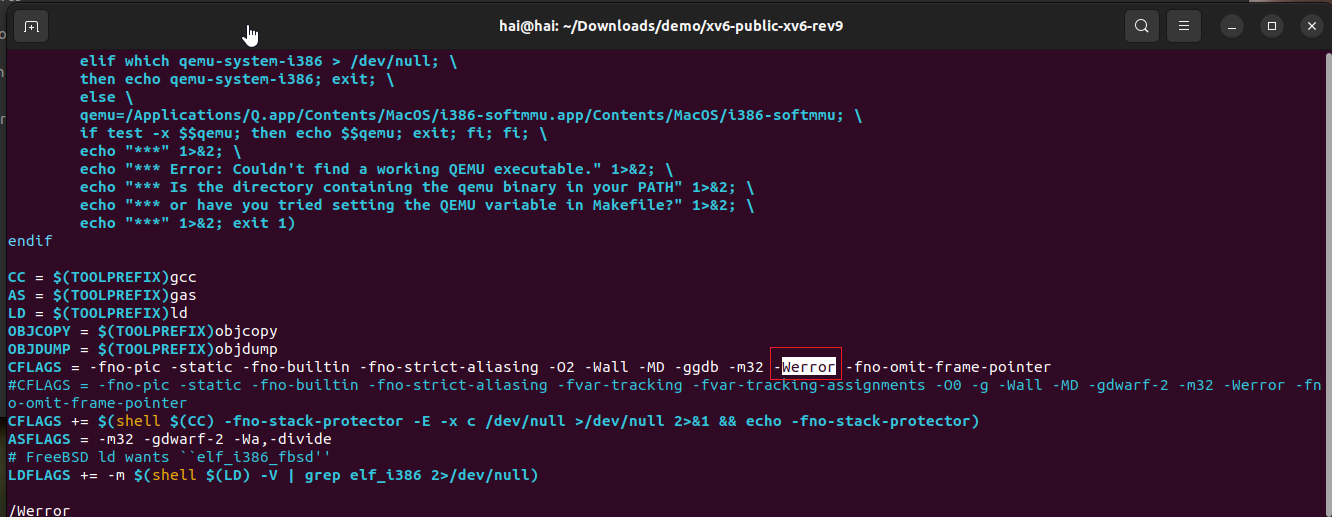
但是更换gcc比较麻烦,这个是将警告当做报错了,因此跳过它即可。观察命令行参数有个-Werror,编辑当前目录下的Makefile文件,去掉命令行参数-Werror即可。
vim Makefile
# 搜索Werror,找到后删除
/Werror
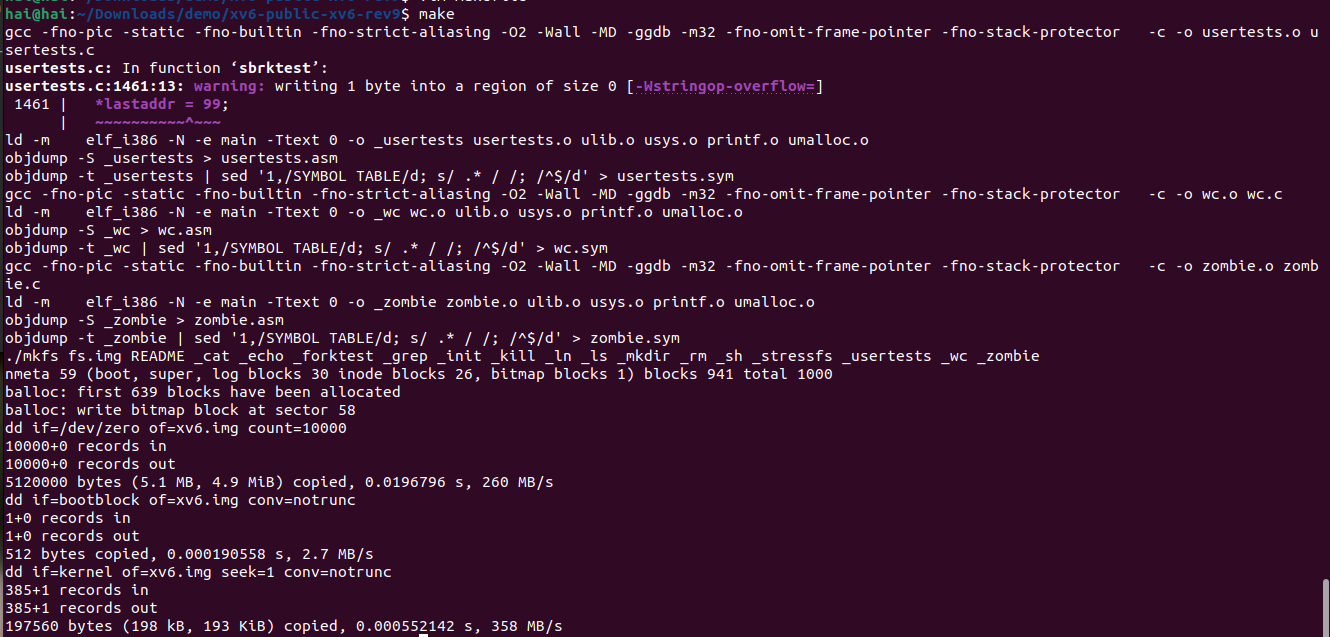
重新执行make,编译完成,生成了xv6.img文件。
make
ll xv6.img

- 接下来启动qemu
make qemu

报错信息:
***
*** Error: Couldn't find a working QEMU executable.
*** Is the directory containing the qemu binary in your PATH
*** or have you tried setting the QEMU variable in Makefile?
***
serial mon:stdio -drive file=fs.img,index=1,media=disk,format=raw -drive file=xv6.img,index=0,media=disk,format=raw -smp 2 -m 512
make: serial: No such file or directory
make: [Makefile:216: qemu] Error 127 (ignored)
这是由于没有安装qemu导致的。
安装qemu:
# 安装qemu
sudo apt-get install qemu
# 安装x86架构的qemu(xv6 rev9版本要求x86架构)
sudo apt-get install qemu-system-x86
# 验证安装成功
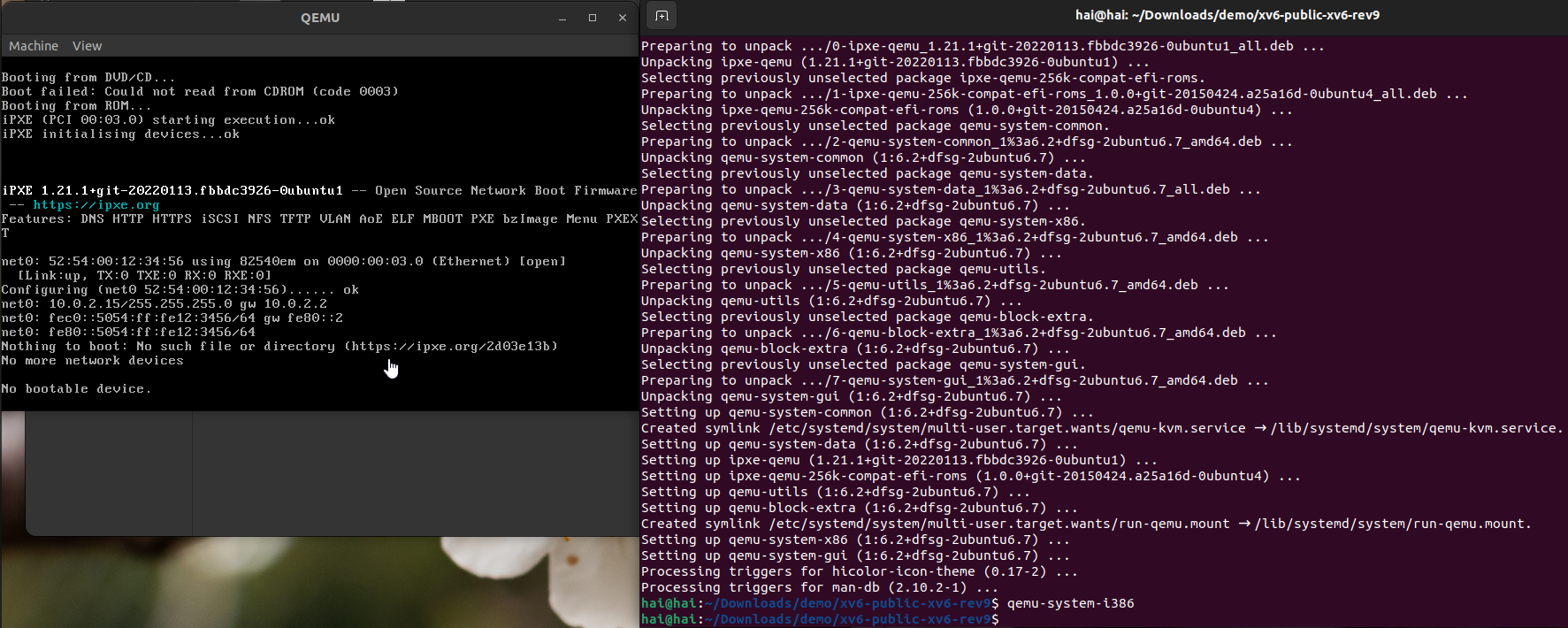
qemu-system-i386
执行qemu-system-i386会弹出qemu,说明安装完成。
重新使用qemu启动xv6
make qemu
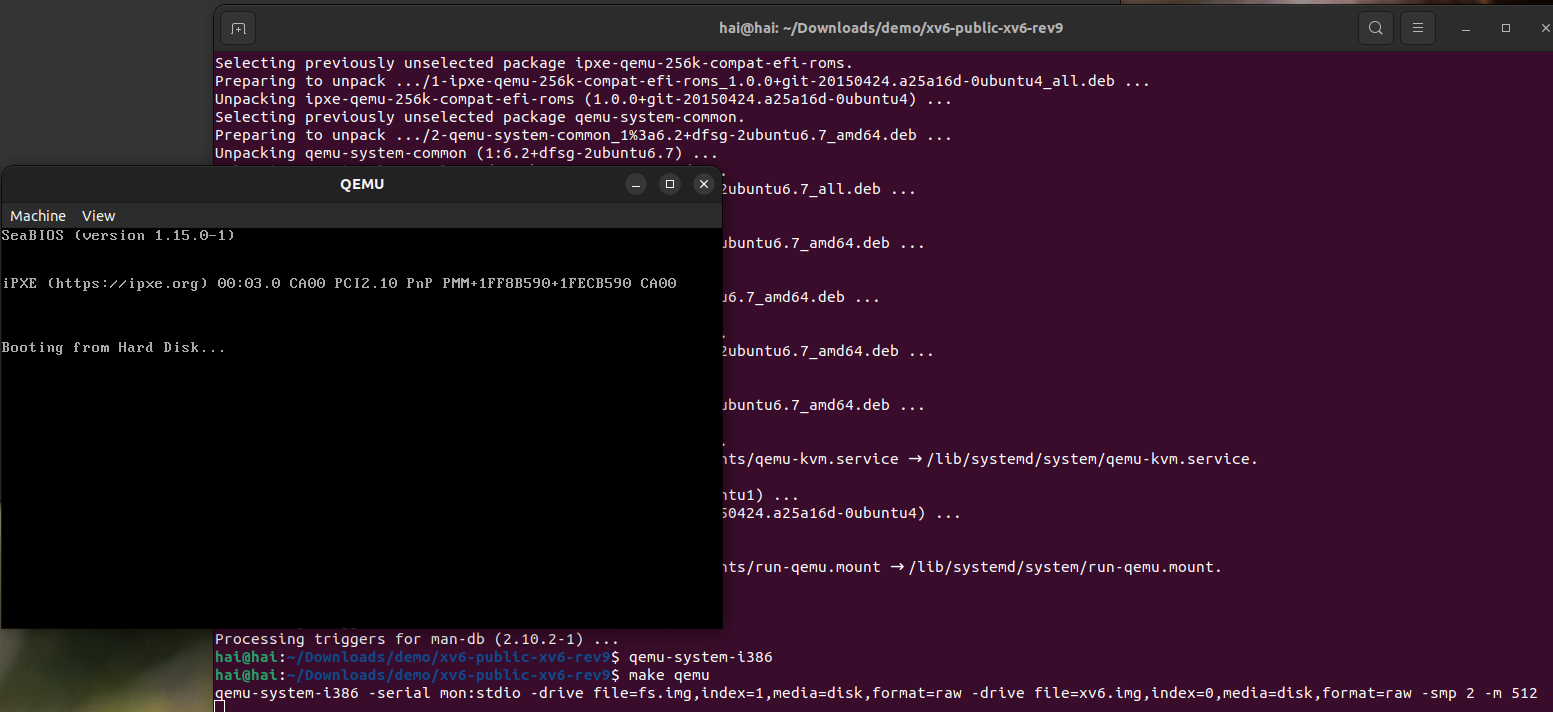
问题:qemu界面一直闪烁,卡在 Booting from Hard Disk...。
一开始以为是qemu的版本问题,装了ubuntu 18和qemu 4版本,发现也不行。
最后搜到这个解决办法:
https://www.cnblogs.com/zsmumu/p/12622898.html
看不懂是什么原因,照着做即可。
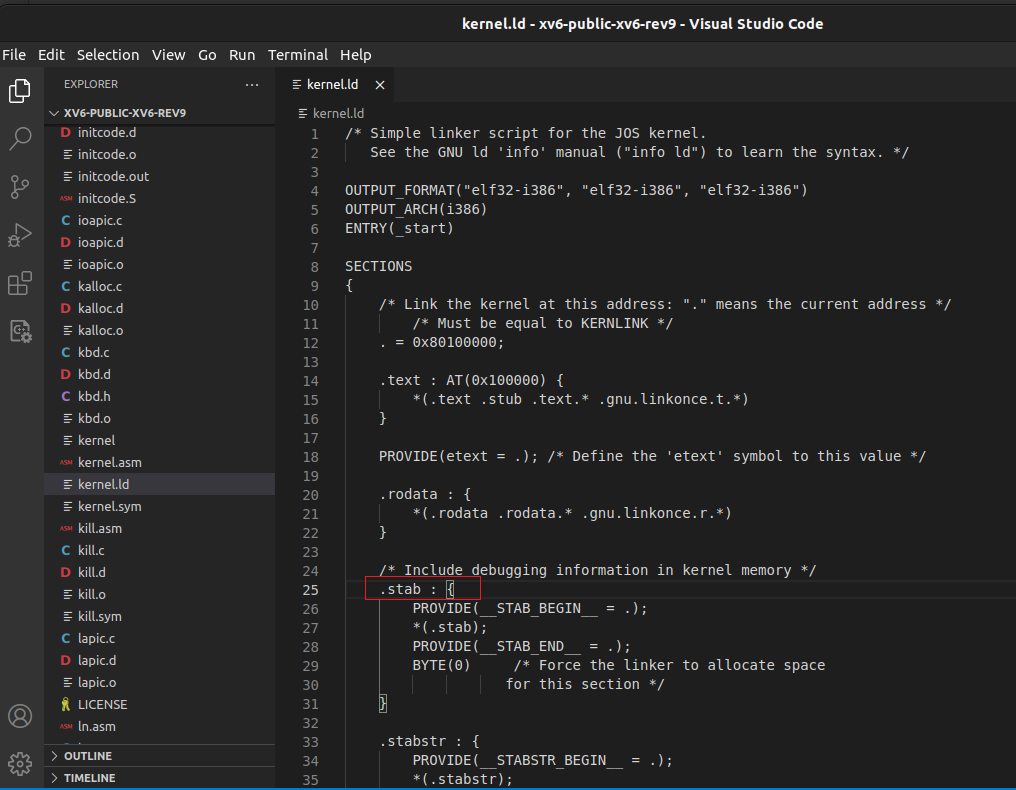
定位到xv6目录下的kernel.ld的第25行:
/* Include debugging information in kernel memory */
	.stab : {
将.stab : {改成.stab : AT(LOADADDR(.rodata) + SIZEOF(.rodata)){
重新执行make qemu。
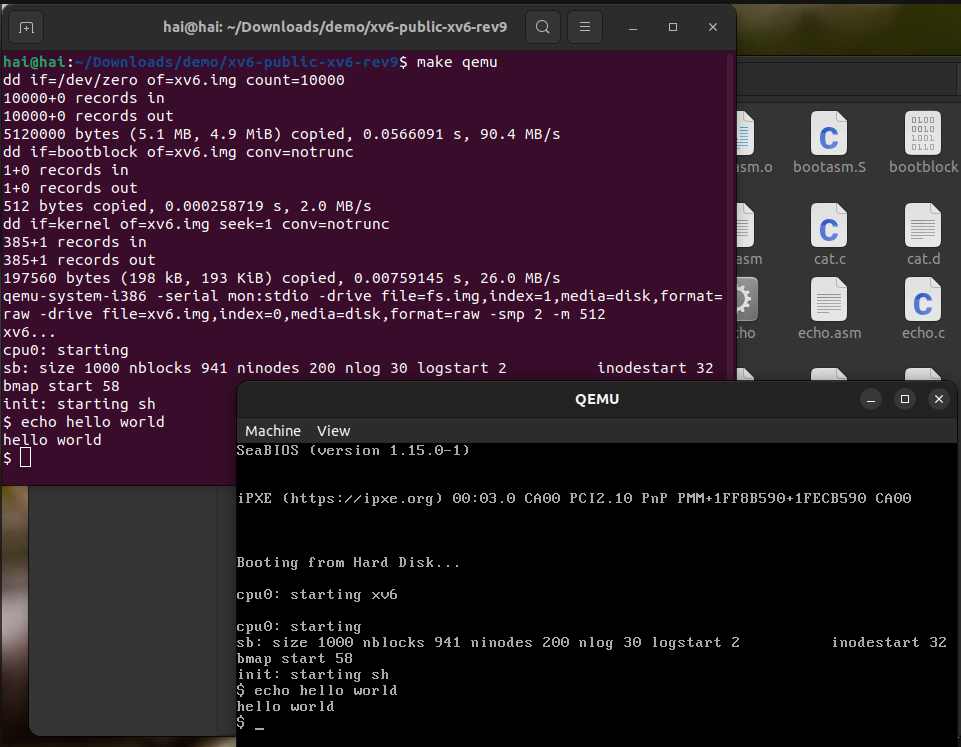
qemu启动成功

 浙公网安备 33010602011771号