实例15 图像的四则混合运算(图像处理原理、类保留方法)
1、需求分析
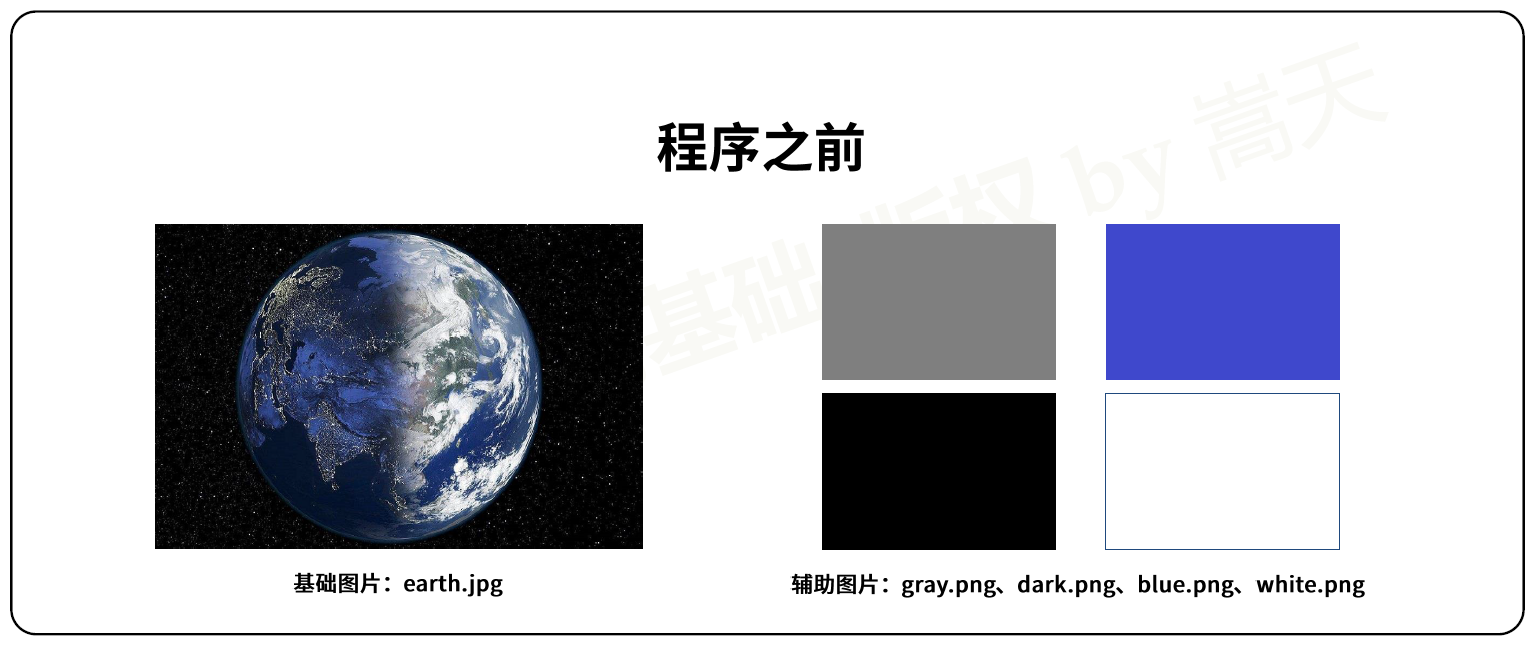
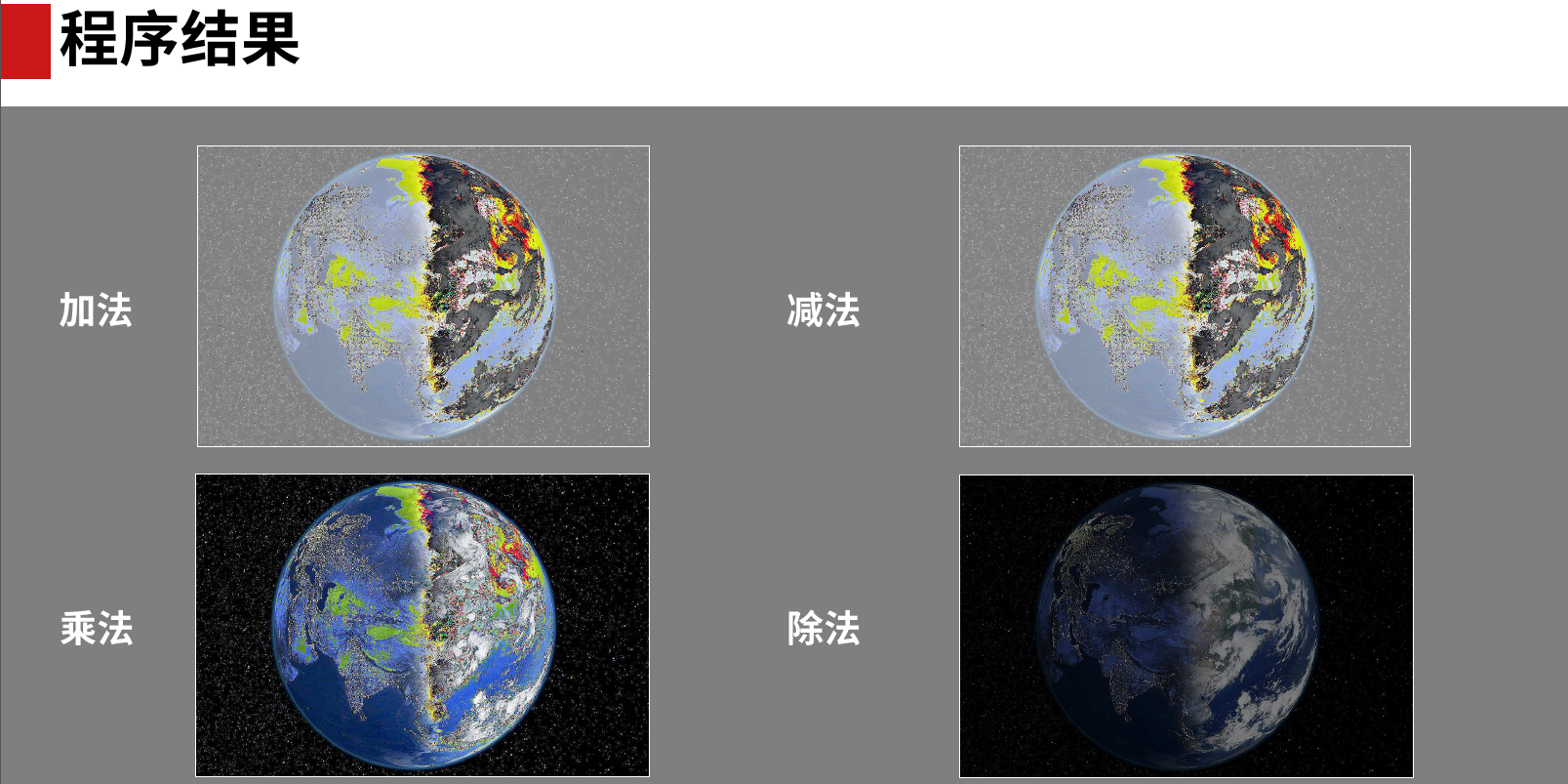
素材:
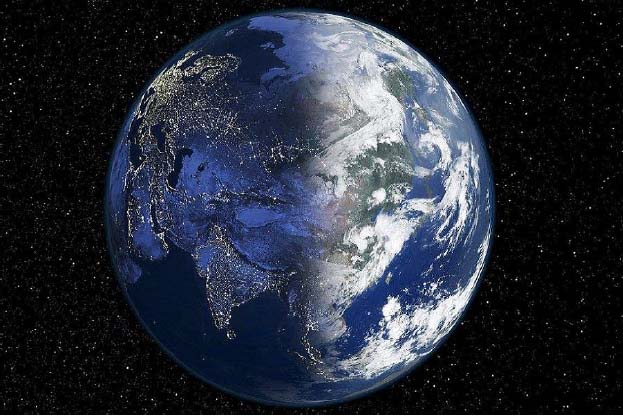

2、图像之间的四则混合运算
(1)加减法:两个图像相加减
(2)乘除法:一个图像与一个数字之间的乘除法
3、numpy库和Pillow库
(1)PIL(python3中是Pillow)库是一个能够简单读写图像文件的库;
(2)numpy库是一个矩阵表示的数学库;
(3)图像可以理解为是是一个三维数据,像素(rgb值)是一维,长和宽分别各一维。


import numpy as np
from PIL import Image


class ImageObject:
    def __init__(self, path=""):
        self.path = path
        try:
            self.data = np.array(Image.open(path))  # 将图像转换为数组
        except:
            self.data = None

    def __add__(self, other):  # 重载加法运算
        img = ImageObject()
        try:
            img.data = np.mod(self.data + other.data, 255)
        except:
            img.data = self.data  # 任何异常,第一个加数的图像作为输出
        return img

    def __sub__(self, other):  # 重载减法运算
        img = ImageObject()  # 建立一个新的图像对象
        try:
            img.data = np.mod(self.data - other.data, 255)
        except:
            img.data = self.data
        return img

    def __mul__(self, other):  # 重载乘法运算
        img = ImageObject()
        try:
            img.data = np.mod(self.data * other.data, 255)
        except:
            img.data = self.data
        return img

    def __truediv__(self, other):  # 重载除法运算
        img = ImageObject()
        try:
            img.data = np.mod(self.data // other.data, 255)
        except:
            img.data = self.data
        return img

    def saveImage(self, path):
        """保存文件方法,将np.array变成图像输出"""
        try:
            im = Image.fromarray(self.data)
            im.save(path)
            return True
        except:
            return False

# 读入两个图像进行四则混合运算
a = ImageObject("earth.png")
b = ImageObject("gray.png")
(a + b).saveImage("result_add.png")
(a - b).saveImage("result_sub.png")
(a * b).saveImage("result_mul.png")
(a / b).saveImage("result_div.png")

 浙公网安备 33010602011771号