

02 Nginx虚拟主机
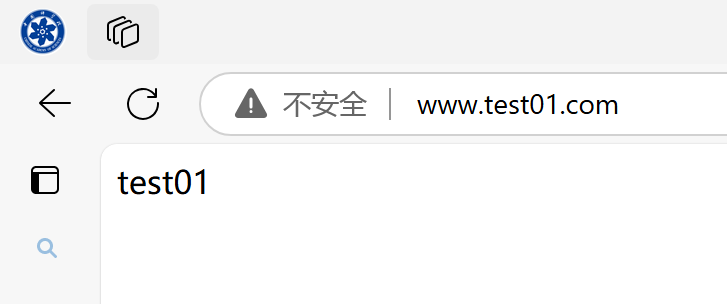
01 基于域名实现多任务
# 创建两个Nginx的conf文件
[root@likexy-nginx conf.d]# cat test01.conf
server{
	listen 80;
	server_name www.test01.com;

	location / {
		root /code;
		index test01.html;
	}
}
[root@likexy-nginx conf.d]# cat test02.conf
server{
	listen 80;
	server_name www.test02.com;

	location / {
		root /code;
		index test02.html;
	}
}
[root@likexy-nginx conf.d]# cd /code/
[root@likexy-nginx code]# cat test01.html
test01
[root@likexy-nginx code]# cat test02.html
test02
# 修改 C:\Windows\System32\drivers\etc\hosts
172.2.25.10	www.test01.com www.test02.com

02 Nginx基于多IP地址
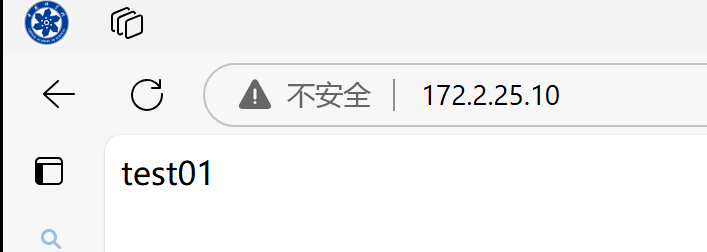
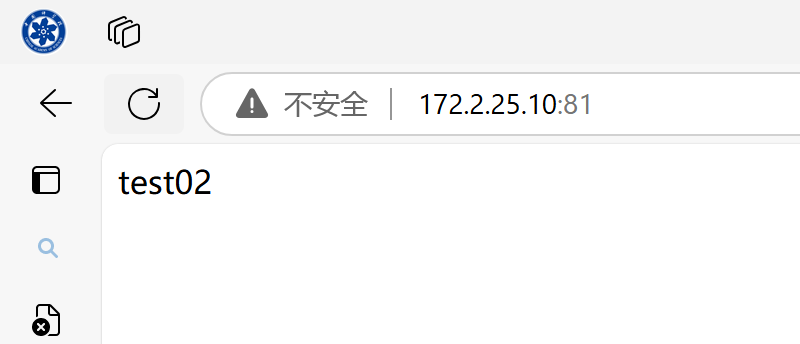
02-1 多端口
[root@likexy-nginx conf.d]# cat test01.conf
server{
	listen 80;
	server_name _;

	location / {
		root /code;
		index test01.html;
	}
}
[root@likexy-nginx conf.d]# cat test02.conf
server{
	listen 81;
	server_name _;

	location / {
		root /code;
		index test02.html;
	}
}
02-2 多IP
# 添加网卡IP地址
[root@likexy-nginx conf.d]# nmcli c modify ens33 +ipv4.addresses 172.2.25.110/24[root@likexy-nginx conf.d]# nmcli c down ens33 && nmcli c up ens33
成功停用连接 "ens33"(D-Bus 活动路径:/org/freedesktop/NetworkManager/ActiveConnection/1)
连接已成功激活(D-Bus 活动路径:/org/freedesktop/NetworkManager/ActiveConnection/2)

# 两个Nginx的conf文件监听端口不一样
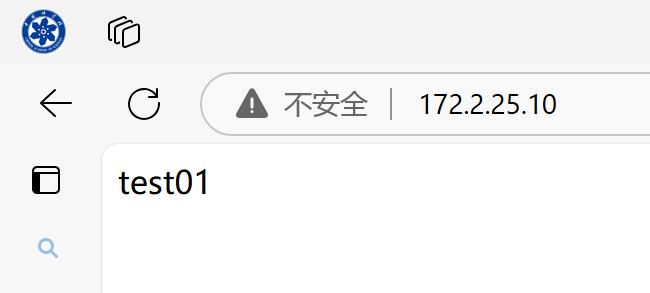
[root@likexy-nginx conf.d]# cat test01.conf
server{
	listen 172.2.25.10:80;
	server_name _;

	location / {
		root /code;
		index test01.html;
	}
}
[root@likexy-nginx conf.d]# cat test02.conf
server{
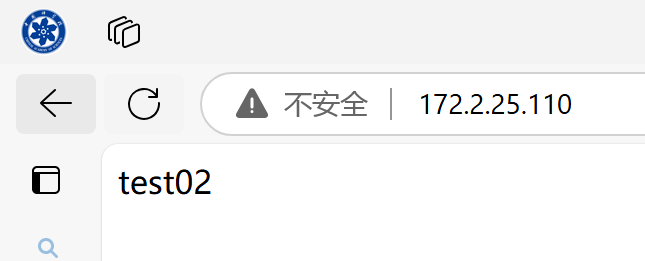
	listen 172.2.25.110:80;
	server_name _;

	location / {
		root /code;
		index test02.html;
	}

 浙公网安备 33010602011771号