Panel面板
-
解决了无法关闭问题,即调用addWindowsListener方法的子方法,并重写其中的WindowsClosing方法,来调用程序关闭的.exit(0)方法
//Panel 可以看成一个空间,但不能单独存在
public class TestPanel {
    public static void main(String[] args) {
        Frame frame = new Frame();

        Panel panel = new Panel();
        //设置布局
        frame.setLayout(null);
        //坐标
        frame.setBounds(300,300,500,500);
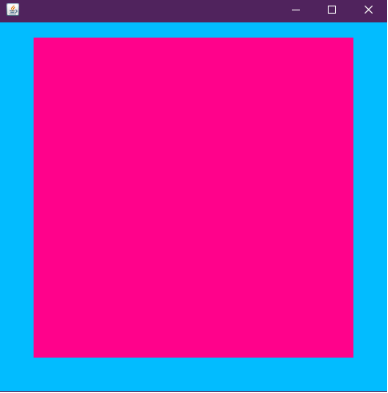
        frame.setBackground(new Color(0x02BCFF));
        //Panel设置坐标,相对于frame
        panel.setBounds(50,50,400,400);
        panel.setBackground(new Color(0xFF028B));
        //frame.add(panel)
        frame.add(panel);
        frame.setVisible(true);
        //监听事件,监听窗口关闭事件System.exit(0)
        //适配器模式
        frame.addWindowListener(new WindowAdapter() {
            //窗口关闭需要做的事情
            @Override
            public void windowClosing(WindowEvent e) {
                //结束程序
                System.exit(0);
                //super.windowClosing(e);
            }
        });
    }
}



 浙公网安备 33010602011771号