

第一周进展
课设第一周进展
本周计划完成的任务:
第一周完成OpenSSL、GmSSL、mbedTLS的配置安装以及使用,学习掌握openEuler的基本知识,熟悉openEuler的操作和环境。
本周实际完成的任务:
熟悉openEuler,安装openEuler虚拟机,熟悉其环境

在Ubuntu环境下尝试安装OpenSSL
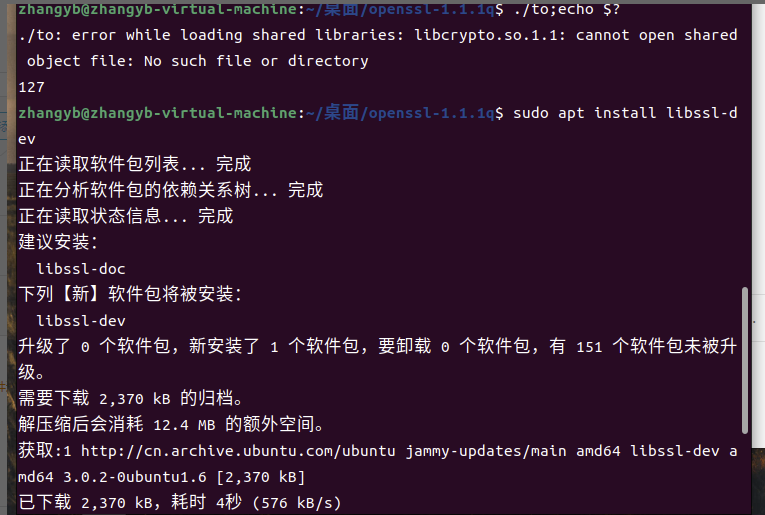
参考:https://blog.csdn.net/dreamback1987/article/details/103494304
编写测试openssl代码
#include <stdio.h>
#include <openssl/evp.h>

int main(){

    OpenSSL_add_all_algorithms();

    return 0;
}

编写测试SM4算法
#include <stddef.h>
#include <stdio.h>
#include <stdlib.h>
#include <string.h>
#include "openssl/err.h"
#include "openssl/evp.h"

/* Before OpenSSL 1.1.1-pre1, we did not have EVP_sm4_ecb() */
#if defined(OPENSSL_VERSION_NUMBER) \
    && OPENSSL_VERSION_NUMBER < 0x10101001L
static const EVP_CIPHER *(*EVP_sm4_ecb)()=EVP_aes_128_ecb;
#endif

typedef struct {
    const unsigned char *in_data;
    size_t in_data_len;
    int in_data_is_already_padded;
    const unsigned char *in_ivec;
    const unsigned char *in_key;
    size_t in_key_len;
} test_case_t;


void test_encrypt_with_cipher(const test_case_t *in, const EVP_CIPHER *cipher)
{
    unsigned char *out_buf = NULL;
    int out_len;
    int out_padding_len;
    EVP_CIPHER_CTX *ctx;

    ctx = EVP_CIPHER_CTX_new();
    EVP_EncryptInit_ex(ctx, cipher, NULL, in->in_key, in->in_ivec);

    if (in->in_data_is_already_padded)
    {
        /* Check whether the input data is already padded.
        And its length must be an integral multiple of the cipher's block size. */
        const size_t bs = EVP_CIPHER_block_size(cipher);
        if (in->in_data_len % bs != 0)
        {
            printf("ERROR-1: data length=%d which is not added yet; block size=%d\n", (int) in->in_data_len, (int) bs);
            /* Warning: Remember to do some clean-ups */
            EVP_CIPHER_CTX_free(ctx);
            return;
        }
        /* Disable the implicit PKCS#7 padding defined in EVP_CIPHER */
        EVP_CIPHER_CTX_set_padding(ctx, 0);
    }

    out_buf = (unsigned char *) malloc(((in->in_data_len>>4)+1) << 4);
    out_len = 0;
    EVP_EncryptUpdate(ctx, out_buf, &out_len, in->in_data, in->in_data_len);
    if (1)
    {
        printf("Debug: out_len=%d\n", out_len);
    }

    out_padding_len = 0;
    EVP_EncryptFinal_ex(ctx, out_buf+out_len, &out_padding_len);
    if (1)
    {
        printf("Debug: out_padding_len=%d\n", out_padding_len);
    }

    EVP_CIPHER_CTX_free(ctx);
    if (1)
    {
        int i;
        int len;
        len = out_len + out_padding_len;
        for (i=0; i<len; i++)
        {
            printf("%02x ", out_buf[i]);
        }
        printf("\n");
    }

    if (out_buf)
    {
        free(out_buf);
        out_buf = NULL;
    }
}

void main()
{
    int have_sm4 = (OPENSSL_VERSION_NUMBER >= 0x10101001L);
    int have_aes = 1;
    const unsigned char data[]=
    {
        0x01, 0x23, 0x45, 0x67, 0x89, 0xab, 0xcd, 0xef,
        0xfe, 0xdc, 0xba, 0x98, 0x76, 0x54, 0x32, 0x10,
    };
    unsigned char ivec[EVP_MAX_IV_LENGTH]; ///< IV 向量
    const unsigned char key1[16] = ///< key_data, 密钥内容, 至少16字节
    {
        0x01, 0x23, 0x45, 0x67, 0x89, 0xab, 0xcd, 0xef,
        0xfe, 0xdc, 0xba, 0x98, 0x76, 0x54, 0x32, 0x10,
    };
    test_case_t tc;

    tc.in_data = data;
    tc.in_data_len = sizeof(data);
    tc.in_data_is_already_padded = (tc.in_data_len % 16)==0; // Hard coded 16 as the cipher's block size
    tc.in_key = key1;
    tc.in_key_len = sizeof(key1);
    memset(ivec, 0x00, EVP_MAX_IV_LENGTH);
    tc.in_ivec = ivec;

#if defined(OPENSSL_NO_SM4)
    have_sm4 = 0;
#endif
    if (have_sm4)
    {
        printf("[1]\n");
        printf("Debug: EVP_sm4_ecb() test\n");
        test_encrypt_with_cipher(&tc, EVP_sm4_ecb());
    }
#if defined(OPENSSL_NO_AES)
    have_aes = 0;
#endif
    if (have_aes)
    {
        printf("[2]\n");
        printf("Debug: EVP_aes_128_ecb() test\n");
        test_encrypt_with_cipher(&tc, EVP_aes_128_ecb());
    }
}
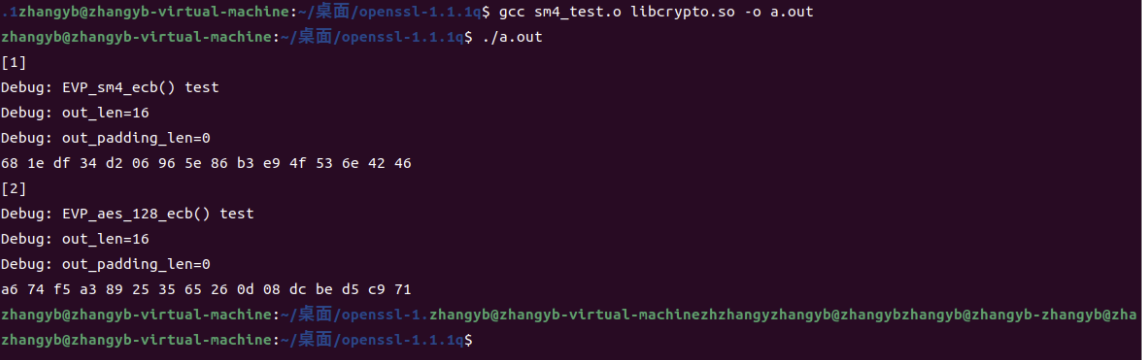
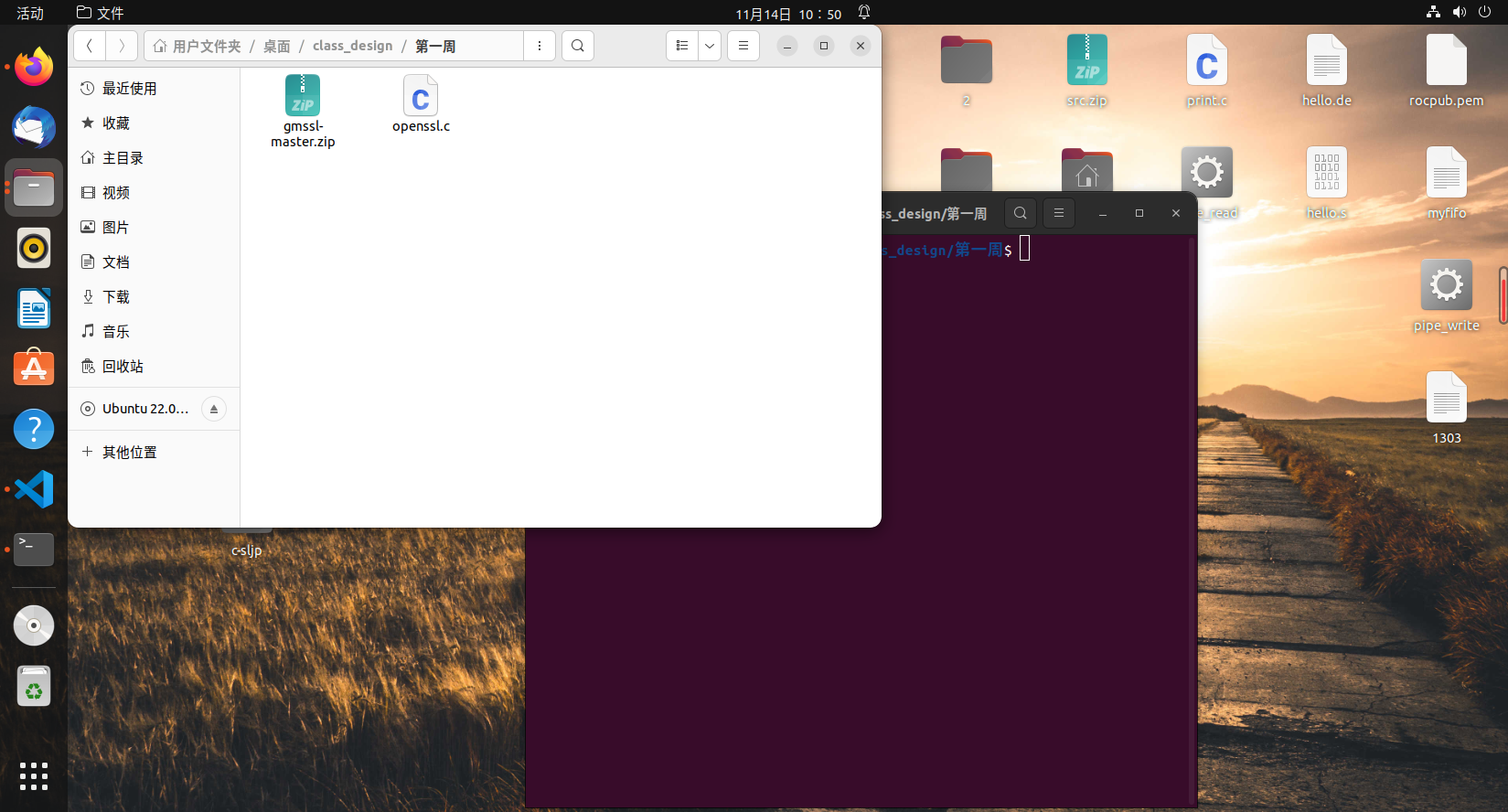
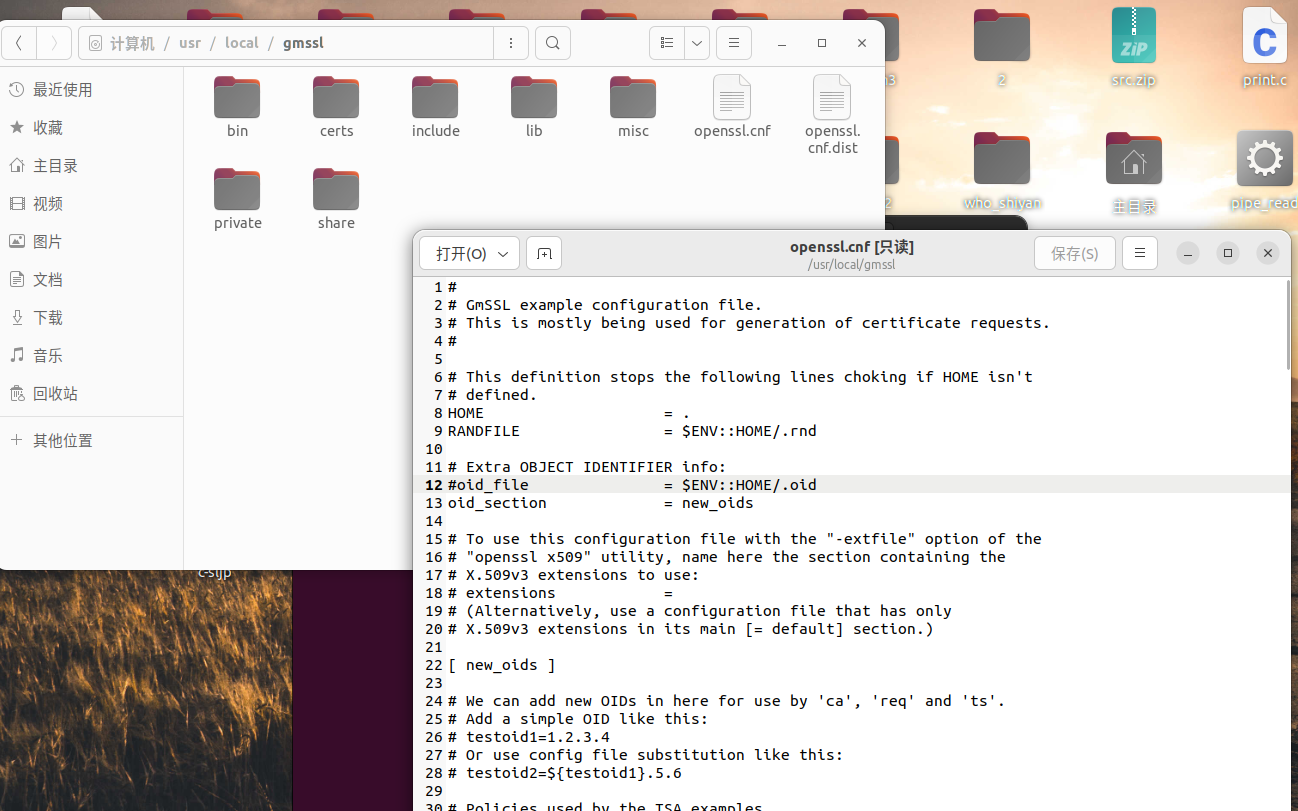
安装配置GmSSL
参考:https://blog.csdn.net/zyhse/article/details/112350363
http://gmssl.org/docs/quickstart.html

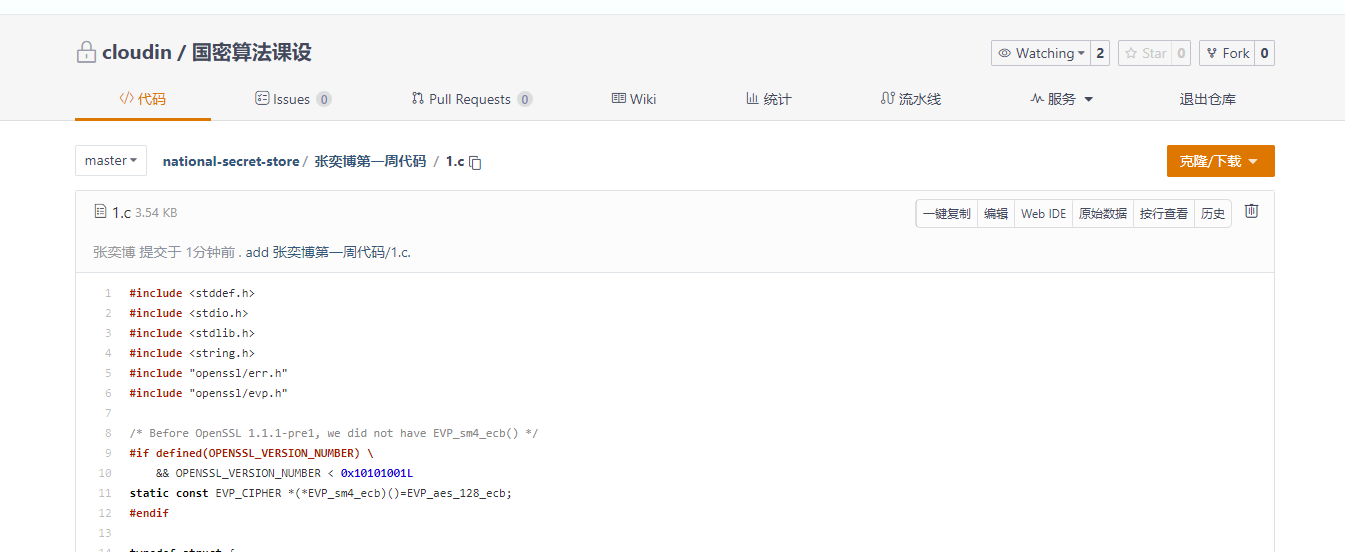
加入小组码云库
https://gitee.com/cloud-in/national-secret-store
未完成的任务
GmSSL的应用实践、mbedTLS的配置安装
原因:其余课程任务多,自身分配时间存在一定问题
遇到的问题
安装Gmssl库的时候报错
参考:https://blog.csdn.net/weixin_45485719/article/details/107877000
错误1
Operating system: x86_64-whatever-linux2 “glob” is not exported by the File::Glob module Can’t continue after import errors at ./Configure line 18. BEGIN failed–compilation aborted at ./Configure line 18. “glob” is not exported by the File::Glob module Can’t continue after import errors at ./Configure line 18. BEGIN failed–compilation aborted at ./Configure line 18. This system (linux-x86_64) is not supported. See file INSTALL for details
原因是因为UBUNTU版本不兼容的问题,修改安装文件内容即可
在 Configure文件和 test/build.info这个文件,把use if $^O ne "VMS", 'File::Glob' => qw/glob/;
改成use if $^O ne "VMS", 'File::Glob' => qw/:glob/; 就解决了。

 浙公网安备 33010602011771号