

恒大人寿修改ssh密码
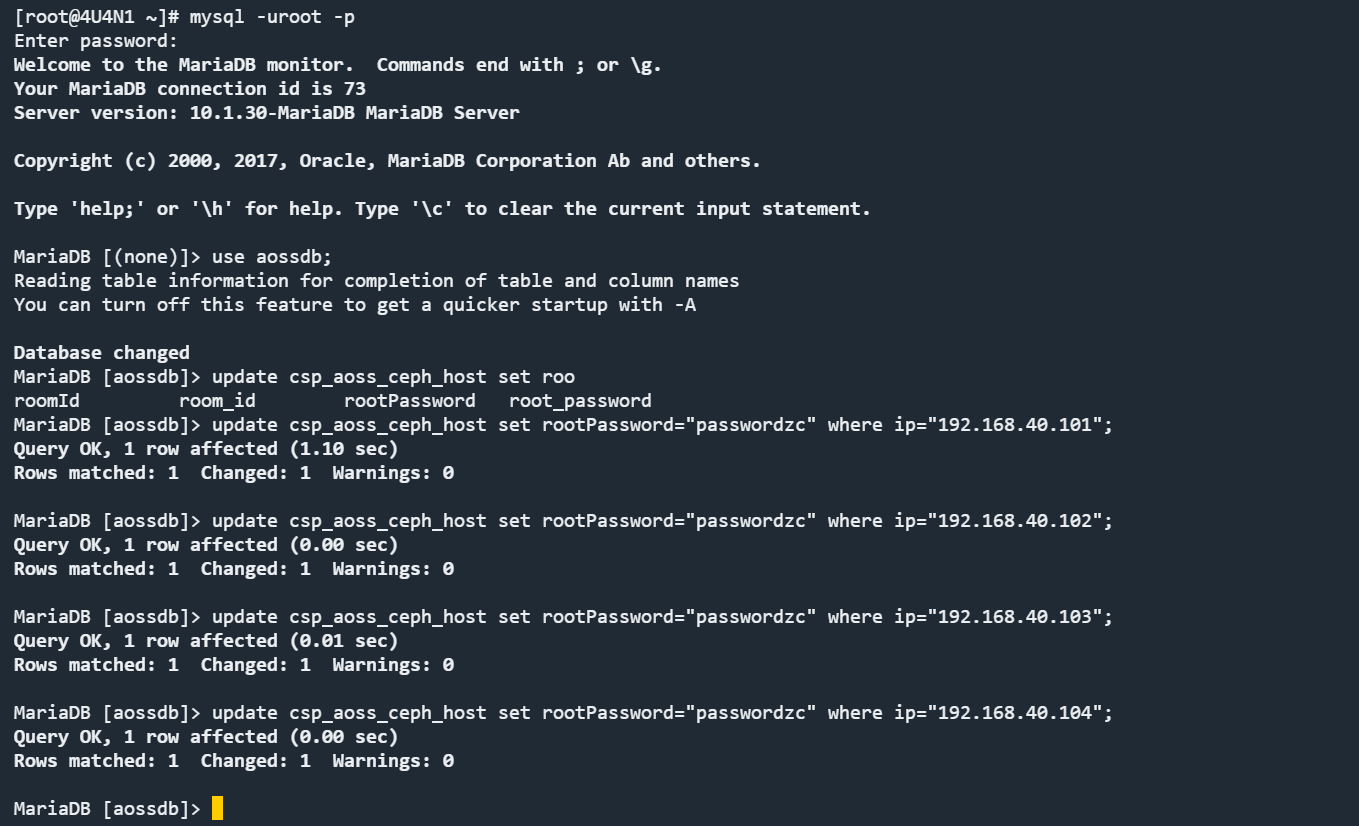
[root@4U4N1 ~]# mysql -uroot -p
Enter password:
Welcome to the MariaDB monitor. Commands end with ; or \g.
Your MariaDB connection id is 73
Server version: 10.1.30-MariaDB MariaDB Server
Copyright (c) 2000, 2017, Oracle, MariaDB Corporation Ab and others.
Type 'help;' or '\h' for help. Type '\c' to clear the current input statement.
MariaDB [(none)]> use aossdb;
Reading table information for completion of table and column names
You can turn off this feature to get a quicker startup with -A
Database changed
MariaDB [aossdb]> update csp_aoss_ceph_host set rootPassword="passwordzc" where ip="192.168.40.101";
Query OK, 1 row affected (1.10 sec)
Rows matched: 1 Changed: 1 Warnings: 0
MariaDB [aossdb]> update csp_aoss_cluster set ADMIN_ROOT_PASSWORD="passwordzc" where ADMIN_IP="192.168.40.101";
Query OK, 1 row affected (0.04 sec)
Rows matched: 1 Changed: 1 Warnings: 0
MariaDB [aossdb]> update csp_aoss_cluster_admin set root_password="passwordzc" where ip="192.168.40.101";
MariaDB [aossdb]> update csp_aoss_ceph_host set rootPassword="passwordzc" where ip="192.168.40.102";
Query OK, 1 row affected (0.00 sec)
Rows matched: 1 Changed: 1 Warnings: 0
MariaDB [aossdb]> update csp_aoss_ceph_host set rootPassword="passwordzc" where ip="192.168.40.103";
Query OK, 1 row affected (0.01 sec)
Rows matched: 1 Changed: 1 Warnings: 0
MariaDB [aossdb]> update csp_aoss_ceph_host set rootPassword="passwordzc" where ip="192.168.40.104";
Query OK, 1 row affected (0.00 sec)
Rows matched: 1 Changed: 1 Warnings: 0
MariaDB [aossdb]>
2.重启SSA服务
cd /usr/local/aoss/tomcat/bin
sh shutdownprocess.sh
sh startup.sh
3.检查etcd服务是否正常
etcdctl member list
4.检查对象存储操作是否正常
对象的增删查
5.查看sql备份节点数据库备份是否正常
cd /usr/local/aoss/sql/

 浙公网安备 33010602011771号