实验4:开源控制器实践——OpenDaylight
一、实验目的
能够独立完成OpenDaylight控制器的安装配置;
能够使用Postman工具调用OpenDaylight API接口下发流表。
二、实验环境
Ubuntu 20.04 Desktop amd64
(一)基本要求
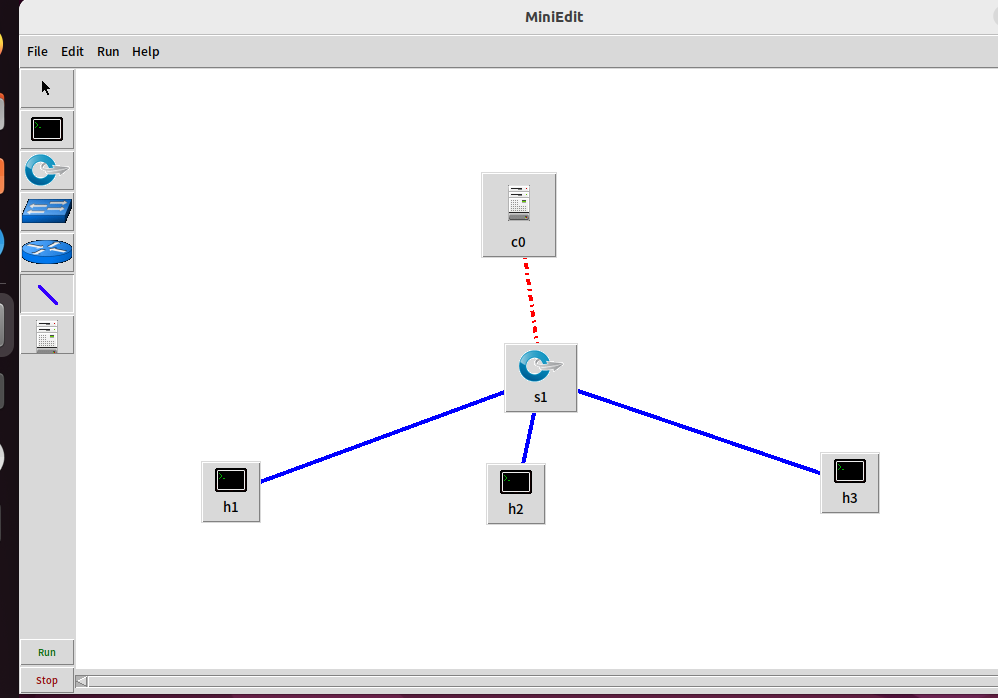
1 拓扑
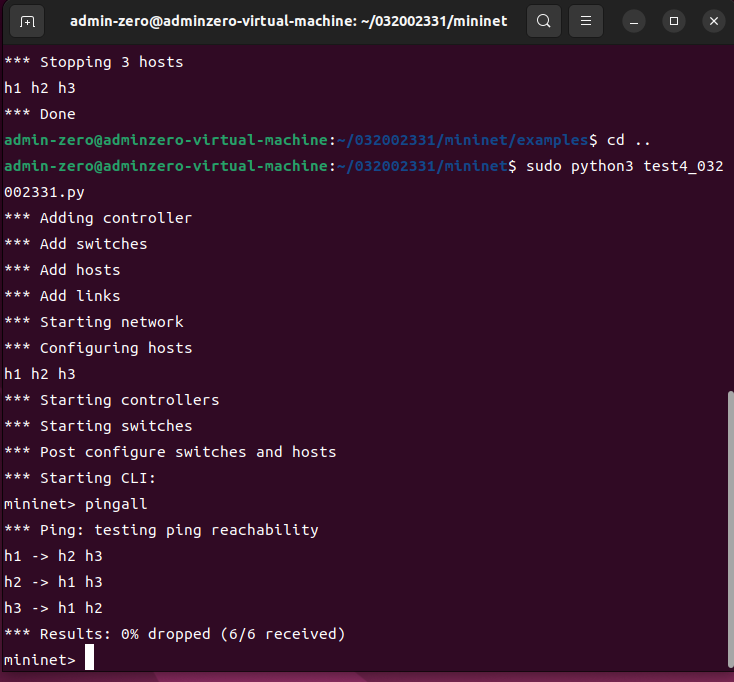
2 生成
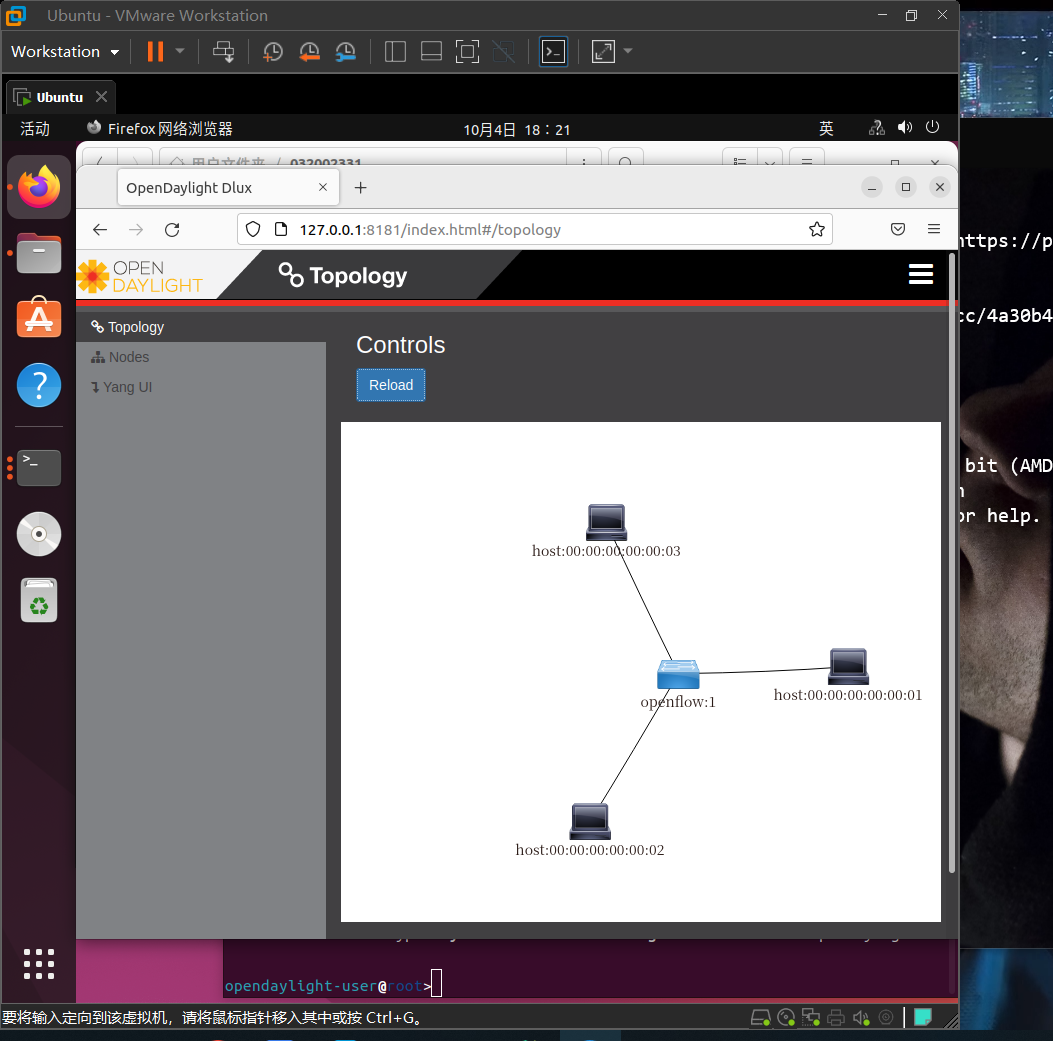
3 控制器
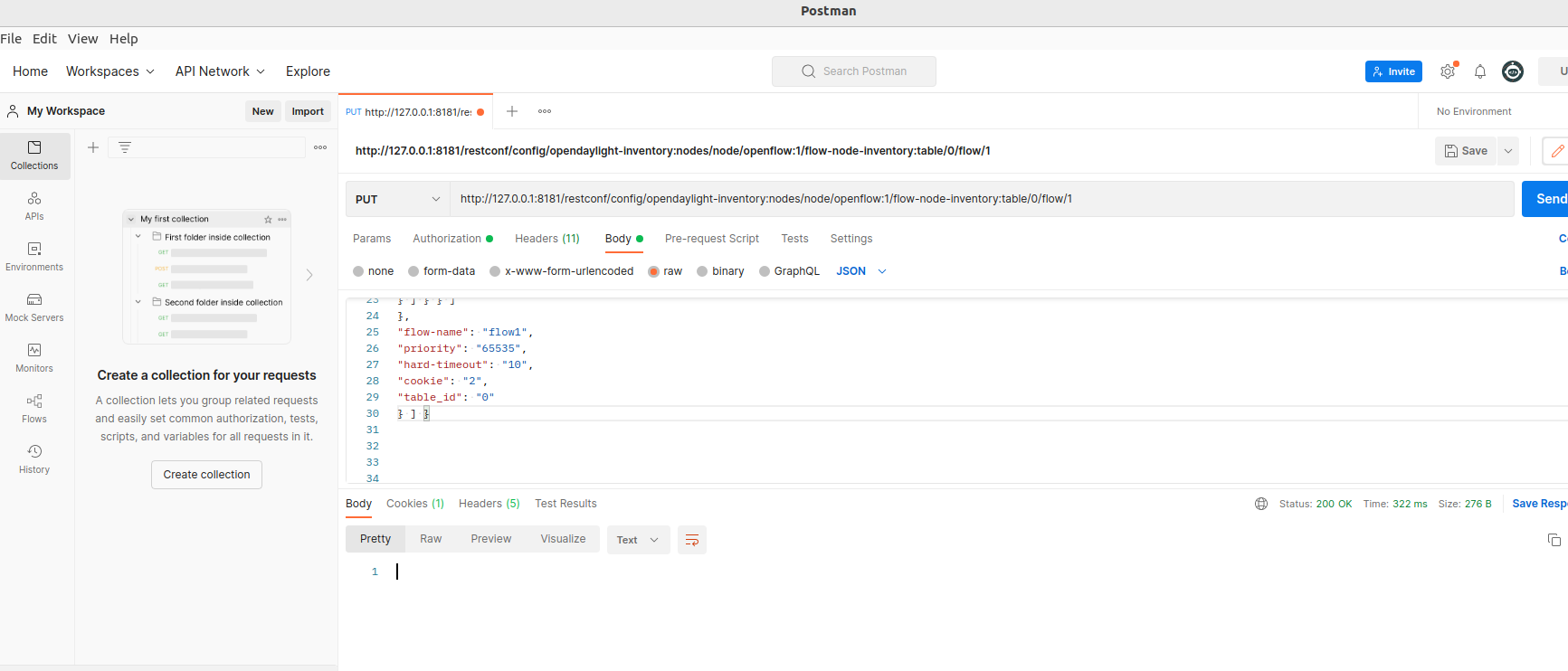
4 流表控制
(二)进阶
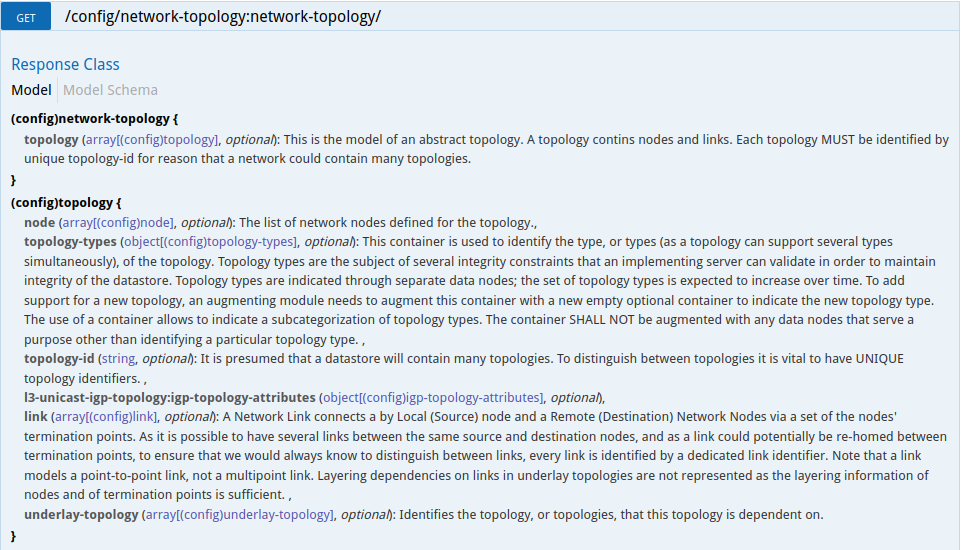
1 获取拓扑交换机 http://127.0.0.1:8181/apidoc/explorer/index.html#!/network-topology(2013-07-12)/GET_network_topology_get_1
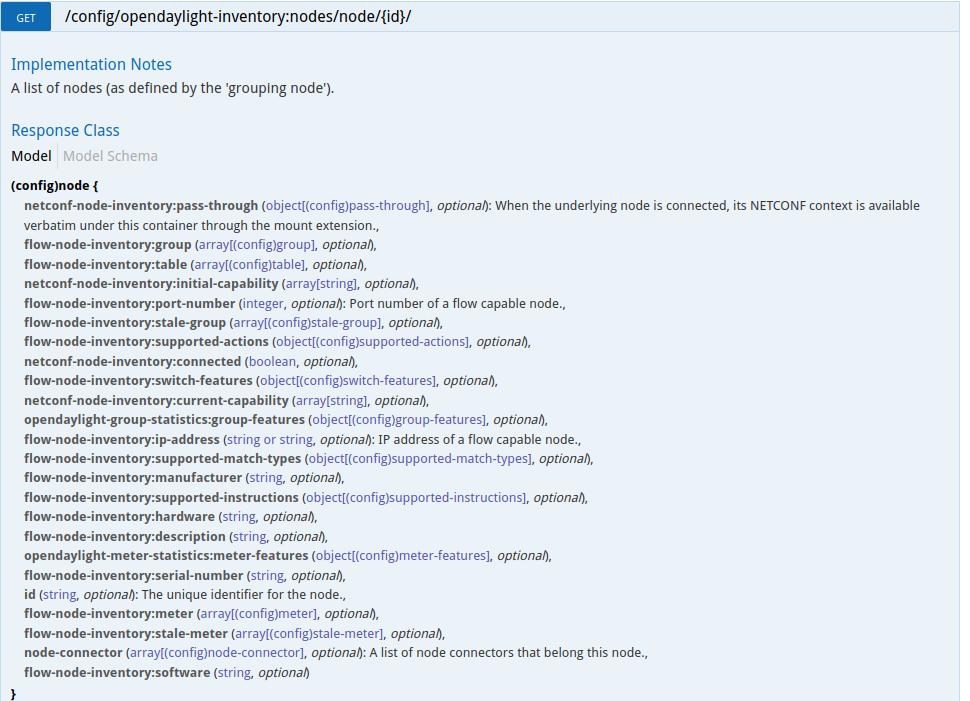
2 获取交换机信息 http://127.0.0.1:8181/apidoc/explorer/index.html#!/opendaylight-inventory(2013-08-19)/GET_node_get_5
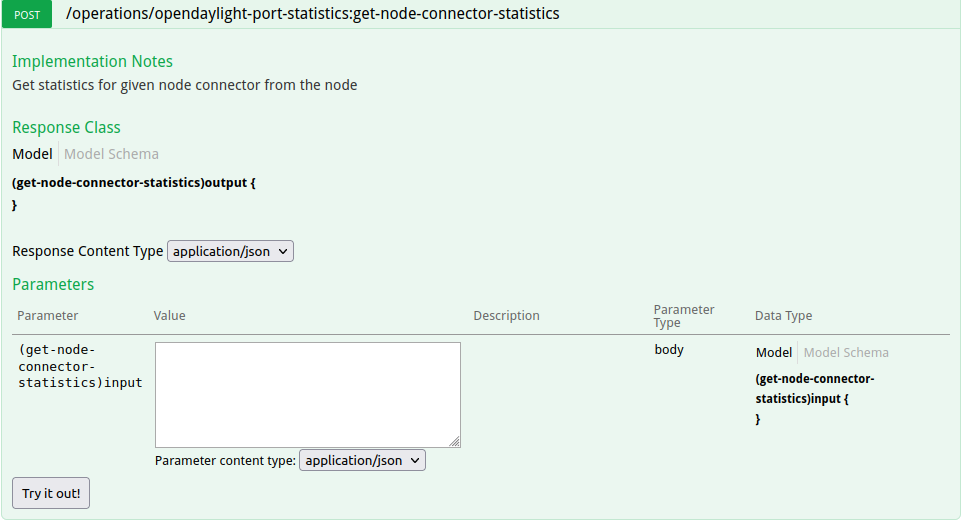
3 获取特定交换机端口的状态 http://127.0.0.1:8181/apidoc/explorer/index.html#!/opendaylight-port-statistics(2013-12-14)/get_node_connector_statistics_post_0
4 流表的修稿
http://127.0.0.1:8181/apidoc/explorer/index.html#!/opendaylight-inventory(2013-08-19)/GET_flow_get_198

实验总结
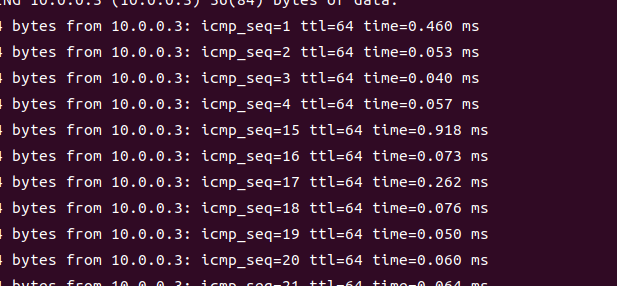
本次实验发现了 pingall ping不通的原因 自己在查询 arp表的时候发现 h1 h2 h3 (mininet> h1 arp -nv)中其中地址是 incomplete
后来发现 是openflow版本问题 要把配置 连接控制器时候的 openflow13 改成 openflow10 并且不要加入mac 由于本机是NAT 加入mac会导致 连接不上网络

 浙公网安备 33010602011771号