


搭建分布式配置中心
十一、分布式配置中心
由于服务众多,服务常会冗余部署,因此对服务的配置管理就显得非常的繁琐和困难,因此需要一个分布式配置中心,对配置进行集中管理,且支持热部署,这就是分布式配置中心的作用。


1.搭建分布式配置中心服务端
1)引入依赖
		<dependency>
            <groupId>org.springframework.cloud</groupId>
            <artifactId>spring-cloud-config-server</artifactId>
        </dependency>
2) 启动类上打上注解
@SpringBootApplication
@EnableDiscoveryClient
@EnableConfigServer
public class MyConfigServerApplication {

    public static void main(String[] args) {
        SpringApplication.run(MyConfigServerApplication.class, args);
    }

}
3)编写配置文件
spring:
  application:
    name: my-config-server
# 配置中心服务端的配置
  cloud:
    config:
      label: master
      server:
        git:
          uri: https://gitee.com/aze181/java2007-config-server.git
          search-paths: respo
server:
  port: 8888
eureka:
  client:
    service-url:
      defaultZone: http://localhost:8761/eureka/
注意:端口不要改掉,就用8888
2.上传配置文件并使用配置中心来访问
在创建的respo文件夹内上传某一个项目不同环境的多个配置文件

通过浏览器访问配置中心,通过路径的设置来访问到不同的配置文件。可以更改/test/。 /dev/。/prod/ 来切换不同环境的配置

3. 让服务从配置中心获取配置——服务成为配置中心客户端
1) 引入依赖
<!--spring cloud config client-->
        <dependency>
            <groupId>org.springframework.cloud</groupId>
            <artifactId>spring-cloud-starter-config</artifactId>
        </dependency>
2)编写配置文件
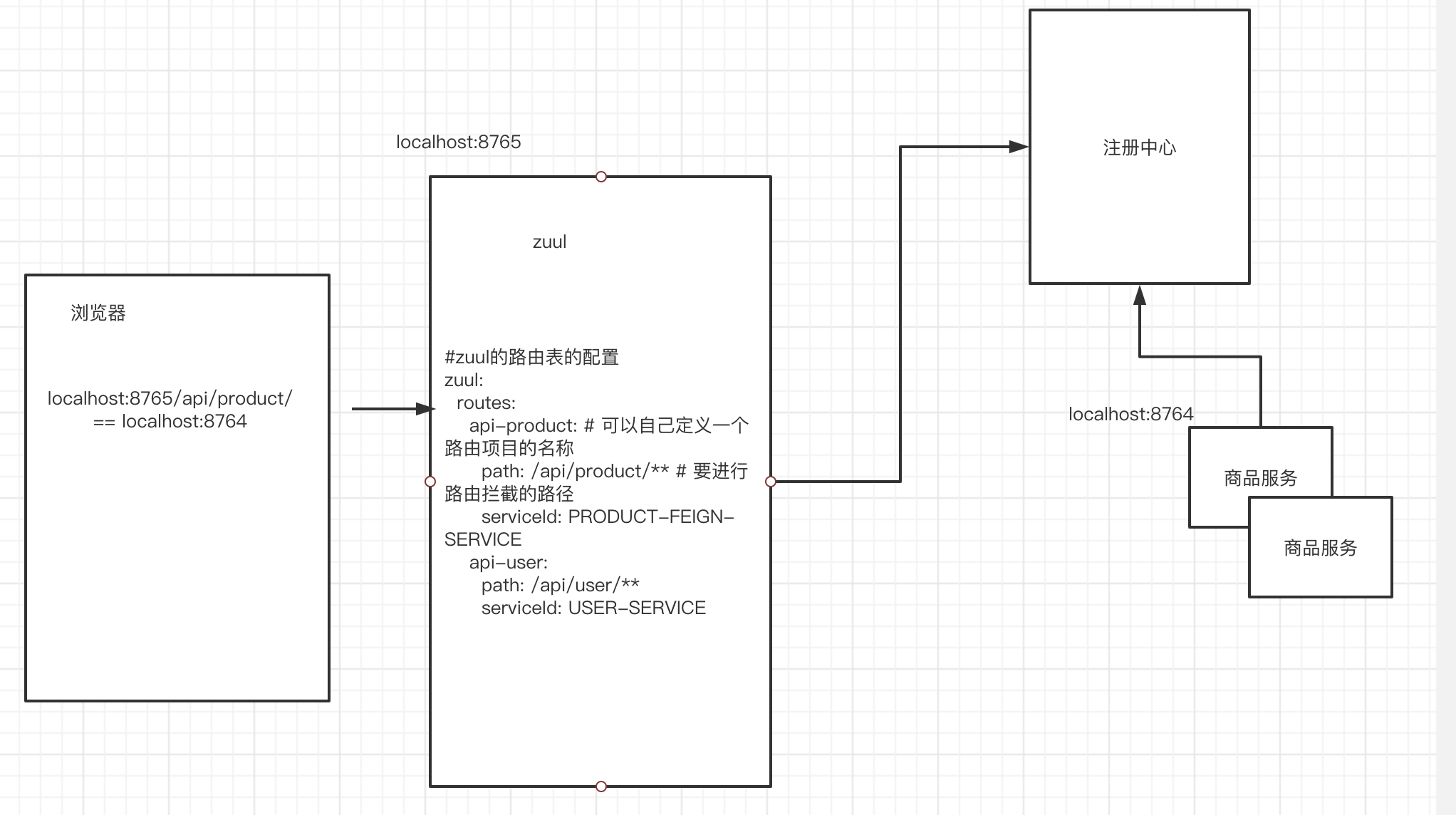
配置文件中的内容:
spring:
  # 当前是配置中心客户端,需要向配置中心服务端获取配置文件
  cloud:
    config:
      uri: http://localhost:8888
      name: my-product-feign-service
      label: master
      # prod dev test
      profile: prod
如何使用多环境配置文件中的某一个配置文件?
两种方式:
- 方式一: 在idea中指定环境配置文件
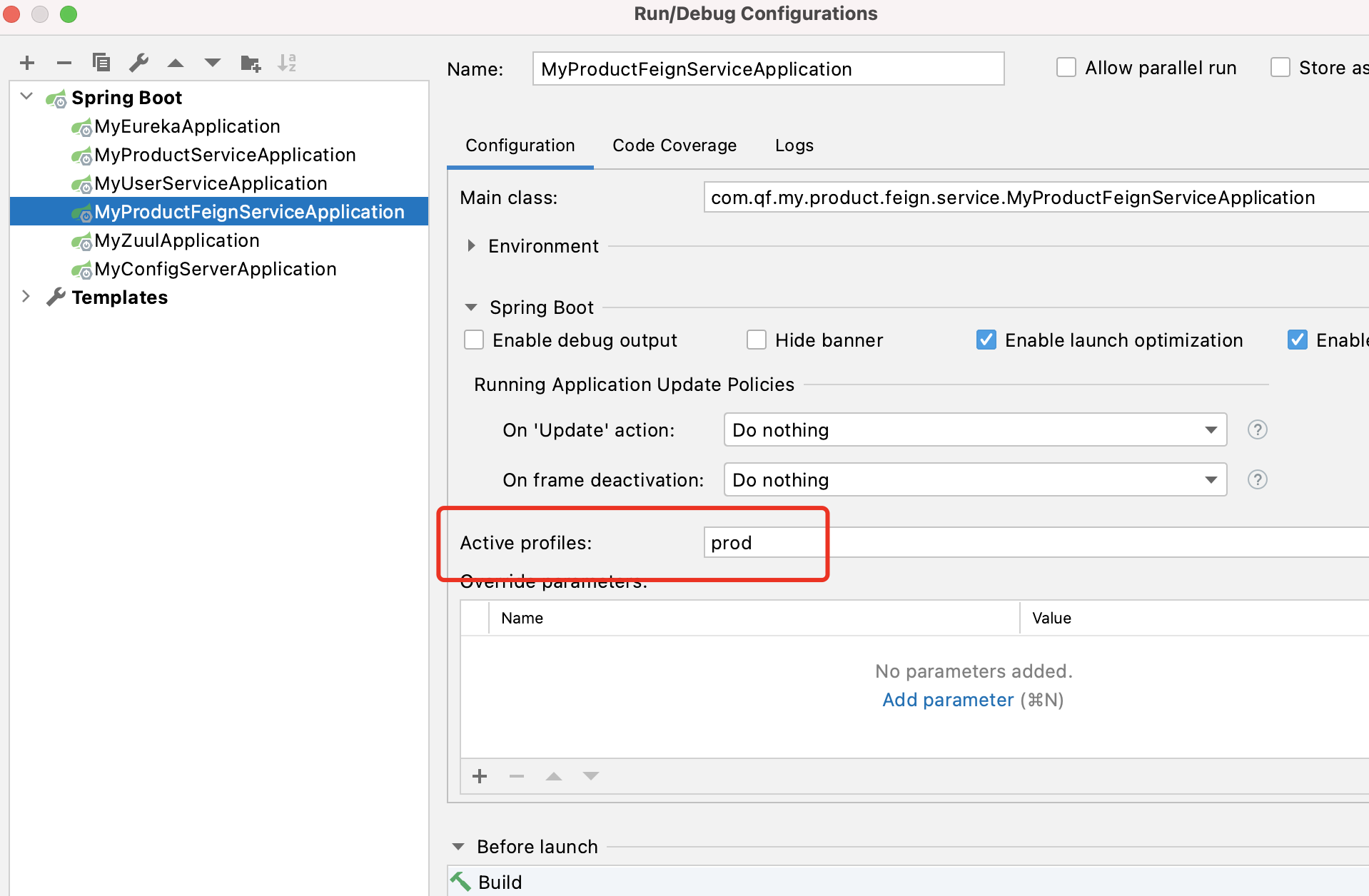
- 方式二:在启动jar包时,指定配置文件
java -jar XXXX.jar --spring.profiles.active=dev

 浙公网安备 33010602011771号