


实验6
实验任务1
task1_1.py
实验源码:
from turtle import *
def move(x,y):
    penup()
    goto(x,y)
    pendown()

def draw(n,size=100):
    for i in range(n):
        fd(size)
        left(360/n)

def main():
    pensize(2)
    pencolor('red')

    move(-200,0)
    draw(3)

    move(0,0)
    draw(4)

    move(200,0)
    draw(5)

    hideturtle()
    done()


main()
测试截图: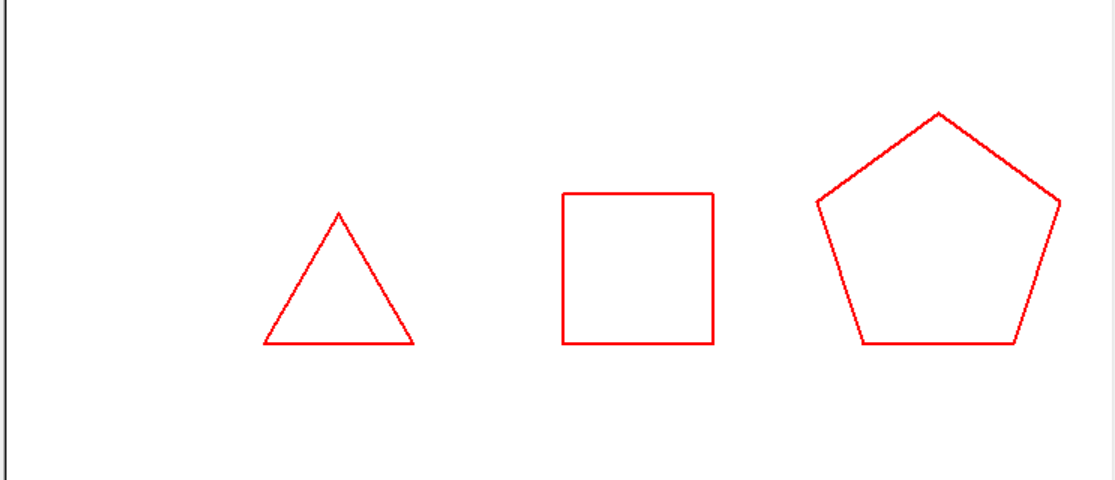
task1_2.py
实验源码:
from turtle import *
def moveto(x,y):
    penup()
    goto(x,y)
    pendown()

def main():
    pensize(2)
    pencolor('blue')

    moveto(-150,0)
    circle(50)

    moveto(0,0)
    circle(50,steps = 4)

    moveto(150,0)
    circle(50,steps = 5)

    moveto(300,0)
    circle(50,steps = 6)

    hideturtle()
    done()

main()
测试截图: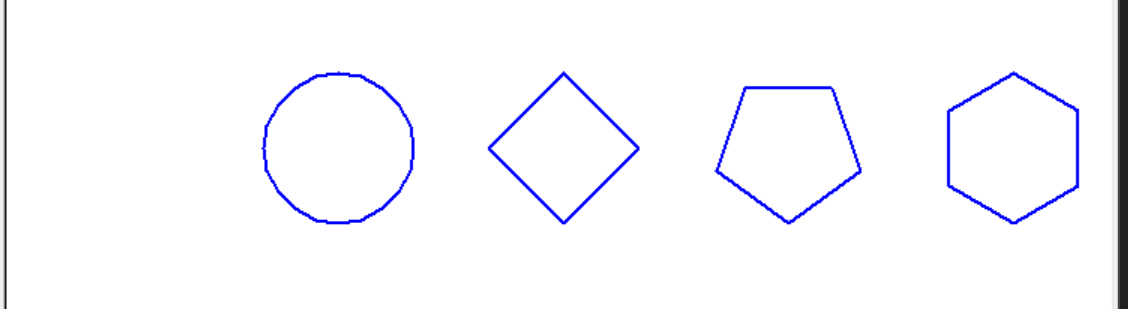
实验任务2
task2_1.py
实验源码:
from turtle import *
def moveto(x,y):
    penup()
    goto(x,y)
    pendown()

def main():
    setup(800,600)

    radius=20
    offset=20

    for i in range(9):
        moveto(0,-radius)
        circle(radius)
        radius+=offset

    hideturtle()
    done()

main()
测试截图: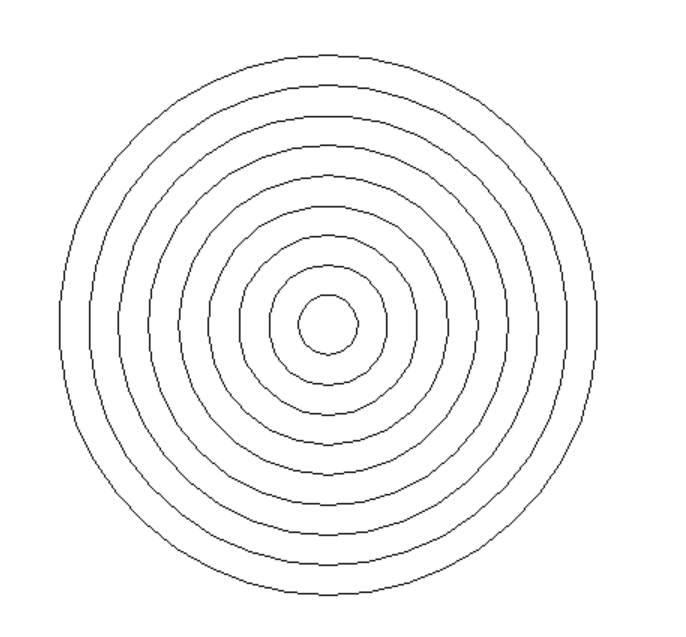
task2_2.py
实验源码:
from turtle import *
from random import random

def moveto(x,y):
    penup()
    goto(x,y)
    pendown()

def gen_color():
    return tuple((random() for i in range(3)))

def main():
    setup(800,600)
    radius=180
    offset=20

    for i in range(8):
        moveto(0,-radius)
        color(gen_color())

        begin_fill()
        circle(radius)

        radius-=offset

    hideturtle()
    done()

main()
测试截图: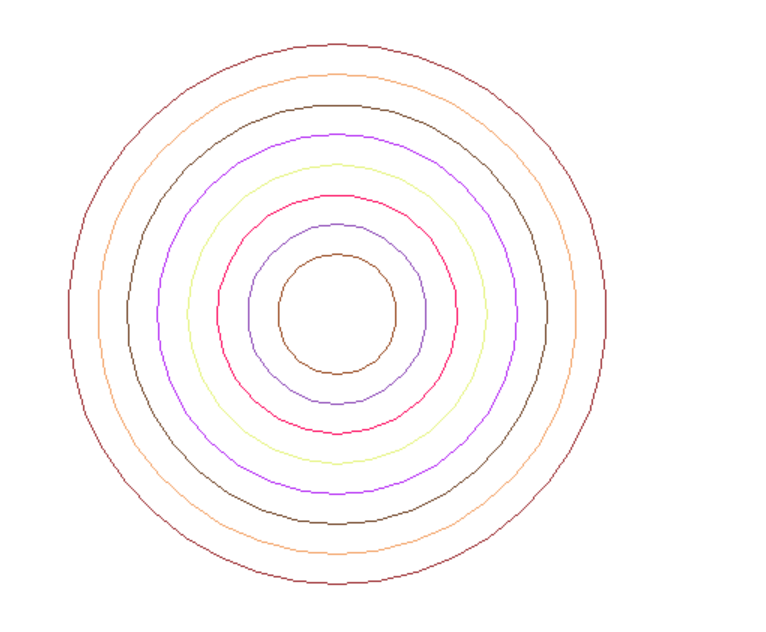

颜色每次都随机变化
能
radius=180修改为radius=20
radius-=offset修改为radius+=offset
实验任务3
task3_1.py
实验源码:
from turtle import *
def square(size=50,rgb='orange'):
    pencolor(rgb)
    for i in range(4):
        fd(size)
        left(90)

def main():
    setup(800,600)
    speed(0)

    n=10
    for i in range(n):
        square(80)
        left(360/n)

    hideturtle()
    done()

main()
测试截图:
task3_2.py
实验源码:
from turtle import *

setup(800,600)
pencolor('pink')

n=10
for i in range(10):
    for j in range(2):
        circle(80,90)
        left(90)

    right(360/n)
hideturtle()
done()
测试截图:
实验任务4
实验源码:
from turtle import *

setup(800,600)
bgcolor('black')
pencolor('white')
speed(0)

angle=0
size=2

n=5
count=50
for i in range(count):
    fd(size)
    angle+=360/n
    seth(angle)
    size+=5

hideturtle()
done()
测试截图: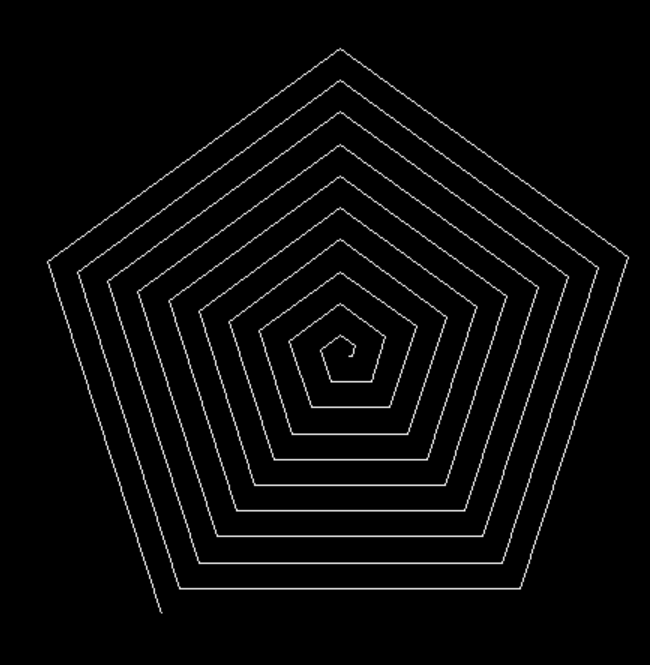
实验任务5
task5_1.py
实验源码:
import turtle
from math import *
turtle.penup()
turtle.goto(-100,-100)
turtle.pendown()
turtle.color('black','black')
turtle.begin_fill()
turtle.fd(200)
turtle.seth(90)
turtle.fd(200)
turtle.seth(180)
turtle.fd(200)
turtle.seth(270)
turtle.fd(200)
turtle.end_fill()
turtle.penup()
turtle.goto(0,-100)
turtle.pendown()
turtle.color('red','red')
turtle.begin_fill()
turtle.seth(45)
turtle.fd(100*sqrt(2))
turtle.seth(135)
turtle.fd(100*sqrt(2))
turtle.seth(-135)
turtle.fd(100*sqrt(2))
turtle.seth(-45)
turtle.fd(100*sqrt(2))
turtle.end_fill()
turtle.hideturtle()
turtle.done()
测试截图:
task5_2.py
实验源码:
import turtle as t
t.penup()
t.goto(0,0)
t.pensize(2)
t.pencolor('blue')
t.pendown()
t.fd(120)
t.seth(90)
t.circle(120,90)
t.seth(-90)
t.fd(120)
t.penup()
t.seth(0)
t.pendown()
t.fd(100)
t.seth(90)
t.circle(100,90)
t.seth(-90)
t.fd(100)
t.penup()
t.seth(0)
t.pendown()
t.fd(80)
t.seth(90)
t.circle(80,90)
t.seth(-90)
t.fd(80)
t.penup()
t.seth(0)
t.pendown()
t.fd(60)
t.seth(90)
t.circle(60,90)
t.seth(-90)
t.fd(60)
t.penup()
t.seth(0)
t.pendown()
t.fd(40)
t.seth(90)
t.circle(40,90)
t.seth(-90)
t.fd(40)
t.hideturtle()
t.done()
测试截图:
实验任务6
实验源码:
import turtle as t
t.penup()
t.goto(0,0)
t.pendown()
t.bgcolor('black')
t.color('yellow','yellow')
t.begin_fill()
t.circle(100)
t.end_fill()
t.penup()
t.goto(0,100)
t.pendown()
t.begin_fill()
t.color('black','black')
t.seth(-45)
t.fd(100)
t.circle(100,270)
t.seth(45)
t.fd(100)
t.end_fill()
t.penup()
t.goto(0,150)
t.pendown()
t.color('black','black')
t.begin_fill()
t.circle(10)
t.end_fill()
t.penup()
t.goto(-10,158)
t.pendown()
t.color('white','white')
t.begin_fill()
t.circle(3)
t.end_fill()
t.hideturtle()
t.done()
测试截图:
实验任务7
实验源码:
from matplotlib import pyplot as plt

def func(x):
    return 4*x*(1-x)
def gen_lst(x,n):
    ans = []
    for i in range(n):
        t = func(x)
        ans.append(t)
        x = t
    return ans

def main():
    n=30

    lst1 = gen_lst(0.2,n)
    lst2 = gen_lst(0.2000001,n)

    x=list(range(1,31))
    plt.plot(x,lst1,'ro-',x,lst2,'bs-')
    plt.xticks(list(range(1,31,4)))
    plt.legend(['x=0.2','x=0.2000001'])
    plt.show()

main()
测试截图: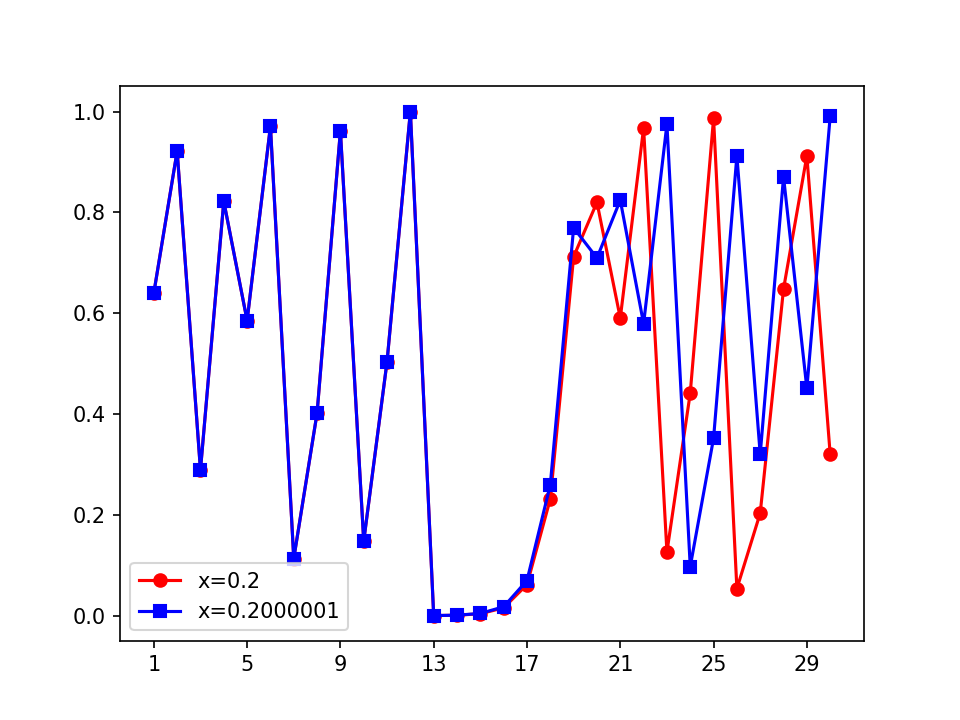
实验任务8
实验源码:
import jieba
from wordcloud import WordCloud
from matplotlib import pyplot as plt
text = '''requests是一个常用的HTTP请求库,可以方便地向网站发送HTTP请求,并获取响应结
果。
Scrapy是一个开源和协作框架,用于从网站中提取数据,是最流行的爬虫框架。
SciPy是一个开源的Python算法库和数学工具包,它基于Numpy,用于数学、科学、工程学等领
域。'''

word=jieba.lcut(text)

t=' '.join(word)
t_wc=WordCloud(font_path='msyh.ttc').generate(t)
t_wc.to_file('wordcloud.png')

plt.imshow(t_wc)
plt.axis('off')
plt.show()
测试截图:

 浙公网安备 33010602011771号