

vue 绑定css和style
绑定css
- 对象绑定
v-bind:class='{current:true,wrong:false}'
或者
:class='{current:true,wrong:false}'
- 数组绑定
v-bind:class="['current','wrong']"
实战
<style>
    .current {
        width: 200px;
        height: 200px;
        background-color: pink;
    }

    .wrong {
        height: 220px;
        background-color: red;
    }

    .hidden {
        width: 200px;
        height: 200px;
        background-color: yellow;
        display: none;
    }
</style>

<div class="app">
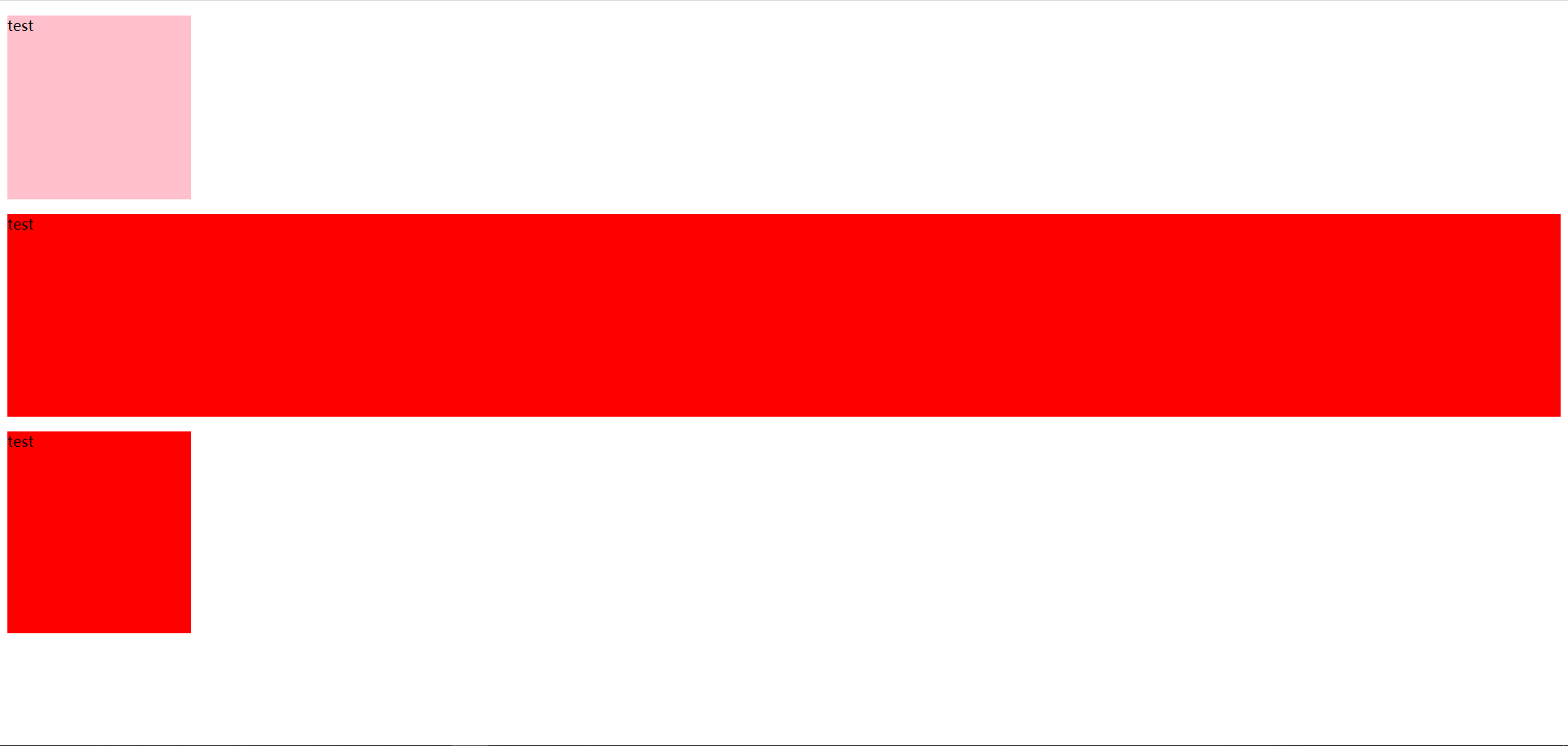
    <p class="current">test</p>
    <p :class="['current','wrong']">test</p>
    <span :class="{hidden:isHidden}">123</span><br>
    <button @click='handle'>切换</button>
</div>
<script src="./node_modules/vue/dist/vue.js"></script>
<script>
    new Vue({
        el: '.app',
        data() {
            return {
                iscurrent: false,
                iswrong: true,
                isHidden: false,
            }
        },
        methods: {
            handle() {
                this.isHidden = !this.isHidden;
            }
        }
    })
</script>
绑定内联样式style
:style 的对象语法十分直观——看着非常像 CSS,但其实是一个 JavaScript 对象
- 对象绑定
:style="{height: '100px',color: 'red'}"
- 数组语法
:style="['height','color']"
实战
<div class="app">
    <div :style="{width: width,height: height,color: 'red',background:background}">我是一个div</div>
    <div :style="[widthStyle,heightStyle,backgroundStyle]">我是一个div</div>
</div>
<script src="./node_modules/vue/dist/vue.js"></script>
<script>
    new Vue({
        el: '.app',
        data() {
            return {
                widthStyle: {
                    width: '100px',
                },
                heightStyle: {
                    height: '100px',
                },
                backgroundStyle: {
                    background: 'yellow'
                },
                width: '100px',
                height: '100px',
                background: 'yellow',
            }
        },
    })
</script>

 浙公网安备 33010602011771号