

pytest html报告
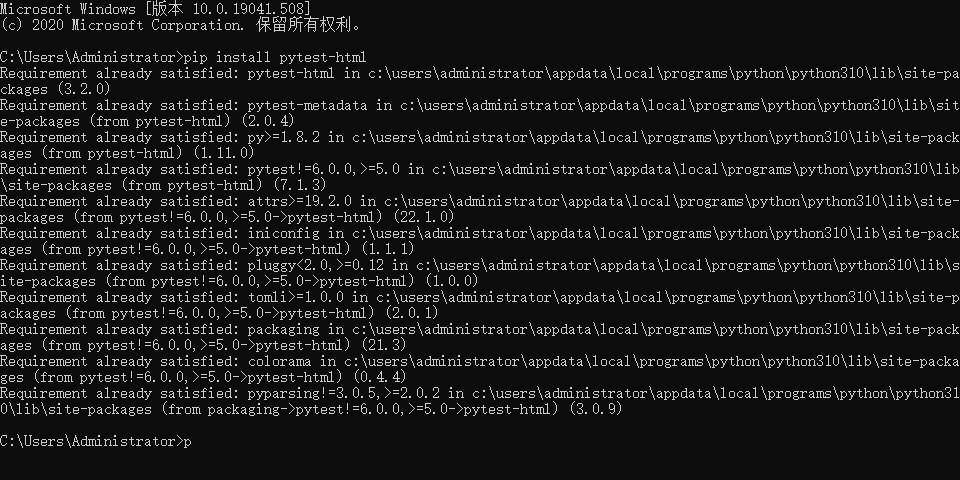
pytest-html是pytest用于生成测试结果的html插件。可以登录github下载,可以使用pip进行安装。
pip安装命令:pip install pytest-html
以下是pytest-html通过pip安装的截图
运行html获取报告
执行语句:pytest --html=report.html
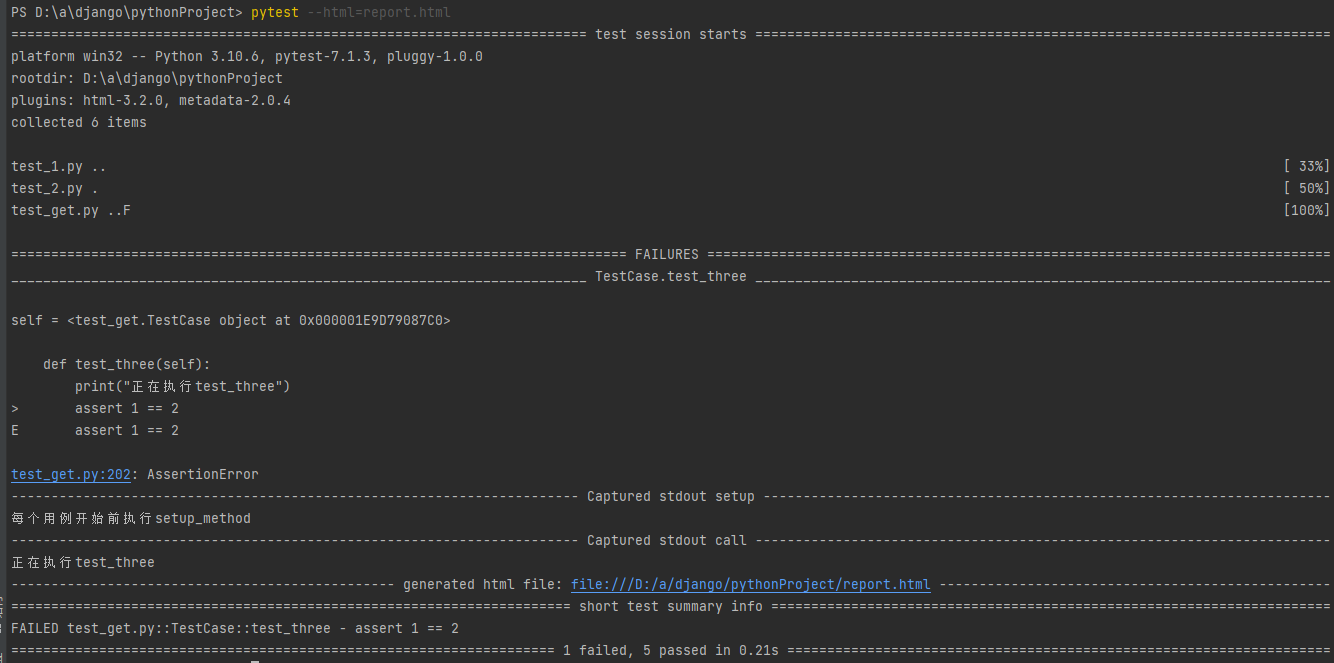
report.html
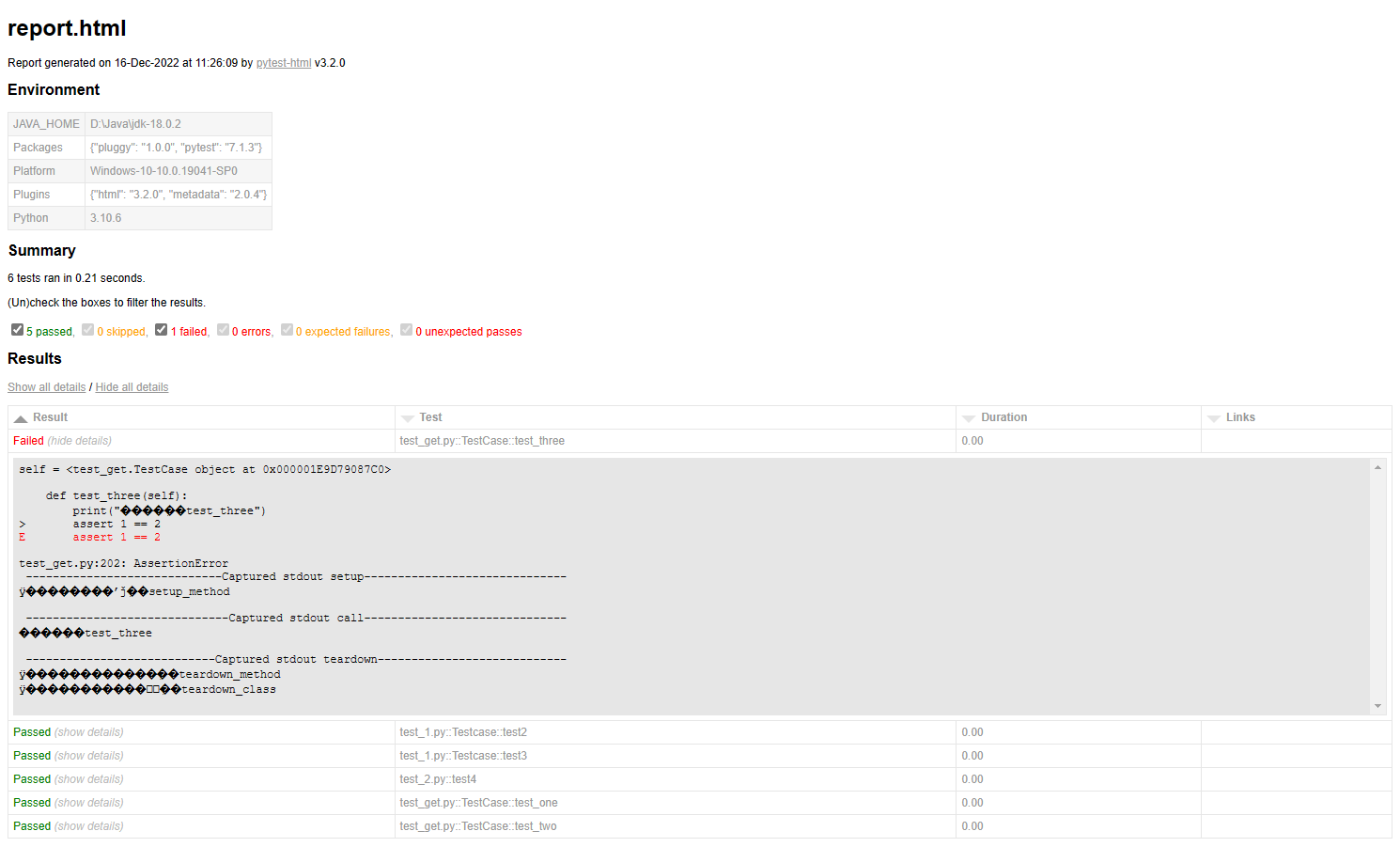
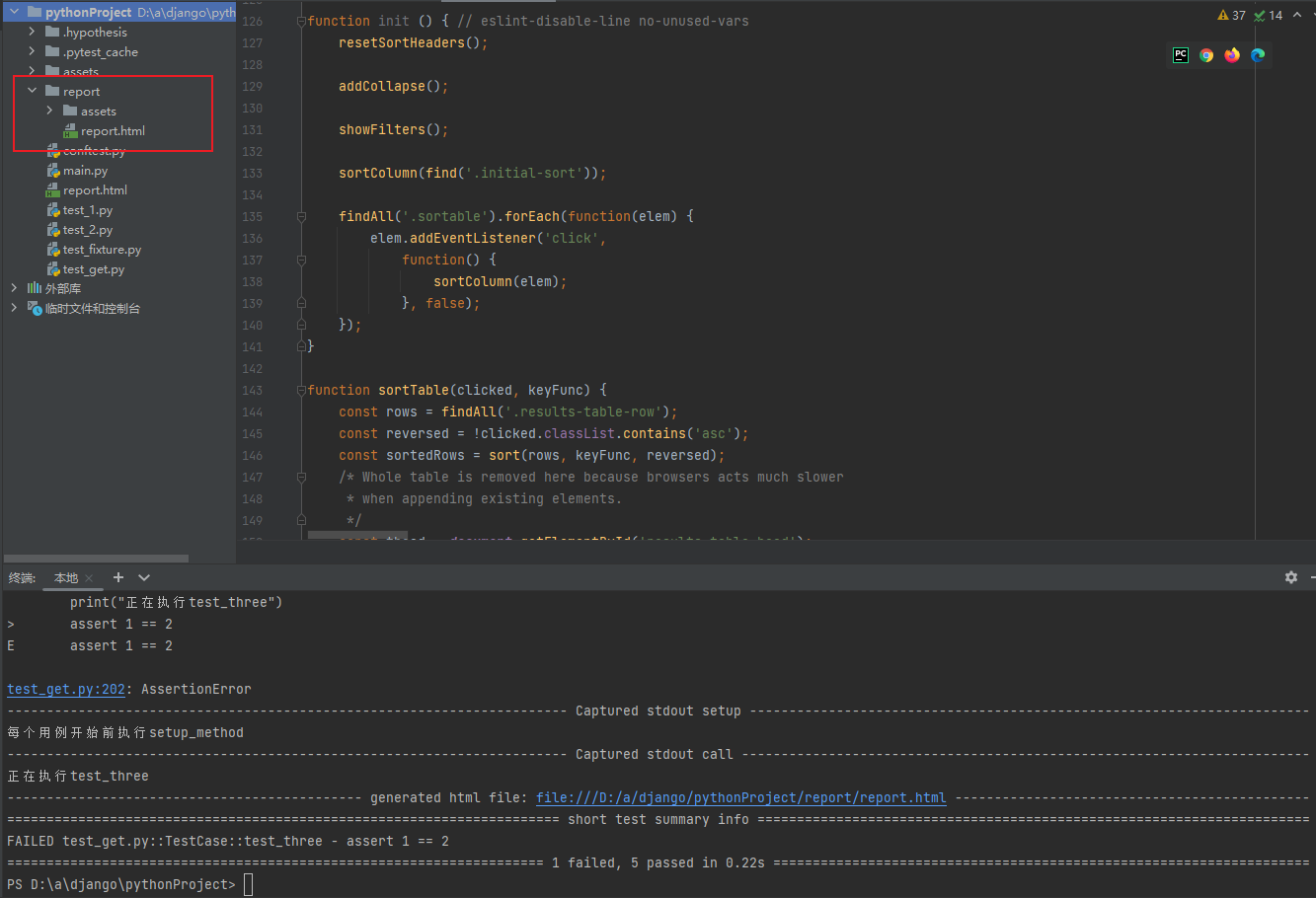
指定路径存放
命令:pytest --html=./assert/report.html
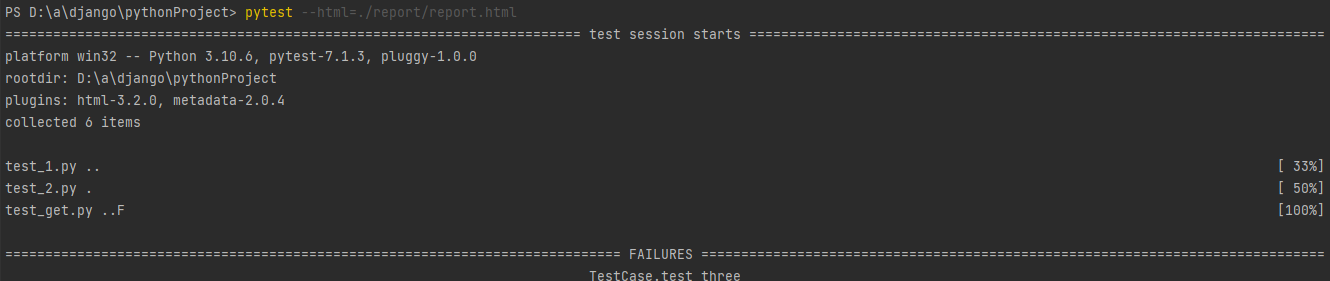
独立显示报告
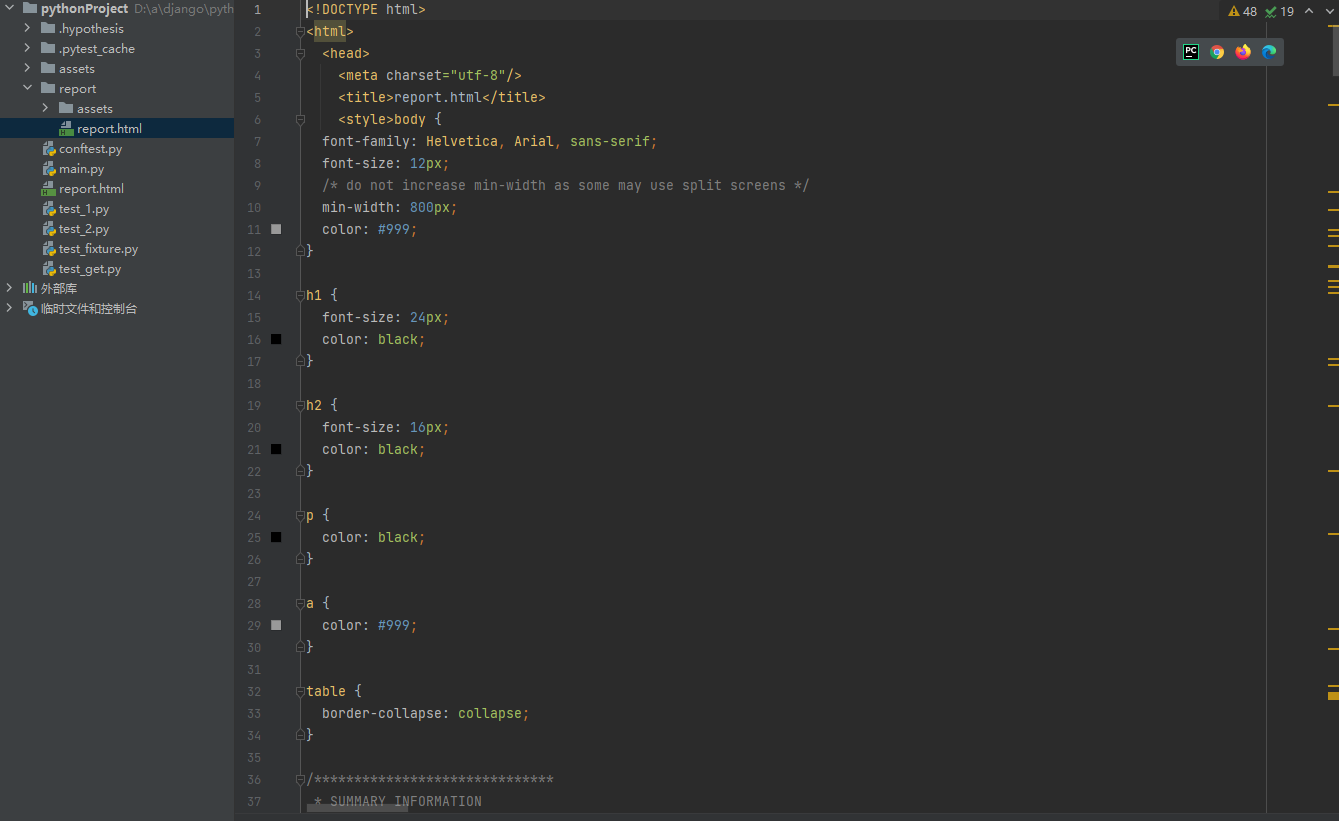
独立显示报告是为了分享报告时,界面依旧能按照原样式显示。
命令: pytest --html=report.html --self-contained-html
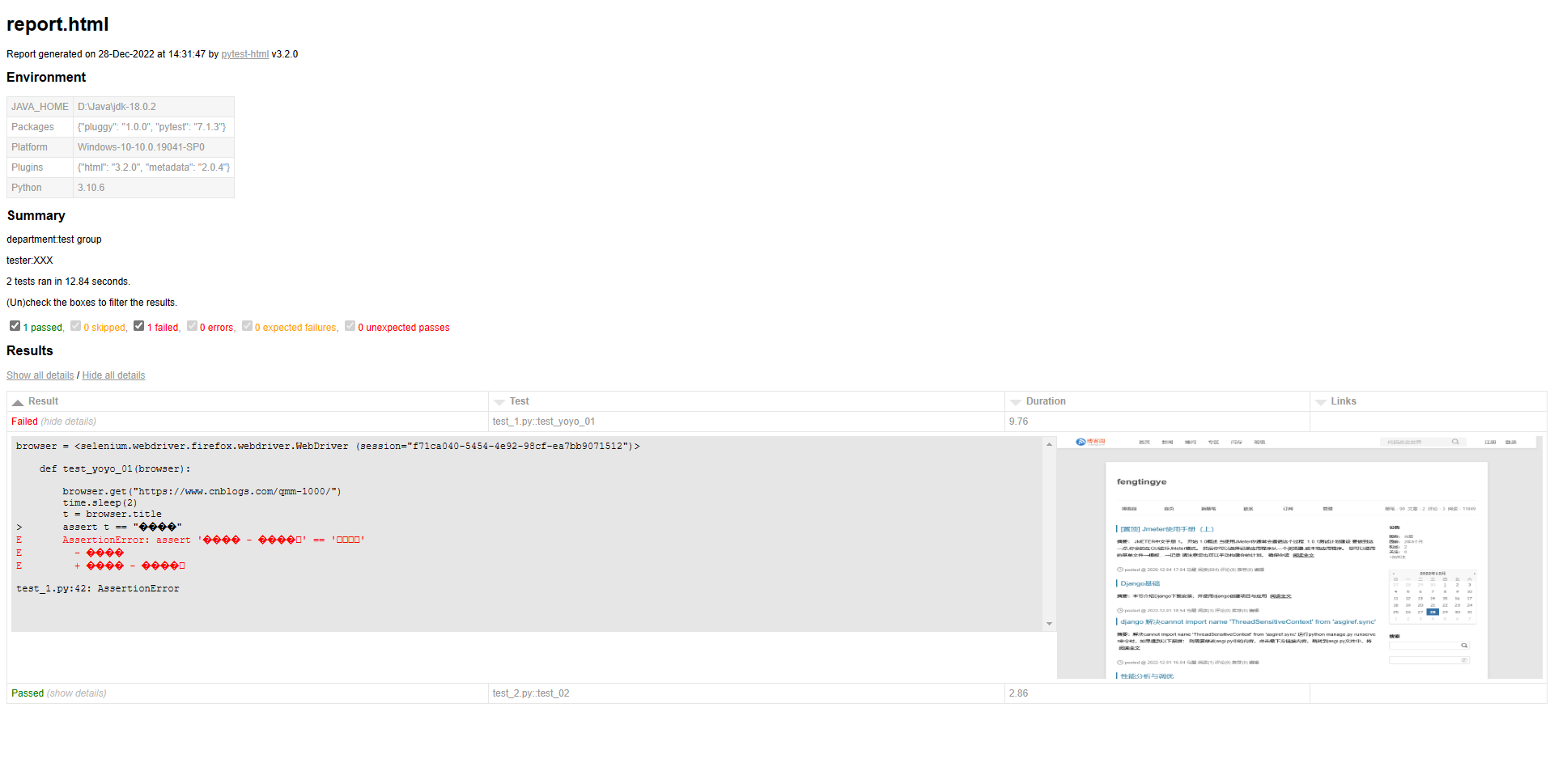
pytest错误截图
# conftest.py
# coding:utf-8
import time
from selenium import webdriver
import pytest

driver = None

@pytest.mark.hookwrapper
def pytest_runtest_makereport(item):
    pytest_html = item.config.pluginmanager.getplugin('html')
    outcome = yield
    report = outcome.get_result()
    extra = getattr(report, 'extra', [])

    if report.when == 'call' or report.when == "setup":
        xfail = hasattr(report, 'wasxfail')
        if (report.skipped and xfail) or (report.failed and not xfail):
            file_name = report.nodeid.replace("::", "_") + ".png"
            screen_img = _capture_screenshot()
            if file_name:
                html = '<div><img src="data:image/png;base64,%s" alt="screenshot" style="width:600px;height:300px;" ' \
                       'onclick="window.open(this.src)" align="right"/></div>' % screen_img
                extra.append(pytest_html.extras.html(html))
        report.extra = extra
        report.description = str(item.function.__doc__)

def _capture_screenshot():
    return driver.get_screenshot_as_base64()

@pytest.fixture(scope='session', autouse=True)
def browser(request):
    global driver
    if driver is None:
        driver = webdriver.Firefox()

    def end():
        driver.quit()
    request.addfinalizer(end)
    return driver
# test_1.py
import time
def test_yoyo_01(browser):
    browser.get("https://www.cnblogs.com/qmm-1000/")
    time.sleep(2)
    t = browser.title
    assert t == "乌醍"
# test_02.py
def test_02(browser):
    browser.get("https://www.cnblogs.com/qmm-1000/")
    time.sleep(2)
    t = browser.title
    assert '乌醍' in t
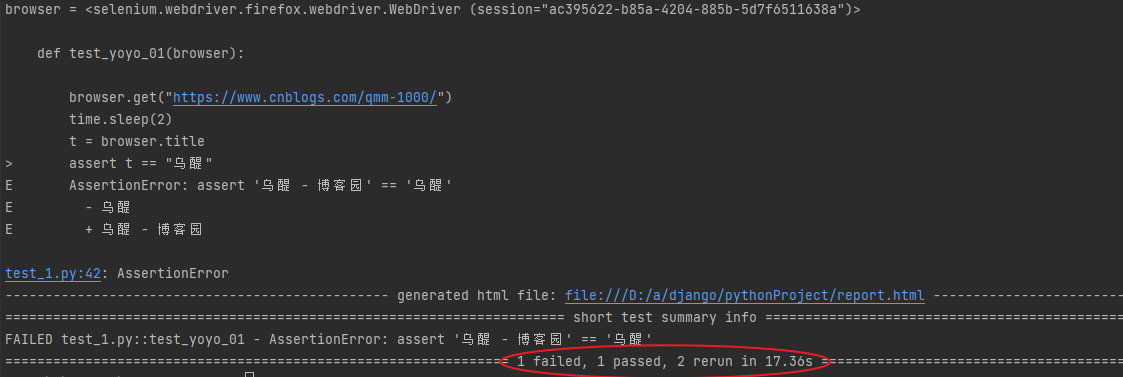
pytest 失败重跑
失败重跑需要借助pytest-rerunfailures插件
下载指令:
pip install pytest-rerunfailures
失败重跑命令:
pytest --rerun 1 --html=report.html --self-contained-html (rerun后写几次运行几次)

 浙公网安备 33010602011771号