
Vue3集成Element-Plus
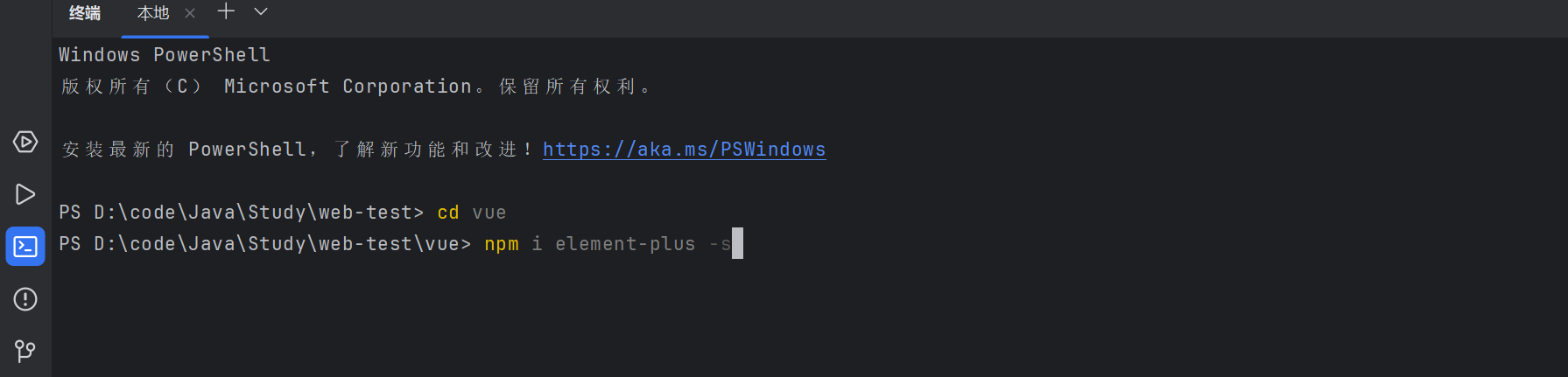
1.下载element-plus
2.编写main.js
点击查看代码
import { createApp } from 'vue'
import ElementPlus from 'element-plus'
import 'element-plus/dist/index.css'

import App from './App.vue'
import router from './router'

import '@/assets/global.css'
import zhCn from 'element-plus/es/locale/lang/zh-cn'


const app = createApp(App)

app.use(router)
app.use(ElementPlus, { locale: zhCn })

app.mount('#app')
点击查看代码
<div>
      <el-button @click="clickDate()" :style="{color:'red'}">Default</el-button>
      <el-button type="primary">喜喜</el-button>
      <el-button type="success">嘿嘿</el-button>
      <el-button type="info">哈哈</el-button>
      <el-button type="warning">Warning</el-button>
      <el-button type="danger">Danger</el-button>

    </div>

 浙公网安备 33010602011771号