![image]()
<!DOCTYPE html>
<html lang="zh-CN">

<head>
    <meta charset="UTF-8">
    <title>井字棋</title>
    <script src="https://unpkg.com/vue@3/dist/vue.global.js"></script>
    <style>
        body {
            display: flex;
            flex-direction: column;
            align-items: center;
            font-family: Arial, sans-serif;
            background-color: #f0f0f0;
        }

        .game-title {
            color: #333;
            margin: 20px 0;
        }

        .game-board {
            display: grid;
            grid-template-columns: repeat(3, 100px);
            grid-template-rows: repeat(3, 100px);
            gap: 10px;
            background-color: #333;
            padding: 10px;
            border-radius: 10px;
        }

        .cell {
            background-color: white;
            border: none;
            border-radius: 5px;
            font-size: 48px;
            display: flex;
            justify-content: center;
            align-items: center;
            cursor: pointer;
            transition: background-color 0.3s;
            user-select: none;
        }

        .cell:hover {
            background-color: #eee;
        }

        .game-status {
            margin: 20px 0;
            font-size: 24px;
            color: #333;
        }

        .reset-button {
            padding: 10px 20px;
            font-size: 18px;
            background-color: #333;
            color: white;
            border: none;
            border-radius: 5px;
            cursor: pointer;
            transition: background-color 0.3s;
        }

        .reset-button:hover {
            background-color: #555;
        }
    </style>
</head>

<body id="app">
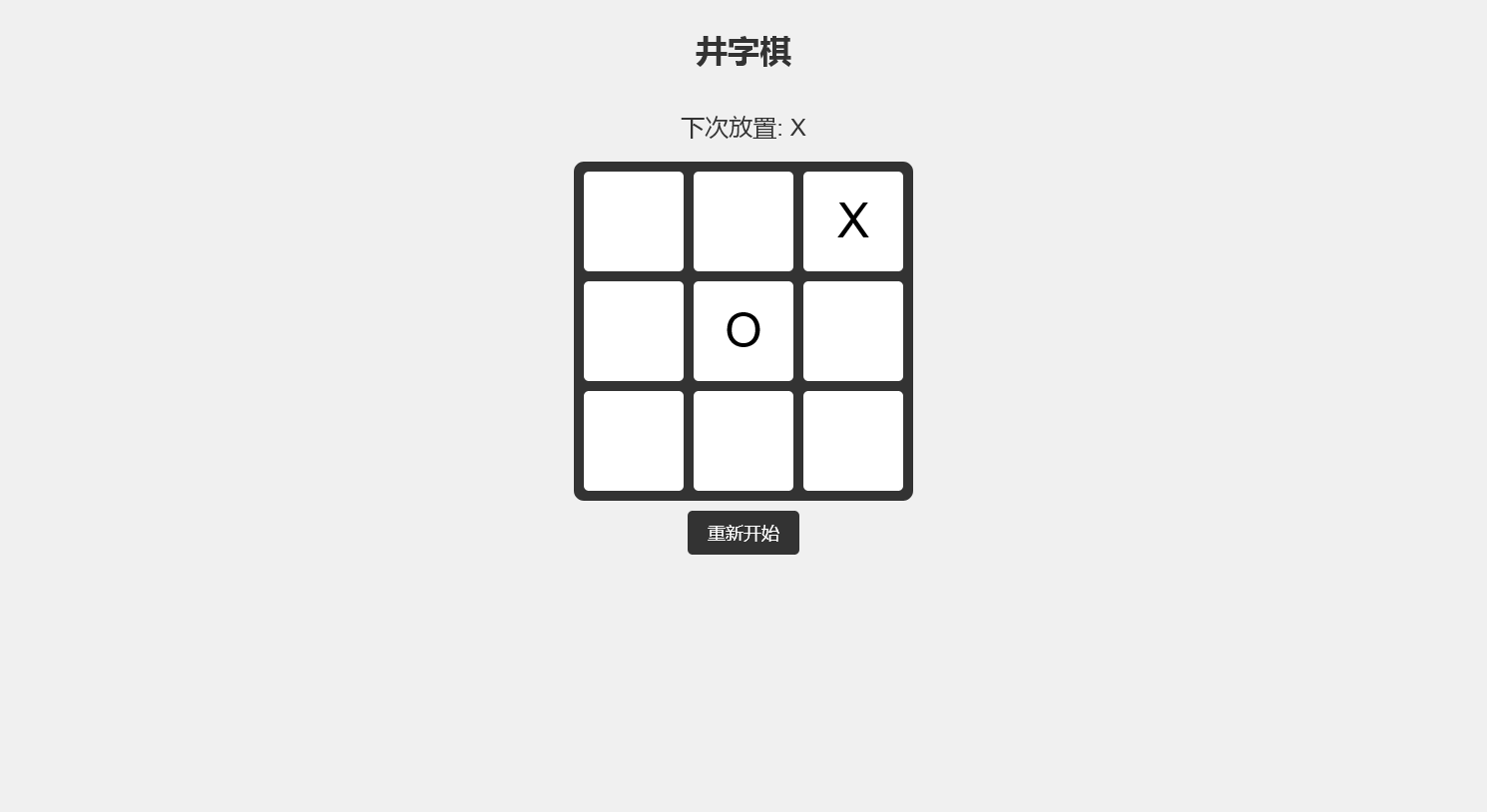
    <h1 class="game-title">井字棋</h1>
    <div class="game-status">下次放置: {{ nextPlayer }}</div>
    <div class="game-board">
        <div v-for="(cell, index) in cells" :key="index" class="cell" @click="handleClick(index)">
            {{ cell }}
        </div>
    </div>
    <div style="height: 10px;"></div>
    <button class="reset-button" @click="reset">重新开始</button>
</body>

<script>
    const { createApp, ref } = Vue
    createApp({
        setup() {
            const cells = ref(Array(9).fill(''))
            const nextPlayer = ref('X')
             lastIndex = null

            const handleClick = (index) => {
                if (cells.value[index] === '') {
                    cells.value[index] = nextPlayer.value
                    lastIndex = index
                    nextPlayer.value = nextPlayer.value === 'X' ? 'O' : 'X'
                } else if (index === lastIndex) {
                    cells.value[index] = ''
                    lastIndex = null
                    nextPlayer.value = nextPlayer.value === 'X' ? 'O' : 'X'
                }
            }

            const reset = () => {
                cells.value = Array(9).fill('')
                nextPlayer.value = 'X'
                lastIndex = null
            }

            return {
                cells,
                nextPlayer,
                handleClick,
                reset
            }
        }
    }).mount('#app')
</script>

</html>




 浙公网安备 33010602011771号