
CentOS安装MySql8.0的步骤详解
下载yum源的安装包
yum install https://repo.mysql.com//mysql80-community-release-el7-1.noarch.rpm
安装
yum install mysql-community-server
启动服务
service mysqld start
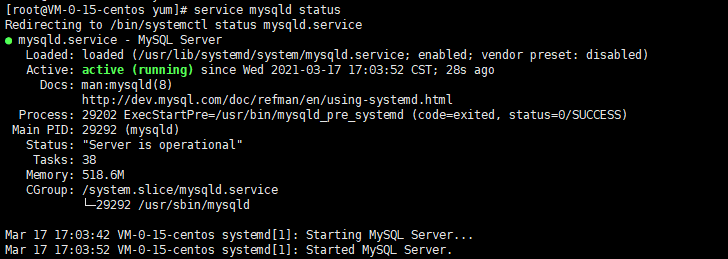
查看状态
service mysqld status
查看初始密码
grep 'temporary password' /var/log/mysqld.log

登录
mysql -uroot -p
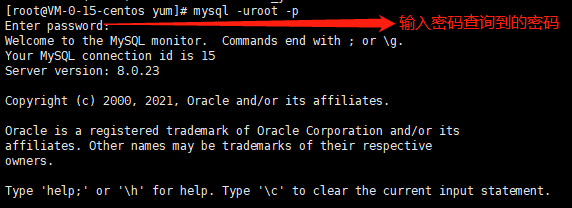
更改密码: 密码必需要数字,大小写字母,特殊符号。修改好后退出。
alter user 'root'@'localhost' identified by 'xxxxx';

通过新密码再次登陆验证密码是否修改成功。
mysql -uroot -p
创建远程访问用户,依次执行下列命令
create user 'root'@'%' identified with mysql_native_password by 'xxxxx';
grant all privileges on *.* to 'root'@'%' with grant option;
flush privileges;
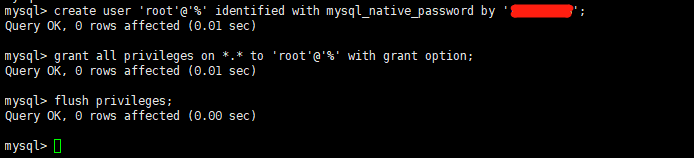
现在就可以远程连接了。

 浙公网安备 33010602011771号