寒假学习进度8
3.4 启动Spark Shell
spark-shell是Spark自带的交互式Shell程序,方便用户进行交互式编程,用户可以在该命令行下用scala编写spark程序。
3.4.1 启动Spark shell
/opt/modules/spark-2.1.1-bin-hadoop2.7/bin/spark-shell \
–master spark://master01:7077 \
–executor-memory 2g \
–total-executor-cores 2
注意:
如果启动spark shell时没有指定master地址,但是也可以正常启动spark shell和执行spark shell中的程序,其实是启动了spark的local模式,该模式仅在本机启动一个进程,没有与集群建立联系。
Spark Shell中已经默认将SparkContext类初始化为对象sc。用户代码如果需要用到,则直接应用sc即可
3.4.2 在Spark shell中编写WordCount程序
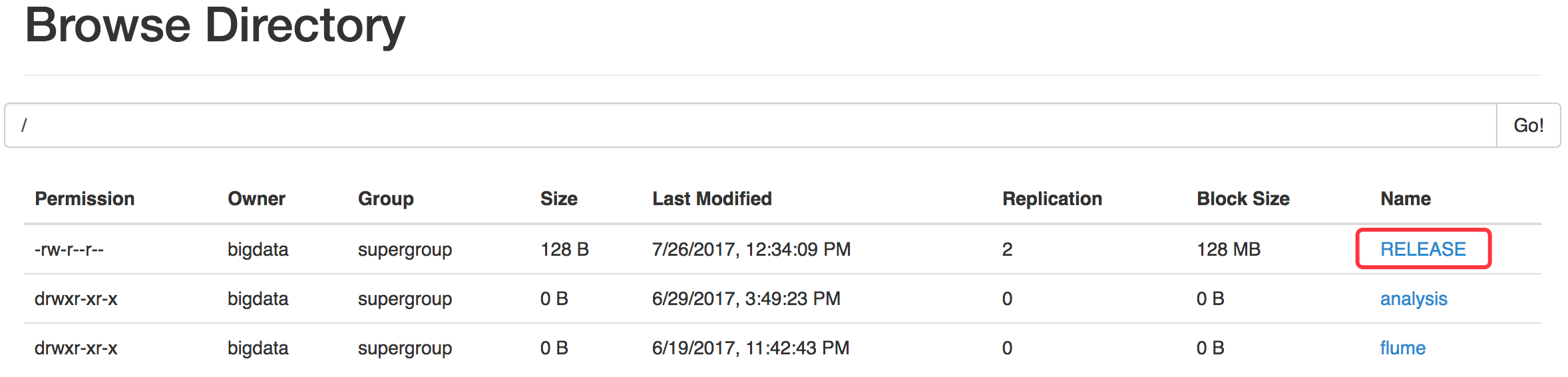
首先启动hdfs
将Spark目录下的RELEASE文件上传一个文件到hdfs://linux01:9000/RELEASE
~/opt/modules/hadoop-2.7.3/bin/hdfs dfs -put ./RELEASE /
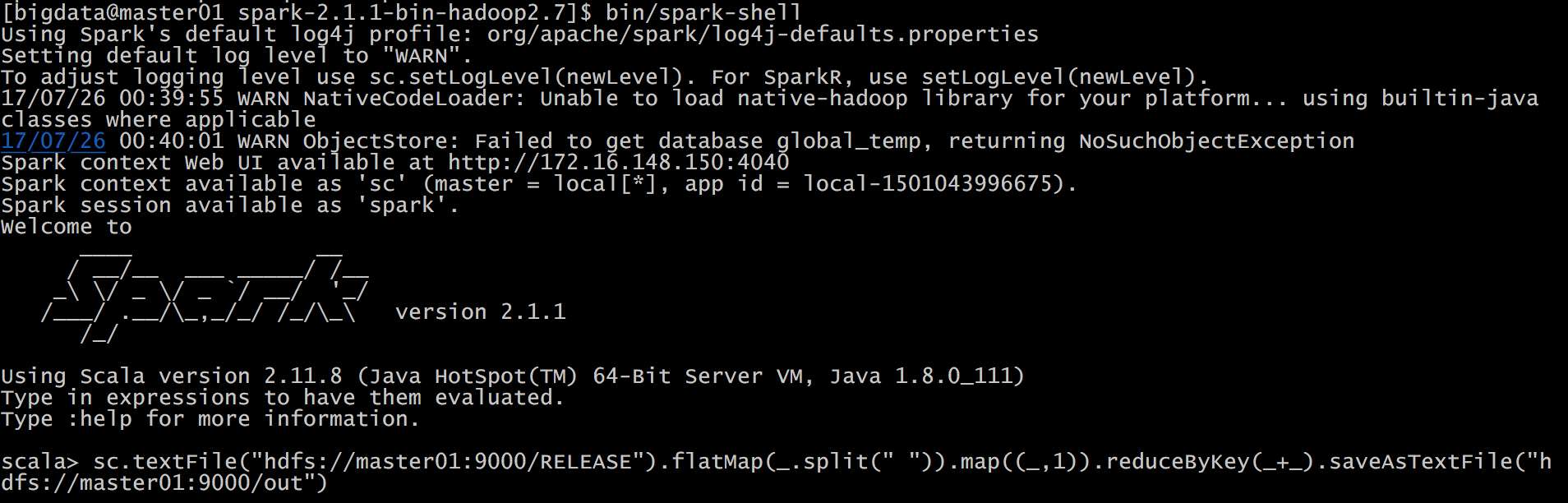
在Spark shell中用scala语言编写spark程序
sc.textFile("hdfs://linux01:9000/RELEASE").flatMap(_.split(" ")).map((_,1)).reduceByKey(_+_).saveAsTextFile("hdfs://linux01:9000/out")
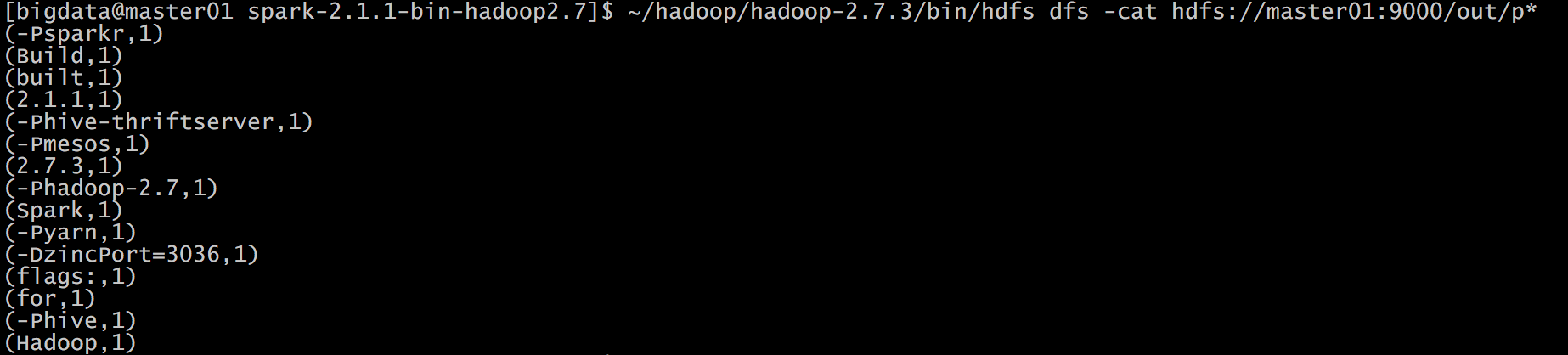
使用hdfs命令查看结果
hdfs dfs -cat hdfs://master01:9000/out/p*
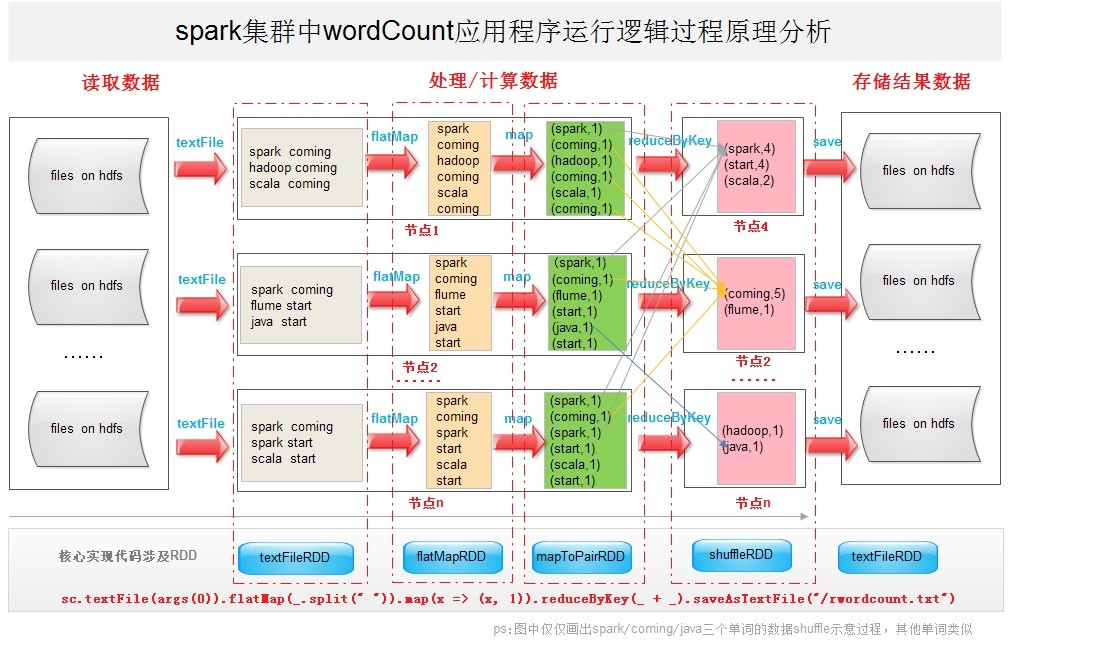
说明:
sc是SparkContext对象,该对象时提交spark程序的入口
textFile(hdfs://master01:9000/RELEASE)是hdfs中读取数据
flatMap(_.split(” “))先map在压平
map((_,1))将单词和1构成元组
reduceByKey(+)按照key进行reduce,并将value累加
saveAsTextFile(“hdfs:// master01:9000/out”)将结果写入到hdfs中

 浙公网安备 33010602011771号