今日总结9.20
今天的工作是用Springboot+Vue实现了登录以及退出登录的功能
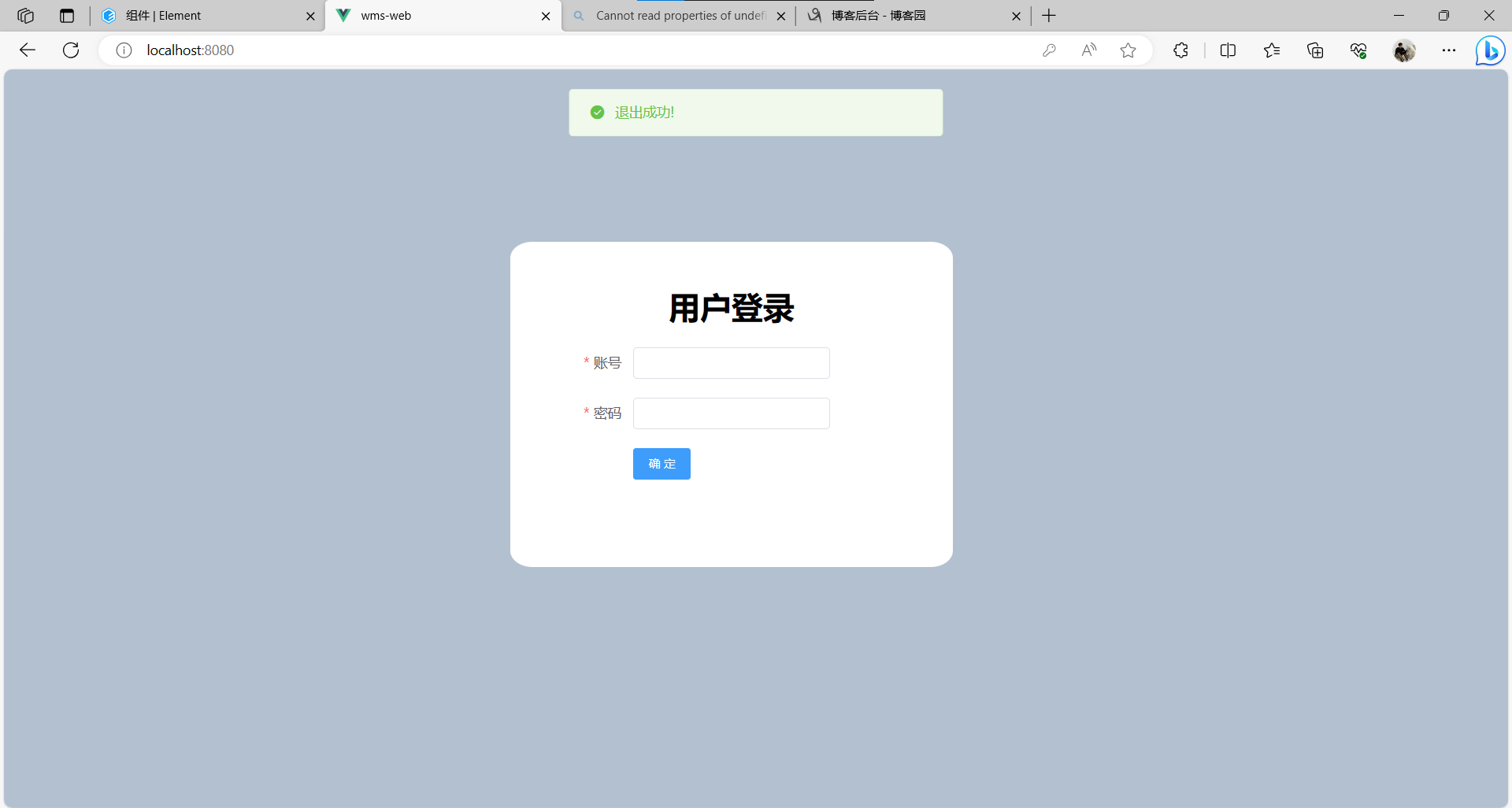
首先是简单设计了一下登录端的界面
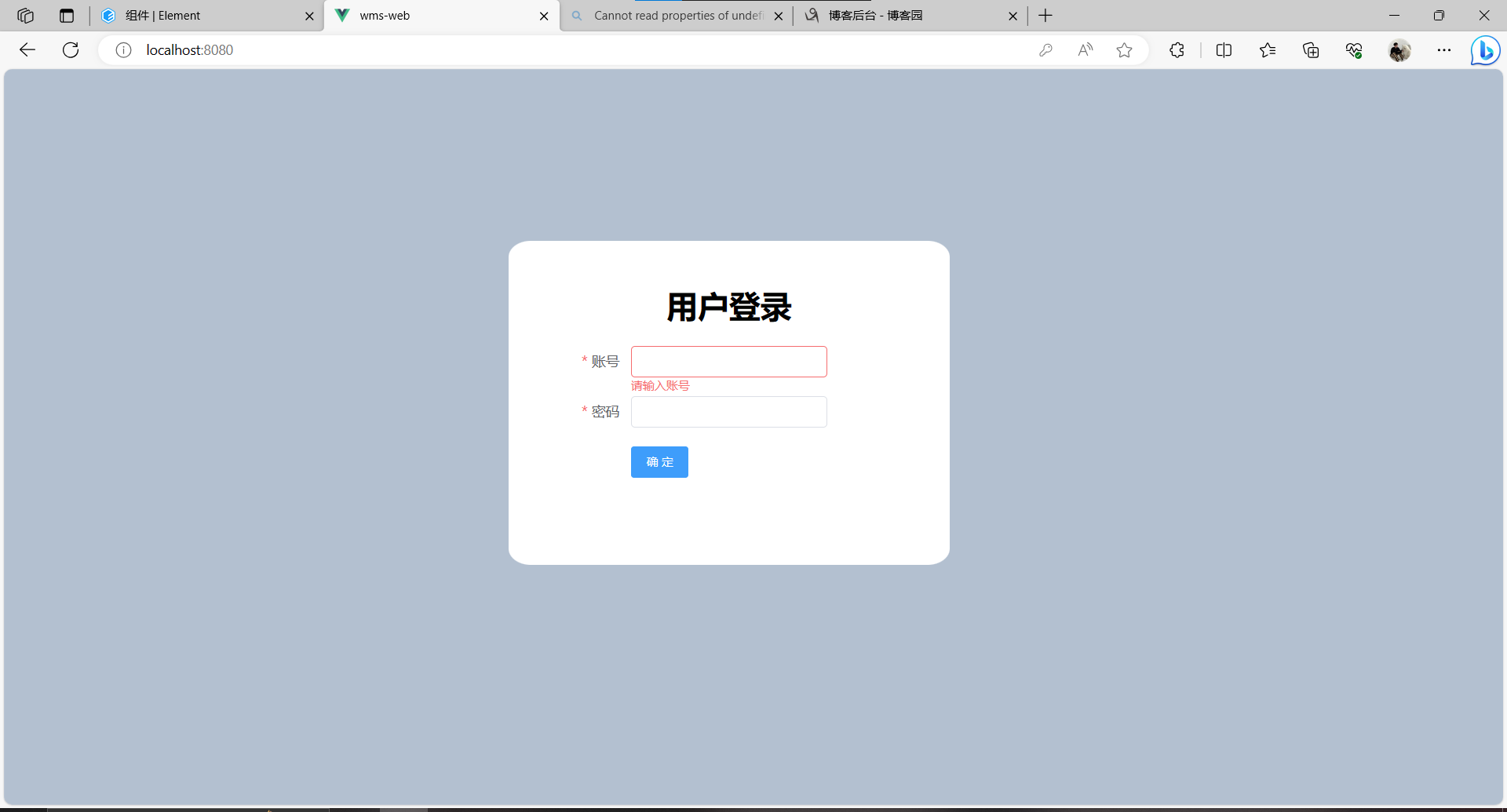
其中登录端的代码为:
Login.vue
<template>
  <div class="loginBody">
    <div class="loginDiv">
      <div class="login-content">
        <h1 class="login-title">用户登录</h1>
        <el-form :model="loginForm" label-width="100px"
                 :rules="rules" ref="loginForm">
          <el-form-item label="账号" prop="no">
            <el-input style="width: 200px" type="text" v-model="loginForm.no"
                      autocomplete="off" size="small"></el-input>
          </el-form-item>
          <el-form-item label="密码" prop="password">
            <el-input style="width: 200px" type="password" v-model="loginForm.password"
                      show-password autocomplete="off" size="small" @keyup.enter.native="confirm"></el-input>
          </el-form-item>
          <el-form-item>
            <el-button type="primary" @click="confirm" :disabled="confirm_disabled">确 定</el-button>
          </el-form-item>
        </el-form>
      </div>
    </div>
  </div>
</template>

<script>
export default {
  name: "Login",
  data(){
    return{
      confirm_disabled:false,
      loginForm:{
        no:'',
        password:''
      },
      rules:{
        no: [
          { required: true, message: '请输入账号', trigger: 'blur' }
        ],
        password: [
          { required: true, message: '请输密码', trigger: 'blur' }
        ],
      }
    }
  },
  methods:{

    confirm(){
      this.confirm_disabled=true;
      this.$refs.loginForm.validate((valid) => {
        if (valid) { //valid成功为true,失败为false
          //去后台验证用户名密码
          this.$axios.post(this.$httpUrl+'/login',this.loginForm).then(res=>res.data).then(res=>{
            console.log(res)
            if(res.code==200){
              //存储
              sessionStorage.setItem("CurUser",JSON.stringify(res.data))

              //console.log(res.data.menu)
             // this.$store.commit("setMenu",res.data)
              //跳转到主页
              this.$router.replace('/Index');
            }else{
              this.confirm_disabled=false;
              alert('校验失败,用户名或密码错误!');
              return false;
            }
          });
        } else {
          this.confirm_disabled=false;
          console.log('校验失败');
          return false;
        }
      });

    }
  }
}
</script>

<style scoped>
.loginBody {
  position: absolute;
  width: 100%;
  height: 100%;
  background-color: #B3C0D1;
}
.loginDiv {
  position: absolute;
  top: 50%;
  left: 50%;
  margin-top: -200px;
  margin-left: -250px;
  width: 450px;
  height: 330px;
  background: #fff;
  border-radius: 5%;

}
.login-title {
  margin: 20px 0;
  text-align: center;
}
.login-content {
  width: 400px;
  height: 250px;
  position: absolute;
  top: 25px;
  left: 25px;
}

</style>
输入账号和密码与数据库中不匹配会出现提示错误
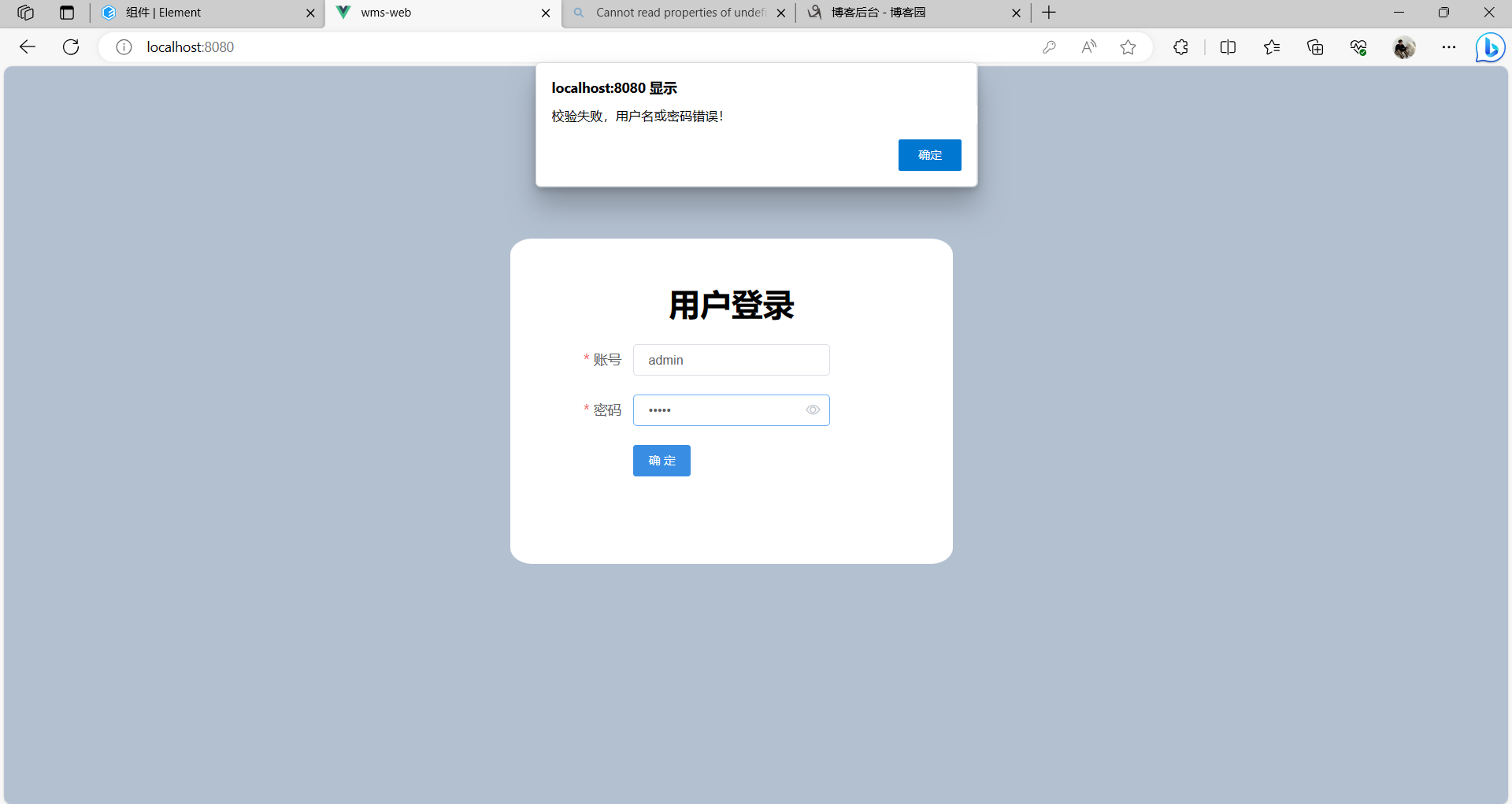
输入正确账号和密码以后能够实现跳转到主页面
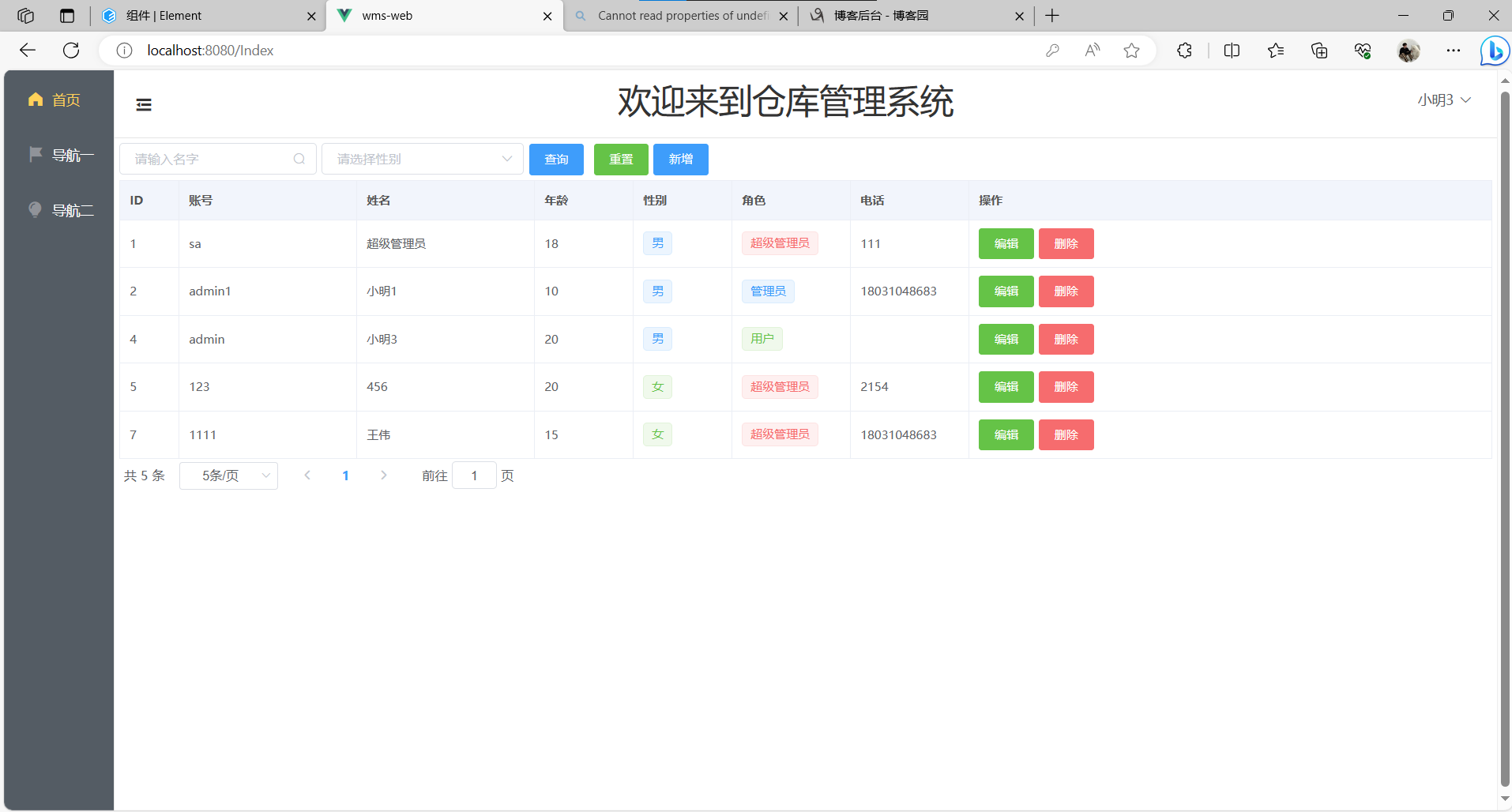
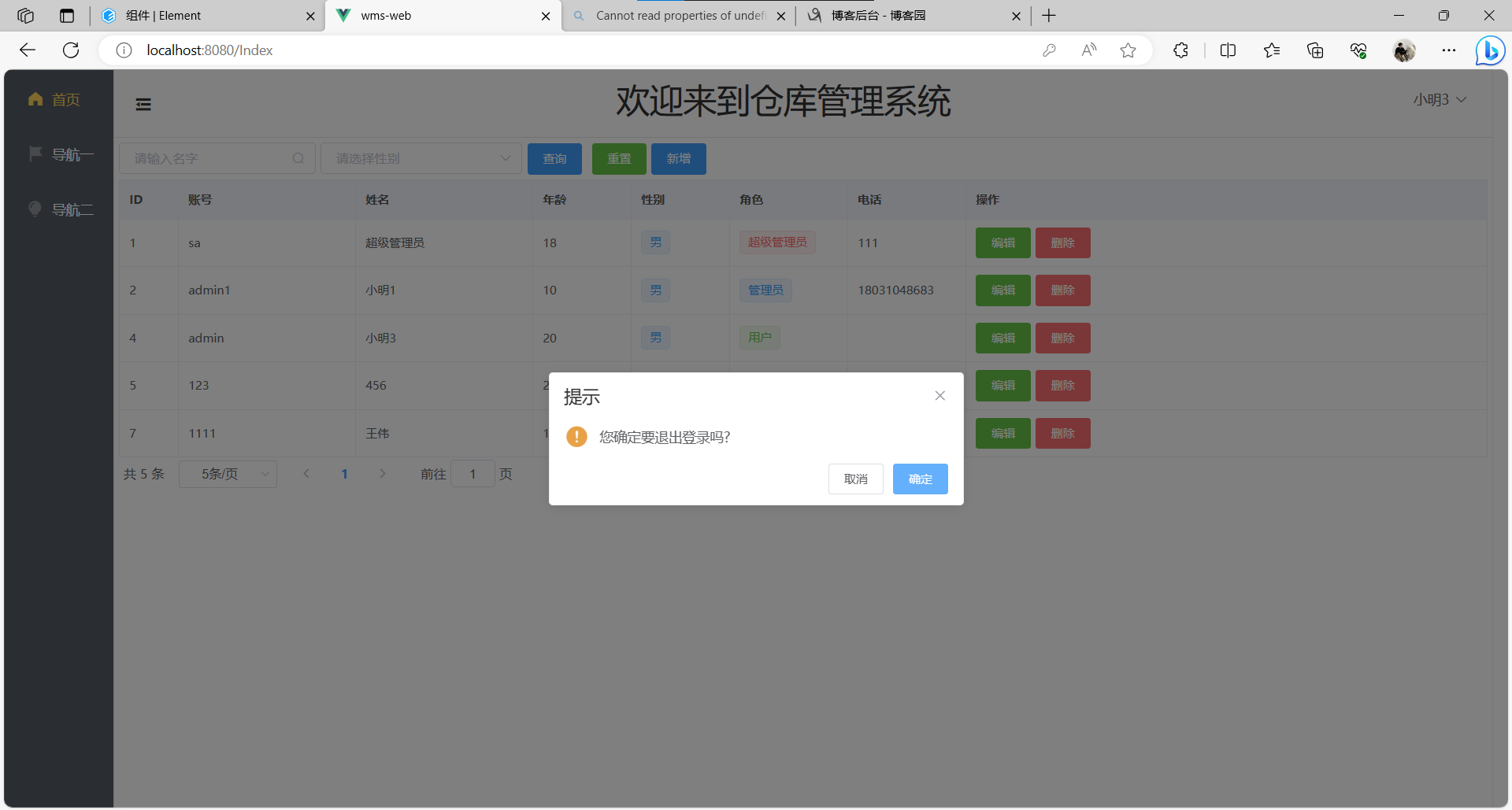
其中现在是用户小明3登录以后的界面,右上角是小明3用户的名字
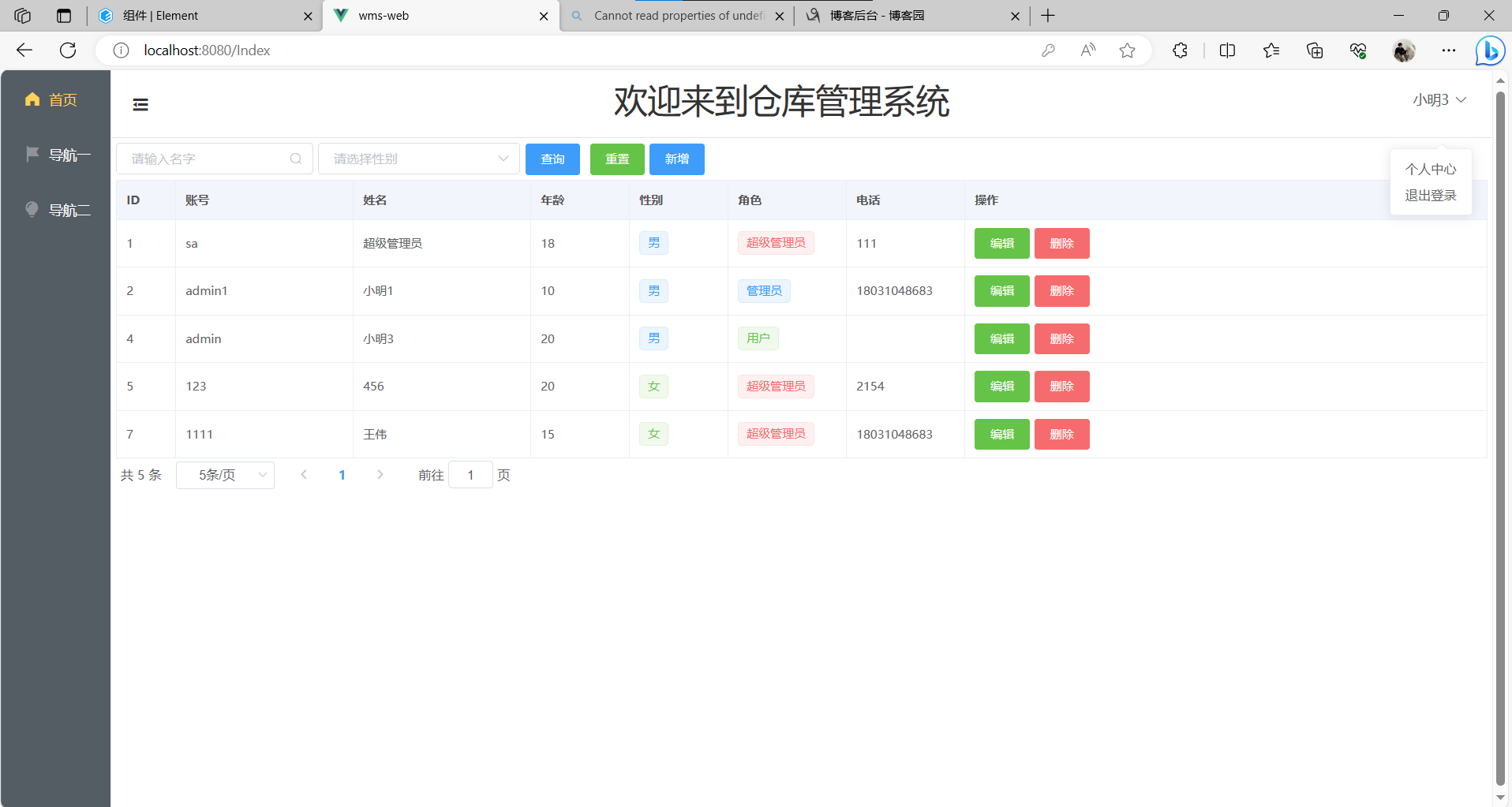
接下来是退出登录的功能,需要点击小明3,会出现退出登录的弹窗
以上就是今天的学习内容.

 浙公网安备 33010602011771号