
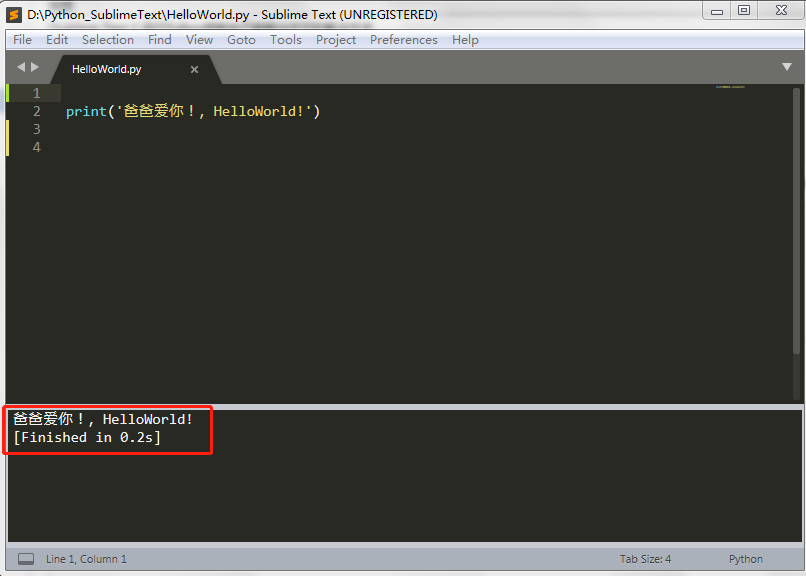
Sublime Text 3 运行Python控制台不能输出中文的解决方法
在Sublime Text 3 中依次点击菜单Tools -> build system -> New build system,粘贴下方的代码并保存为文件名Python3.sublime-build。
 1 {
 2     "cmd": ["python","-u","$file"],
 3     "file_regex": "^[ ]*File \"(...*?)\", line ([0-9]*)",
 4     "selector": "source.python",
 5     "encoding": "cp936"
 6 }
重启Sublime,下次写代码时在SublimeText 3 中选择 Tools -> Build system - > Python3 就可以了。

 浙公网安备 33010602011771号