话不多说,首先展示最终效果图:
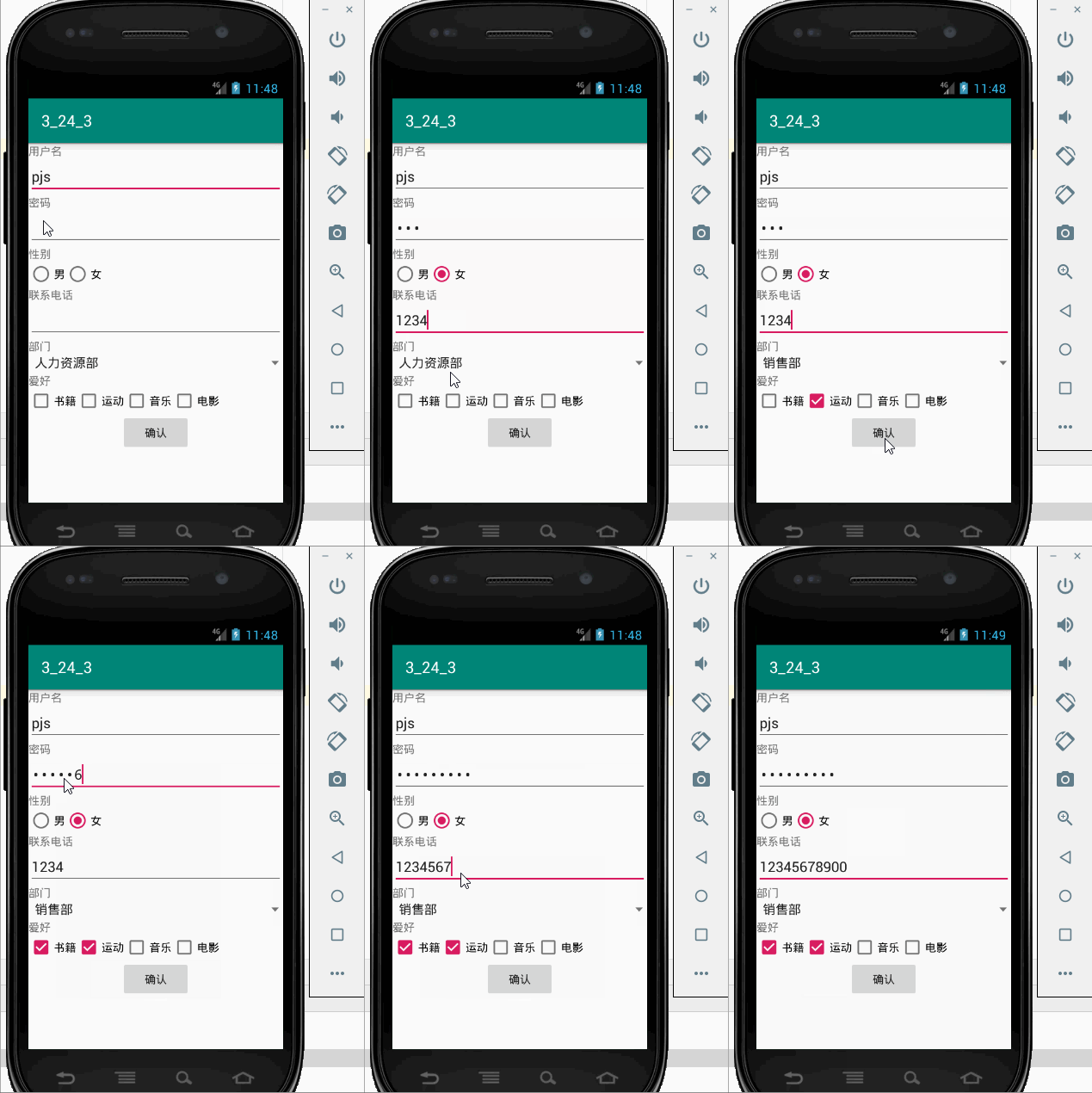
主要涉及的组件有TextView,EditText,RadioButton,CheckBox,Spinner等
整个程序实现的内容:先把注册信息填写完毕,点击确认按钮,开始检查,填写是否符合要
求,包括:1.所有空都不能为空
2.密码长度不能小于8,联系电话长度只能为11
符合要求后,将整个界面的注册信息传给第二个界面
主要的会卡住的点有(1)如何判断单选框是否被选中
private int GetRadioButtonId(){
int i;
int count=sex.getChildCount();//获取radiogroup中子组件数目(radiobutton)
for( i = 0 ;i < count; i++)
{
RadioButton rb = (RadioButton)sex.getChildAt(i);//根据索引获取当前索引对应的RadioButton
if(rb.isChecked())//检查是否被选中
{
return i;
}
}
Toast.makeText(MainActivity.this,"请选择性别",Toast.LENGTH_SHORT).show();
return -1;//没有被选中的
}
主要是利用了三个方法:(1)getChildCount() 获取radiogroup中子组件数目
(2) getChildAt(i) 据索引获取当前索引对应的RadioButton
(3)isChecked 检查是否被选中
(2)获取多选框中值
private ArrayList favs;
favs = new ArrayList();
//将各项爱好对象存入数组
favs.add(book);
favs.add(movie);
favs.add(sport);
favs.add(music);
public String getFavorite(){
String favo="";
for(CheckBox cb : favs)
{
if(cb.isChecked())
{
favo += cb.getText().toString();
favo+=",";
}
}
return favo;
}
最后上代码:activity_main.xml
<RadioButton
android:id="@+id/man"
android:layout_width="wrap_content"
android:layout_height="match_parent"
android:text="@string/man"
android:visibility="visible" />


 浙公网安备 33010602011771号