

本地安装ssh
以 管理员身份 打开 PowerShell,执行以下命令:
🔧 步骤 1:安装 OpenSSH Server
Add-WindowsCapability -Online -Name OpenSSH.Server~~~~0.0.1.0
等待安装
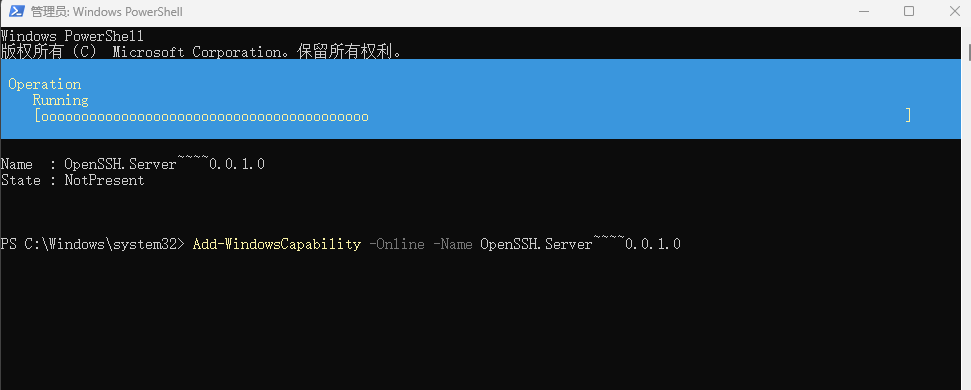
安装完成后,记得敲回车键
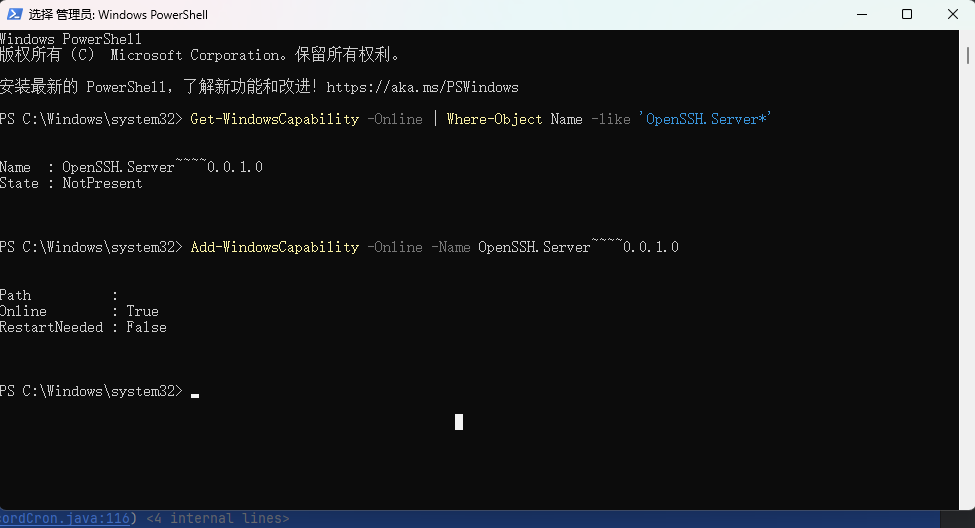
启动
# 启动 SSH 服务
Start-Service sshd

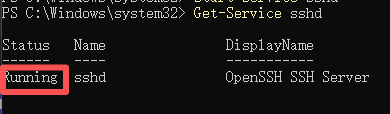
检查是否成功
# 检查服务状态
Get-Service sshd
🔧 步骤 2:配置账号密码
# 1. 创建用户 test(密码 test)
$pwd = ConvertTo-SecureString "test" -AsPlainText -Force
New-LocalUser -Name "test" -Password $pwd -AccountNeverExpires

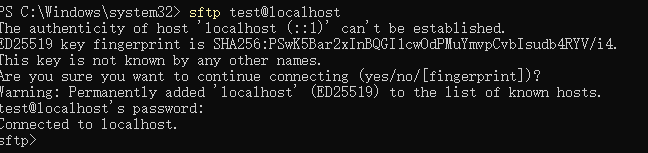
# 2. 测试 SFTP 登录
sftp test@localhost
出来混总是要还的

 浙公网安备 33010602011771号