Forbidden You don't have permission to access this resource. 解决办法!
Posted on 2026-01-06 18:38 pcwanli 阅读(305) 评论(0) 收藏 举报来源:https://www.cnblogs.com/niewd/p/15402221.html
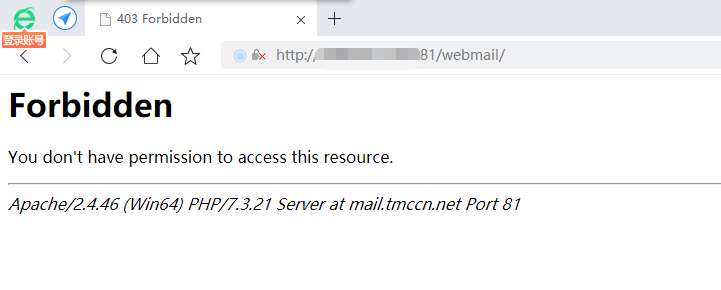
这两天在使用hmailserver+roundcubemail 搭建邮箱时遇到的一些坑和大家分享一下,避免少踩坑。
关用httpd.conf及httpd-vhosts.conf配置我贴出来供大家参考。
我使用的是wamp搭建的。
httpd.conf

ServerName 127.0.0.1:81

#
# Deny access to the entirety of your server's filesystem. You must
# explicitly permit access to web content directories in other
# <Directory> blocks below.
#
<Directory />
    AllowOverride none
    Require all denied
</Directory>

#
# Note that from this point forward you must specifically allow
# particular features to be enabled - so if something's not working as
# you might expect, make sure that you have specifically enabled it
# below.
#
HostnameLookups Off

#
# DocumentRoot: The directory out of which you will serve your
# documents. By default, all requests are taken from this directory, but
# symbolic links and aliases may be used to point to other locations.
#
DocumentRoot "C:/wamp64/www"
<Directory "C:/wamp64/www">
    Options Indexes FollowSymLinks
    AllowOverride None
    Require all granted
</Directory>
需注意几个点:把 "${INSTALL_DIR}/www" 换成 "C:/wamp64/www" 成实际的目录位置。
关键配置:Require all granted
httpd-vhosts.conf
# Virtual Hosts
#
<VirtualHost *:81>
  ServerName localhost
  ServerAlias localhost
  DocumentRoot "${INSTALL_DIR}/www"
  <Directory "${INSTALL_DIR}/www/">
    Options +Indexes +Includes +FollowSymLinks +MultiViews
    AllowOverride All
    Require local
  </Directory>
</VirtualHost>

#
<VirtualHost *:81>
  ServerName xxx.xxxx.xxx
  DocumentRoot "c:/wamp64/www/webmail"
  <Directory  "c:/wamp64/www/webmail/">
    require all granted
  </Directory>
</VirtualHost>
#
把 "${INSTALL_DIR}/www" 换成 "C:/wamp64/www" 成实际的目录位置。
关键配置:Require all granted
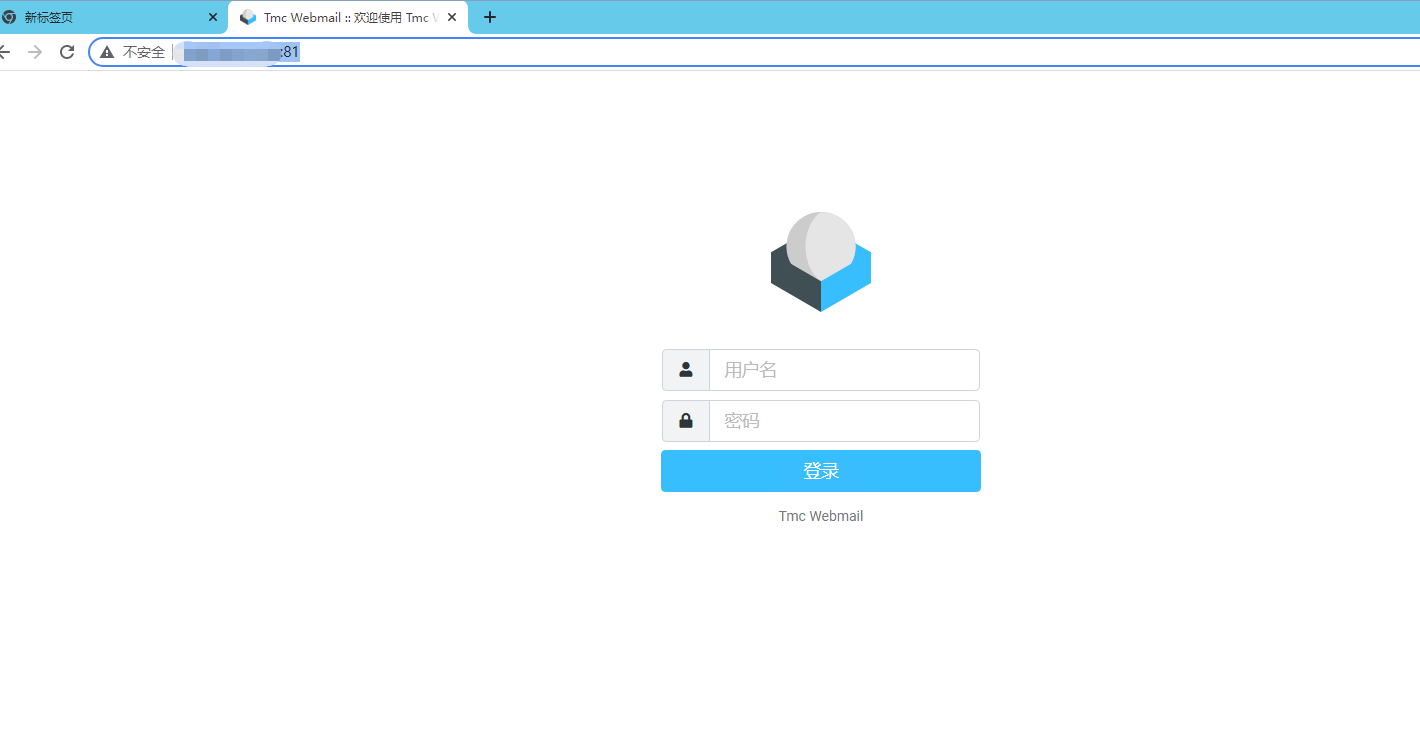
修改完后重启Apache服务,可完美的访问了。

 浙公网安备 33010602011771号