

Spring Cloud中Hystrix仪表盘学习(笔记)
单体应用监控项目实践:
<dependency>
    <groupId>org.springframework.cloud</groupId>
    <artifactId>spring-cloud-starter-netflix-hystrix-dashboard</artifactId>
    <version>2.2.7.RELEASE</version>
</dependency>
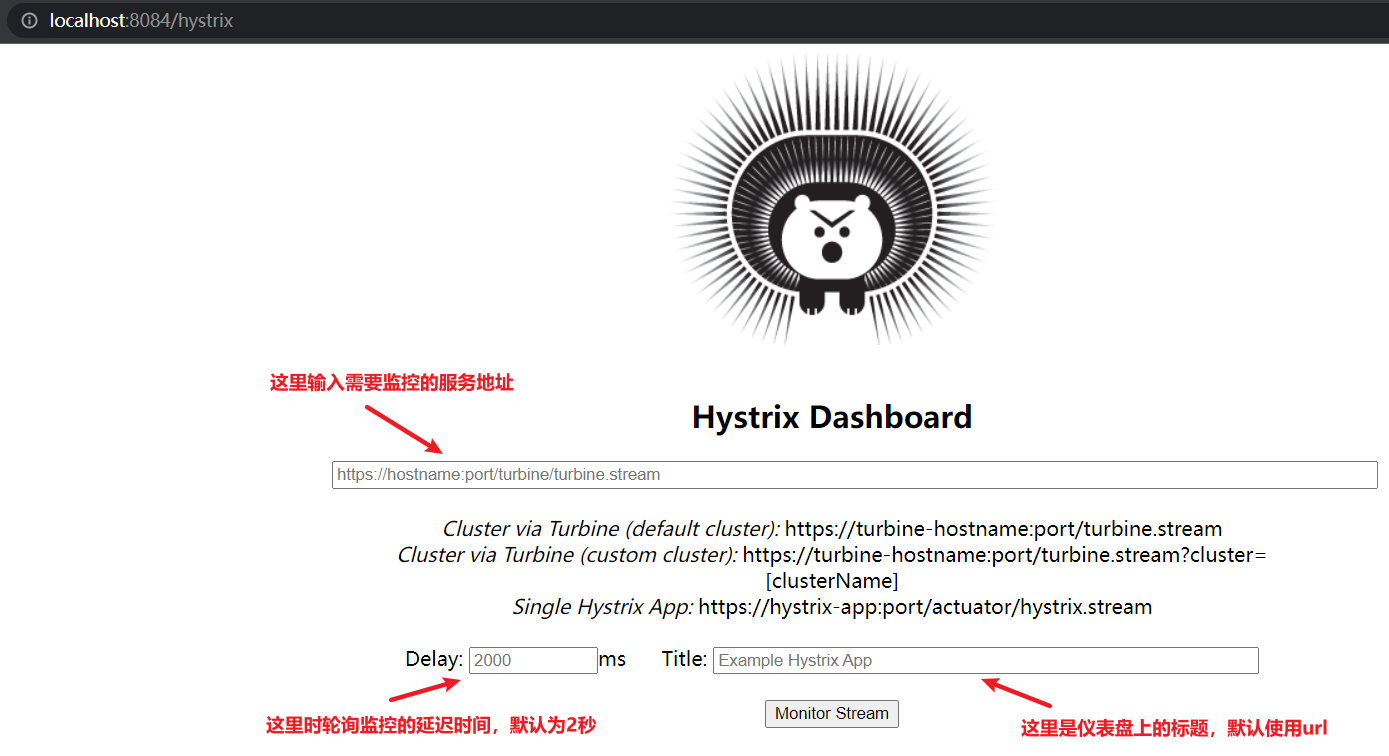
(1)创建新项目后,添加hystrix依赖:
<!--Spring Cloud 熔断器依赖-->
<dependency>
    <groupId>org.springframework.cloud</groupId>
    <artifactId>spring-cloud-starter-netflix-eureka-client</artifactId>
</dependency>
<!--Spring Boot 服务监控检查监控依赖-->
<dependency>
    <groupId>org.springframework.boot</groupId>
    <artifactId>spring-boot-starter-actuator</artifactId>
</dependency>
(2)修改配置文件
#SpringBoot的监控端点访问权限-指定访问
management:
  endpoints:
    web:
      exposure:
        exclude: hystrix.stream
(3)修改启动类
@Bean
public ServletRegistrationBean hystrixMetricsStreamServlet() {
    ServletRegistrationBean registration = new ServletRegistrationBean(new HystrixMetricsStreamServlet());
    registration.addUrlMappings("/actuator/hystrix.stream");
    return registration
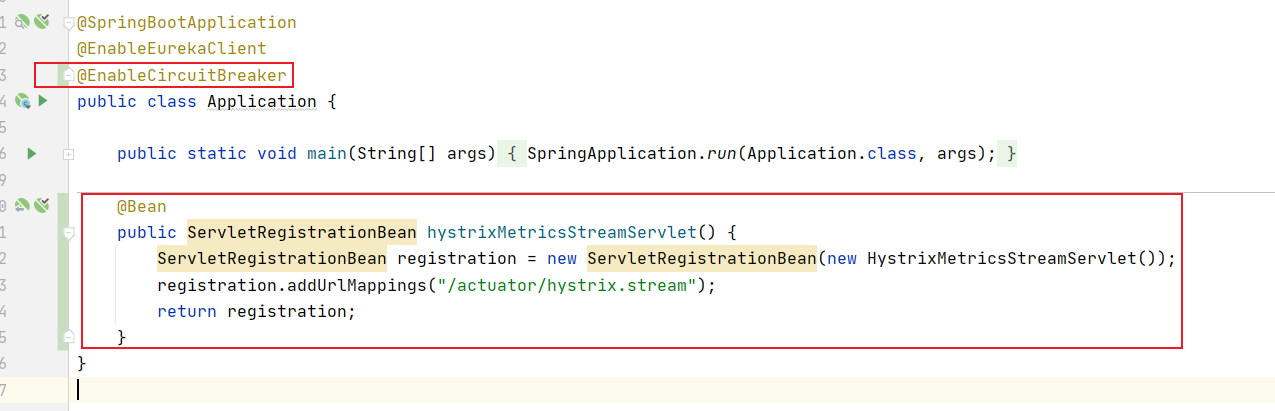
(4)调用熔断接口:
@RequestMapping("/service/hello")
public String hello() {
    try {
        Thread.sleep(4000);
    } catch (InterruptedException e) {
        e.printStackTrace();
    }
    //进行业务处理(省略)
    return "服务提供者";
}
/**
 * hystrix超时时间是3.5秒
 * @return
 */
@RequestMapping("/web/hystrix")
@HystrixCommand(fallbackMethod="error", ignoreExceptions= RuntimeException.class, commandProperties={@HystrixProperty(name="execution.isolation.thread.timeoutInMilliseconds", value="3500")})
public String hystrix () {
    return restTemplate.getForEntity("http://01-SPRINGCLOUD-SERVICE-PROVIDER/service/hello", String.class).getBody();
}
public String error(Throwable throwable){
    System.out.println(throwable.getMessage());
    return "error";
}
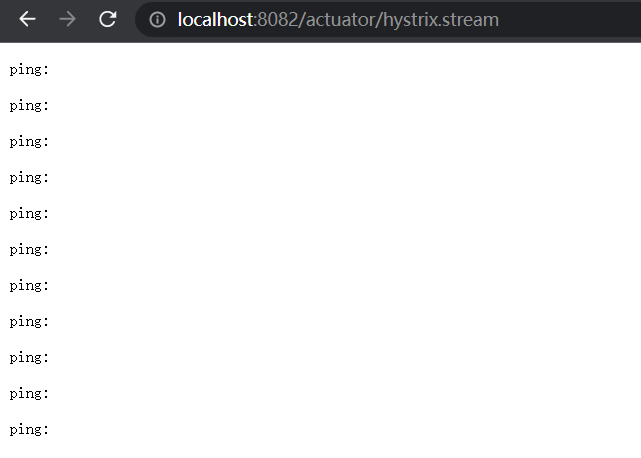
(5)访问入口:
通过Dashboard的主页输入完上面3个数据后,点击Monitor Stream按钮,可以看到出现Loading
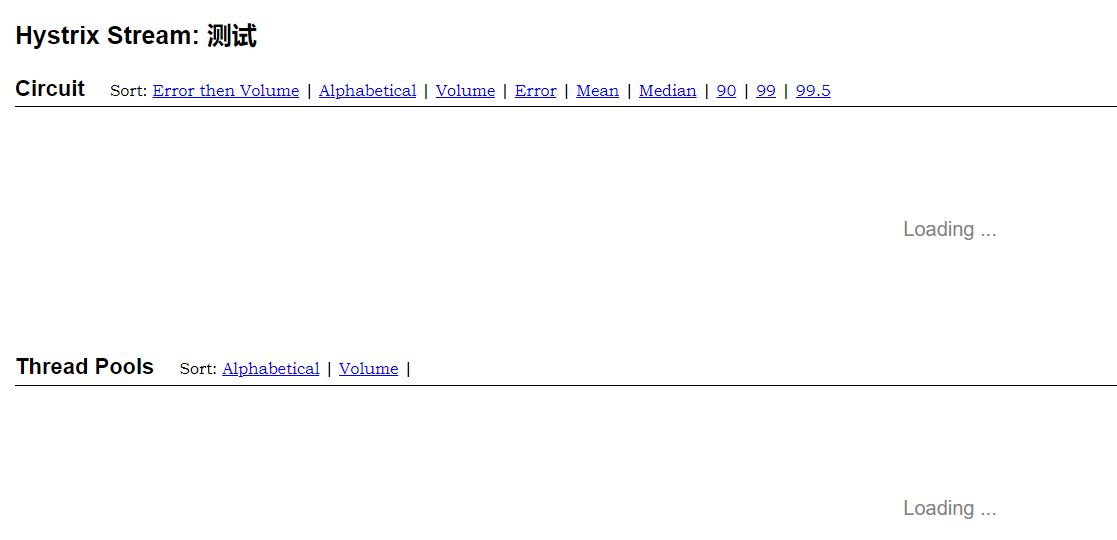
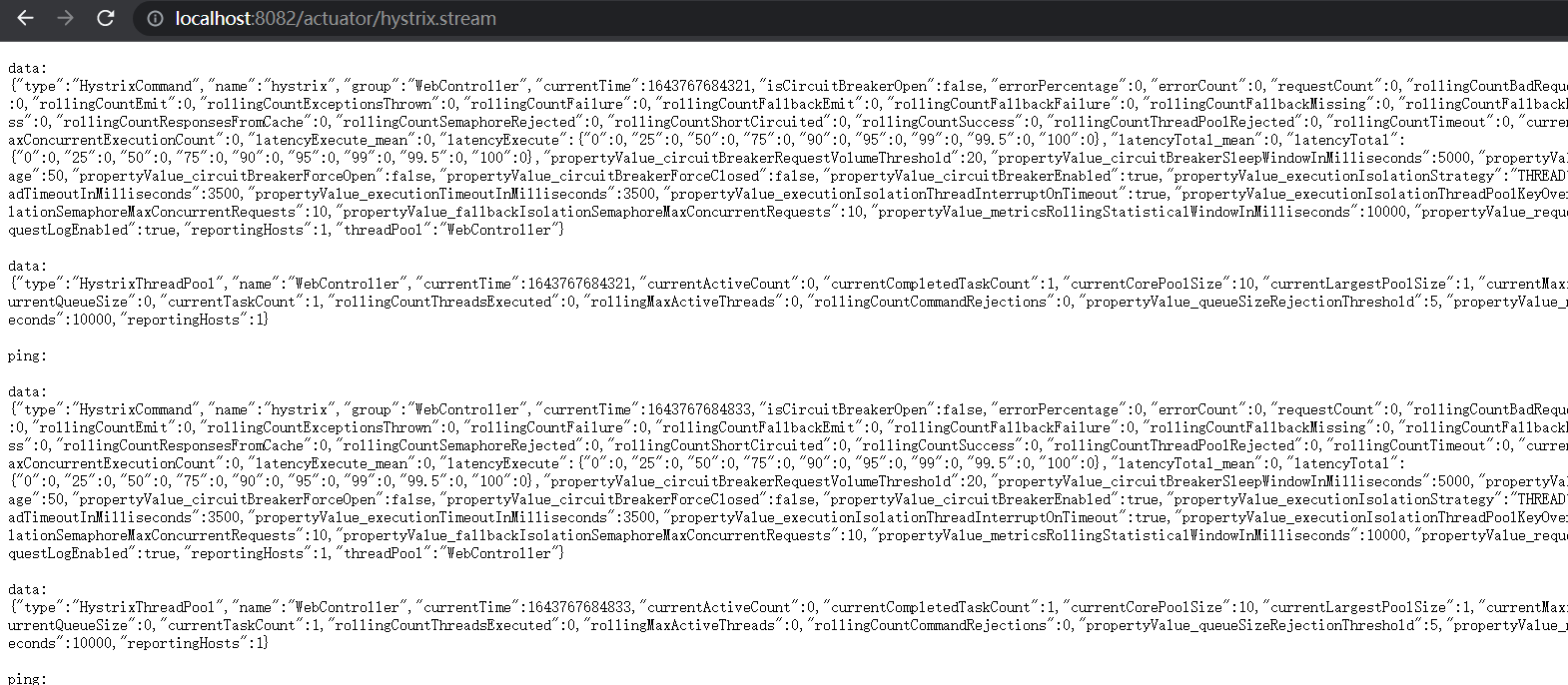
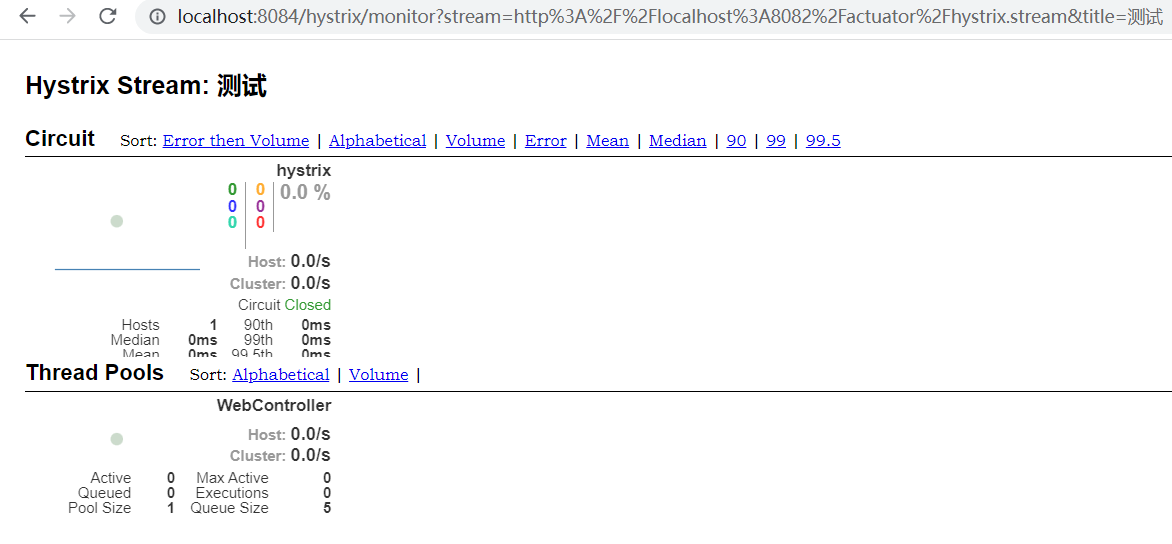
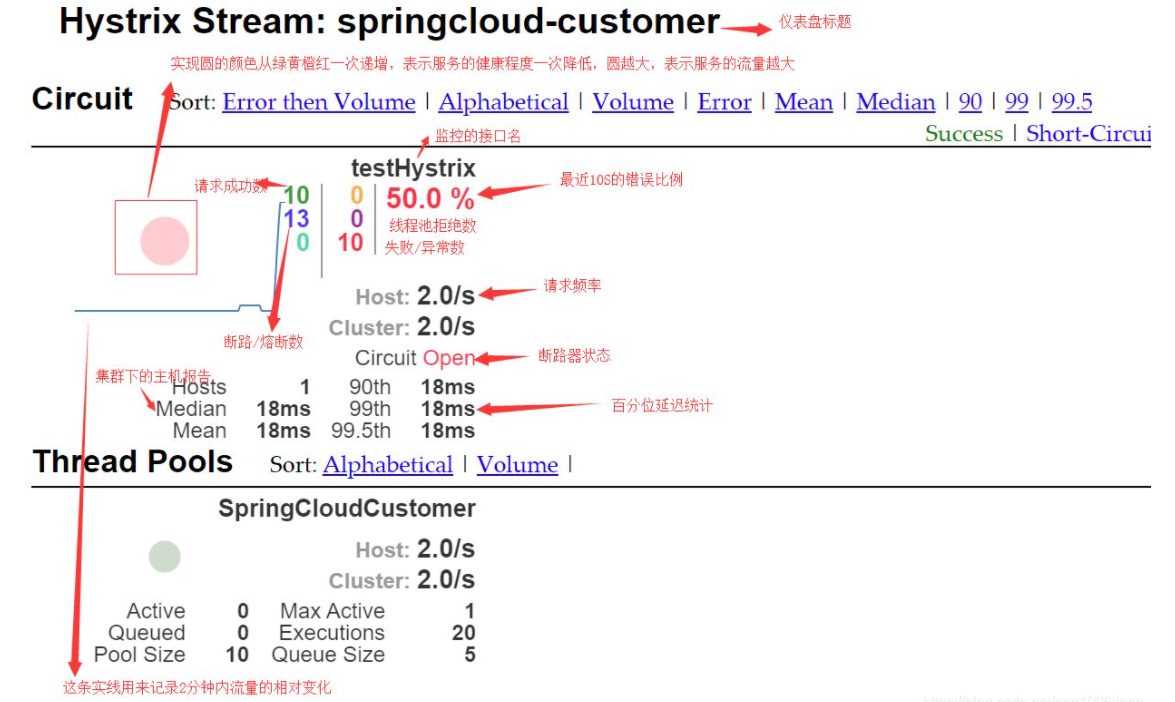
这种情况跟上面的一样,这是因为熔断服务一直没有被访问,所以没有监控的数据,也是需要调用一下这个项目工程里的触发熔断的接口。结果如下:
【采坑注意】
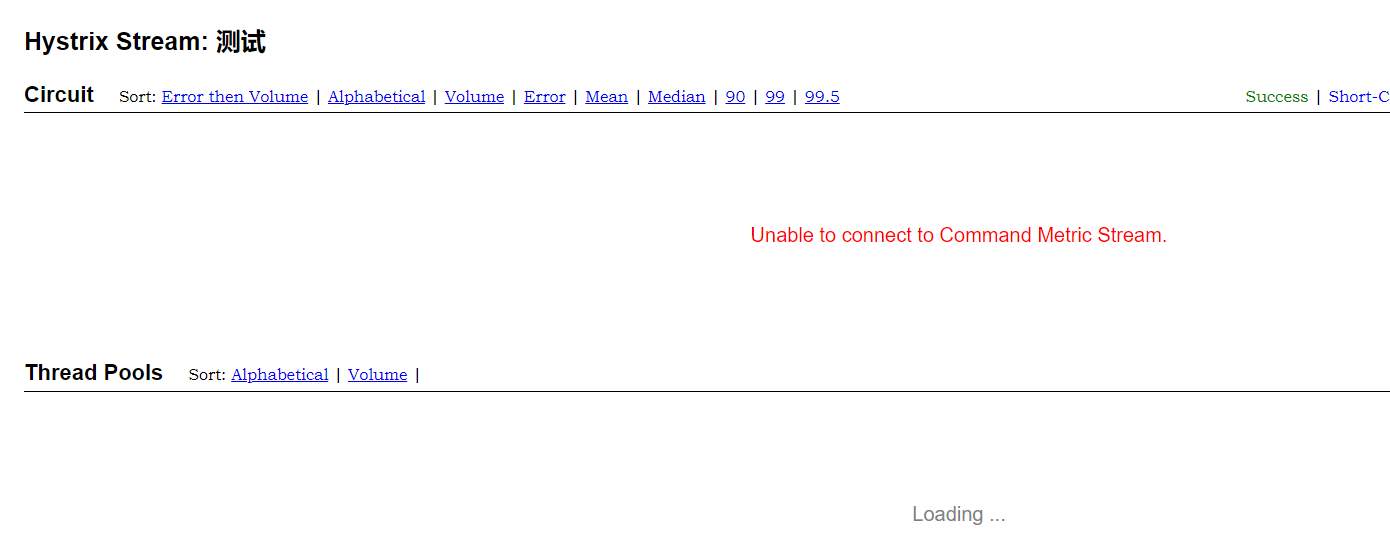
hystrix:
  dashboard:
    proxy-stream-allow-list: localhost

 浙公网安备 33010602011771号