13.静态文件
1、创建静态文件目录
创建目录polls/static/polls
2、创建一个css文件
在polls/static/polls创建style.css
# polls/static/polls/style.css
li a {
  color: green;
}
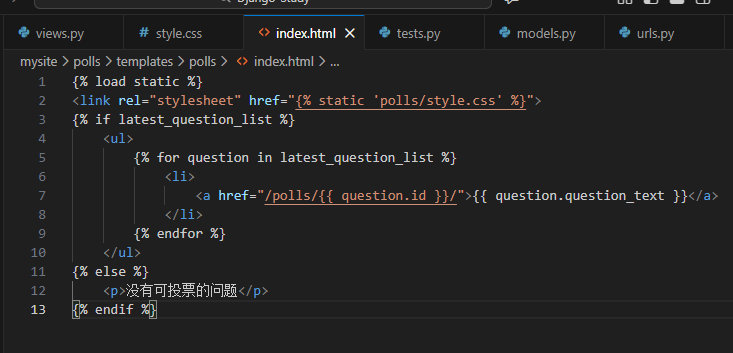
3、在模板文件顶部引用css文件
# polls/templates/polls/index.html
{% load static %}
<link rel="stylesheet" href="{% static 'polls/style.css' %}">
4、重启服务器
停止服务器重新运行python manage.py runserver
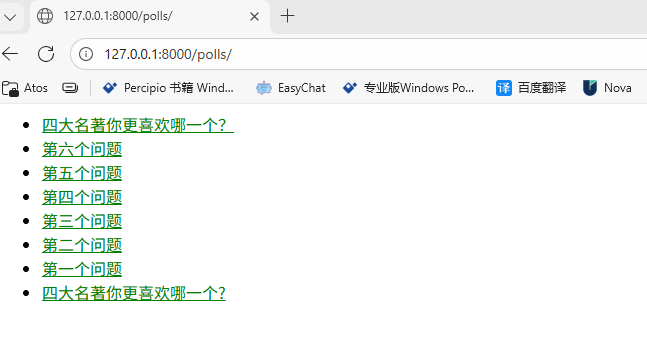
查看主页如下,问题字体已经变成绿色
5、添加一个背景图
创建polls/static/polls/images目录存放图片
准备一张图片放在文件夹下
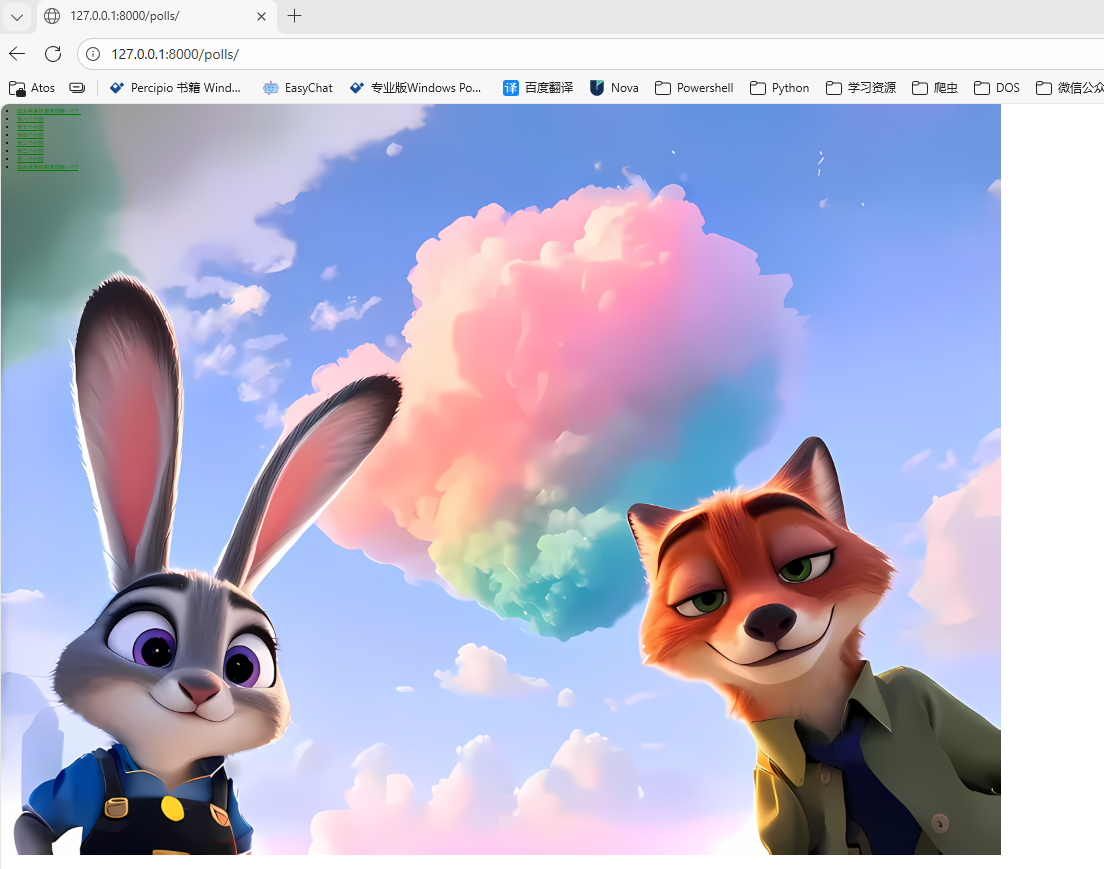
然后添加背景图样式
# polls/static/polls/style.css
body {
    background: white url("images/background.png") no-repeat;
}
查看效果

 浙公网安备 33010602011771号