
使用composer安装第三方类库报错处理
Your configuration dose nt allow connections to http://packagist.phbcomposer.ocm/apckages.json....
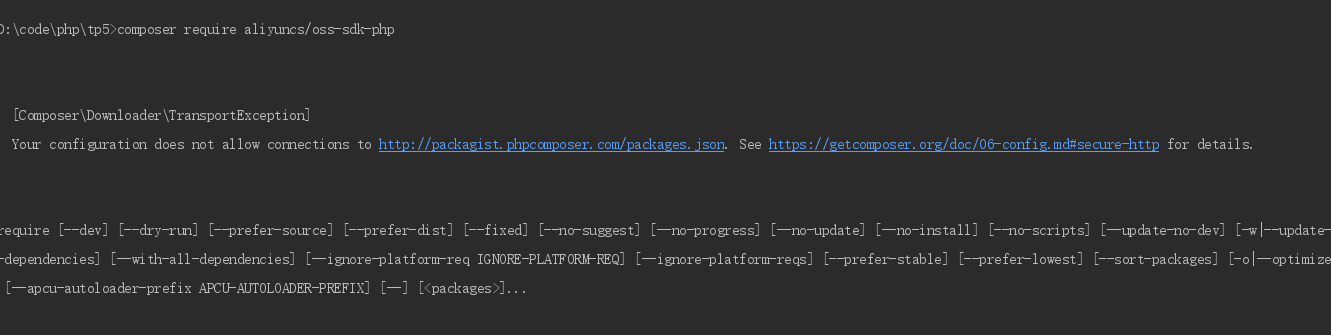
需要默认禁用https请求,解决方法是设置一个本地或全局的composer配置:
composer config secure-http false
全局设置:
composer config -g secure-http false
错误提示 curl error 60 while downloading https://packagest.phpcinoiser ,cin/packages.json:SSL....

解决办法:打开composer.json文件,增加以下内容。
"repositories": {
    "packagist": {
        "type": "composer",
        "url": "http://mirrors.aliyun.com/composer/"  //上面已经禁用了https,这里要改成http
    }
}
错误提示:Installation failed, reverting ./composer.json and ./composer.lock to their original content.
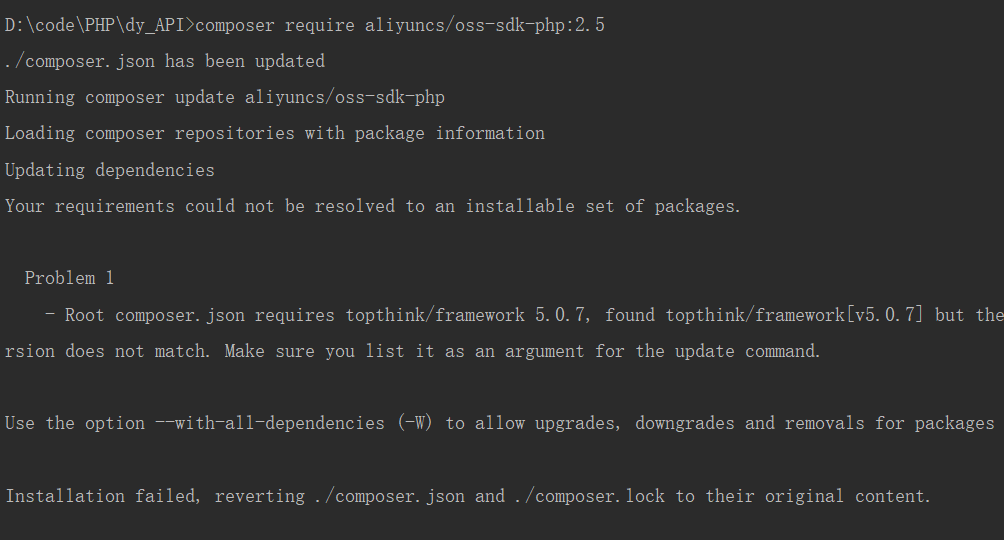
解决方法:
-
- 删除 composer.lock
-
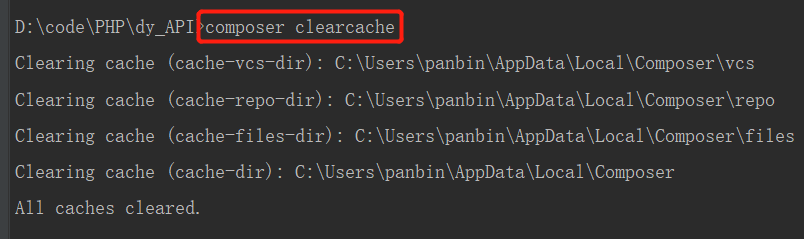
- 删除命令,清除缓存
composer clearcache
![]()
- 删除命令,清除缓存
- 3.更新依赖,重新生成 composer.lock
composer update
4.可以执行需要的命令了

 浙公网安备 33010602011771号