js实现一个小游戏(飞翔的jj)
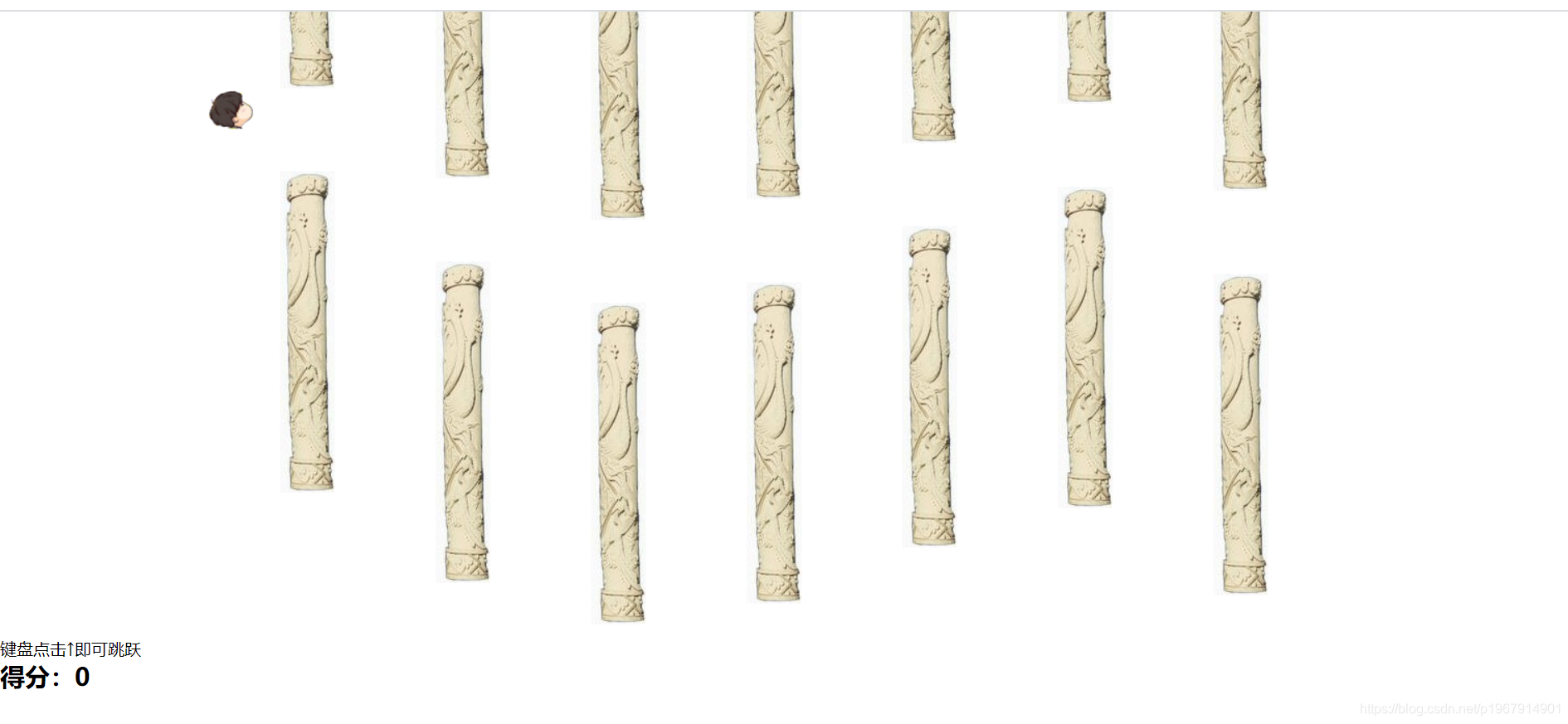
源代码+素材图片在我的仓库
<!DOCTYPE html>
<html lang="en">
<head>
<meta charset="UTF-8">
<meta name="viewport" content="width=device-width, initial-scale=1.0">
<title>飞翔的林俊杰</title>
<style>
* {
padding: 0;
margin: 0;
}
#canvas{
margin-left:100px;
}
</style>
</head>
<body>
<canvas id="canvas" width="1200px" height="600px"></canvas>
<div id="res">
键盘点击↑即可跳跃
<h2 id="mark">得分:0</h2>
</div>
<script>
var canvas = document.getElementById("canvas");
var context = canvas.getContext("2d");
var img = new Image();
img.src = './img/jj.png';
var jjx = 100, jjy = 100;
img.onload = function () {
context.drawImage(img, jjx, jjy);
}
creatColum();
var jjtimer = setInterval( function() {
jjy++;
jjy = jjy > 540 ? 540 : jjy;
context.clearRect(0, 0, 1200, 600);
drawColum();
context.drawImage(img, jjx, jjy);
}, 10)
document.onkeydown = function(e) {
if(e.keyCode == 38)
jjy -=25;
}
var columArr = [], colomTimer = null;
function creatColum () {
colomTimer = setInterval(function() {
var colum = {};
colum.x = 1150;
colum.y = -Math.round(Math.random()*150 + 150);
colum.top = new Image();
colum.bottom = new Image();
colum.top.src = './img/colom.jpg';
colum.bottom.src = './img/colom.jpg';
colum.id = new Date().getTime();
columArr.push(colum);
}, 1500);
}
var same = null , mark = 0;
function drawColum() {
for (var i = 0; i< columArr.length; i++) {
columArr[i].x--;
context.drawImage(columArr[i].top,columArr[i].x,columArr[i].y+50);
context.drawImage(columArr[i].bottom,columArr[i].x,columArr[i].y+440);
if (jjx + 37 >= columArr[i].x && jjx - 53 <= columArr[i].x) {
if (columArr[i].id != same) {
mark+=10;
same = columArr[i].id;
document.getElementById("mark").innerHTML = "得分:" + mark;
}
if (jjy < columArr[i].y + 355 || jjy > columArr[i].y+407) {
clearInterval( colomTimer);
clearInterval( jjtimer);
confirm("最终得分:"+mark)
}
}
}
}
</script>
</body>
</html>


 浙公网安备 33010602011771号