

js改变HTML元素样式
html
<p id="demo">js改变HTML元素样式</p>
<button type="button" onclick="MyTest(this)">测试</button>
js
function MyTest() {
    // 改变 <p> 元素的样式,将字号改为40,颜色改为红色
    var test = document.getElementById('demo');
    test.style.fontSize='40px';
    test.style.color='red';
}
原始样式

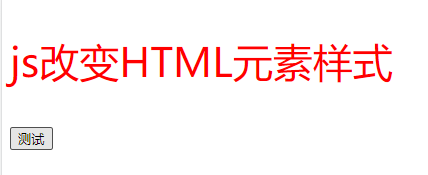
点击按钮后

 浙公网安备 33010602011771号