
vue H5样式适配PC端分辨率
VUE H5样式适配PC端分辨率
VUE2 vue-element-admin脚手架,版本4.4.0,使用笔记本开发125%,在其它电脑端显示时分辨率不是125%的情况下,样式会发生变化,看到的与自己本地开发环境的样式不一样。

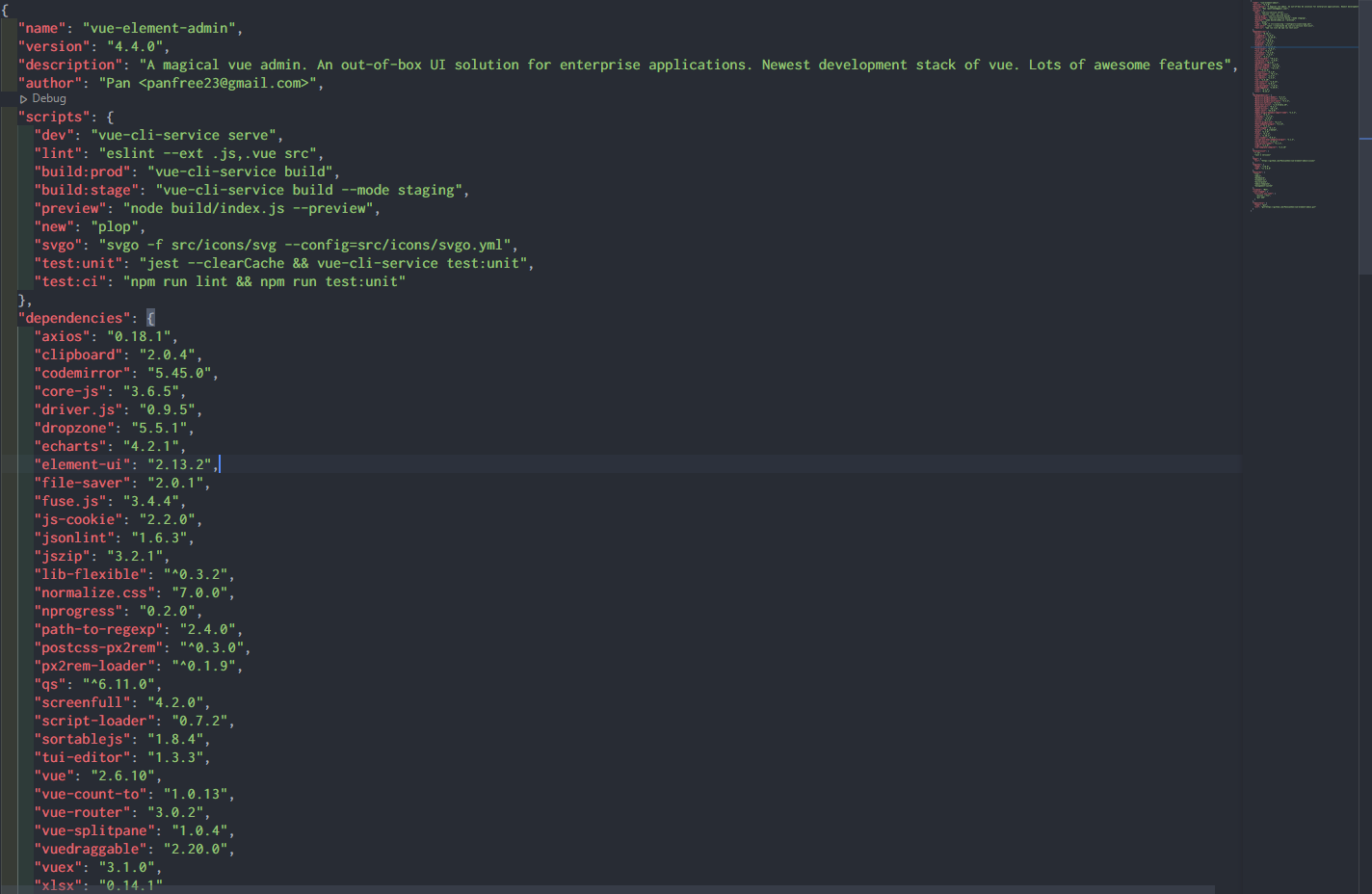
1.安装依赖
 npm install postcss-px2rem px2rem-loader --save
 npm i lib-flexible --save
在main.js文件中导入flexible
// 23-1-16 PC分辨率
import "@/utils/flexible";
2.flexible文件
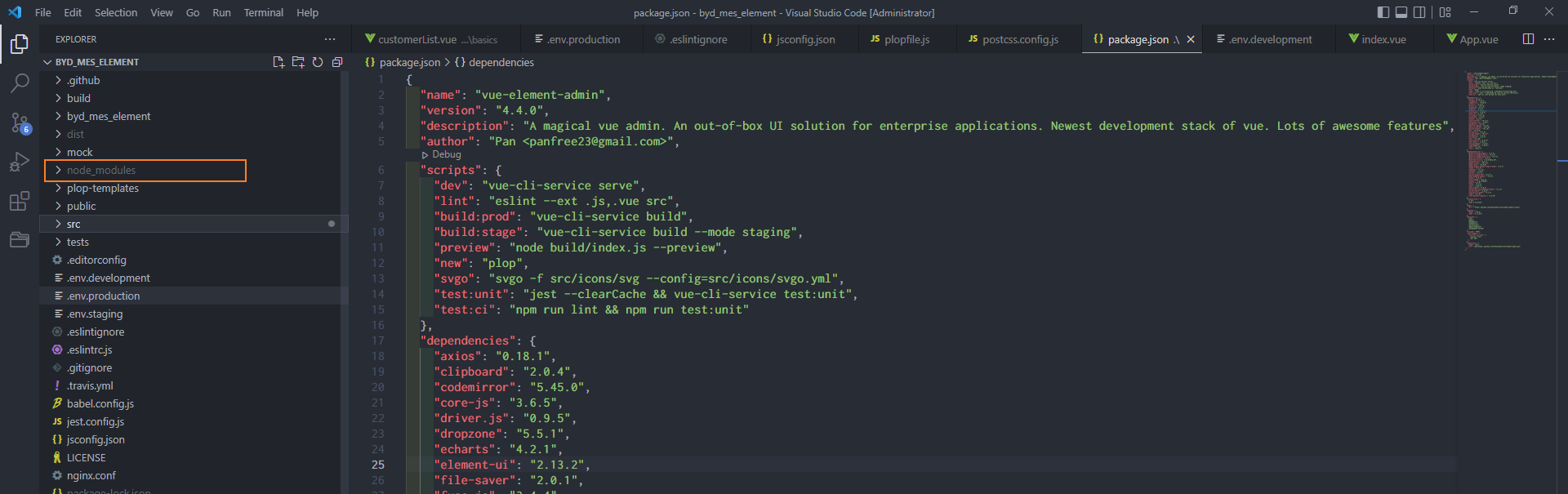
在 node_modules 文件夹下,找到刚安装的新依赖的文件夹lib-flexble,打开找到flexible.js文件拷贝一份,放到src下的utils文件夹下
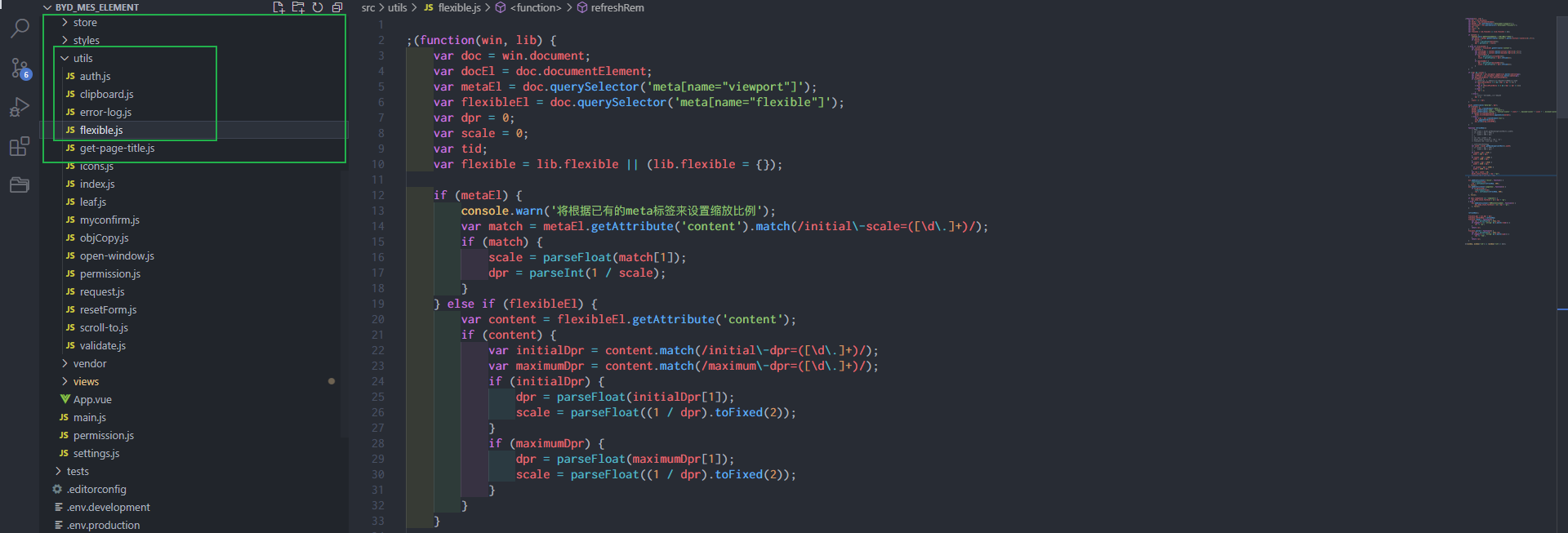
修改flexible.js文件 function refreshRem()函数方法体
    function refreshRem(){
        // 源码
        // var width = docEl.getBoundingClientRect().width;
        // if (width / dpr > 540) {
        //     width = 540 * dpr;
        // }
        // var rem = width / 10;
        // docEl.style.fontSize = rem + 'px';
        // flexible.rem = win.rem = rem;

        // 修改自适应PC分辨率
        var width = docEl.getBoundingClientRect().width;
        // if (width / dpr > 540) {
        //     width = 540 * dpr;
        // }
        if (width / dpr < 810) {
          width = 810 * dpr;
        }
        if (width / dpr < 1300) {
          width = 1300 * dpr;
        }
        if (width / dpr < 1920) {
          width = 1920 * dpr;
        }
          if (width / dpr < 2560) {
          width = 2560 * dpr;
        }
        var rem = width / 10;
        docEl.style.fontSize = rem + "px";
        flexible.rem = win.rem = rem;
    }
3.vue.config.js
在vue.config.js文件chainWebpack(config)函数中添加
      config.module
      .rule("css")
      .test(/\.css$/)
      .oneOf("vue")
      .use("px2rem-loader")
      .loader("px2rem-loader")
      .options({
        remUnit: 192,
        remPrecision: 8,
      })
      .end();
在vue.config.js文件module.exports 中添加
  css: {
    loaderOptions: {
      postcss: {
        plugins: [postcss]
      },
    },
  },
完成以上配置需要,重新对一些以前修改的样式重新调整.

 浙公网安备 33010602011771号