
Git - GitLab - Jenkins - maven项目构建
在上次实验的基础上,增加maven编译java过程
------------------------------------------------------
1> maven
插件- maven intergration - 修改maven镜像加速
[22:27:21 root@jenkins ~]#vim /etc/maven/settings.xml
  <mirrors>
    <!-- mirror
     | Specifies a repository mirror site to use instead of a given repository. The repository that
     | this mirror serves has an ID that matches the mirrorOf element of this mirror. IDs are used
     | for inheritance and direct lookup purposes, and must be unique across the set of mirrors.
     |
    <mirror>
      <id>mirrorId</id>
      <mirrorOf>repositoryId</mirrorOf>
      <name>Human Readable Name for this Mirror.</name>
      <url>http://my.repository.com/repo/path</url>
    </mirror>
     -->
    <mirror>
      <id>nexus-aliyun</id>
      <mirrorOf>*</mirrorOf>
      <name>Nexus aliyun</name>
      <url>http://maven.aliyun.com/nexus/content/groups/public</url>
    </mirror>


  </mirrors>
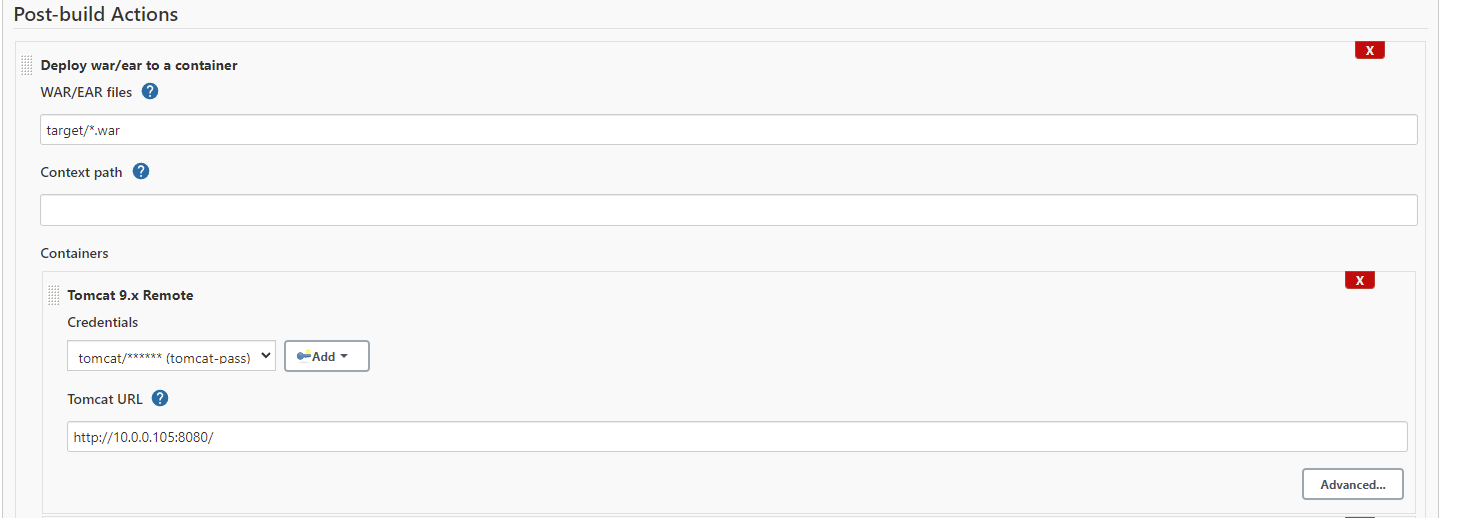
插件- deploy to container
2> 配置
在jenkins配置java home 和 maven home,同时创建tomcat的凭证
3> 创立一个maven项目
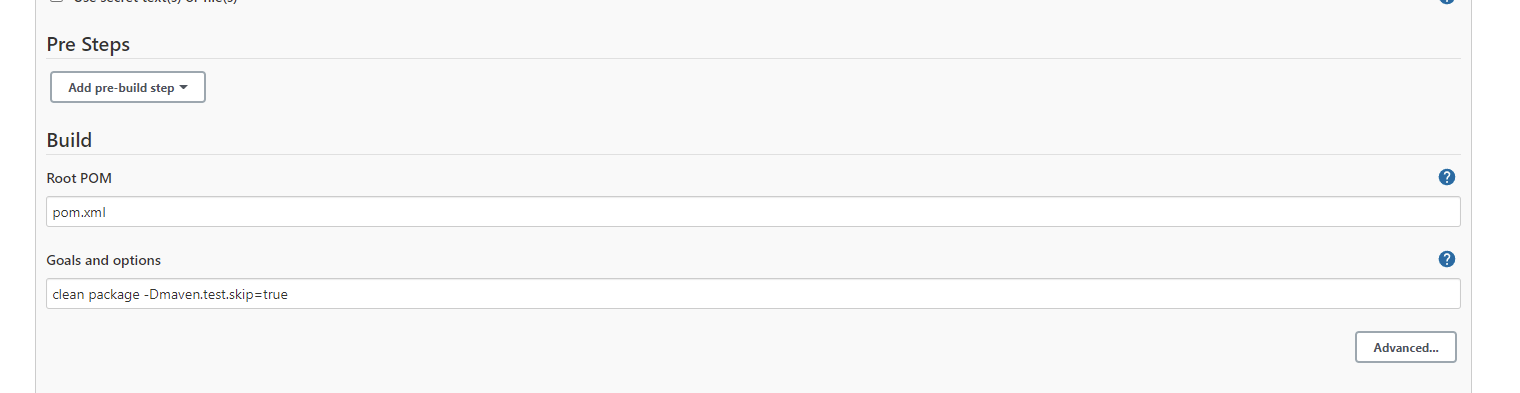
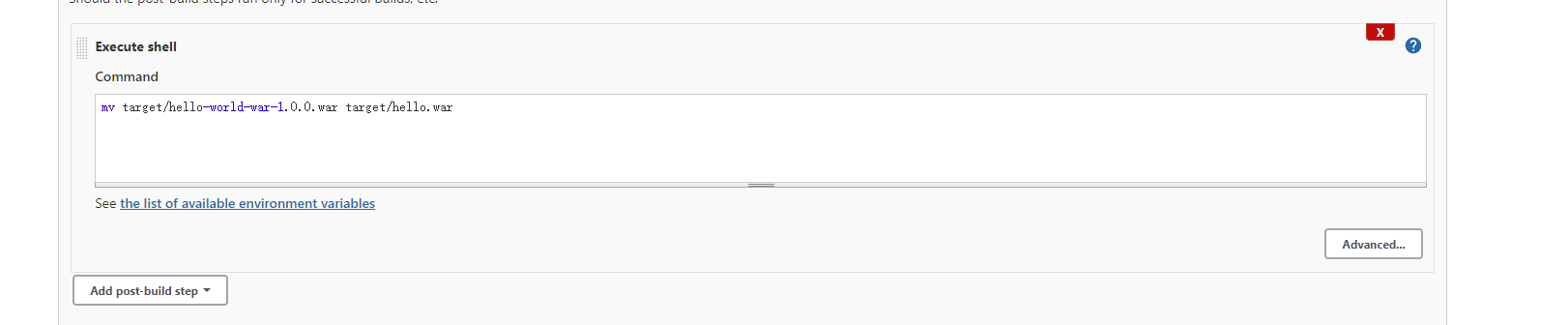
maven编译参数 clean package -Dmaven.test.skip=true
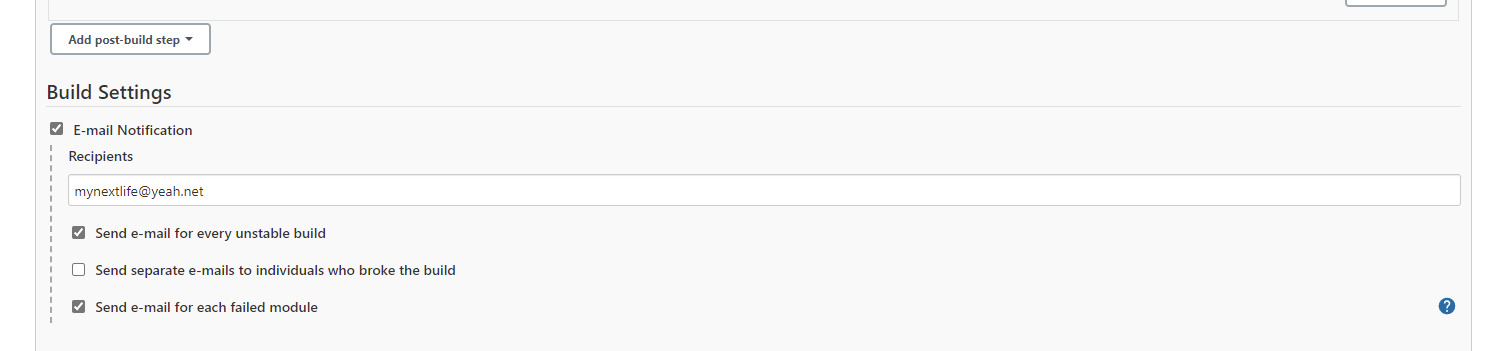
3> mail plugins
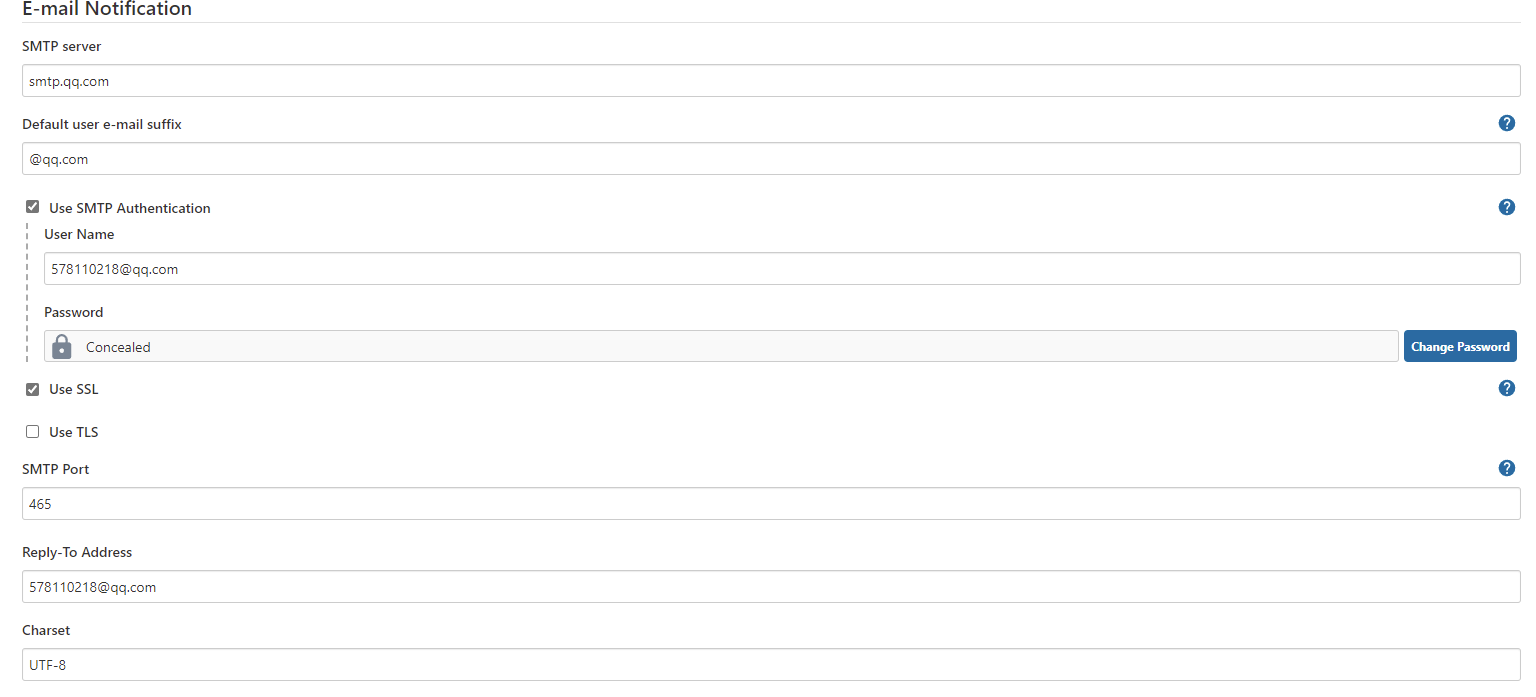
jenkins配置

项目中配置
4> 用webhook创建
4.1> 修改jenkins配置文件
[22:44:39 root@jenkins ~]#vim /etc/sysconfig/jenkins
JENKINS_JAVA_OPTIONS="-Djava.awt.headless=true -Dhudson.security.csrf.GlobalCrumbIssuerConfiguration.DISABLE_CSRF_PROTECTION=true"

从网页上restart

http://jenkins.noisedu.cn:8080/restart
4.2> 修改权限设置


4.3>用webhook build


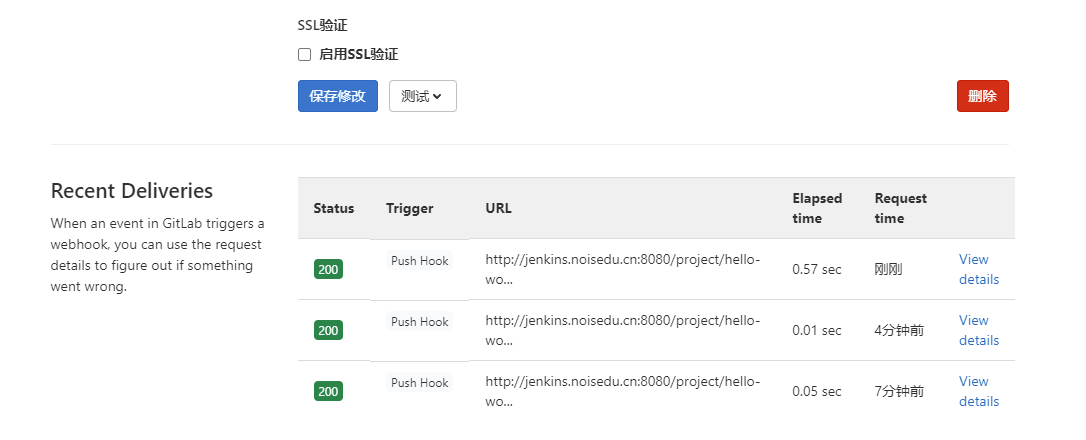
4.4> 在gitlab上面用生产的secret token和网页去设置webhook

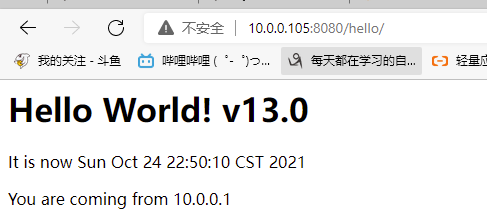
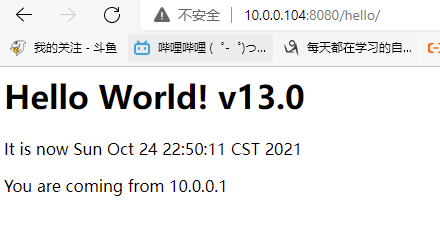
5> 测试
[21:59:40 root@dev webapp]#vim index.jsp
[22:49:20 root@dev webapp]#version=v13.0;git add .; git commit -m "$version";git push
[main 6477090] v13.0
 1 file changed, 1 insertion(+), 1 deletion(-)
Enumerating objects: 11, done.
Counting objects: 100% (11/11), done.
Delta compression using up to 2 threads
Compressing objects: 100% (4/4), done.
Writing objects: 100% (6/6), 436 bytes | 436.00 KiB/s, done.
Total 6 (delta 2), reused 0 (delta 0), pack-reused 0
To gitlab.noisedu.cn:root/hello-world-war.git
   5763ca7..6477090  main -> main
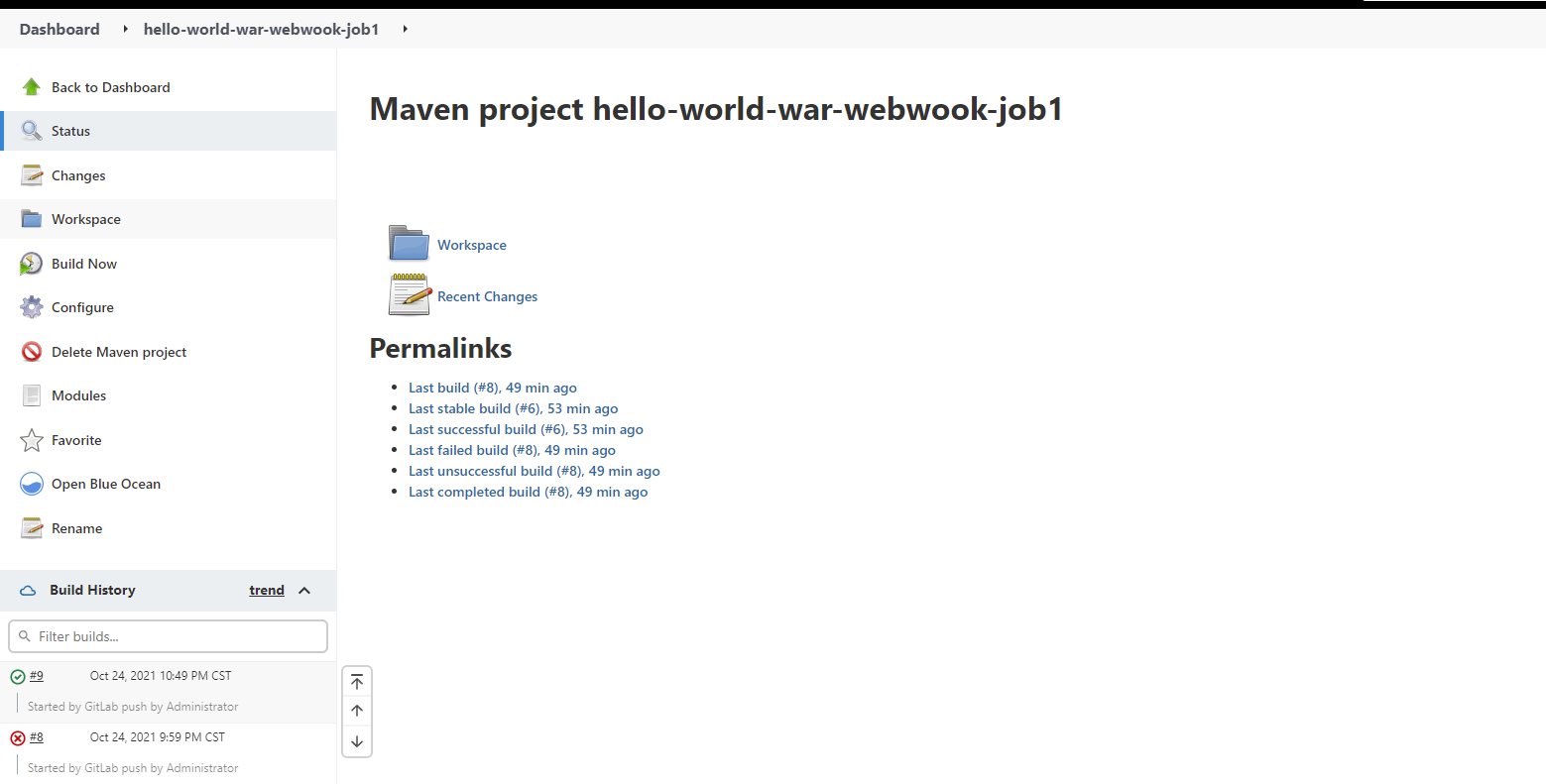
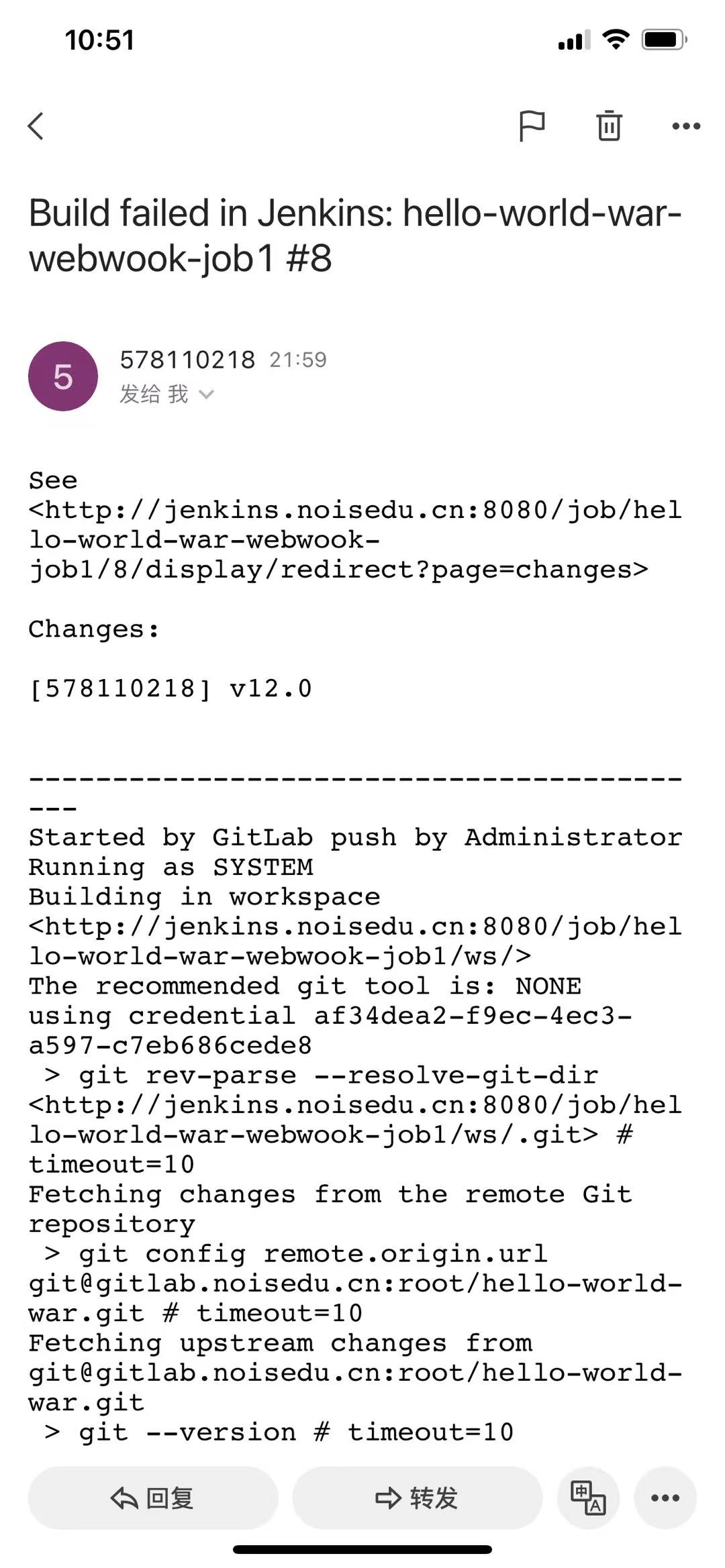
6> 若失败,则会收到响应邮件
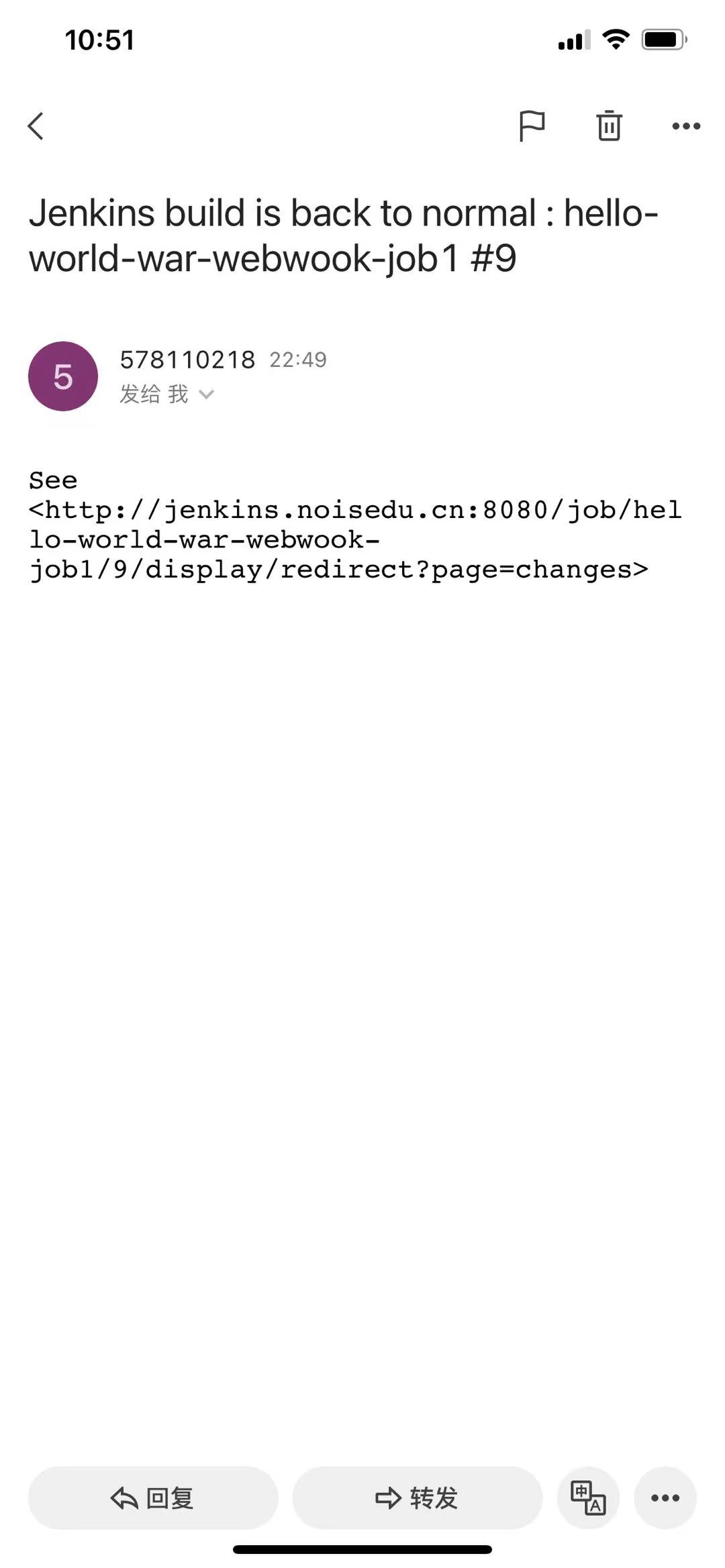
同时,恢复的话,也会收到邮件

 浙公网安备 33010602011771号