


自动化运维工具ansible
安装ansible:
[root@niexj21 ~]# yum install -y ansible
ansible命令参数:
ansible命令语法:ansible [-i 主机文件] [-f 批次] [组名] [-m 模块名称] [-a 模块参数]
设置管理主机的配置文件,添加如下内容(主机无密码访问):
[root@niexj21 ~]# vim /etc/ansible/hosts
19 [webservers]
20 192.168.1.21
21 192.168.1.22
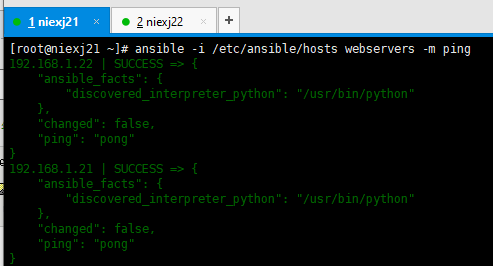
测试节点联通性
[root@niexj21 ~]# ansible -i /etc/ansible/hosts webservers -m ping
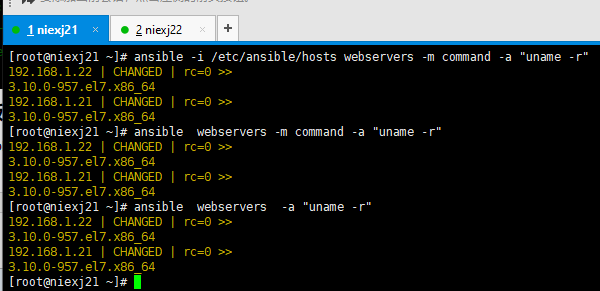
检查节点的内核版本 :
[root@niexj21 ~]# ansible -i /etc/ansible/hosts webservers -m command -a "uname -r" ## -i 默认配置文件/etc/ansible/hosts,-m 默认模块command
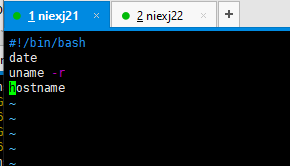
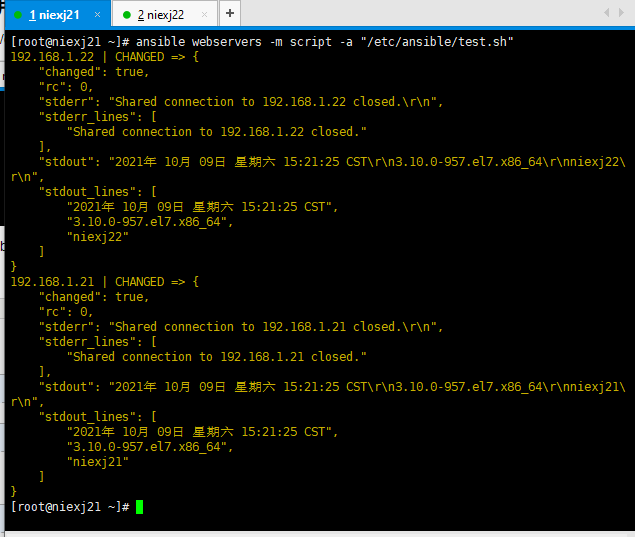
scripts模块,使用该模块可以写一个脚本,在远程服务器执行:
[root@niexj21 ~]# vim /etc/ansible/test.sh
[root@niexj21 ~]# ansible webservers -m script -a "/etc/ansible/test.sh"
copy模块:实现主控端向目标主机拷贝文件
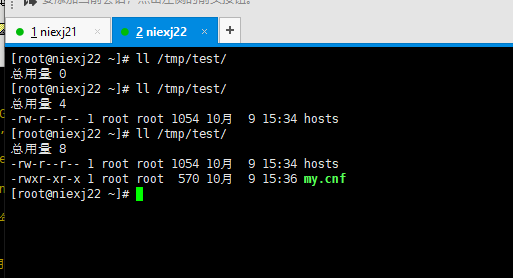
[root@niexj21 ~]# ansible webservers -m copy -a "src=/etc/ansible/hosts dest=/tmp/test"
[root@niexj21 ~]# ansible webservers -m copy -a "src=/etc/my.cnf dest=/tmp/test owner=root group=root mode=0755"
file模块设置文件属性
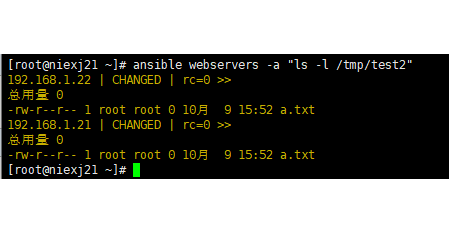
[root@niexj21 ~]# ansible webservers -a "mkdir /tmp/test2"
[root@niexj21 ~]# ansible webservers -a "touch /tmp/test2/a.txt"
[root@niexj21 ~]# ansible webservers -a "ls -l /tmp/test2"
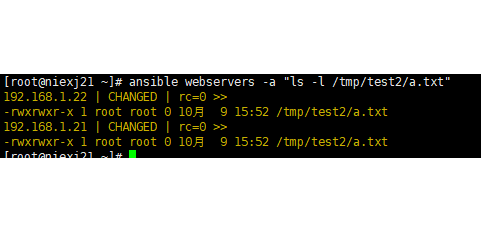
[root@niexj21 ~]# ansible webservers -m file -a "path=/tmp/test2/a.txt mode=0775"
[root@niexj21 ~]# ansible webservers -a "ls -l /tmp/test2/a.txt"
get_url模块实现远程主机下载指定的URL到本地
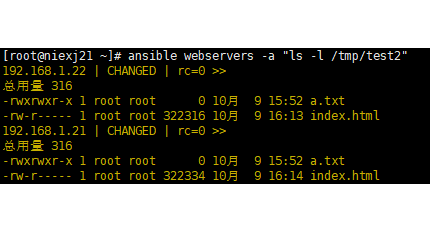
[root@niexj21 ~]# ansible webservers -m get_url -a "url=http://www.baidu.com dest=/tmp/test2 mode=0640"
[root@niexj21 ~]# ansible webservers -a "ls -l /tmp/test2"
yum模块Linux平台软件包安装
[root@niexj21 ~]# ansible webservers -m yum -a "name=httpd state=latest"
[root@niexj21 ~]# ansible webservers -a "systemctl status httpd"
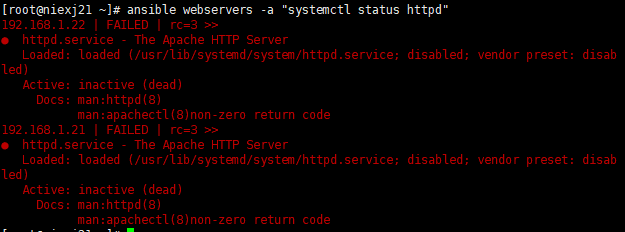
service模块远程主机系统服务管理
[root@niexj21 ~]# ansible webservers -m service -a "name=httpd state=started"
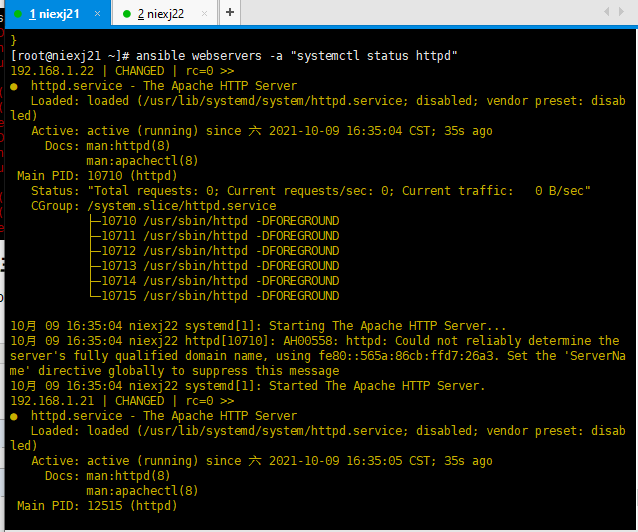

 浙公网安备 33010602011771号