
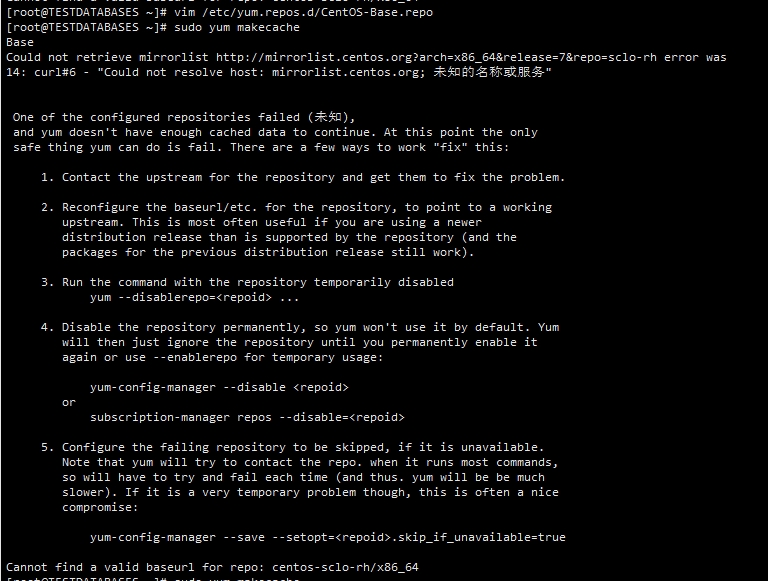
One of the configured repositories failed (未知), and yum doesn't have enough cached data to continue. At this point the only safe thing yum can do is fail. There are a few ways to work "fix" this:
CENTOS7安装更新报错。
决方法
备份数据:首先将 /etc/yum.repos.d/ 的文件进行备份
将 /etc/yum.repos.d/的文件全部删除
更换阿里镜像源
curl -o /etc/yum.repos.d/CentOS-Base.repo http://mirrors.aliyun.com/repo/Centos-7.repo
更换镜像源后可能出现识别不了$releasever的问题,以下是解决方法
安装 yum install centos-release,在**/etc/yum.repos.d生成了新的源文件CentOS-Base.repo.rpmnew**,修改覆盖之前的文件mv CentOS-Base.repo.rpmnew CentOS-Base.repo
重新执行更换阿里镜像源的 curl 命令
运行yum makecache生成缓存
原文链接:https://blog.csdn.net/weixin_43897590/article/details/140384890

 浙公网安备 33010602011771号