
ElasticSearch学习系列(一)快速安装
学习一门新技术,我始终觉得先上手实战为主。
本章主要以搭建一个可以实战的环境为主,不过多介绍安装详情。
前提准备:
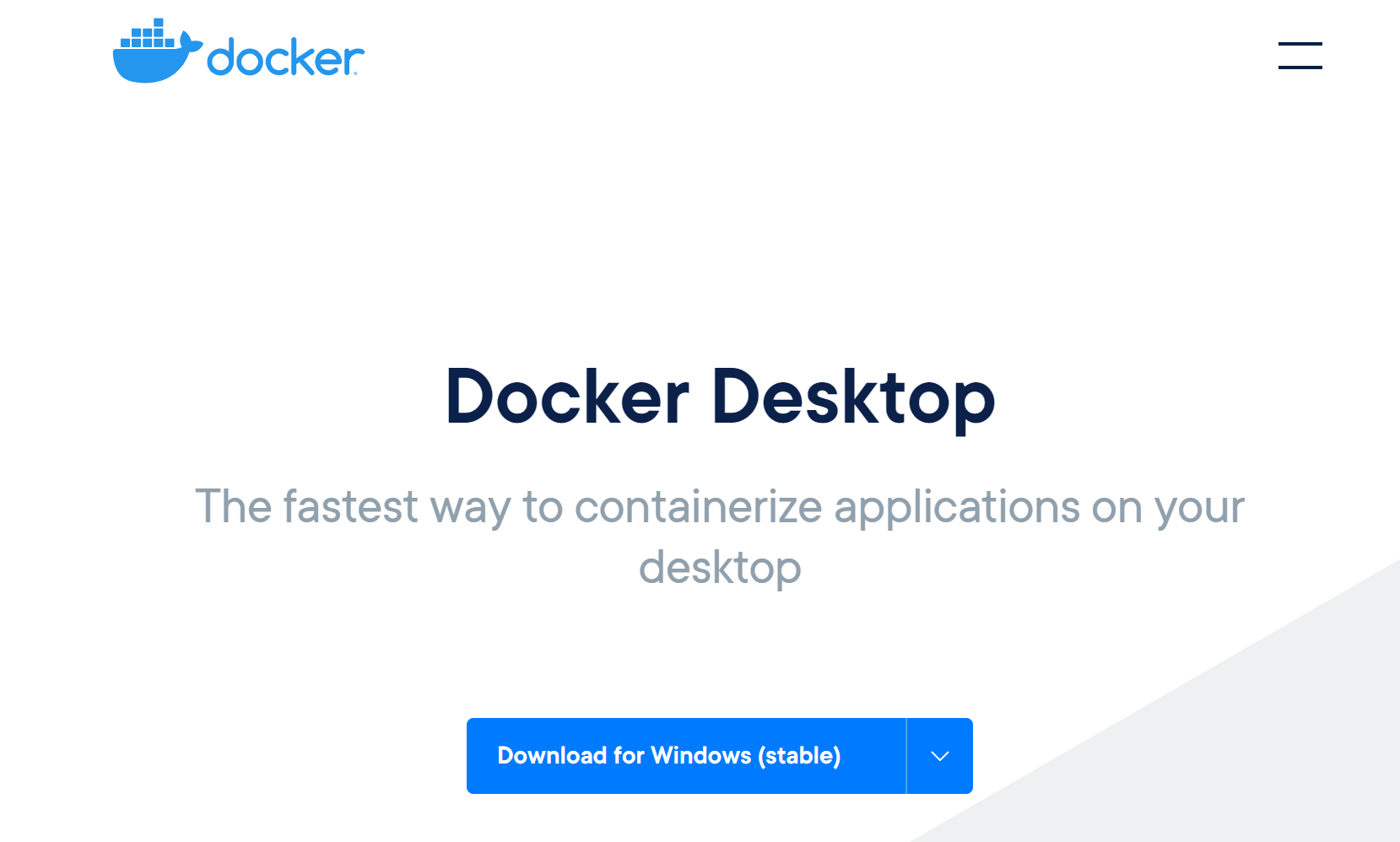
1.安装 docker for windows /mac,下载地址: https://www.docker.com/products/docker-desktop
2.找到elasticsearch的官网,找到container安装,地址:https://www.elastic.co/guide/en/elasticsearch/reference/current/docker.html
docker pull docker.elastic.co/elasticsearch/elasticsearch:7.9.3
docker run -p 9200:9200 -p 9300:9300 -e "discovery.type=single-node" docker.elastic.co/elasticsearch/elasticsearch:7.9.3
安装完成之后,我们需要有一个可视化的界面工具去操作查看ES的数据。
3.安装kibana,这里我们也采用docker容器安装方式 :https://www.elastic.co/guide/en/kibana/current/docker.html
docker pull docker.elastic.co/kibana/kibana:7.9.3
docker run --link 你的Elasticsearch容器ID:elasticsearch -p 5601:5601 kibana:7.9.3
安装完成之后,打开http://localhost:5601/app/home#/
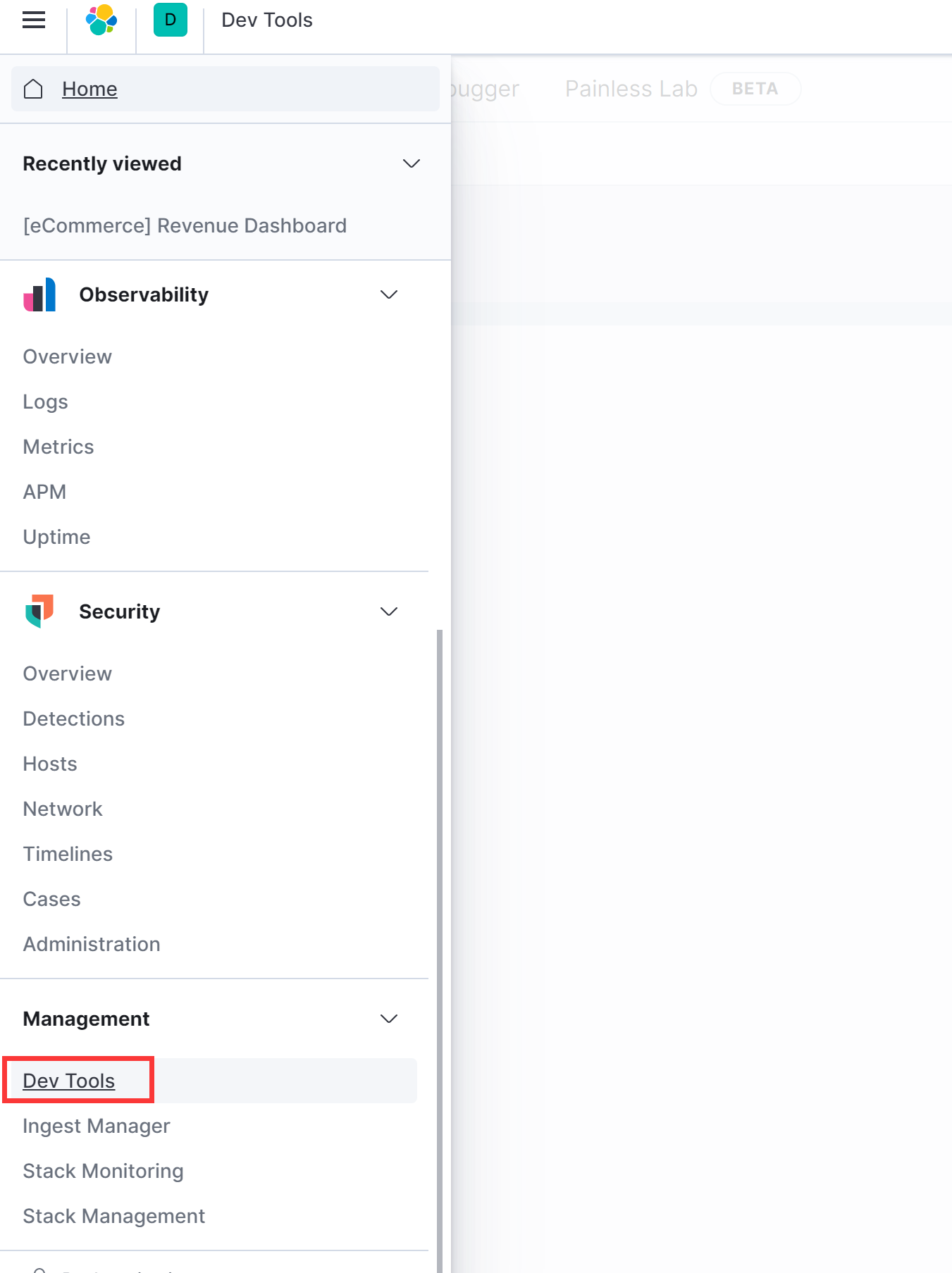
进入页面之后,找到Dev Tools
到现在为止,我们已经完成了单机版的elasticsearch的搭建工作,下面我们来开始学习es的一些基础知识。

 浙公网安备 33010602011771号