
chatgpt 机器人 联动 飞书 微信 钉钉 企业微信
chatgpt 机器人 联动 飞书 微信 钉钉 企业微信
先测试一下你的账户是否能获取到返回值。
官方文档地址:https://platform.openai.com/docs/api-reference/introduction

curl https://api.openai.com/v1/engines \
  -H 'Authorization: Bearer YOUR_API_KEY'


curl https://api.openai.com/v1/completions \
-H "Content-Type: application/json" \
-H "Authorization: Bearer YOUR_API_KEY" \
-d '{"model": "text-davinci-003", "prompt": "你好", "temperature": 0, "max_tokens": 7}'


import os
import openai
openai.api_key = os.getenv("OPENAI_API_KEY")
openai.Model.list()
一般是这个
Your access was terminated due to violation of our policies,
 please check your email for more information.
If you believe this is in error and would like to appeal, please contact support@openai.com
或者是这个
error, status code: 429, message: Your access was terminated due to violation of our policies,
please check your email for more information.
If you believe this is in error and would like to appeal, please contact support@openai.com.
换账号,或者升级PLUS,
一 、对接参考:
1、登录OpenAi官网获取 API-KEY
如何注册账户,升级PLUS,请百度、淘宝、拼多多
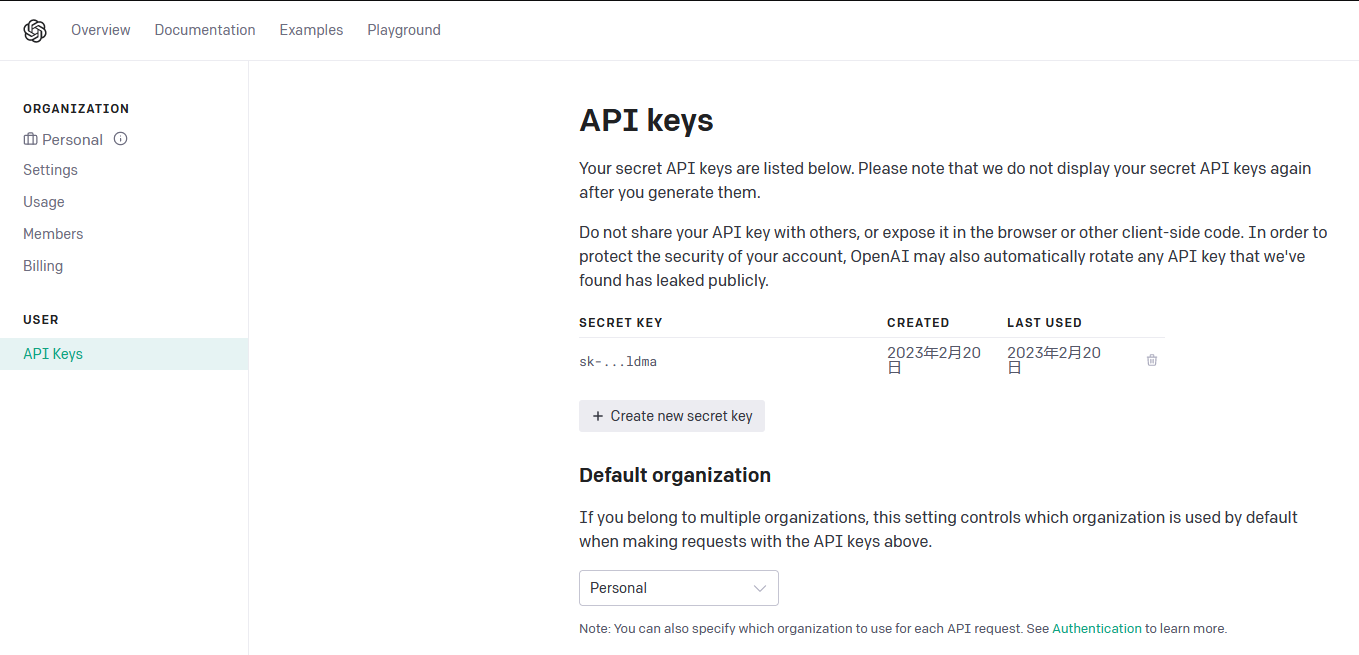
2 、搭建服务 教程以钉钉为例
1、搭建服务:docker启动
cat config.json
{
    "api_key": "API_keys",
    "session_timeout": 600
}

docker run -itd --name chatgpt -p 8090:8090  -v /opt/config.json:/app/config.json --restart=always  dockerproxy.com/eryajf/chatgpt-dingtalk:latest

# nginx 反向代理域名 配置文件GitHub有

游览器访问域名时,docker的日志出现:
logger.go:33: 回调参数为空,以至于无法正常解析,请检查原因
表示为链路正常
2、钉钉后台 设置机器人 添加到群组
在钉钉群设置,添加智能群助手,添加你创建的机器人即可
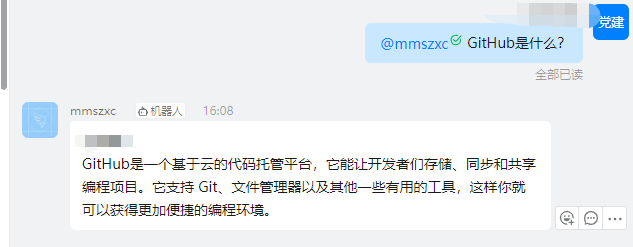
3、群内 @机器人 问出问题

 浙公网安备 33010602011771号