

Sentinel dashboard 控制台搭建
1、打开 Sentinel 下载页面,选择想要的 Sentinel 版本。这里,我们选择 1.7.1 最新版本。
jar包放在D:\workSoft\sentinel-dashboard-1.7.1目录下
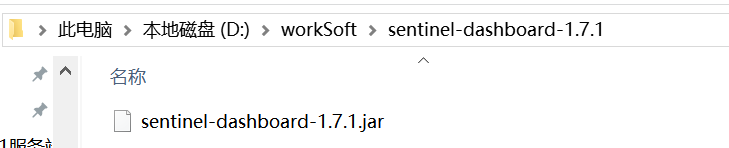
2、打开命令界面
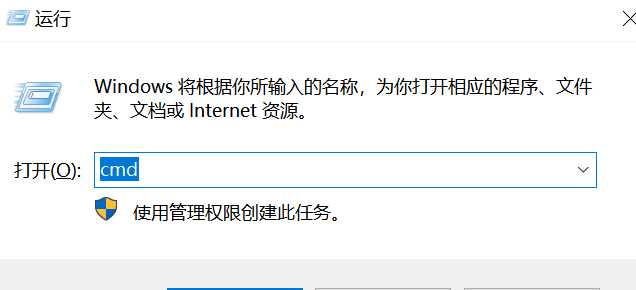
执行命令:
java -Dserver.port=8080 -Dcsp.sentinel.dashboard.server=localhost:8080 -Dproject.name=sentinel-dashboard -Dcsp.sentinel.api.port=8719 -jar D:\workSoft\sentinel-dashboard-1.7.1\sentinel-dashboard-1.7.1.jar
解释一下:
-Dserver.port=8080 控制台访问的端口
-Dcsp.sentinel.dashboard.server=localhost:8080 控制台访问的:地址+端口
D:\workSoft\sentinel-dashboard-1.7.1\sentinel-dashboard-1.7.1.jar sentinel的jar所在的路径
执行完命令:
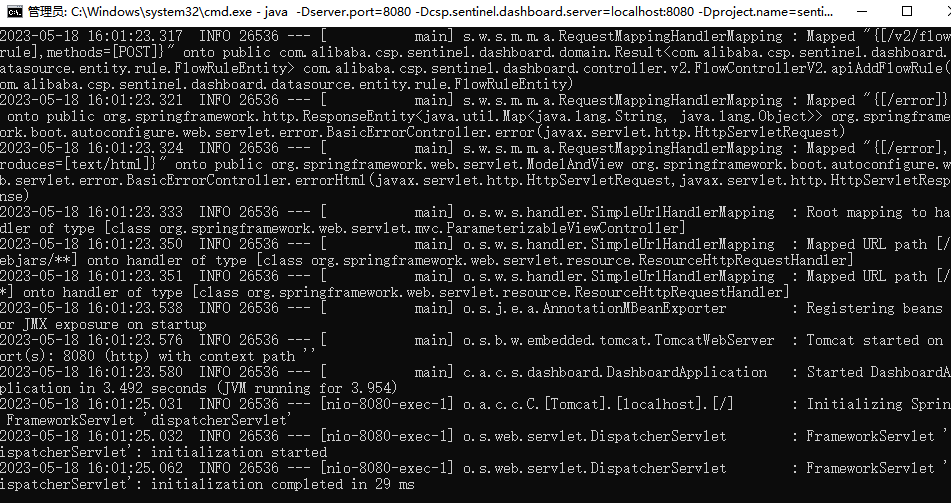
意味着Sentinel dashboard启动成功
3、访问:http://localhost:8080/
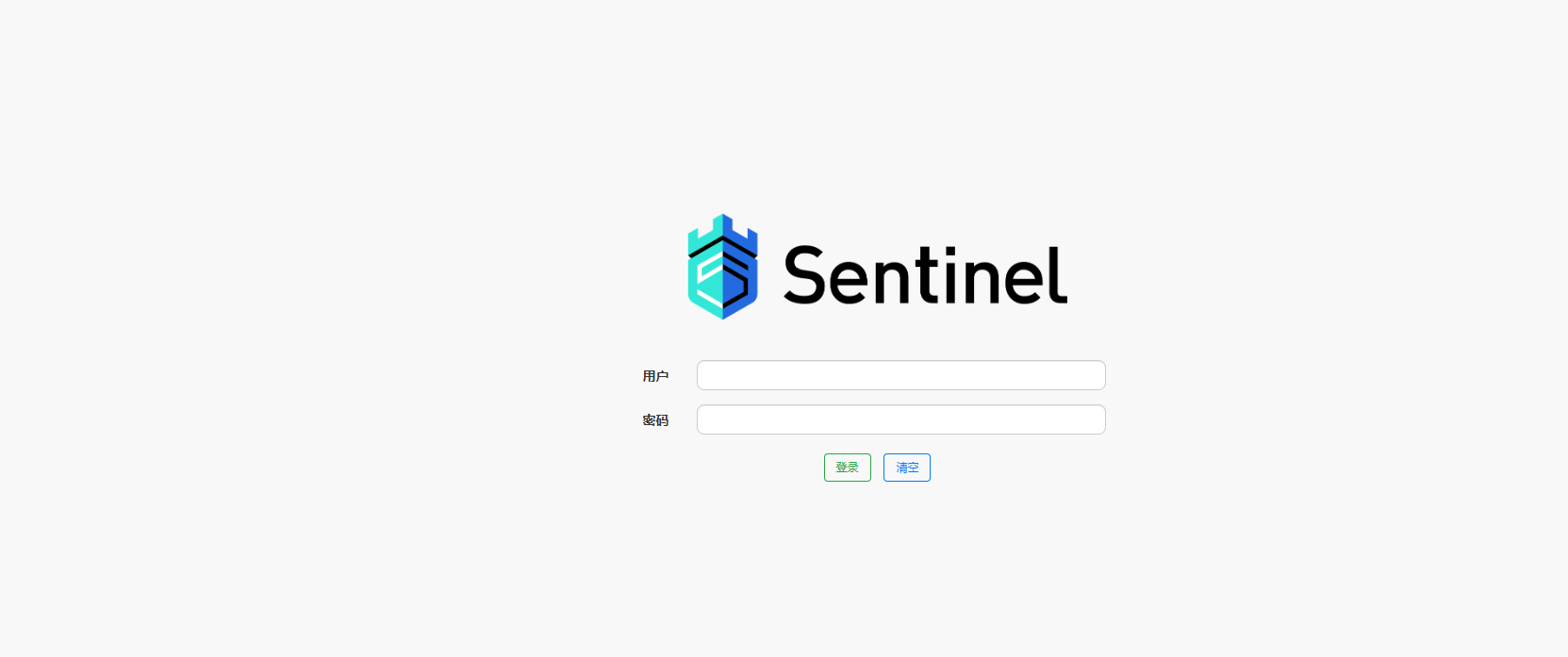
默认用户名:sentinel 密码:sentinel
登录后:
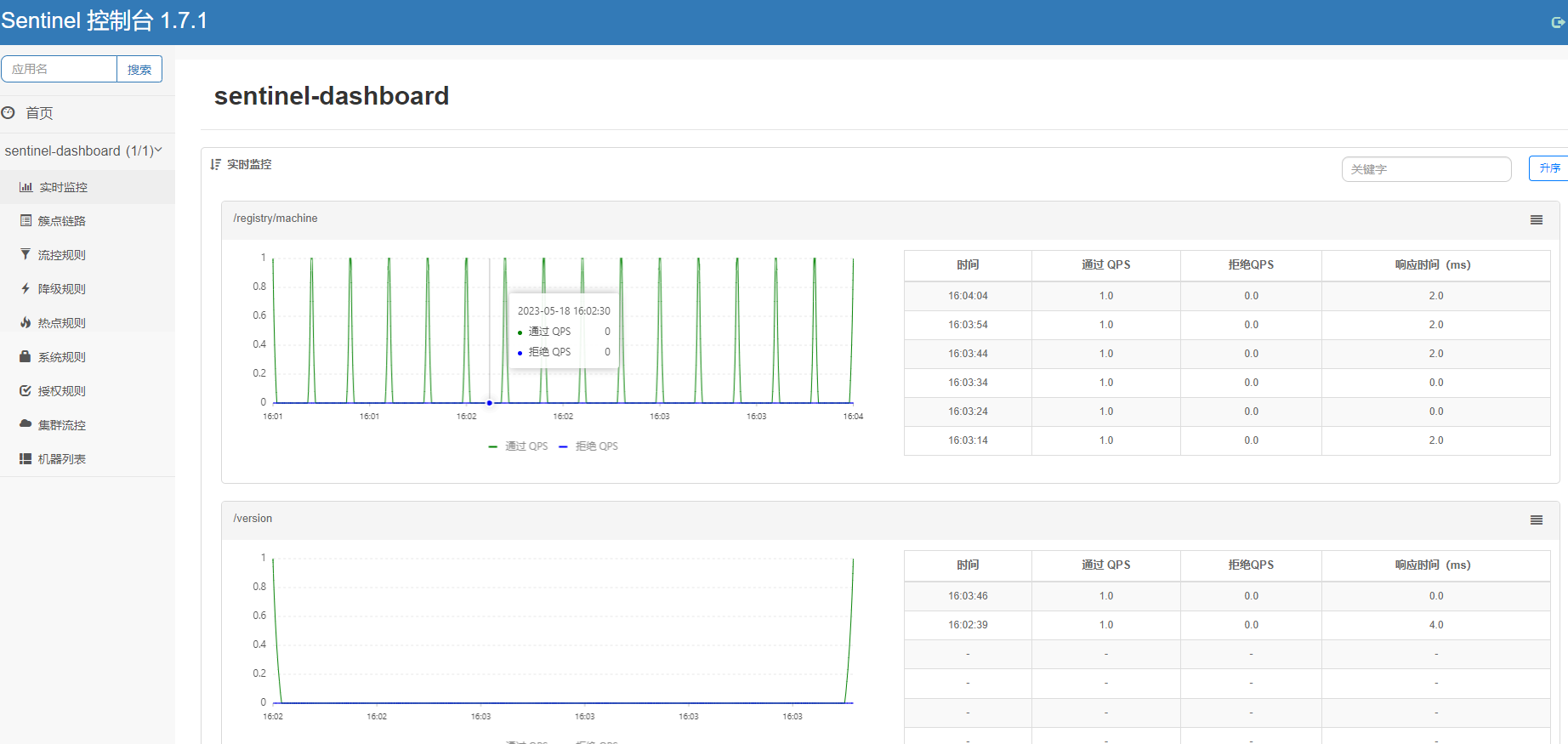
意味着Sentinel dashboard 控制台搭建成功!!!

 浙公网安备 33010602011771号