
MaterialDesignInXamlToolkit - 源码编译
最近发现个不错的WPF控件库MaterialDesignInXamlToolkit,Github地址:https://github.com/MaterialDesignInXAML/MaterialDesignInXamlToolkit,下载源码包,必须使用vs2019环境重新编译。
1、vs2019安装
本机win10x6412G,已安装vs2017。
官网下载vs2019下载器(vs_community__603525839.1562578319.exe),双击运行无响应,原因未知,从网上找到离线安装方法,安装成功。
链接如下可参考:https://www.cnblogs.com/Lzl678/p/10651100.html
大概流程为命令行执行(需自定义):vs_community__891427824.1534167097.exe --layout .\vs2019_layout --add Microsoft.VisualStudio.Workload.NativeDesktop --add Microsoft.VisualStudio.Workload.ManagedDesktop --includeRecommended --lang en-US zh-CN
layout选择下载文件存储路径,add加入需要的workload,执行后即可在目标路径实时下载所需安装包,有实时进度显示,完成后关闭即可,然后到该路径双击setup.exe执行安装,有点慢,但是成功了。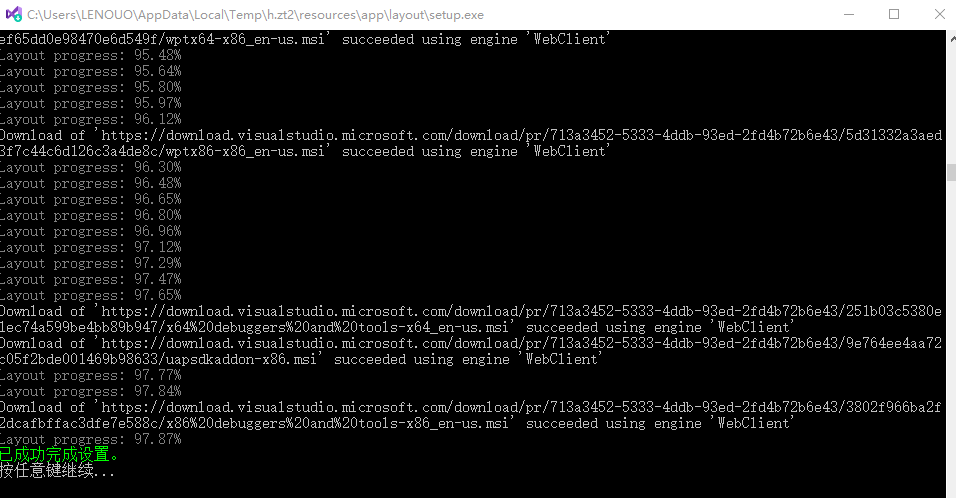
注意:需要安装.net core sdk 3.0.1,版本如下:
"sdk": {
"version": "3.0.100-preview7-012821"
}
}
2、源码编译
下载源码包:(码云)https://gitee.com/TsingFon/MaterialDesignInXamlToolkit
(github)https://github.com/MaterialDesignInXAML/MaterialDesignInXamlToolkit/wiki
编译流程:https://github.com/MaterialDesignInXAML/MaterialDesignInXamlToolkit/wiki/Compiling-From-Source
The NuGet package are backwards compatibile and can be used in any WPF application (targetting .NET 4.5 or later) with any version of Visual Studio. If you wish to compile the library from source it will REQUIRE Visual Studio 2019 (v16.3 or later) with .NET Core 3.1 SDK installed. This is because the source code leverages the latest features, such as expression bodied members, which cannot be compiled in earlier versions of Visual Studio.
The main project is contained within the MaterialDesignToolkit.Wpf.sln file located at the root of the repository. This is the file you want to open in Visual Studio.
Set the startup project to be Demos\MaterialDesignDemo, compile and run (or simply press F5).
The first time you compile the project you will likely get the error ShowMeTheXAML was added to the MaterialDesignDemo project. Please rebuild the project.. This is expected and should only occur the very first time you compile the library. Simply re-build the solution (from the top menu Build>>Rebuild Solution). You must rebuild, not just a normal incremental build. If you continue to get this error, you may need to restart Visual Studio. For more details see this comment.
This library uses paket to install its dependencies. Typically these should be downloaded automatically for you when you first compile the solution.
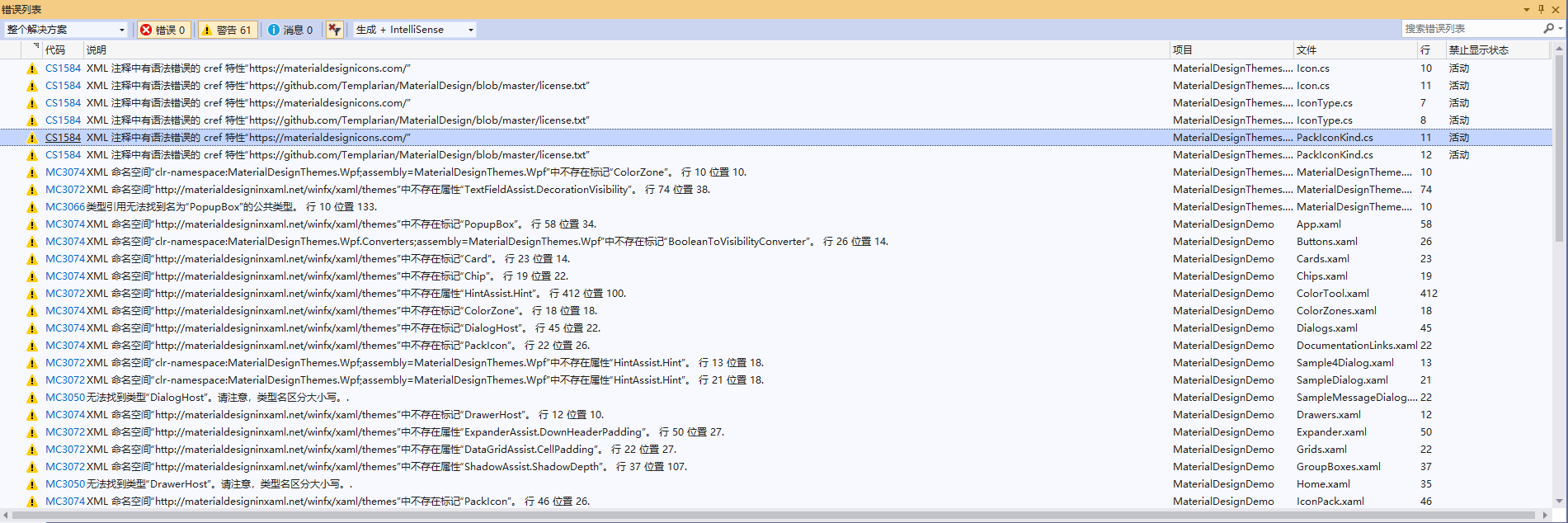
重点是:将启动项目设置成MaterialDesignDemo,然后按F5重新生成项目即可,可运行,但是又80多个警告,查看xaml文件时无法预览,着急测试别的项目,原因没去找。

 浙公网安备 33010602011771号