

PYQT5 pyinstaller 打包工程
win+R 输入cmd 回车

首先安装 pyinstaller :
1 pip install pyinstaller
安装 pywin32:
1 pip install pywin32
在cmd中输入工程所在盘,盘符(小编的工程存在 H: 盘)
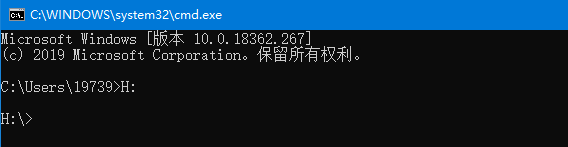
然后输入 cd + 工程路径
例如:
cd MyProject\Upper_computer\XiaoKun_WorkStation_V1.1
小编的工程存在【 H:\MyProject\Upper_computer\XiaoKun_WorkStation_V1.1 】
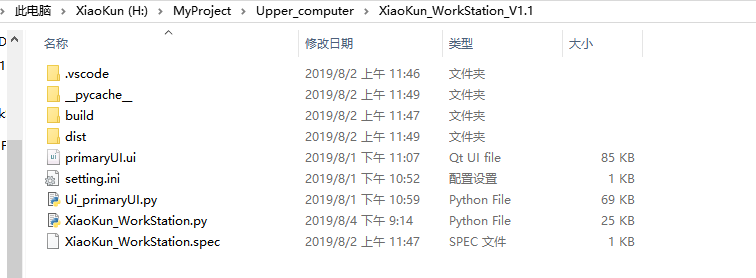
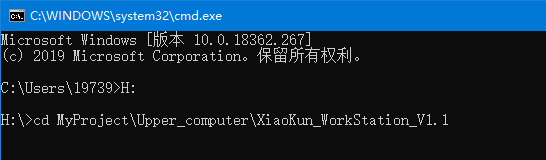
Enter后再输入
pyinstaller -F -w XiaoKun_WorkStation.py
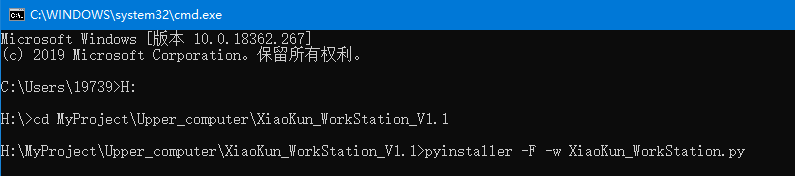
其中的 “ XiaoKun_WorkStation.py ” 是工程文件
最后Enter等待打包完成
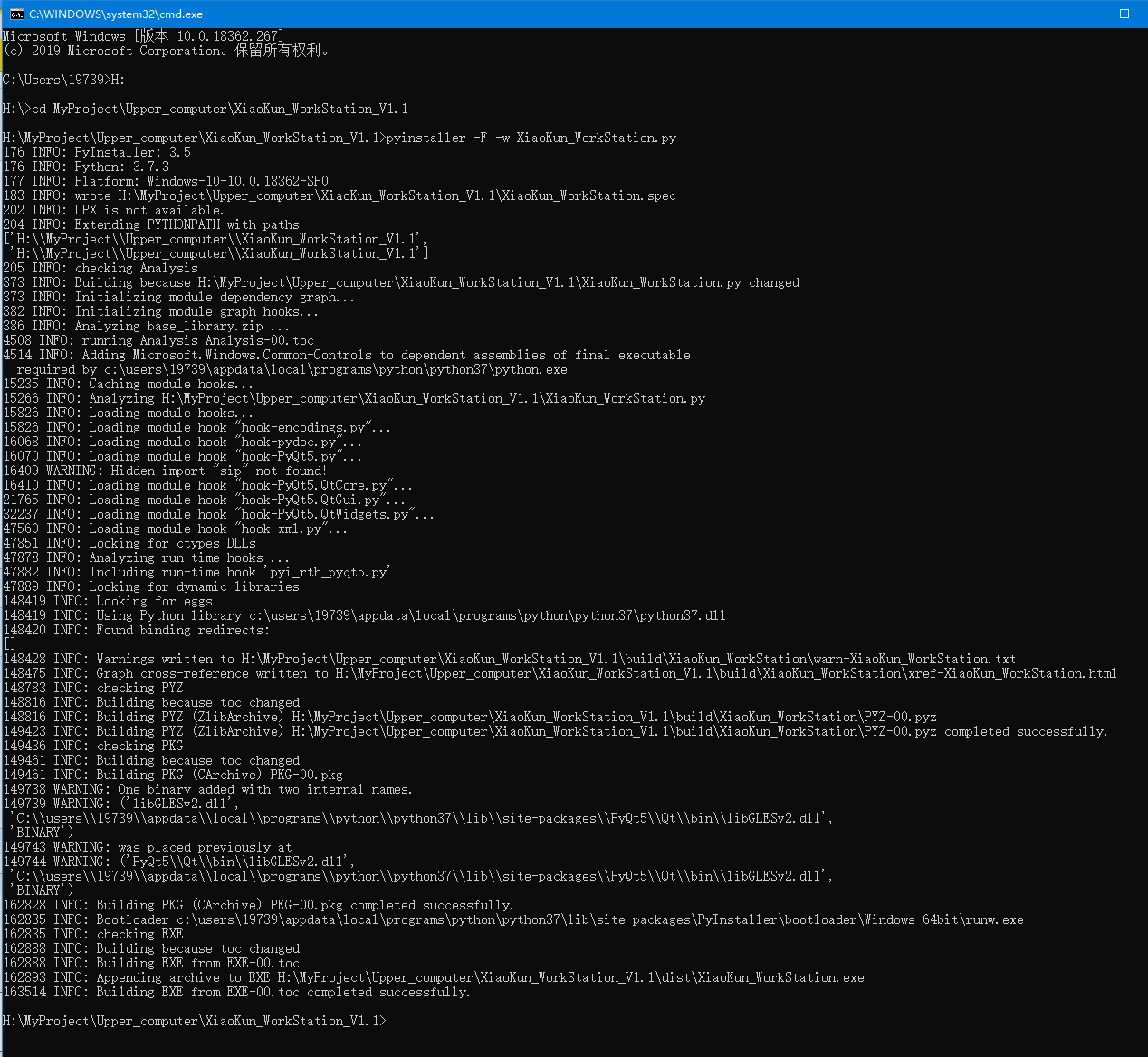
打包完生成的 .exe 文件在工程目录下 \dist文件中

最后双击 .exe 文件就可以运行了。
最后附上卸载 pyinstaller 的命令:
pip uninstall pyinstaller

 浙公网安备 33010602011771号