
Vue3——setup语法糖
setup概述
setup是Vue3中新的配置项,值是一个函数,组件中所用到的数据、方法、计算属性、监视等等,均配置在setup中。
- setup函数返回的对象中的内容,可直接在模版中使用。
- setup中不能使用
this关键字,this是undefined。 - setup会在
beforeCreate()函数之前调用,领先所有的钩子函数执行的。
写法一(用于理解,不推荐这种写法)
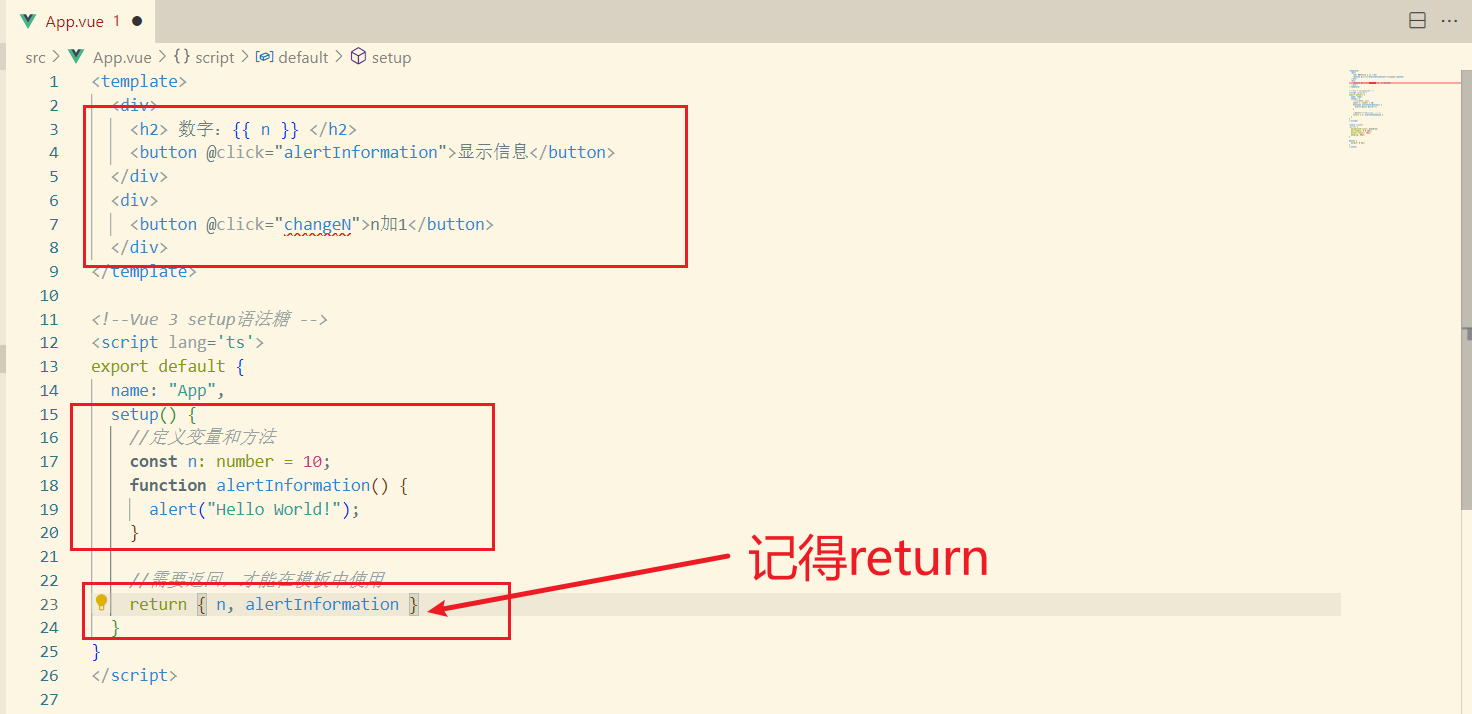
代码
<template>
  <div>
    <h2> 数字:{{ n }} </h2>
    <button @click="alertInformation">显示信息</button>
  </div>
</template>

<script lang='ts'>
export default {
  name: "App",
  setup() {
    //定义变量和方法
    let n: number = 10;
    function alertInformation() {
      alert("Hello World!");
    }
    //需要返回,才能在模板中使用
    return { n, alertInformation }
  }
}
</script>

<style scoped>
.person {
  background-color: skyblue;
  box-shadow: 0 0 10px;
  border-radius: 10px;
  padding: 20px;
}

button {
  margin: 0 5px;
}
</style>
运行结果
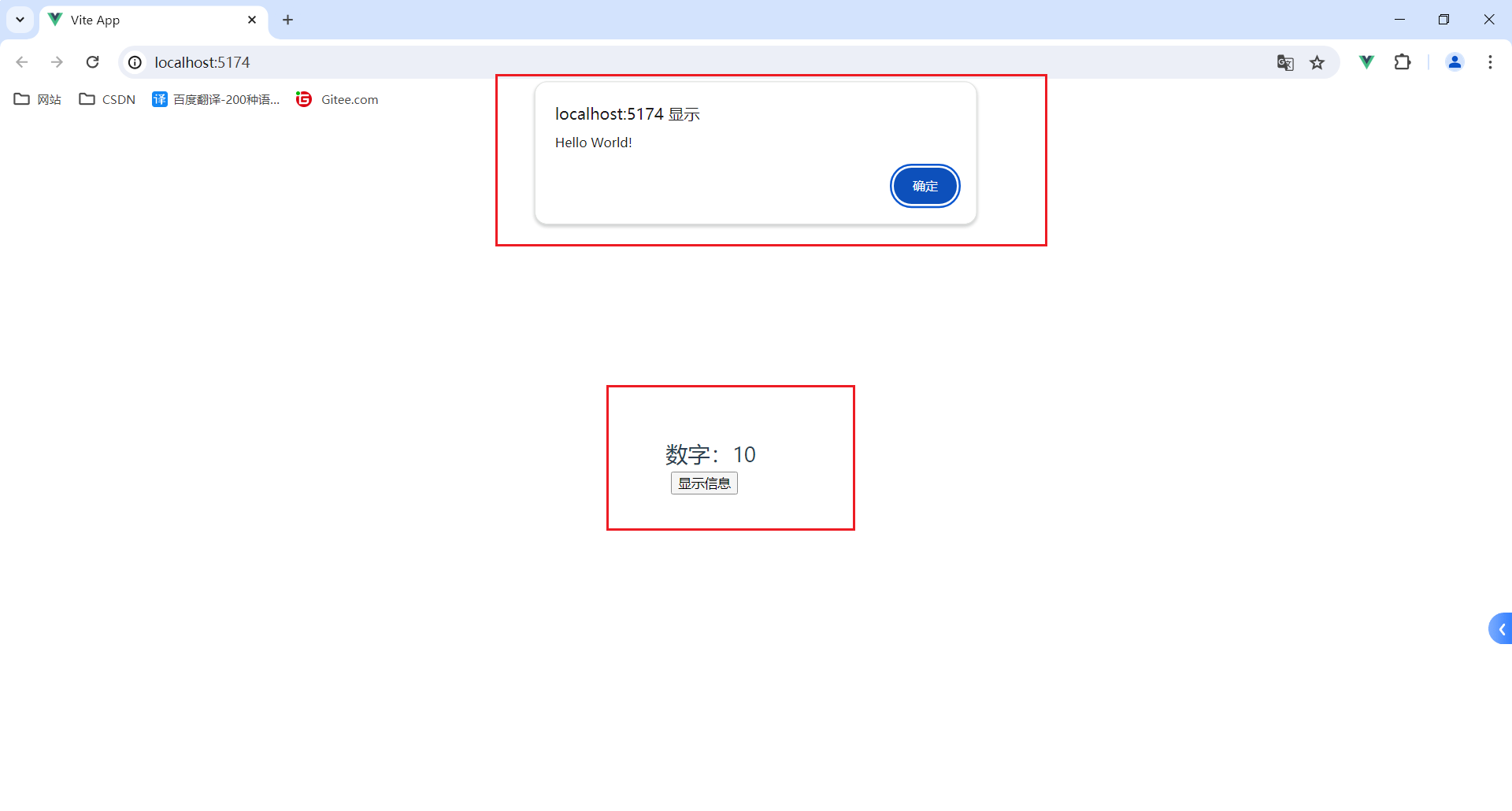
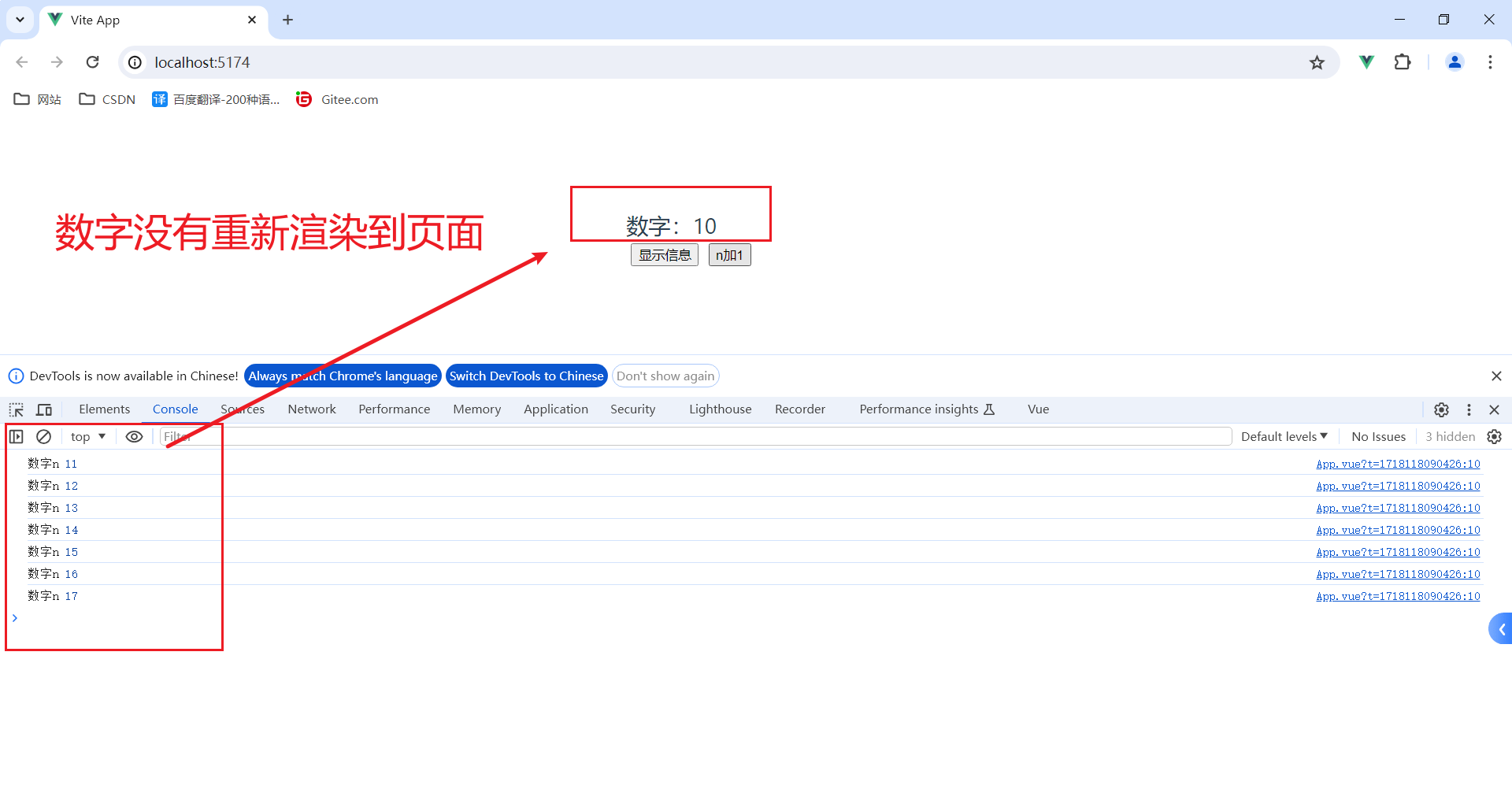
注意:此时定义的变量n不是响应式的,更改n不会在页面渲染。
数字没有重新渲染到页面
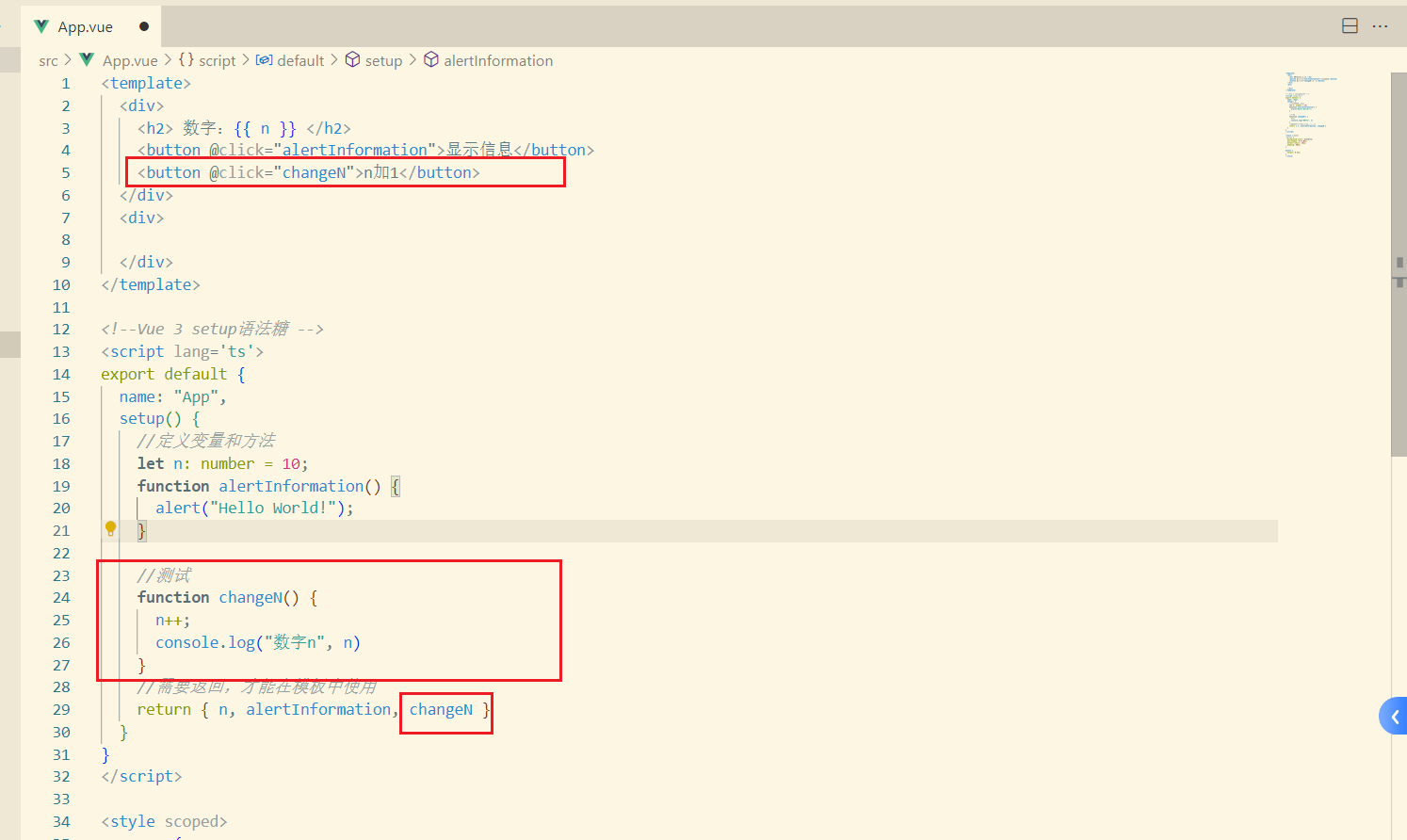
代码
<template>
  <div>
    <h2> 数字:{{ n }} </h2>
    <button @click="alertInformation">显示信息</button>
    <button @click="changeN">n加1</button>
  </div>
  <div>

  </div>
</template>

<script lang='ts'>
export default {
  name: "App",
  setup() {
    //定义变量和方法
    let n: number = 10;
    function alertInformation() {
      alert("Hello World!");
    }

    //测试
    function changeN() {
      n++;
      console.log("数字n", n)
    }
    //需要返回,才能在模板中使用
    return { n, alertInformation, changeN }
  }
}
</script>

<style scoped>
.person {
  background-color: skyblue;
  box-shadow: 0 0 10px;
  border-radius: 10px;
  padding: 20px;
}

button {
  margin: 0 5px;
}
</style>
运行结果
写法二(推荐写法)
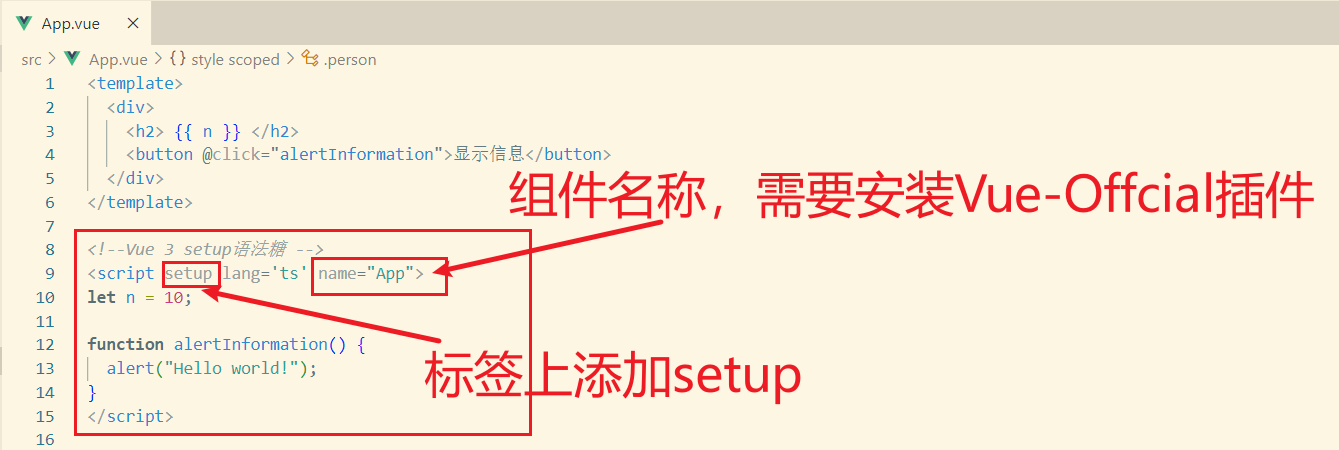
使用setup语法糖
在script标签上添加setup
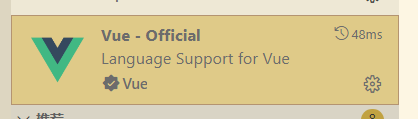
插件名:Vue-Official
代码
<template>
  <div>
    <h2> {{ n }} </h2>
    <button @click="alertInformation">显示信息</button>
  </div>
</template>

<!--Vue 3 setup语法糖 -->
<script setup lang='ts' name="App">
let n = 10;

function alertInformation() {
  alert("Hello world!");
}
</script>

<style scoped>
.person {
  background-color: skyblue;
  box-shadow: 0 0 10px;
  border-radius: 10px;
  padding: 20px;
}

button {
  margin: 0 5px;
}
</style>
注意:此时变量n也不是响应式。
需要了解响应式,查看官方文档
或者文章Vue3-ref和reactive
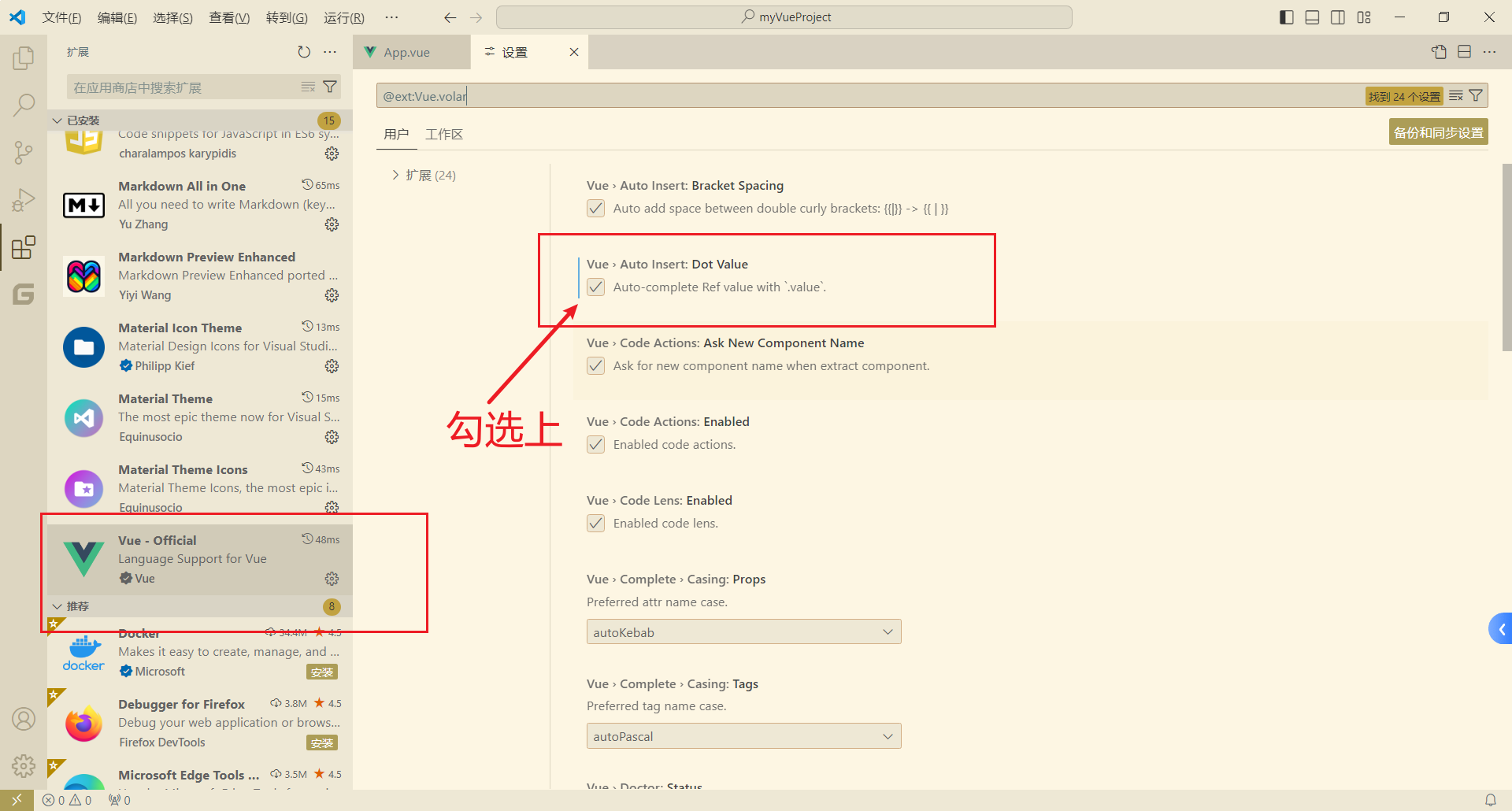
小提示:.value,可以通过Vue-Official插件自动生成。

 浙公网安备 33010602011771号