
【django】博客第一步
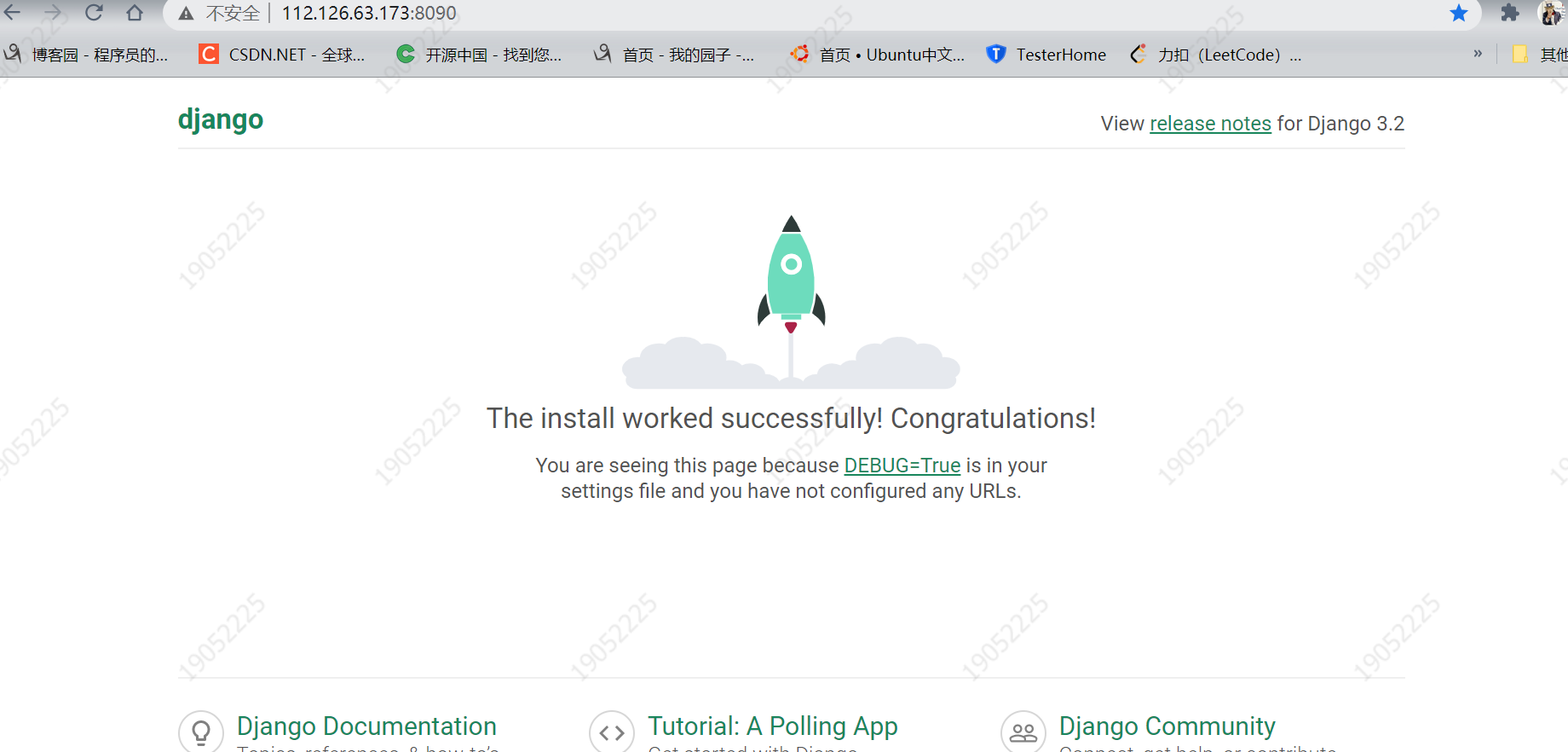
修改 setting.py
ALLOWED_HOSTS = ['112.126.63.173', '0.0.0.0:8000', '0:8090', 'localhost']  ---阿里云公网地址

linux 上 启动
[root@iZ2zefxnyg4hmvlbog2p5mZ ~]# python3 manage.py runserver 0:8090   ---8090 为开放的端口
Watching for file changes with StatReloader
Performing system checks...

System check identified no issues (0 silenced).
June 01, 2021 - 10:36:02
Django version 3.2.3, using settings 'hhc_blog.settings'
Starting development server at http://0:8090/
Quit the server with CONTROL-C.

 浙公网安备 33010602011771号