SuiteCRM安装笔记
安装手册:https://docs.suitecrm.com/8.x/admin/installation-guide/downloading-installing/
安装WEB服务器
https://docs.suitecrm.com/8.x/admin/installation-guide/webserver-setup-guide/
LAMP 技术栈: Linux(Ubuntu), Apache(2.4), MySql(5.7, 8.0)(或 mariadb 10.5, 10.6, 10.11 ) and php(8.1, 8.2, 8.3)
- 操作系统:支持php的操作系统,包括Linux、Windows、Mac、Unix……
- Web服务:支持php的web服务,包括Apache、NGINX、Caddy……
兼容性矩阵:https://docs.suitecrm.com/8.x/admin/compatibility-matrix/
前端预编译文件目录:public/dist
前端开发:
- Angular(^18)
- Node.js(^20.11.1)
- yarn(^4.5.0)
PHP的依赖管理:https://getcomposer.org
下载地址:https://releases.ubuntu.com/releases/
安装LTS(长期支持版)、安装服务器版本(没有图形用户界面)、64位架构(AMD64)
安装版本:Ubuntu 22.04
VMware虚拟机安装配置:
- 全名:SuiteCRM
- 用户名:crm
- 密码:suite
- 虚拟机名称:SuiteCRM
硬件配置:
- CPU:2*2
- 内存:8G
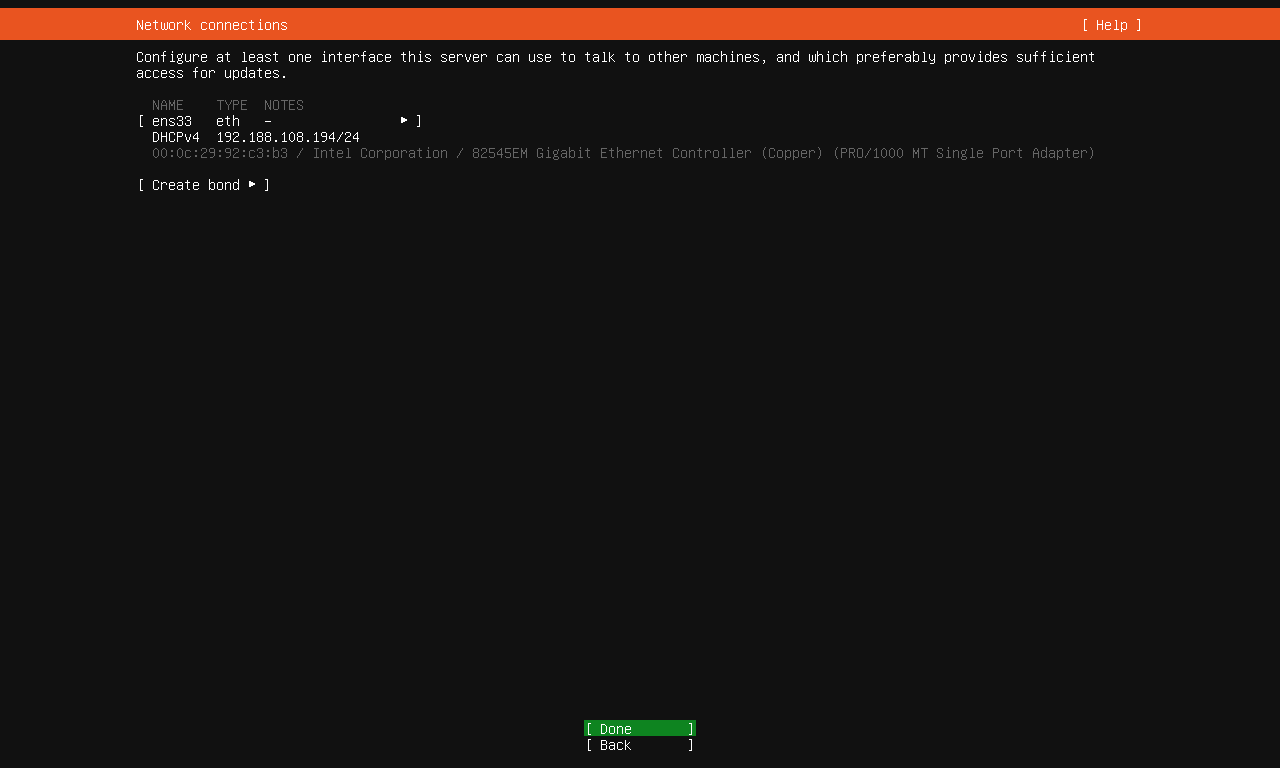
- 网络:Bridge
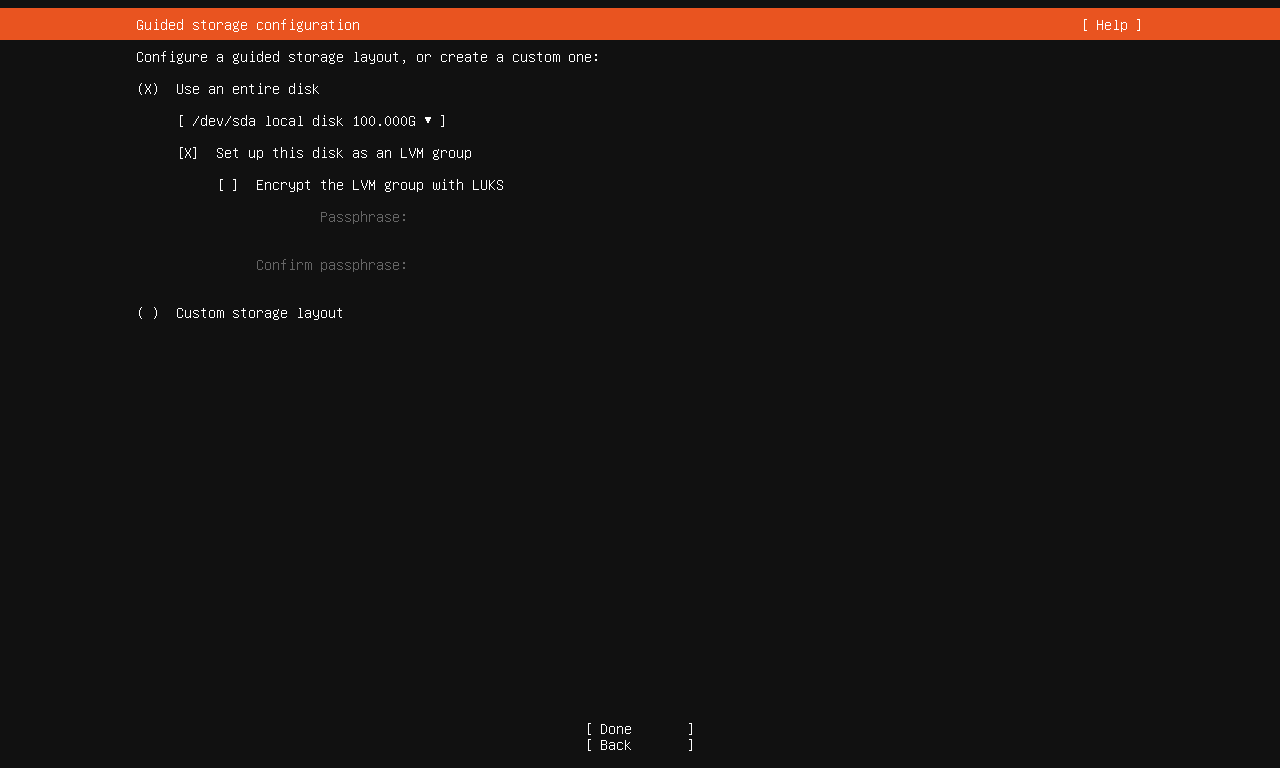
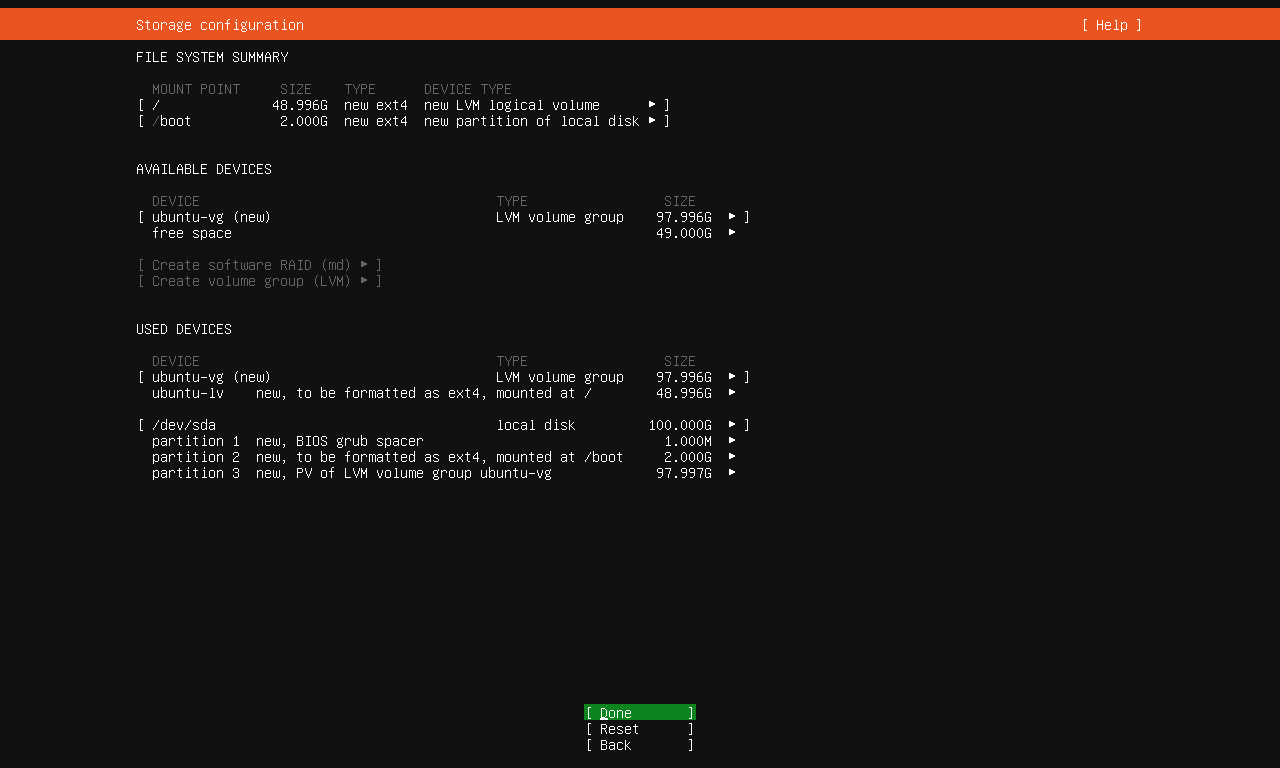
- Disk:100G(多个文件)
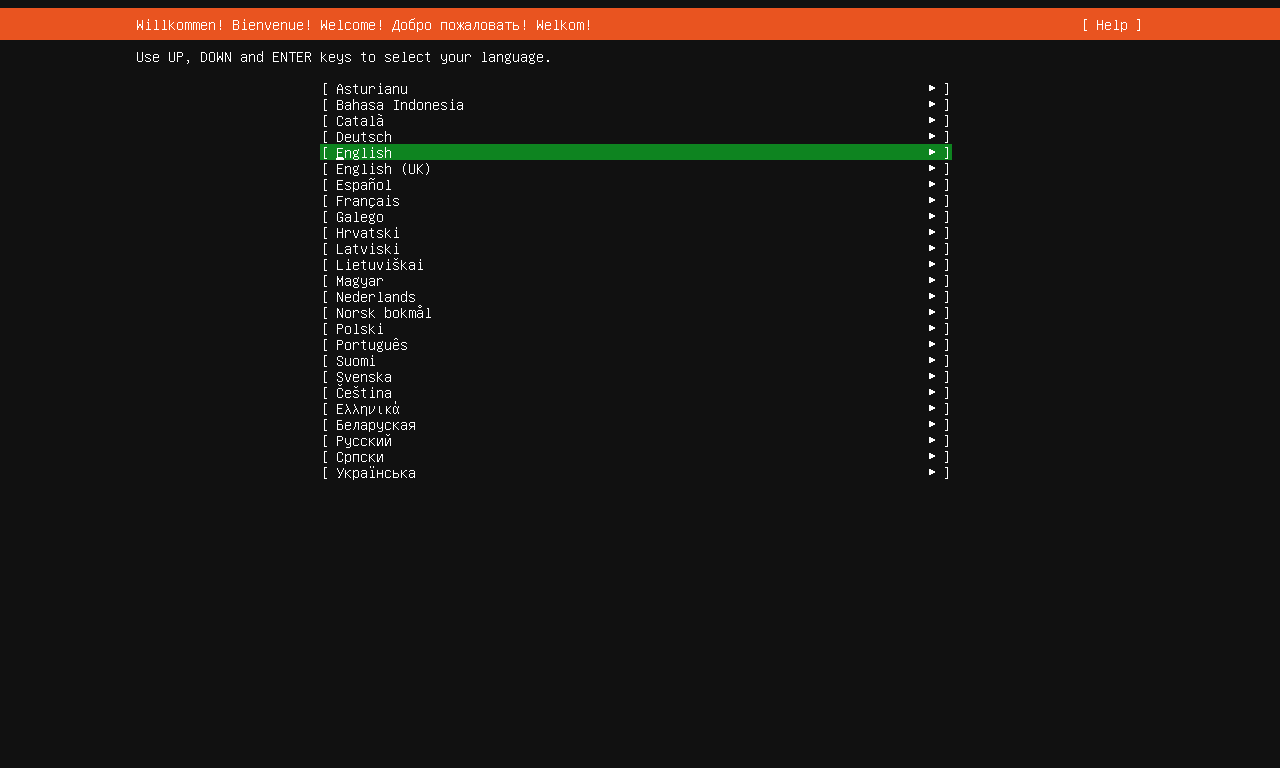
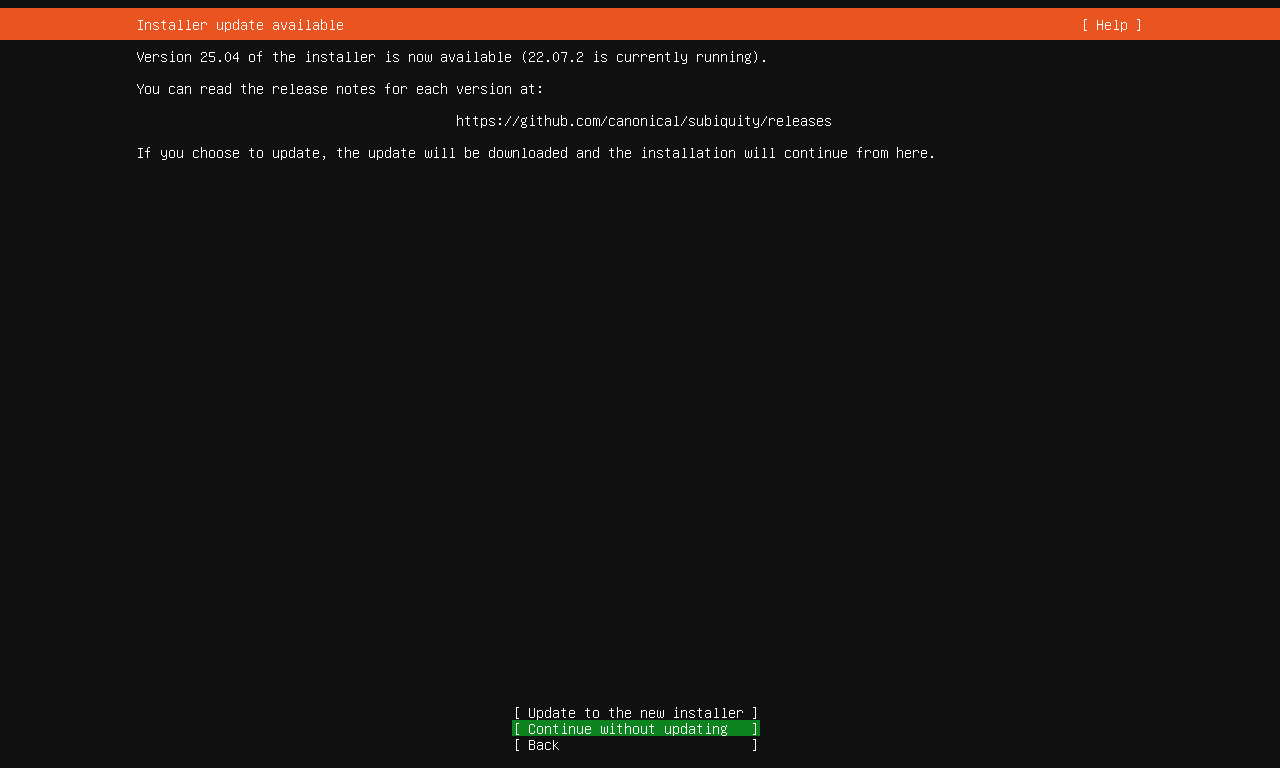
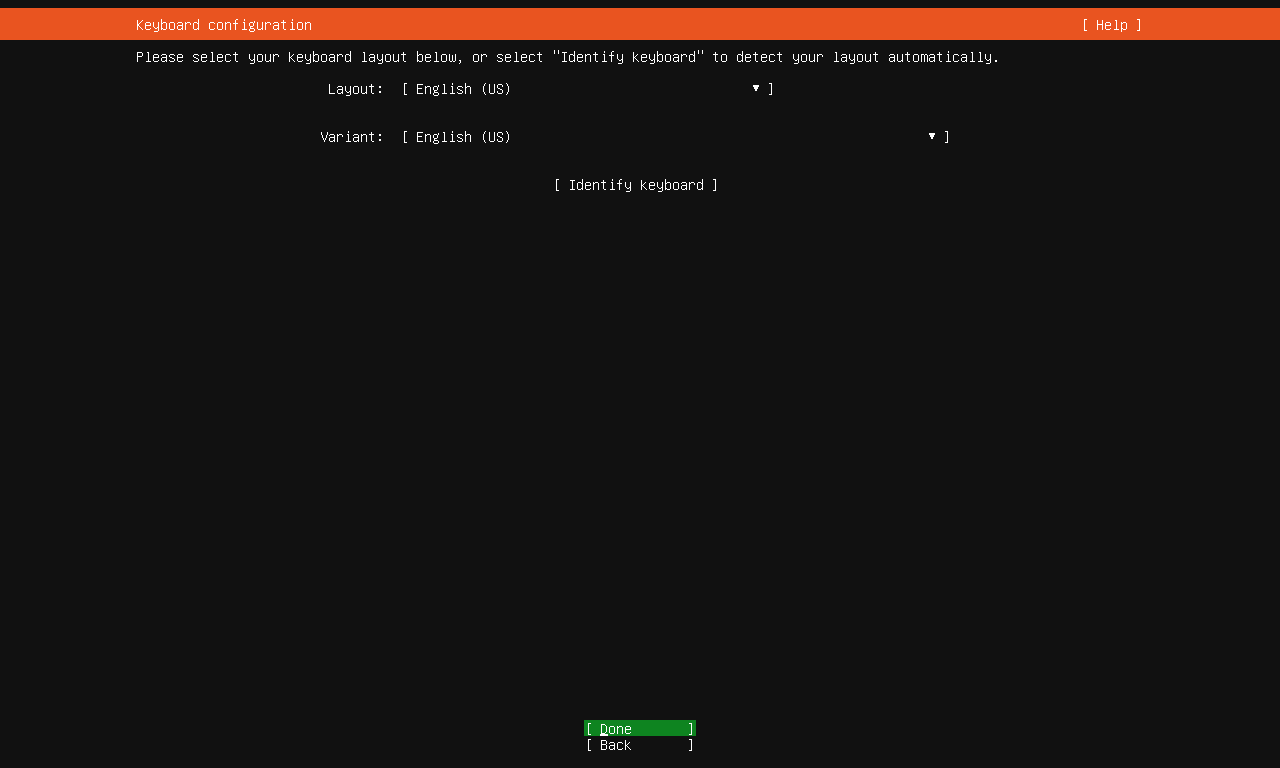
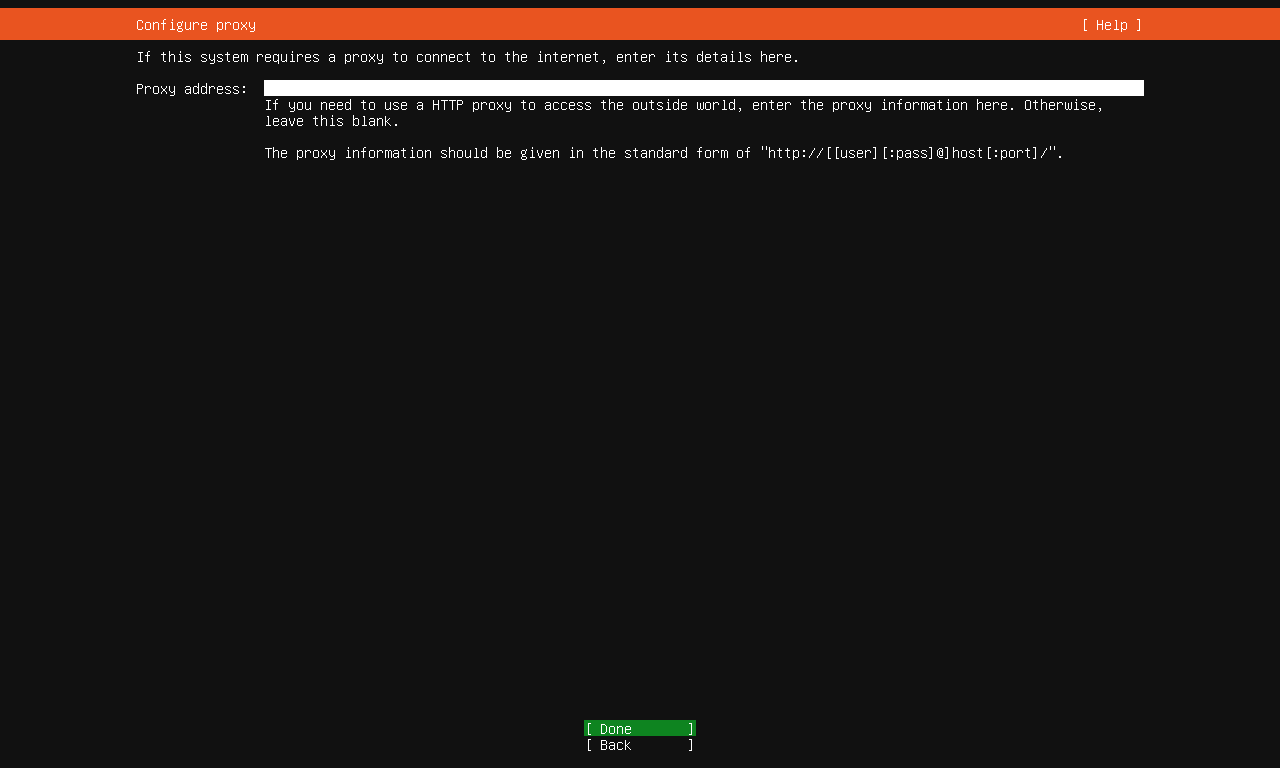
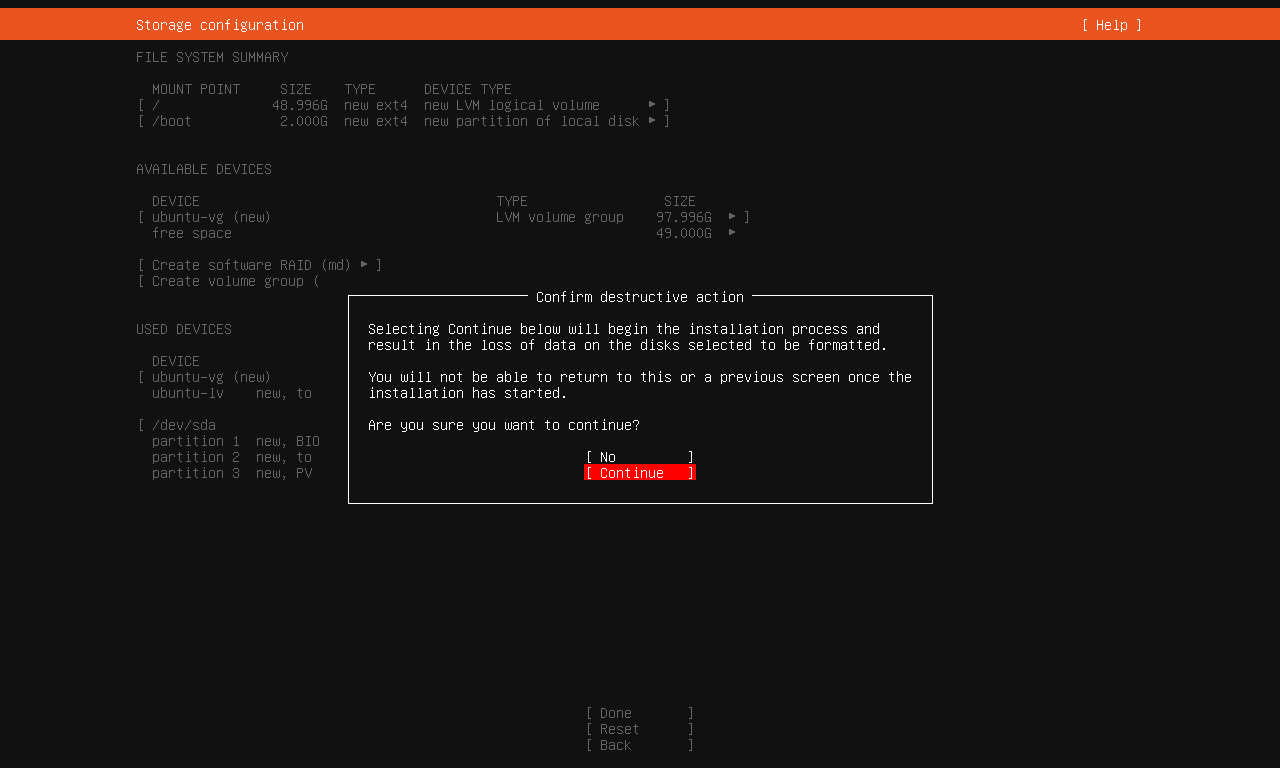
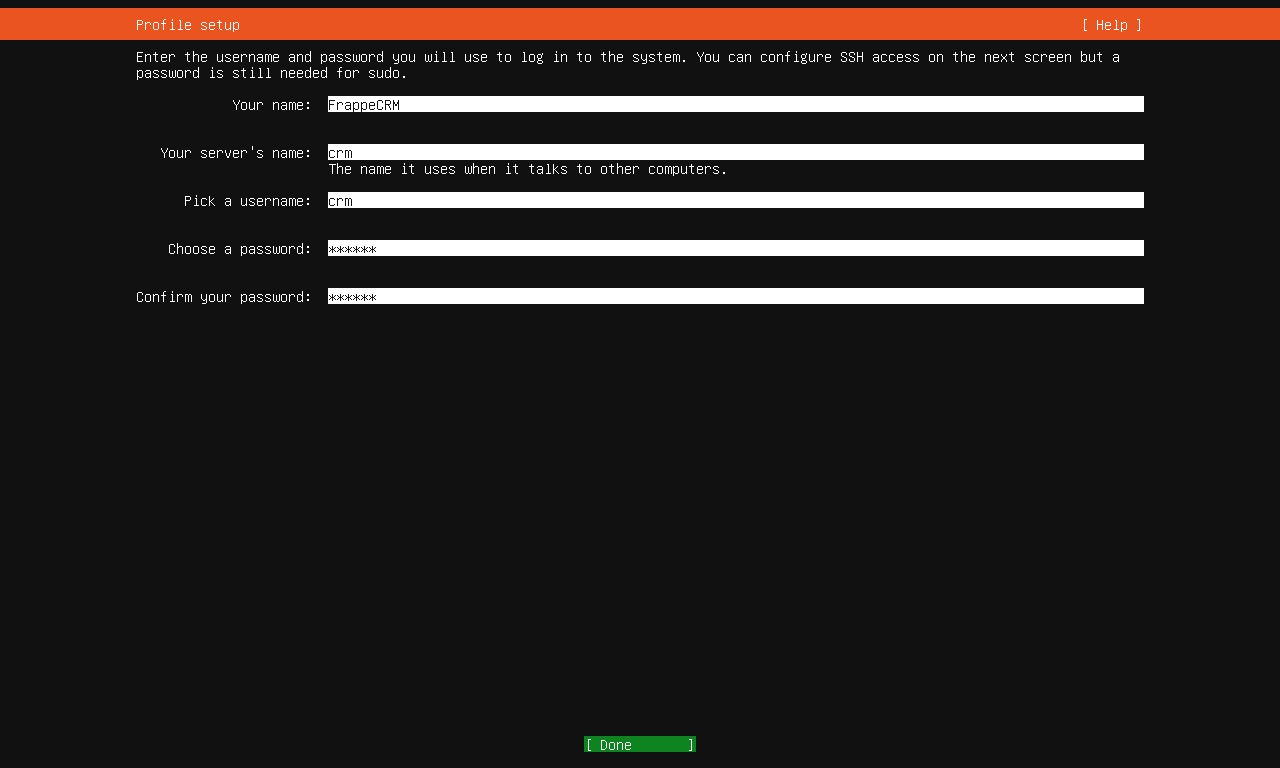
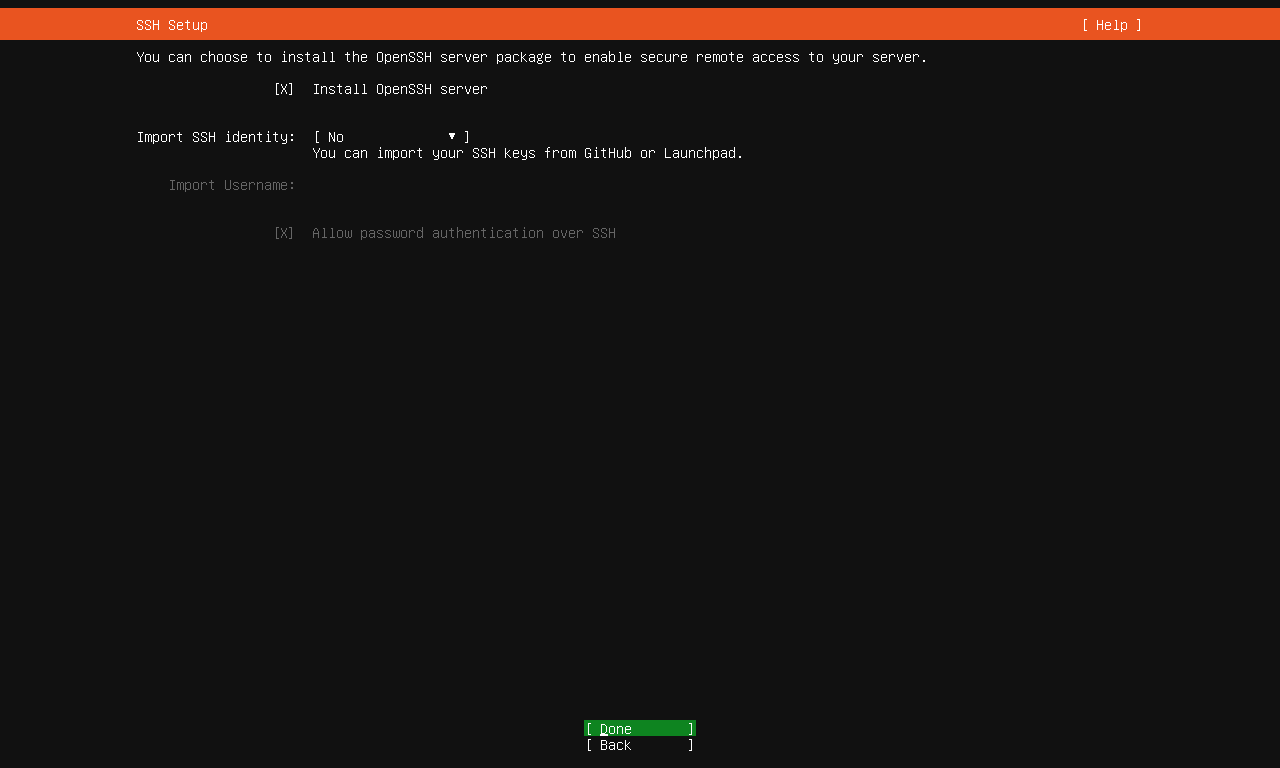
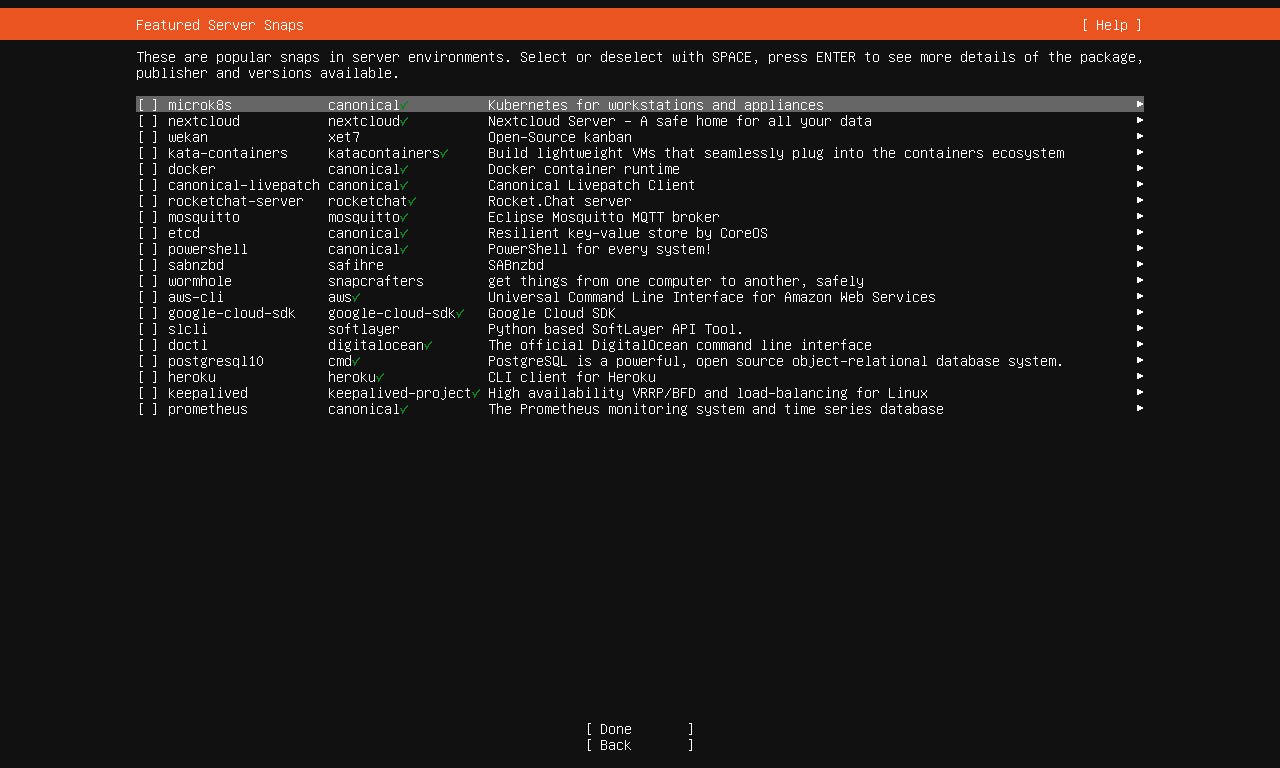
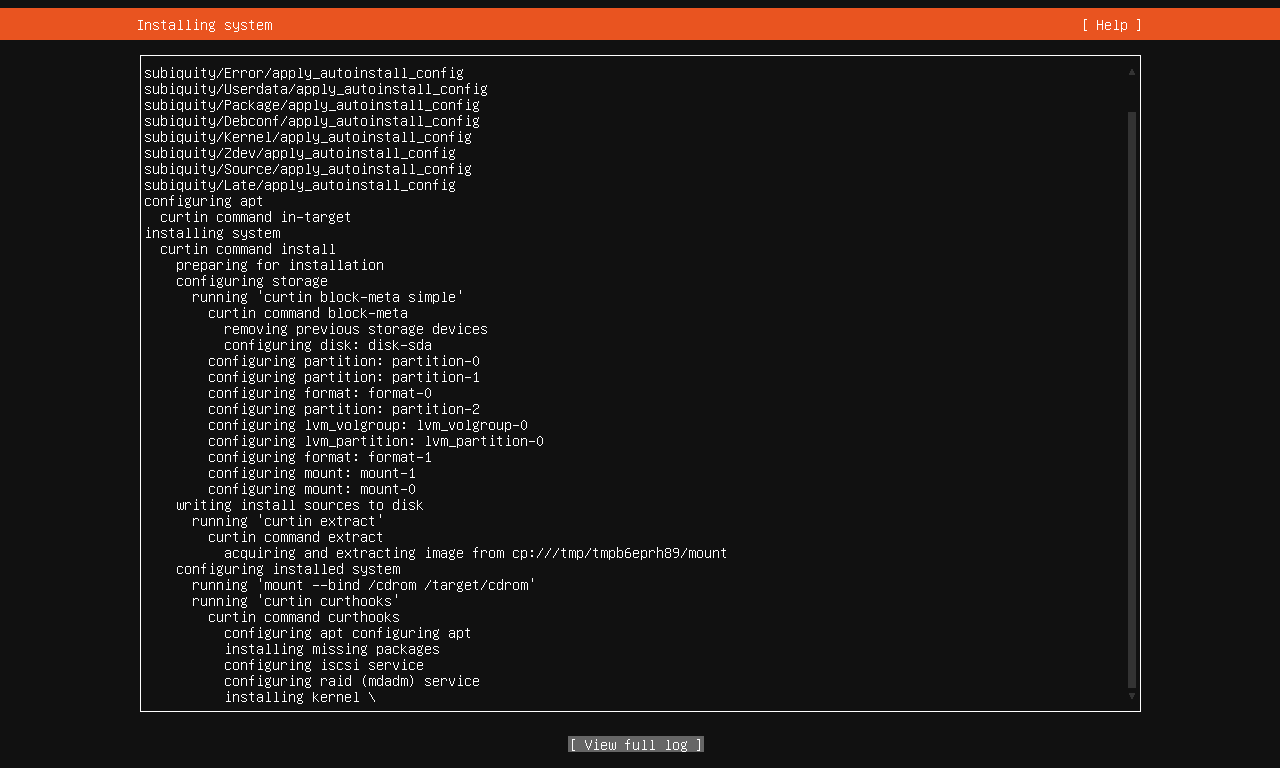
安装配置:
- your name:SuiteCRM
- server`s name:crm
- username:crm
- passowrd:suite

查看版本号:
lsb_release -a
安装网络工具
sudo apt-install net-tools
查看ip
ifconfig
安装ssh
sudo apt update
sudo apt install openssh-server
sudo systemctl start ssh
sudo systemctl enable ssh
Linux基础操作等:https://www.digitalocean.com/community/tutorials/initial-server-setup-with-ubuntu
启用root用户,允许ssh访问
sudo passwd root
编辑ssh配置
sudo nano /etc/ssh/sshd_config
启用root登录权限
PermitRootLogin yes
重启ssh生效
sudo systemctl restart sshd
apt source
sudo chmod 777 /etc/apt/sources.list
sudo nano /etc/apt/sources.list
deb http://archive.ubuntu.com/ubuntu/ focal main restricted universe multiverse
deb http://archive.ubuntu.com/ubuntu/ focal-updates main restricted universe multiverse
deb http://archive.ubuntu.com/ubuntu/ focal-security main restricted universe multiverse
安装PHP
Ubuntu 22.04 默认包含 PHP 8.1,如果安装其他版本,需要phpenv项目。https://github.com/phpenv/phpenv
更新命令源
sudo apt update
Ubuntu 22.04.6 并没有包含 PHP 8.1,因此添加官方PHP PRA仓库到系统的软件源列表中。
sudo apt install software-properties-common
sudo add-apt-repository ppa:ondrej/php
sudo apt update
安装php
sudo apt install --no-install-recommends php8.1
(--no-install-recommends,不安装其他包,例如Apache web服务器)
检查:
php -v
安装php模块
sudo apt-get install -y php8.1-cli php8.1-common php8.1-zip php8.1-gd php8.1-mbstring php8.1-curl php8.1-xml php8.1-bcmath php8.1-intl php8.1-json php8.1-mysqli php8.1-pdo_mysql php8.1-openssl php8.1-soap php8.1-imap php8.1-ldap php8.1-fpm
- mysqli是永远连接函数(php5以前,面向过程),而mysql是非持继连接函数(php5以后,面向对象)。mysql每次链接都会打开一个连接的进程;mysqli一直使用同一连接进程,这样就可以很大程度的减轻服务器端压力
- intl 国际化、本地化处理
- php8.1-json
- php8.1-fpm PHP FastCGI Process Manager 是一种高性能的实现方式,用于运行PHP作为CGI,它为每个请求启动一个单独的PHP进程,而不是传统的Apache或Nginx模块方式
在Debian或Ubuntu系统中,php8.1-json 并不是一个独立的软件包,而是一个虚拟包(virtual package)。虚拟包本身并不包含任何实际的文件或代码,它仅仅是一个标识,表明系统中安装了满足特定功能的软件包。
在PHP 8.1的上下文中,php8.1-json虚拟包通常是由php-common或php8.1-common这样的元包提供的。这个虚拟包的存在是为了确保当你安装或升级PHP 8.1环境时,相关的JSON扩展模块也会被安装或更新。
Unable to locate package php8.1-pdo_mysql
Unable to locate package php8.1-openssl
分开依次安装各module,避免批量安装中断、失败
sudo apt-get install php8.1-PACKAGE_NAME
查看模块:
php -m
或
php -m | grep json
查看是否有json模块,如果有,则有红色的记录
!!!经过验证已经有pdo_mysql和openssl模块,但执行安装仍然是报告找不到。json模块为虚拟模块,验证也包含。
与Apache相关的PHP配置文件:/etc/php/8.1/apache2/php.ini
安装 composer
下载 composer (PHP包管理器)安装包:
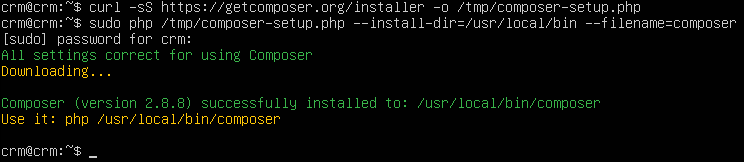
curl -sS https://getcomposer.org/installer -o /tmp/composer-setup.php
安装 composer 为全局服务(系统级命令composer),/usr/local/bin
sudo php /tmp/composer-setup.php --install-dir=/usr/local/bin --filename=composer
验证:
composer
composer config -g repo.packagist composer https://mirrors.aliyun.com/composer/
创建PHP项目
在根目录下创建phpdemo项目
cd ~
mkdir phpdemo
cd phpdemo
初始化项目(安装必备依赖库lib)
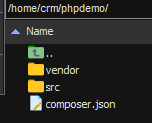
composer init
composer.json 配置说明
vendor 依赖库目录
测试
创建文件:
nano hello.php
编写内容:
执行文件:
php hello.php
PHP IDE:VS Code, https://code.visualstudio.com
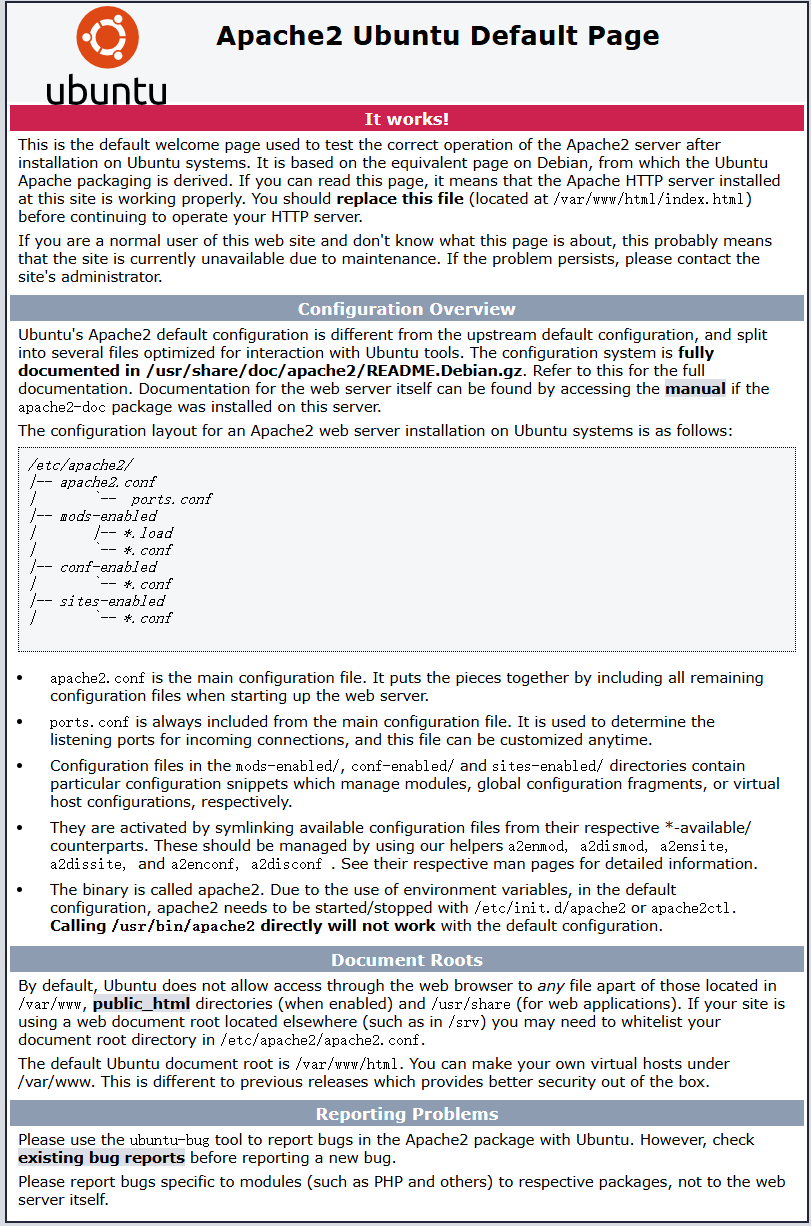
安装Apache2
sudo apt-get install apache2
API路由(api/graphql/...), url重定向
在Apache web服务器中启用mod-rewrite,并配置vhost。
public 目录(应用程序、站点的根目录)
配置vhost,指向SuiteCRM下的public目录,避免暴露SuiteCRM下的文件。
配置Apache:https://symfony.com/doc/current/setup/web_server_configuration.html#apache-with-mod-php-php-cgi
激活、启用 Mod_Rewrites
sudo a2enmod rewrite
Symfony
Symfony - 基于 MVC 架构的 PHP 框架:https://symfony.p2hp.com
https://github.com/symfony/symfony
https://symfony.com
PHP-FPM
PHP-FPM(PHP FastCGI 进程管理器)
安装
sudo apt-get install php8.1 php8.1-fpm php8.1-cli
在Apache2中启用PHP 8.1 FPM
sudo a2enmod proxy_fcgi setenvif
sudo a2enconf php8.1-fpm
配置池(处理FastCGI请求):
/etc/php/8.1/fpm/pool.d/www.conf
[www]
user = www-data
group = www-data

; use a unix domain socket
listen = /var/run/php/php8.3-fpm.sock

; or listen on a TCP connection
listen = 127.0.0.1:9000
启动
sudo systemctl start php8.1-fpm
系统服务自动启动
sudo systemctl enable php8.1-fpm
验证启动状态
sudo systemctl status php8.1-fpm
apache vhost配置
apache2目录:/etc/apache2/
安装 Apache2 FastCGI mod(libapache2-mod-fastcgi)
启用 mod_proxy 和 mod_proxy_fcgi
配置SetHandler
/etc/apache2/sites-available/000-default.conf
<VirtualHost *:80>
    ServerName example.com
    ServerAlias www.example.com
    #
    # SetEnvIfNoCase ^Authorization$ "(.+)" HTTP_AUTHORIZATION=$1

    <FilesMatch \.php$>
        # when PHP-FPM is configured to use TCP
        SetHandler proxy:fcgi://127.0.0.1:9000
    </FilesMatch>

    DocumentRoot /var/www/html/public
    <Directory /var/www/html/public>
        AllowOverride All
        Order Allow,Deny
        Allow from All
        Require all granted
        FallbackResource /index.php
    </Directory>

    ErrorLog /var/log/apache2/project_error.log
    CustomLog /var/log/apache2/project_access.log combined
</VirtualHost>
.htaccess 文件
如果不想修改全局的php.ini文件,也可以使用.htaccess文件来局部修改这些设置。
在网站根目录中创建或编辑.htaccess文件。
<Directory /var/www/> Options Indexes FollowSymLinks MultiViews AllowOverride All Order allow,deny allow from all
重启Apache
sudo service apache2 restart
如果使用的是PHP作为CGI或FastCGI,则需要重启PHP-FPM服务
sudo service php8.1-fpm restart
5 配置php错误报告 error_reporting
修改 php.ini 文件,确保提醒内容notice不被识别为错误
/etc/php/8.1/cli/php.ini
找到error_reporting,追加E_NOTICE和E_WARNING
error_reporting = E_ALL & ~E_DEPRECATED & ~E_STRICT & ~E_NOTICE & ~E_WARNING
安装并设置SuiteCRM
下载地址:https://github.com/salesagility/SuiteCRM-Core/releases/download/v8.8.0/SuiteCRM-8.8.0.zip
解压缩,并放到web服务器的web根目录下。
Apache:/var/www 或 /var/www/html
- DocumentRoot 文档根目录
设置权限
find . -type d -not -perm 2755 -exec chmod 2755 {} \;
find . -type f -not -perm 0644 -exec chmod 0644 {} \;
find . ! -user www-data -exec chown www-data:www-data {} \;
chmod +x bin/console
www-data 为系统用户、组,操作系统不同有所不同,Ubuntu下为www-data。
如果组名称与用户名不同,需要修改0644为0664,2755为2775
chmod: cannot access 'bin/console': No such file or directory
安装系统:
https://docs.suitecrm.com/8.x/admin/installation-guide/running-the-ui-installer/


安装SuiteCRM
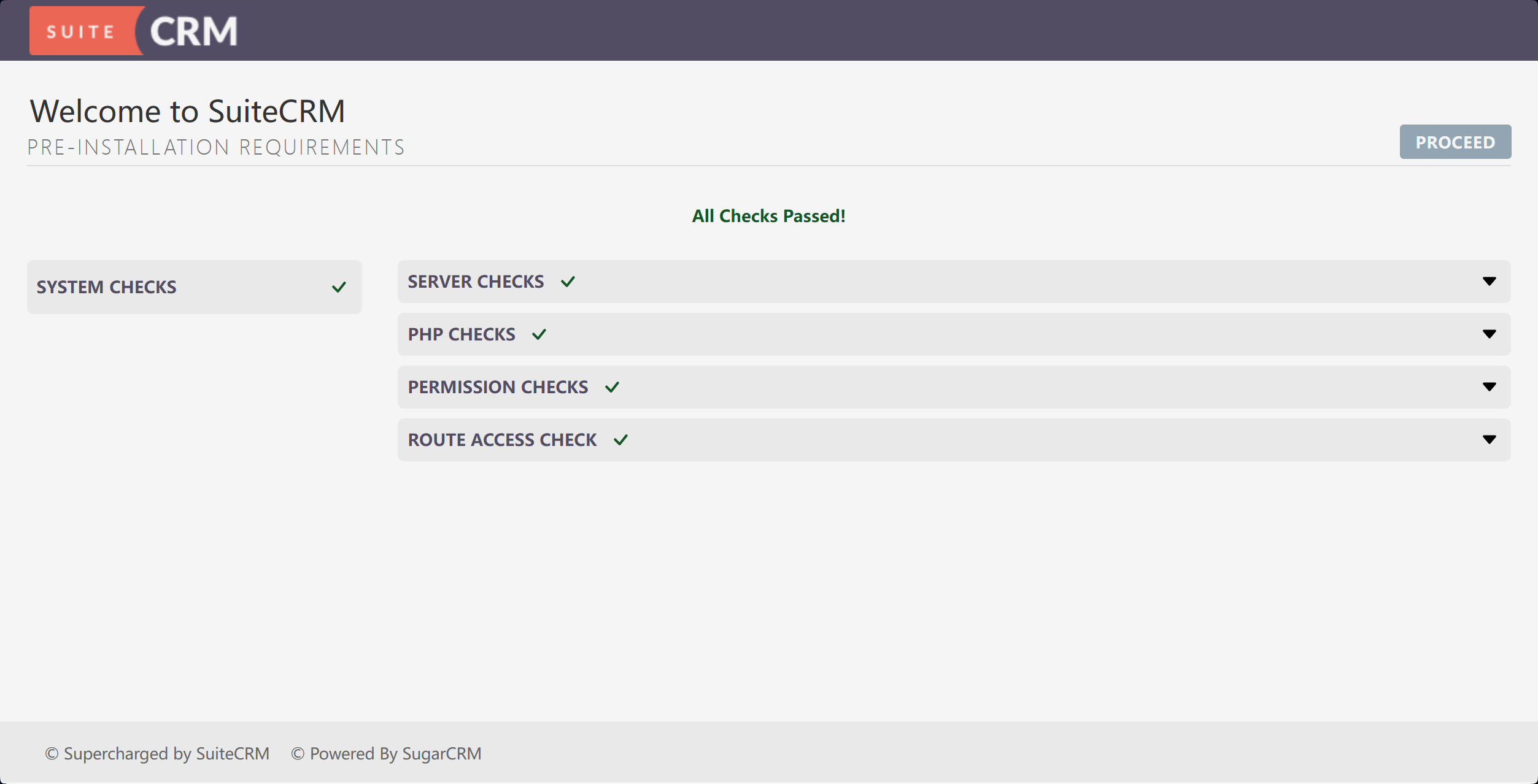
System Checks 系统检查
-
SERVER CHECKS
XML Parsing: OK
Upload File Size: OK
PCRE Library: OK
Sprite Support: OK
Intl Exists in Extensions: OK
cURL Exists in Extensions: OK
Json Exists in Extensions: OK
GD Exists in Extensions: OK
MB Strings Exists in Extensions: OK
MySQLi Exists in Extensions: OK
PDO MySQL Exists in Extensions: OK
OpenSSL Exists in Extensions: OK
Soap Exists in Extensions: OK
XML Exists in Extensions: OK
Zip Exists in Extensions: OK
IMAP Exists in Extensions (Optional): OK
LDAP Exists in Extensions (Optional): OK -
PHP CHECKS
PHP Version: OK
PHP Memory Limit: OK
PHP allows to use stream: OK -
PERMISSION CHECK
Writable Root Directory: OK
Writeable Custom Directory: OK
Writable Upload Directory: OK
Writable Legacy Cache Sub-Directories: OK
Writable SuiteCRM Configuration File (config.php): Your config.php does not exist. This will be created on install.
MB Strings Module: OK
Writable Modules Sub-Directories and Files: OK
Writable Log Directory: OK
Writable Cache Sub-Directories: OK
Writable Extensions Directory: OK
Writable .env: OK -
ROUTE ACCESS CHECK
Curl Request on Main Page: OK
Curl Request on Api: OK
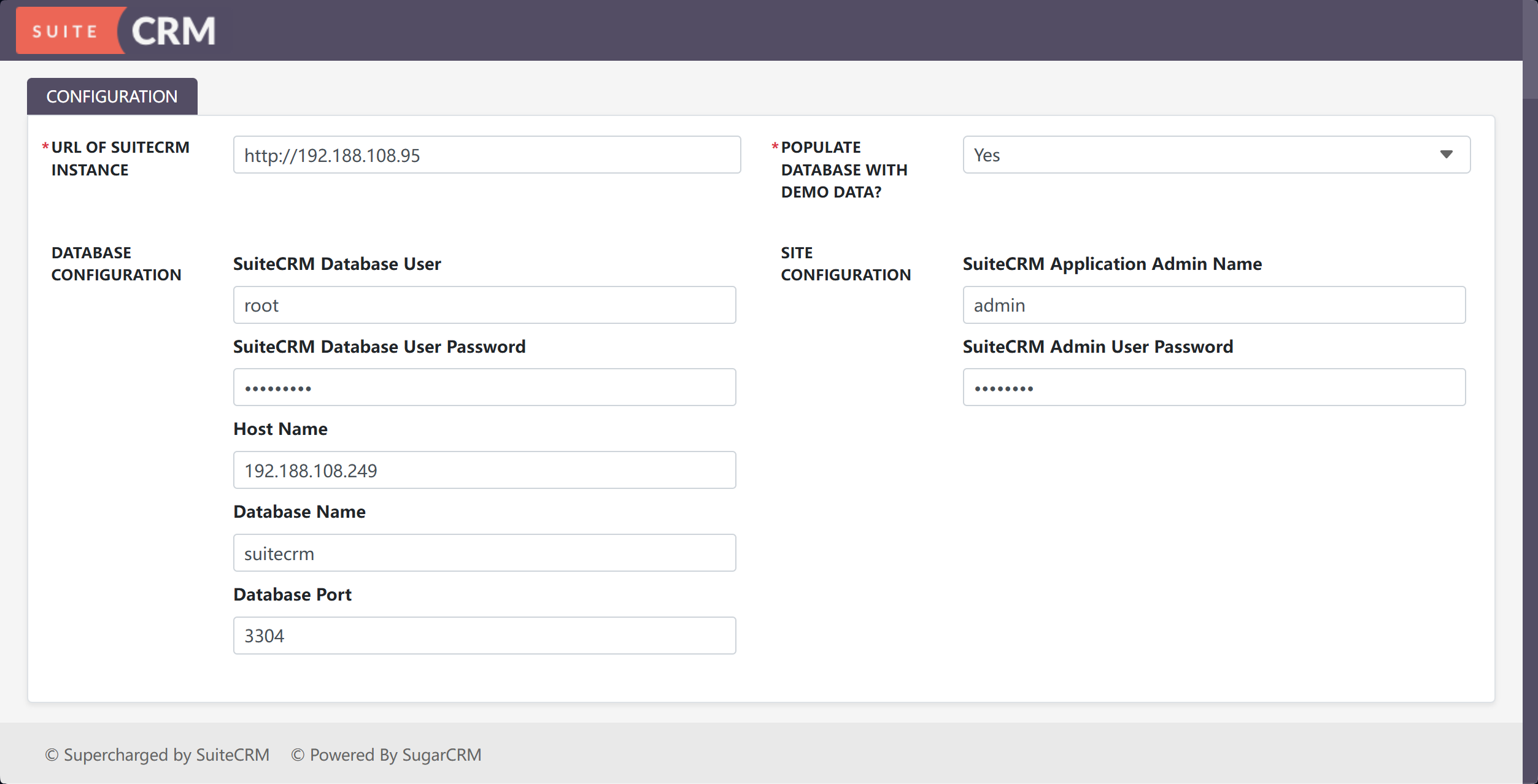
- 应用管理员账号 admin
- 应用管理员密码 SuiteCRM
- 数据库主机名: 192.188.108.249
- 数据库端口: 3306
- 数据库名称: suitecrm
- 数据库用户: root
- 数据库密码:
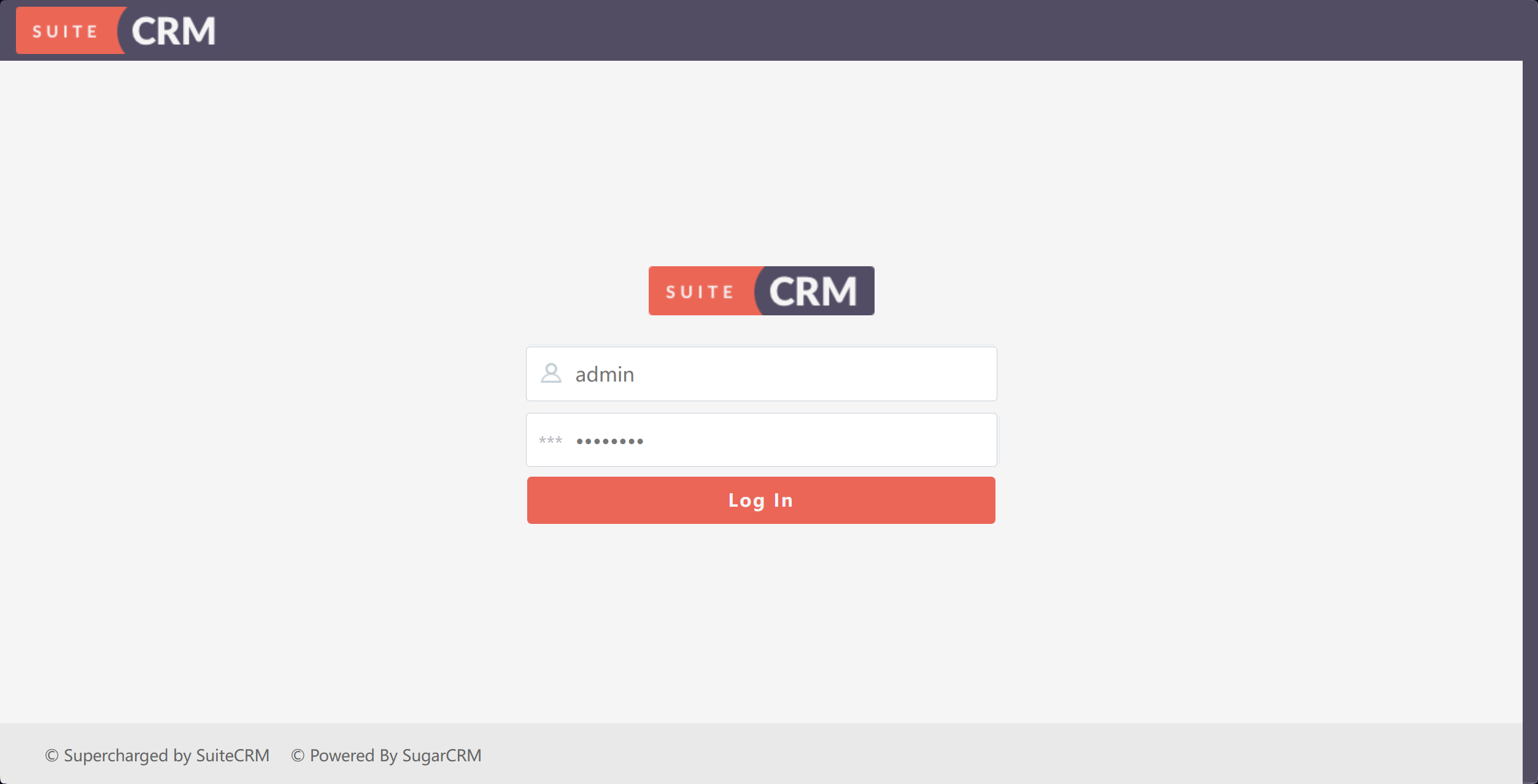
- 应用管理员账号 admin
- 应用管理员密码 SuiteCRM
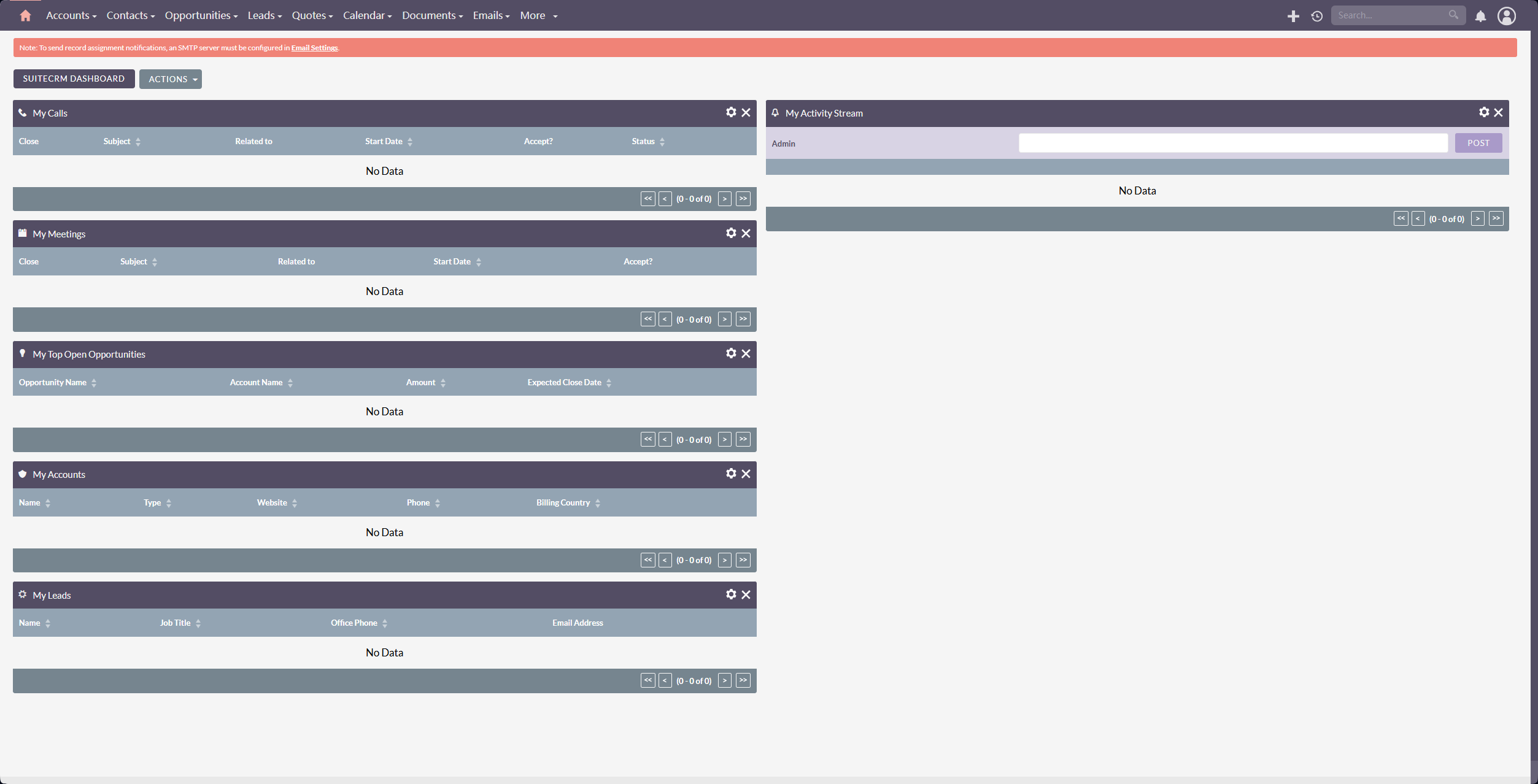
进入系统主页
作者:马洪彪
出处:http://www.cnblogs.com/mahongbiao/
本文版权归作者和博客园共有,欢迎转载,但未经作者同意必须保留此段声明,且在文章页面明显位置给出原文连接,否则保留追究法律责任的权利。

 浙公网安备 33010602011771号