
vue项目中前端实现导出word文档功能💻📚📖
后端接口返回的是一个word转64的文档数据,前端需要页面中正确的解析导出文档预览:
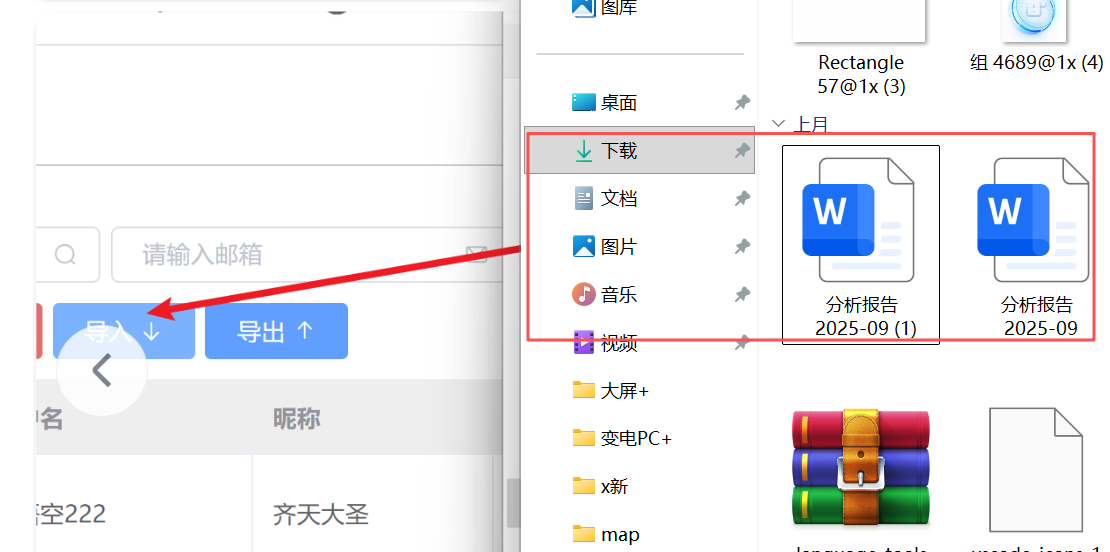
1,导出功能的实现
<div class="export" @click="openExport()">分析报告导出</div> data() {
return {
params: {
// indicatorId: 7,
// month: yearMonth
// month: '2025-04' //先写死,其他月没数据
},
}
} created() {
const date = new Date();
const year = date.getFullYear();
const month = date.getMonth() + 1;
const yearMonth = `${year}-${month}`;
this.currentMonth = month;
// this.currentMonth = yearMonth;
this.params = {
// indicatorId: 13,
// month: yearMonth
month: '2025-05' //先写死,其他月没数据
};
},方法里实现:
// 导出功能
    async openExport() {
      try {
        const response = await exportReport(this.params);
        console.log("导出响应数据:", response);

        // 创建blob对象
        const blob = new Blob([response], {
          type: 'application/vnd.openxmlformats-officedocument.wordprocessingml.document'
        });

        // 创建下载链接
        const url = window.URL.createObjectURL(blob);

        // 创建临时a标签进行下载
        const link = document.createElement('a');
        link.href = url;

        // 生成文件名(可以根据当前时间或参数生成)
        const now = new Date();
        const timestamp = now.getFullYear() +
          String(now.getMonth() + 1).padStart(2, '0') +
          String(now.getDate()).padStart(2, '0') + '_' +
          String(now.getHours()).padStart(2, '0') +
          String(now.getMinutes()).padStart(2, '0') +
          String(now.getSeconds()).padStart(2, '0');

        link.download = `分析报告_${timestamp}.docx`;

        // 触发下载
        document.body.appendChild(link);
        link.click();

        // 清理
        document.body.removeChild(link);
        window.URL.revokeObjectURL(url);

        this.$message.success('分析报告导出成功!');
      } catch (error) {
        console.error('导出失败:', error);
        this.$message.error('导出失败,请重试!');
      }
    },
2,封装导出word功能:
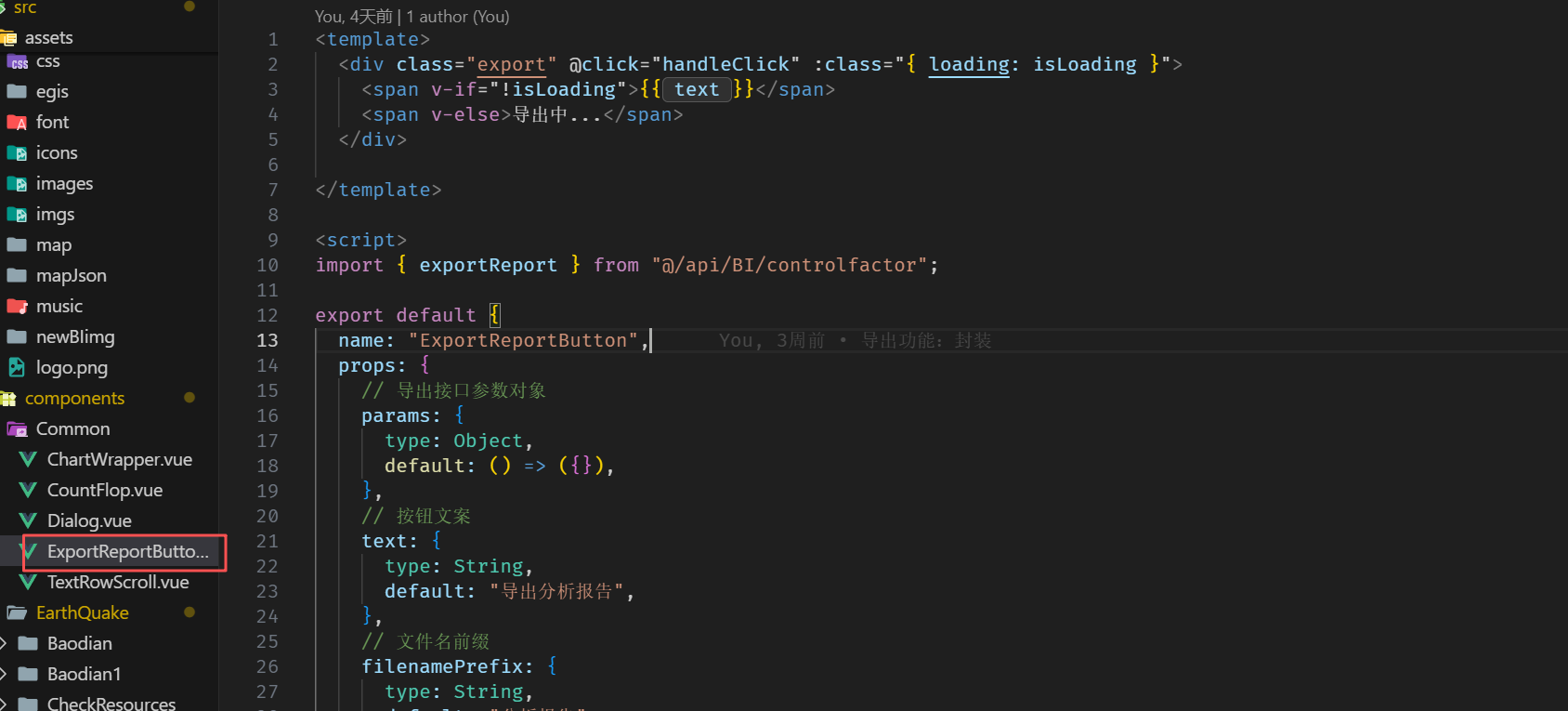
我将先创建一个公共组件来封装导出按钮与逻辑,然后把它接入到两个页面中使用。接下来我会新建组件文件并修改两个页面的引用
// ExportReportButton.vue
<template>
  <div class="export" @click="handleClick" :class="{ loading: isLoading }">
    <span v-if="!isLoading">{{ text }}</span>
    <span v-else>导出中...</span>
  </div>

</template>

<script>
import { exportReport } from "@/api/BI/controlfactor";

export default {
  name: "ExportReportButton",
  props: {
    // 导出接口参数对象
    params: {
      type: Object,
      default: () => ({}),
    },
    // 按钮文案
    text: {
      type: String,
      default: "导出分析报告",
    },
    // 文件名前缀
    filenamePrefix: {
      type: String,
      default: "分析报告",
    },
  },
  data() {
    return {
      isLoading: false,
    };
  },
  methods: {
    async handleClick() {
      if (this.isLoading) return;
      this.isLoading = true;
      try {
        const response = await exportReport(this.params);
        // const response = await exportReport({month:'2025-10'});
        const blob = new Blob([response], {
          type: "application/vnd.openxmlformats-officedocument.wordprocessingml.document",
        });
        const url = window.URL.createObjectURL(blob);
        const link = document.createElement("a");
        link.href = url;
        // const now = new Date();
        // const timestamp =
        //   now.getFullYear() +
        //   String(now.getMonth() + 1).padStart(2, "0") +
        //   String(now.getDate()).padStart(2, "0");
        // link.download = `${this.filenamePrefix}_${timestamp}.docx`;
        link.download = `${this.filenamePrefix}_${this.params.month}.docx`;
        document.body.appendChild(link);
        link.click();
        document.body.removeChild(link);
        window.URL.revokeObjectURL(url);
        this.$message && this.$message({
          message: `${this.filenamePrefix}导出成功!`,
          type: "success",
          offset: 120,
        });
      } catch (error) {
        // eslint-disable-next-line no-console
        console.error("导出失败:", error);
        // this.$message && this.$message.error("导出失败,请重试!");
        this.$message && this.$message({
          message: "导出失败,请重试!",
          type: "error",
          offset: 120,
        });
      } finally {
        this.isLoading = false;
      }
    },
  },
};
</script>

<style scoped lang="scss">
.export {
  width: 10.6rem;
  height: 2.6rem;
  font-size: 17px;
  padding-top: 0.725rem;
  margin-right: 1.8rem;
  // margin-top: 1.4rem;
  margin-top: 1.8rem;
  float: right;
  pointer-events: all;
  cursor: pointer;
  border-radius: 5px;
  border: 1px solid #40aacd;
  color: #ffffffff;
  background: rgb(5 49 65);
  border-radius: 6px;

  &.loading {
    opacity: 0.7;
    cursor: not-allowed;
  }
}
</style>
shujuanlisa.vue
<ExportReportButton :params="params" /> data() {
return {
params: {
// indicatorId: 7,
// month: yearMonth
month: '' // 绑定到 selectedMonth
},
}
} created() {
const date = new Date();
const year = date.getFullYear();
const month = date.getMonth() + 1;
const yearMonth = `${year}-${month.toString().padStart(2, '0')}`; // 格式化为 YYYY-MM
this.currentMonth = month;
this.selectedMonth = yearMonth; // 初始化月份选择器为当前月份
// this.currentMonth = yearMonth;
this.params = {
// indicatorId: 13,
// month: yearMonth
month: this.selectedMonth // 绑定到 selectedMonth
};
},

 浙公网安备 33010602011771号