
🎈vue3的组件通信和使用场景🌴✔️🍒
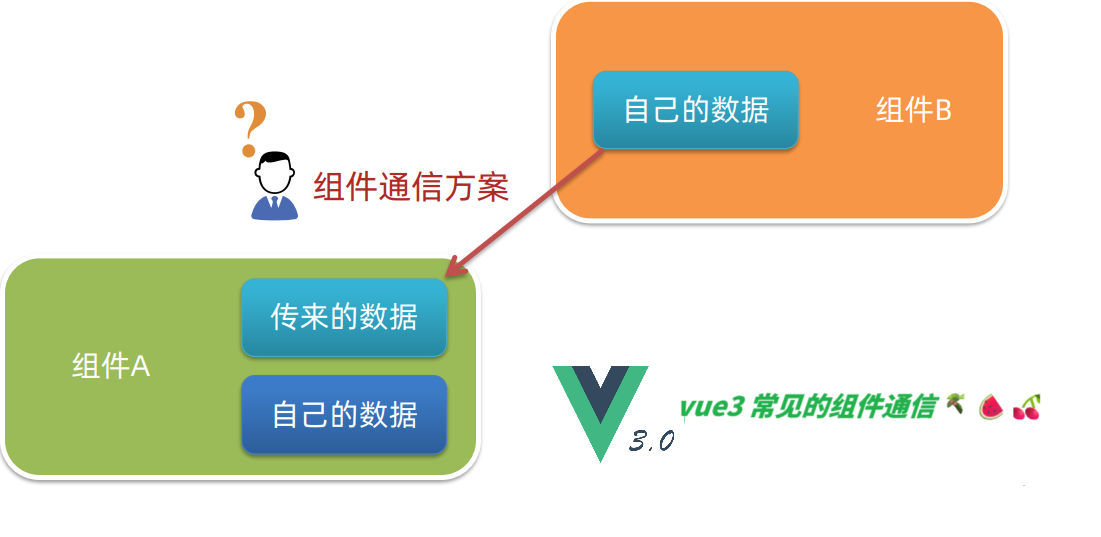
Vue3 提供了多种组件通信方式,适用于不同的场景。以下是主要的通信方法及其实现方式:
1. Props / Emits (父子组件通信)
使用场景:父子组件之间的直接通信,最基础的方式。
<!-- 父组件 -->
<template>
  <ChildComponent :title="parentTitle" @update-title="handleUpdate" />
</template>

<script setup>
import { ref } from 'vue'
import ChildComponent from './ChildComponent.vue'

const parentTitle = ref('初始标题')
const handleUpdate = (newTitle) => {
  parentTitle.value = newTitle
}
</script>

<!-- 子组件 ChildComponent.vue -->
<template>
  <h1>{{ title }}</h1>
  <button @click="$emit('update-title', '新标题')">修改标题</button>
</template>

<script setup>
defineProps(['title'])
defineEmits(['update-title'])
</script>
2. v-model (双向绑定)
使用场景:简化父子组件间的双向数据绑定。
<!-- 父组件 -->
<template>
  <ChildComponent v-model="message" />
</template>

<script setup>
import { ref } from 'vue'
const message = ref('Hello')
</script>

<!-- 子组件 -->
<template>
  <input :value="modelValue" @input="$emit('update:modelValue', $event.target.value)">
</template>

<script setup>
defineProps(['modelValue'])
defineEmits(['update:modelValue'])
</script>
3. Provide / Inject (跨层级组件通信)
使用场景:祖先组件向后代组件传递数据,避免逐层传递props。
<!-- 祖先组件 -->
<template>
  <ParentComponent />
</template>

<script setup>
import { provide, ref } from 'vue'
const theme = ref('dark')

provide('theme', theme) // 提供响应式数据
</script>

<!-- 后代组件 -->
<template>
  <button :class="`btn-${theme}`">按钮</button>
</template>

<script setup>
import { inject } from 'vue'
const theme = inject('theme', 'light') // 默认值'light'
</script>
4. 事件总线 (全局事件)
使用场景:任意组件间通信,但Vue3推荐使用其他替代方案。
// eventBus.js
import mitt from 'mitt'
export const emitter = mitt()
vue组件
<!-- 组件A -->
<script setup>
import { emitter } from './eventBus'

emitter.emit('message', 'Hello from A')
</script>

<!-- 组件B -->
<script setup>
import { emitter } from './eventBus'
import { onMounted } from 'vue'

onMounted(() => {
  emitter.on('message', (msg) => {
    console.log(msg) // Hello from A
  })
})
</script>
5. Refs / 模板引用
使用场景:父组件直接调用子组件的方法或访问属性。
<!-- 父组件 -->
<template>
  <ChildComponent ref="childRef" />
  <button @click="callChildMethod">调用子组件方法</button>
</template>

<script setup>
import { ref } from 'vue'
const childRef = ref(null)

const callChildMethod = () => {
  childRef.value.doSomething()
}
</script>

<!-- 子组件 -->
<script setup>
const doSomething = () => {
  console.log('子组件方法被调用')
}

defineExpose({
  doSomething
})
</script>
6. Pinia / Vuex (状态管理)
使用场景:复杂应用中的全局状态管理。
实现方法(以Pinia为例):
// stores/counter.js
import { defineStore } from 'pinia'

export const useCounterStore = defineStore('counter', {
  state: () => ({ count: 0 }),
  actions: {
    increment() {
      this.count++
    }
  }
})
vue组件
<!-- 组件A -->
<script setup>
import { useCounterStore } from '@/stores/counter'
const counter = useCounterStore()
</script>

<template>
  <button @click="counter.increment()">增加: {{ counter.count }}</button>
</template>

<!-- 组件B -->
<script setup>
import { useCounterStore } from '@/stores/counter'
const counter = useCounterStore()
</script>

<template>
  <div>当前计数: {{ counter.count }}</div>
</template>
7. 自定义 Hook / 组合式函数(该方法根据实际开发逻辑来需要深入的研究学习哦😁😁🍉🍉🌴)
使用场景:复用逻辑,实现组件间共享状态或方法。
// composables/useSharedState.js
import { ref } from 'vue'

export function useSharedState() {
  const sharedValue = ref('共享数据')

  const updateSharedValue = (newValue) => {
    sharedValue.value = newValue
  }

  return { sharedValue, updateSharedValue }
}
vue组件
<!-- 组件A -->
<script setup>
import { useSharedState } from '@/composables/useSharedState'
const { sharedValue, updateSharedValue } = useSharedState()
</script>

<!-- 组件B -->
<script setup>
import { useSharedState } from '@/composables/useSharedState'
const { sharedValue } = useSharedState()
</script>
8. 本地存储 (localStorage/sessionStorage)
使用场景:持久化数据,页面刷新后仍可保持状态。
// composables/useLocalStorage.js
import { ref, watch } from 'vue'

export function useLocalStorage(key, defaultValue) {
  const storedValue = localStorage.getItem(key)
  const value = ref(storedValue ? JSON.parse(storedValue) : defaultValue)

  watch(value, (newValue) => {
    localStorage.setItem(key, JSON.stringify(newValue))
  }, { deep: true })

  return value
}
父子组件:优先使用 props/emits 或 v-model
兄弟组件:通过共同的父组件传递,或使用状态管理
深层嵌套组件:使用 provide/inject
全局状态:使用 Pinia/Vuex
一次性事件:可考虑事件总线
复杂逻辑复用:~~~

 浙公网安备 33010602011771号