
6. EFCode DbContext几种创建方式
操作环境为.NET8
第一种,推荐使用方式:
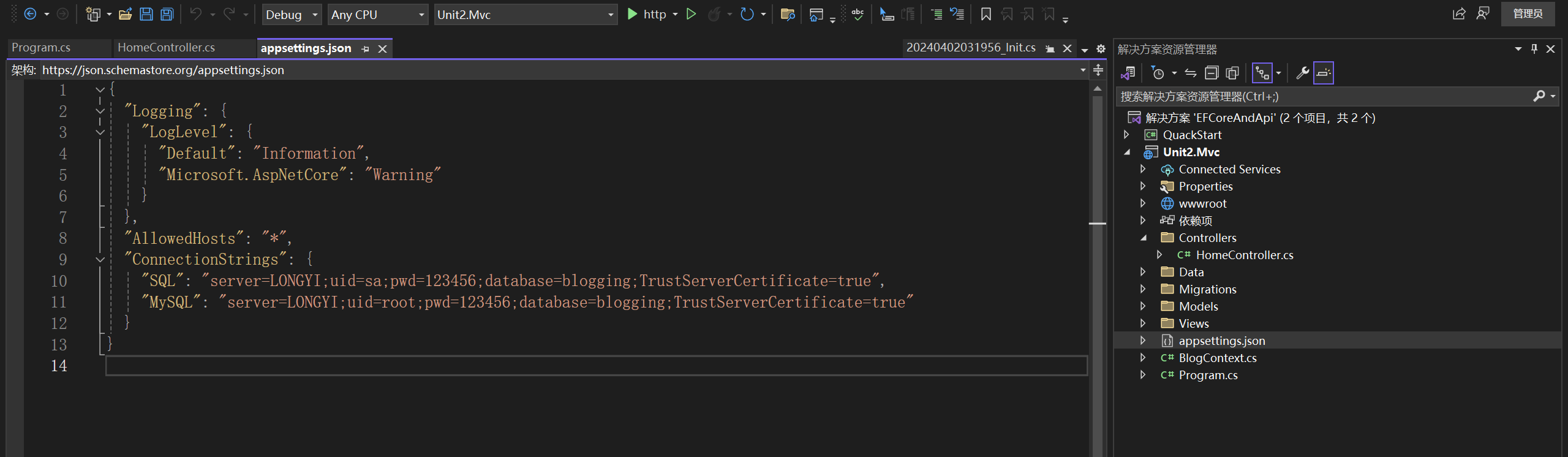
(1)在appsettings.json中添加连接字符
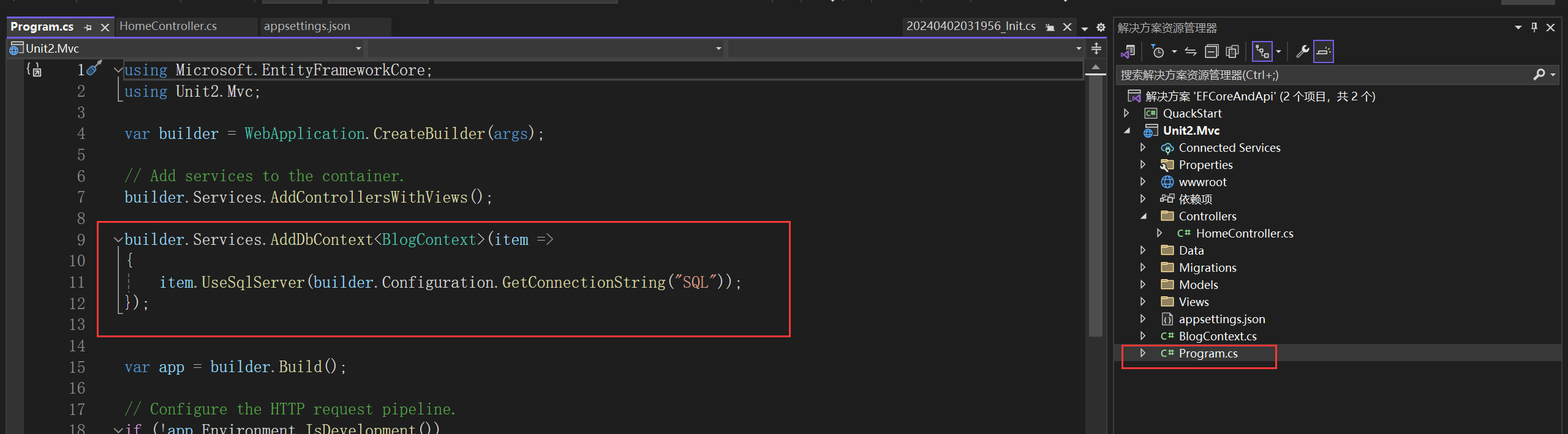
(2)在Program.cs中通过服务注入的形式添加数据连接
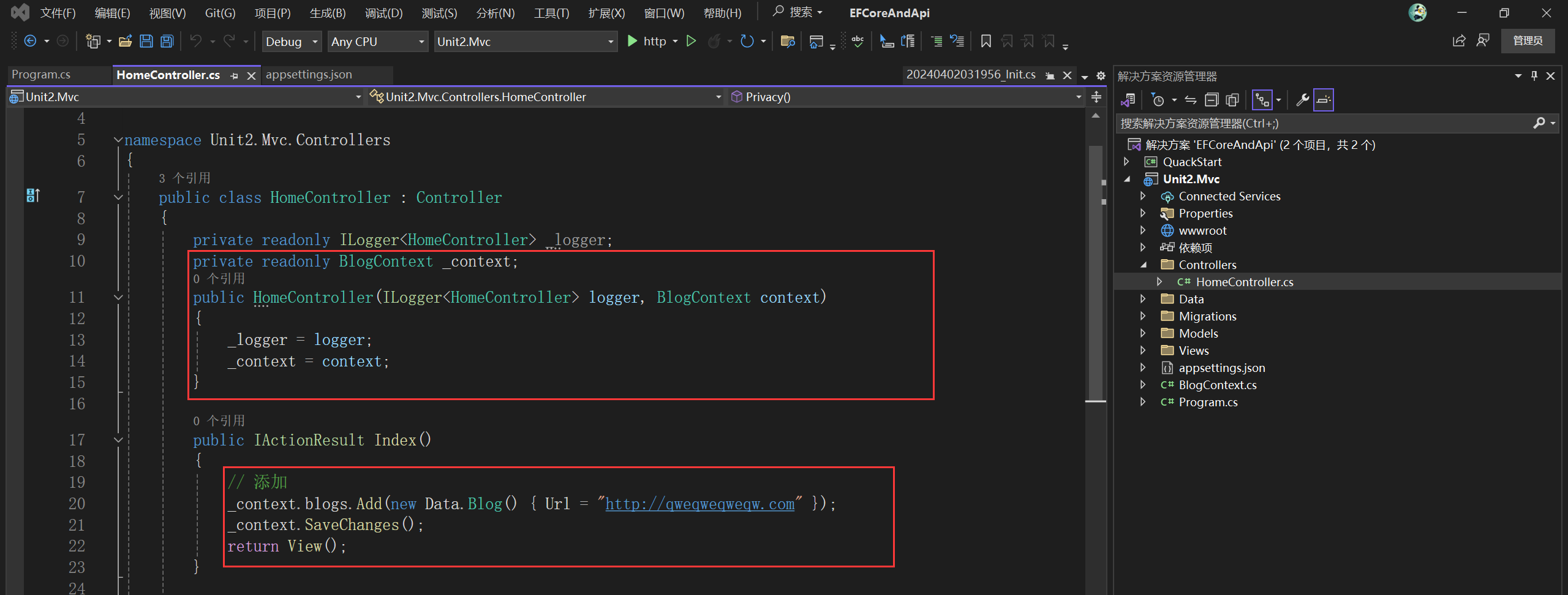
(3)实际访问
第二种,关键字New的使用:
(1)在appsettings.json中添加连接字符
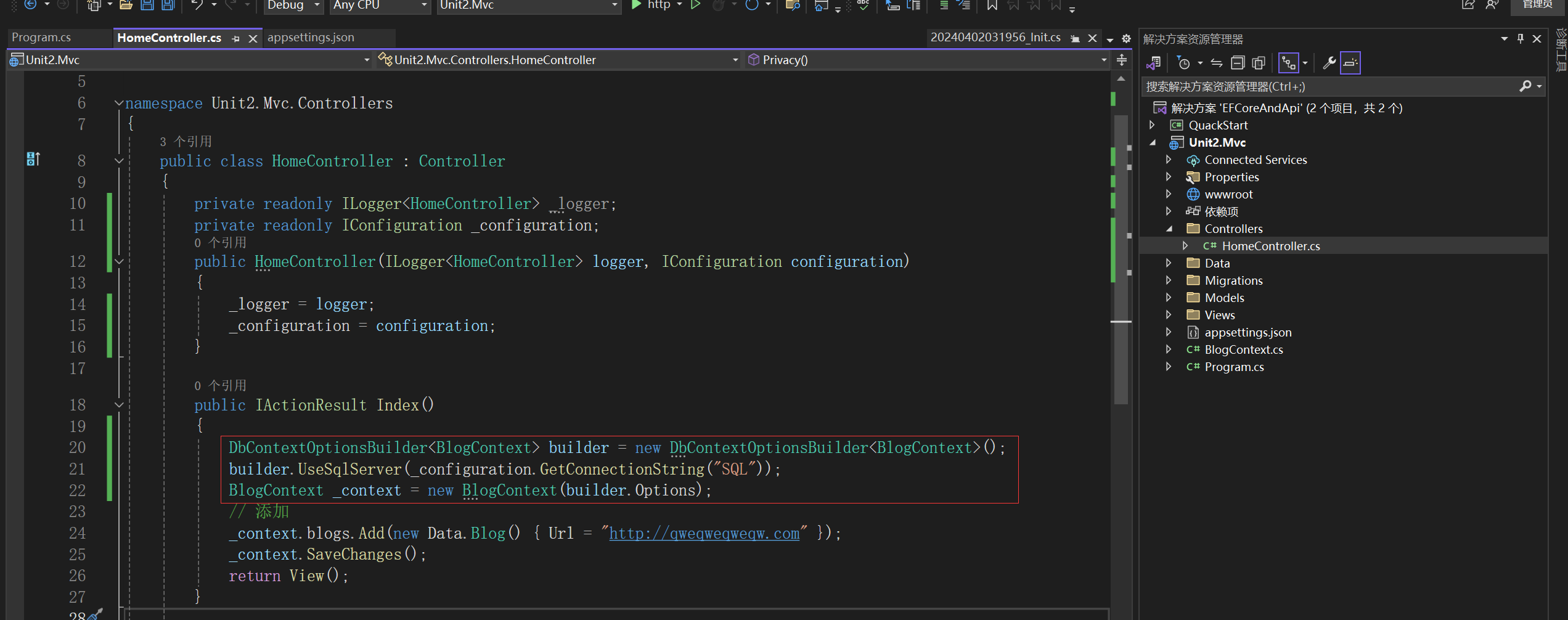
(2)在控制器中进行使用
 private readonly ILogger<HomeController> _logger;
 private readonly IConfiguration _configuration;
 public HomeController(ILogger<HomeController> logger, IConfiguration configuration)
 {
     _logger = logger;
     _configuration = configuration;
 }

 public IActionResult Index()
 {
     DbContextOptionsBuilder<BlogContext> builder = new DbContextOptionsBuilder<BlogContext>();
     builder.UseSqlServer(_configuration.GetConnectionString("SQL"));
     BlogContext _context = new BlogContext(builder.Options);
     // 添加
     _context.blogs.Add(new Data.Blog() { Url = "http://qweqweqweqw.com" });
     _context.SaveChanges();
     return View();
 }
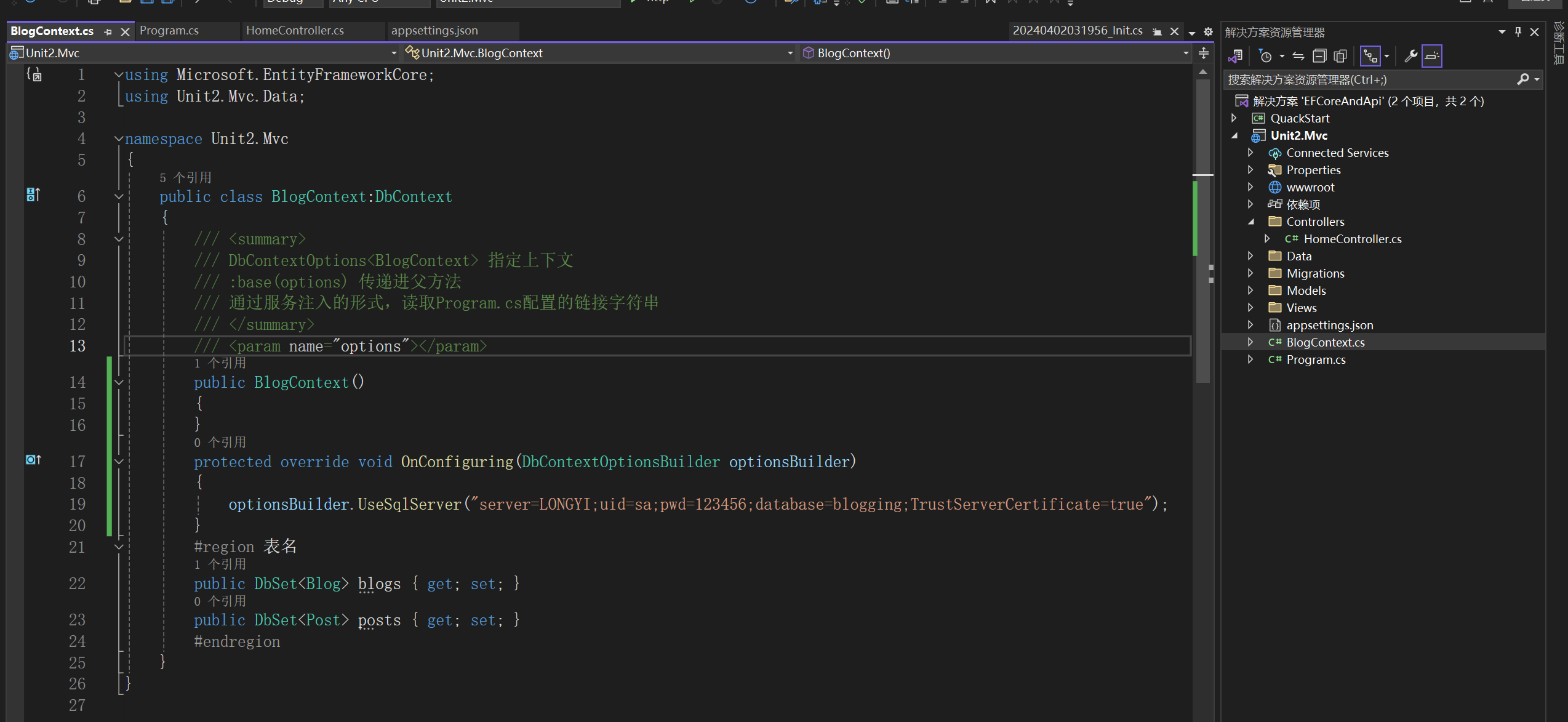
第三种,在主连接上下文中进行使用,例如:BlogContext中:
public class BlogContext:DbContext
{
    /// <summary>
    /// DbContextOptions<BlogContext> 指定上下文
    /// :base(options) 传递进父方法
    /// 通过服务注入的形式,读取Program.cs配置的链接字符串
    /// </summary>
    /// <param name="options"></param>
    public BlogContext()
    {
    }
    protected override void OnConfiguring(DbContextOptionsBuilder optionsBuilder)
    {
        optionsBuilder.UseSqlServer("server=LONGYI;uid=sa;pwd=123456;database=blogging;TrustServerCertificate=true");
    }
    #region 表名
    public DbSet<Blog> blogs { get; set; }
    public DbSet<Post> posts { get; set; }
    #endregion
}
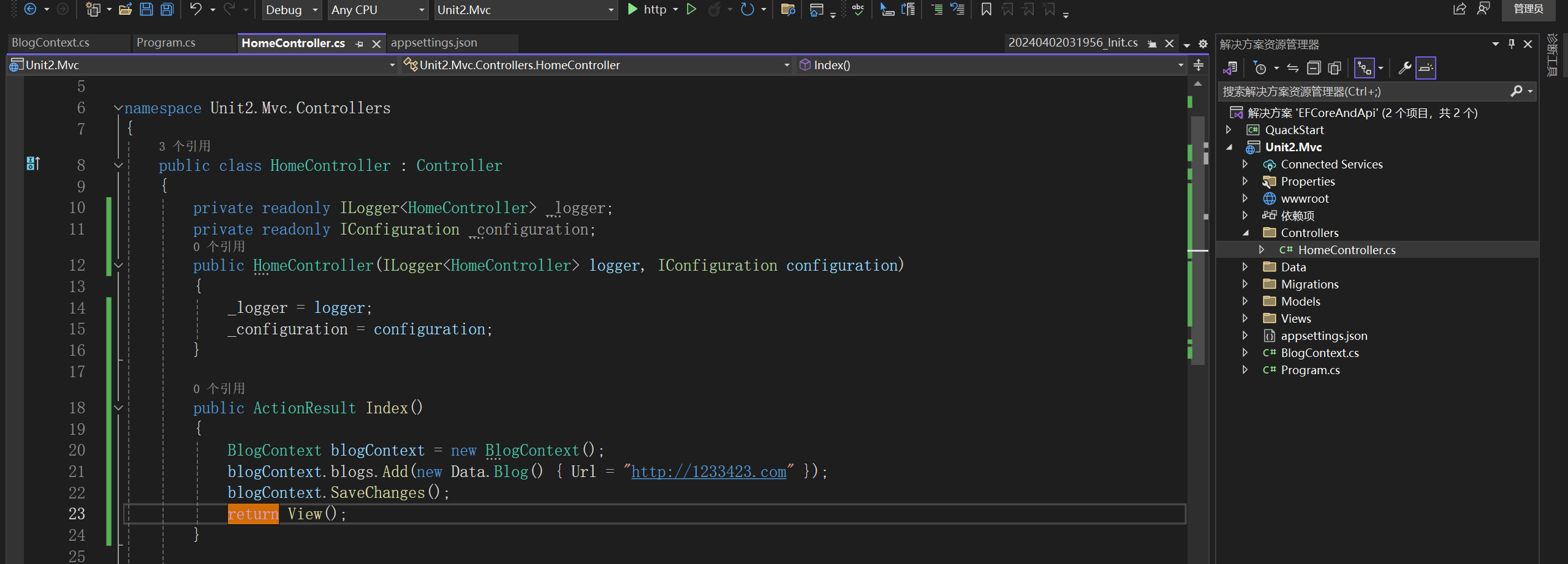
public ActionResult Index()
{
    BlogContext blogContext = new BlogContext();
    blogContext.blogs.Add(new Data.Blog() { Url = "http://1233423.com" });
    blogContext.SaveChanges();
    return View();
}
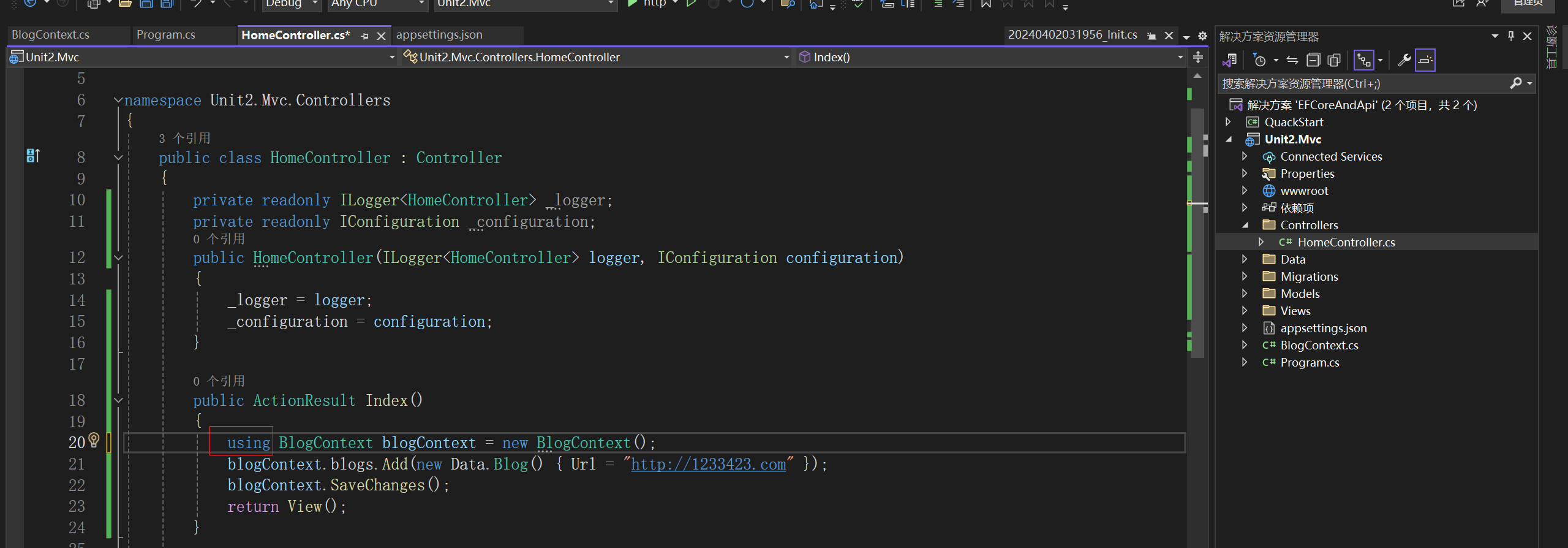
总结:第二种和第三种未进行释放,需要在new的对象前加上using进行释放
如图:
C#相关写法

 浙公网安备 33010602011771号