
Vue 2中实现数字滚动效果
代码:
<template>
  <div class="statistics-num">
    <!-- 显示当前数字,不使用逗号分隔符 -->
    <span class="num">{{ currentVal.toString() }}</span>
     <!-- 显示当前数字,用逗号分隔符 -->
    <!-- <span class="num">{{ currentVal.toLocaleString() }}</span> -->
    <!-- 显示加号 -->
    <!-- <span class="sign">+</span> -->
  </div>
</template>

<script>
export default {
  data() {
    return {
      // 目标数字
      endVal: 20000,
      // 动画持续时间(单位:毫秒)
      duration: 2000,
      // 当前数字,初始值为0
      currentVal: 0,
      // 动画开始时间
      startTime: null
    }
  },
  mounted() {
    // 在组件挂载后启动数字滚动效果
    this.startCount()
  },
  methods: {
    startCount() {
      // 使用requestAnimationFrame()方法实现动画效果
      window.requestAnimationFrame(timestamp => {
        // 如果startTime属性为空,则将当前时间赋值给它
        if (!this.startTime) this.startTime = timestamp
        // 计算当前时间与动画开始时间之间的时间差,以及时间差所占总时间的百分比
        const progress = timestamp - this.startTime
        const percentage = Math.min(progress / this.duration, 1)
        // 根据时间百分比计算当前数字,并将其赋值给currentVal属性
        this.currentVal = Math.floor(percentage * (this.endVal - 0) + 0)
        // 如果动画持续时间还没有达到,则继续循环调用startCount()方法
        if (progress < this.duration) {
          this.startCount()
        }
      })
    }
  }
}
</script>

<style>
.statistics-num {
  display: flex;
  align-items: center;
  justify-content: center;
  height: 130px;
  background: #f3f3f3;
}

.num {
  font-size: 80px;
  font-weight: 600;
  color: #000;
  margin-right: 10px;
  transition: 1s ease-out;
}

.sign {
  font-size: 40px;
  font-weight: 600;
  color: #000;
}
</style>
源码地址:https://github.com/yusheng9/number-scrolling
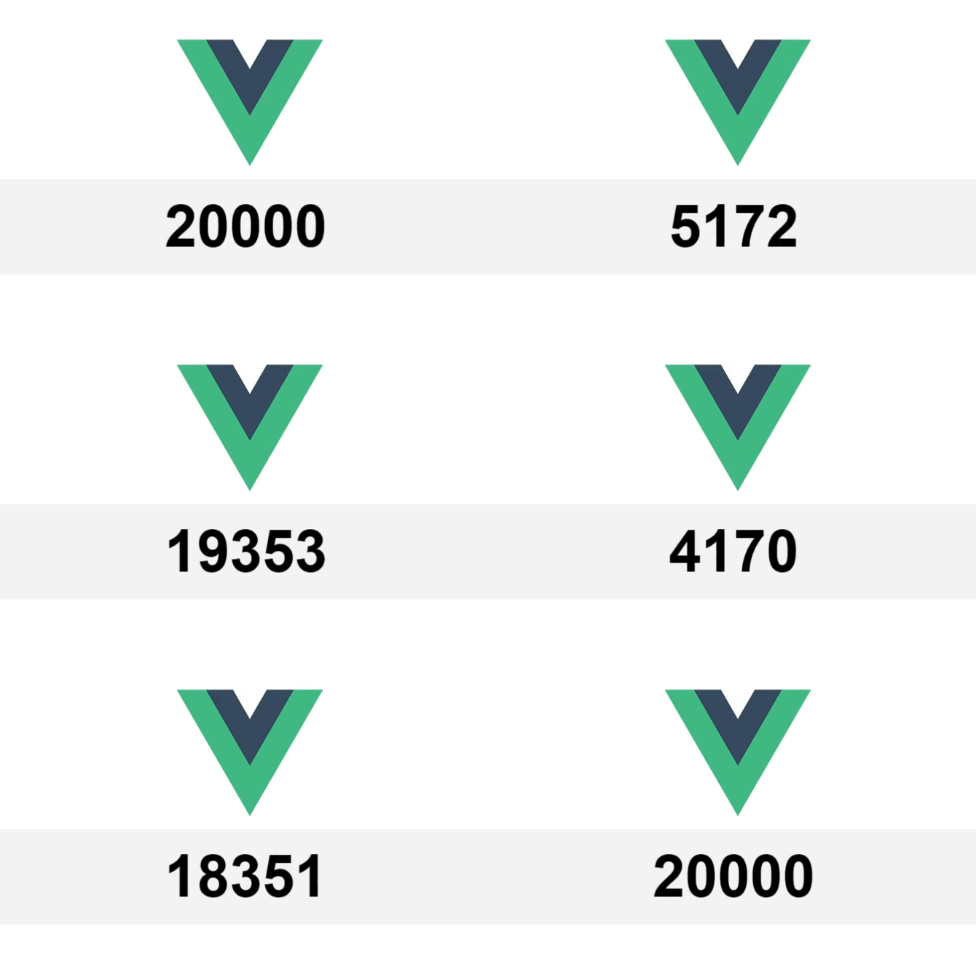
效果:

 浙公网安备 33010602011771号