

Python | 更新selenium
在使用过程中,提示浏览器报错,这个谷歌驱动不是最新版本的,需要更新
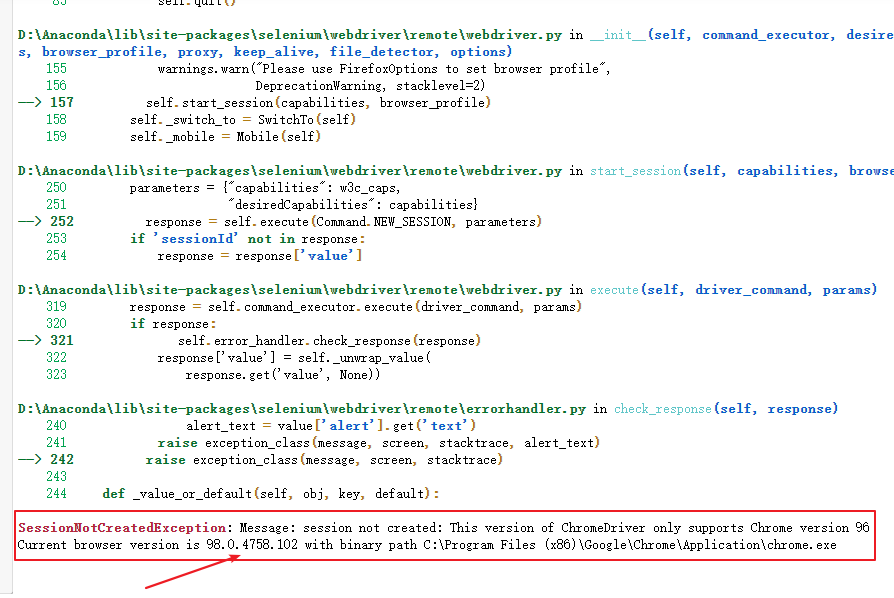
更新:
1、查看谷歌浏览器版本;
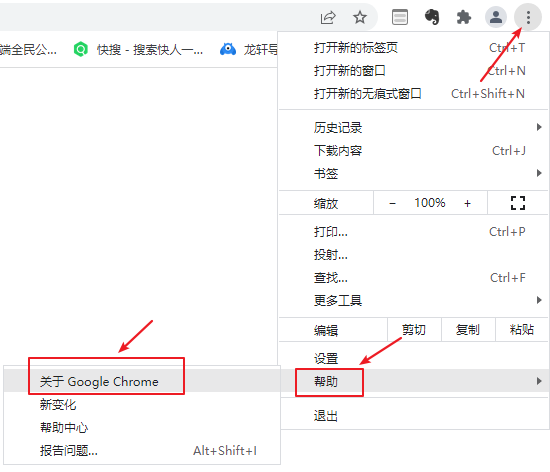
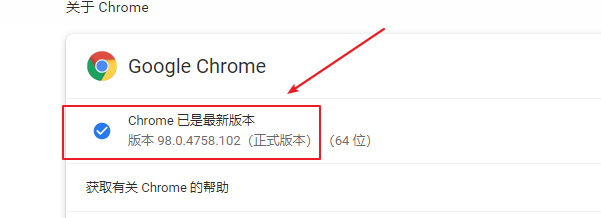
2、下载最新版:http://chromedriver.storage.googleapis.com/index.html
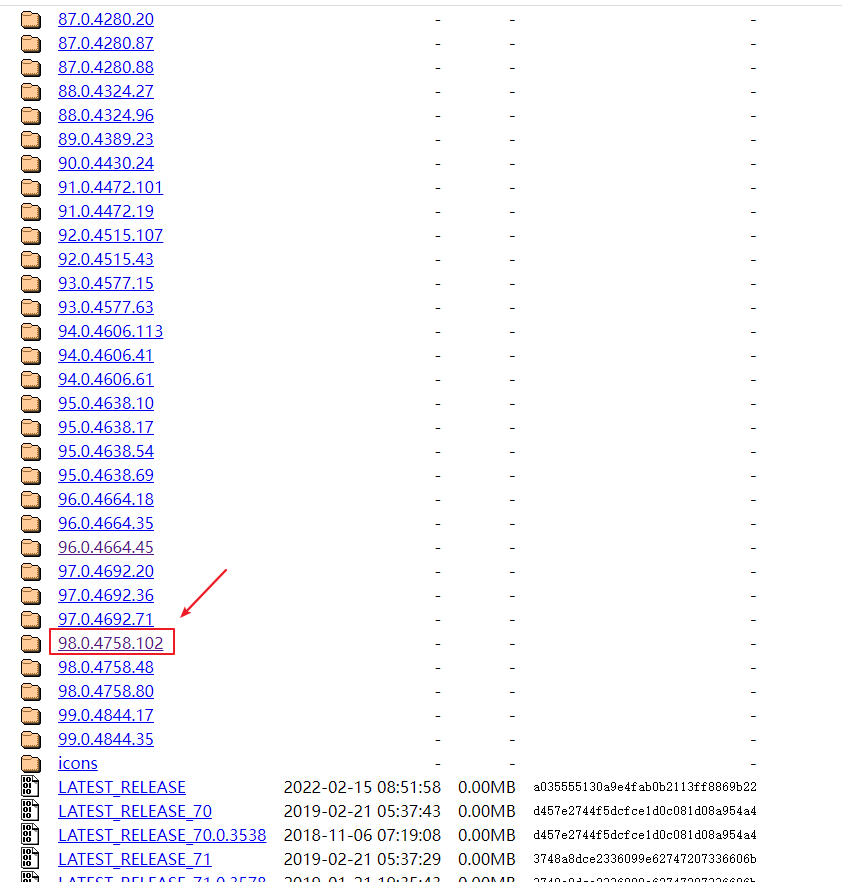
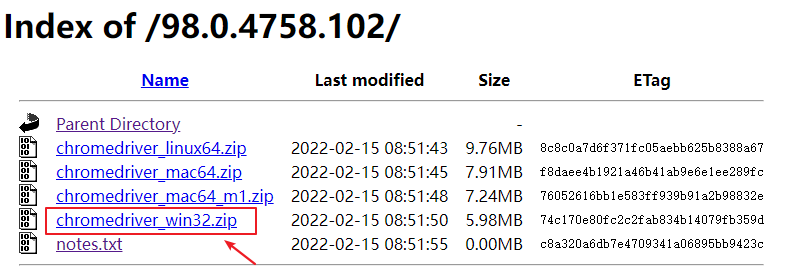
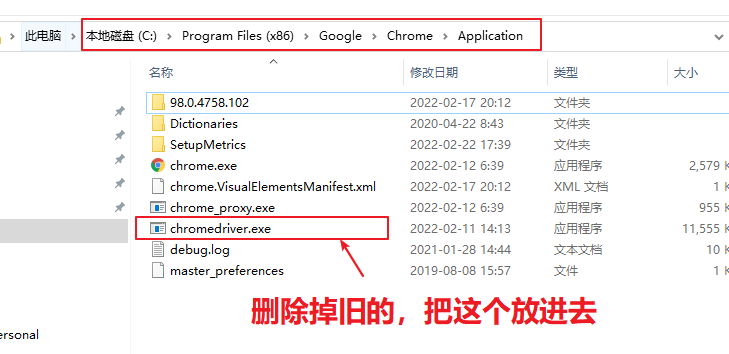
3、点击即下载,下载之后再解压,把exe文件,放到同一个目录下

4、运行试试是否成功:
from selenium import webdriver
driver = webdriver.Chrome('C:\Program Files (x86)\Google\Chrome\Application\chromedriver.exe')
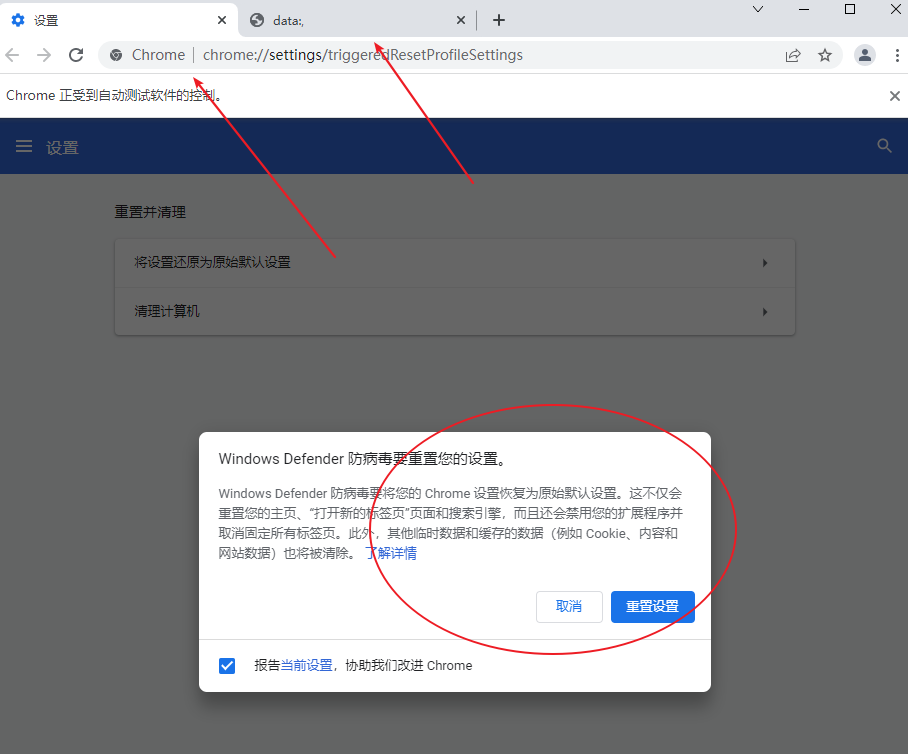
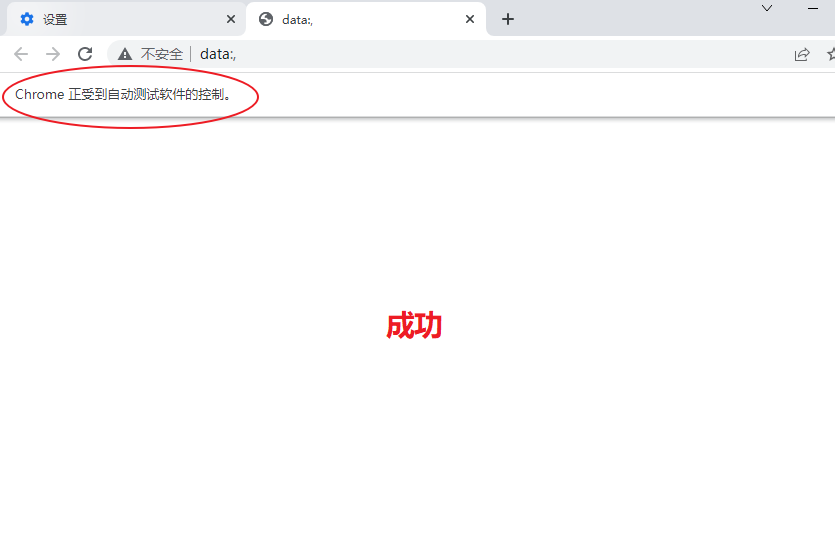
5、更新完成!!!

 浙公网安备 33010602011771号