
Pycharm画图中文乱码框框无法正常显示完美解决
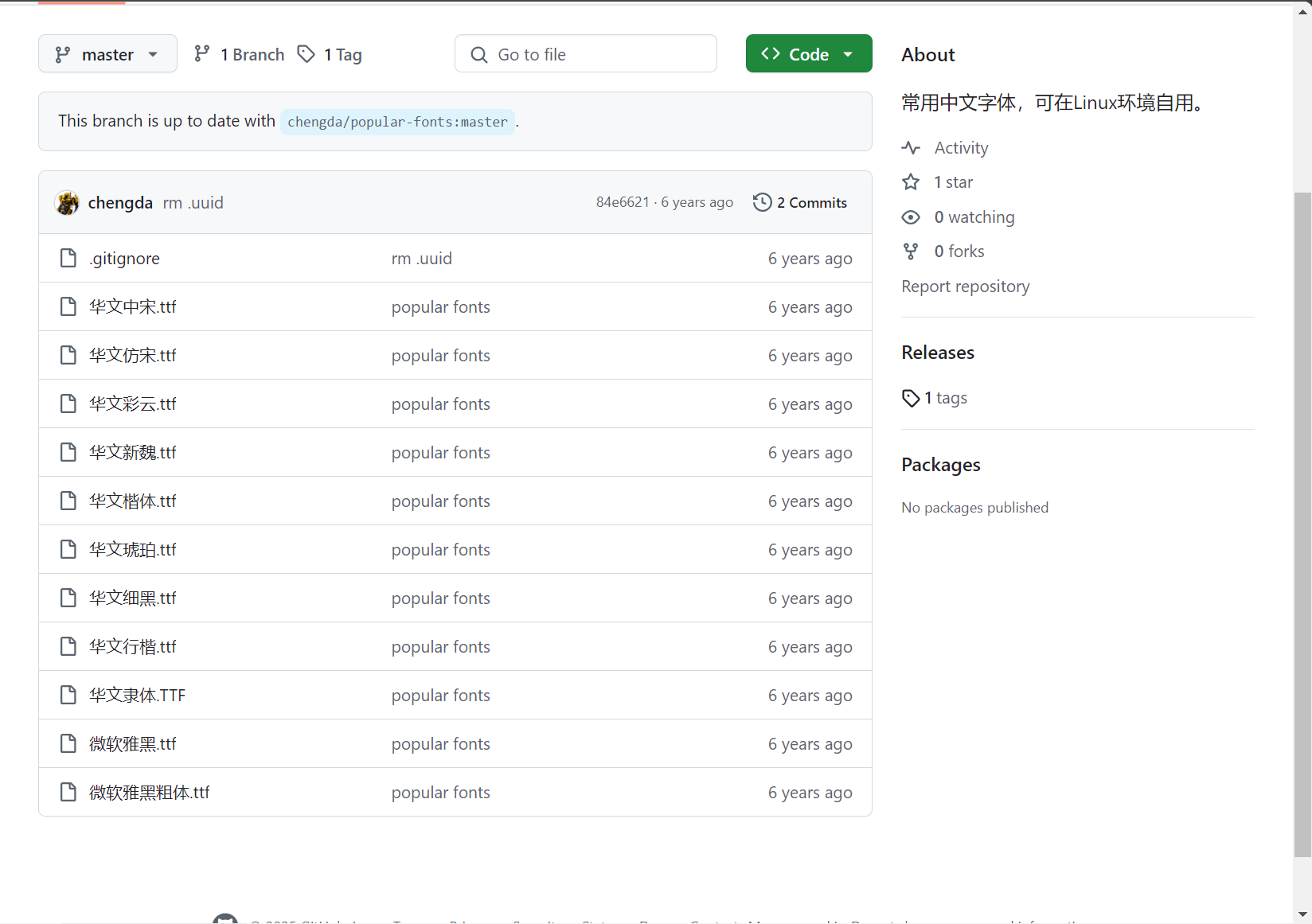
如果在 matplotlib 中无法正常显示中文,通常是因为默认字体不支持中文字符。下载字体地址
https://github.com/understars0516/popular-fonts/tree/master
使用下面的命令可以找到matplotlibrc文件的位置:
import matplotlib
print(matplotlib.__path__) # 输出matplotlib的全路径
进入matplotlib的全路径/mpl-data/fonts/ttf路径,将下载的ttf字体文件放到该文件夹内
下面是一个示例代码,演示了如何设置 matplotlib 使用中文字体(如果你输出没有出现乱码证明没有问题是代码问题):
import matplotlib.pyplot as plt
from matplotlib import font_manager

# 设置中文字体
font_path = r"C:/Windows/Fonts/simhei.ttf"  # 示例路径,确保你的系统有这个字体以及设置正确字体保存所在位置
prop = font_manager.FontProperties(fname=font_path)

# 测试绘图功能
x = [1, 2, 3, 4, 5]
y = [1, 4, 9, 16, 25]

plt.plot(x, y)
plt.title('Matplotlib 中文测试图', fontproperties=prop)
plt.xlabel('x 轴', fontproperties=prop)
plt.ylabel('y 轴', fontproperties=prop)

# 显示图形
plt.show()
选中修改路径即可完成正确显示图表(注意在路径字符串前加上 r,这将使其成为原始字符串,避免反斜杠被解释为转义字符)
人要在当下不断寻求内在的意义,而不是期待将来的幸福。

 浙公网安备 33010602011771号